Best Git Websites of 2026 (20 Real-World Examples)
Twenty public documentation, project and repository properties with direct evidence of Git source control, real screenshots and practical website-maintenance lessons.
A website changes long after its first release. Git helps a team keep a useful record of those changes, while the public interface still depends on clear content, navigation and design. These examples connect the two without confusing source control with page rendering.
Git records revisions to files so people can inspect how a project changed. For a website, those files can include content, navigation, templates and configuration. That history becomes more useful when the team explains the purpose of a change and keeps unrelated work separate. It does not choose the right headline or make a confusing documentation tree easier to navigate; those remain editorial and design decisions.
This collection studies exact public properties whose own repositories or contribution instructions identify the corresponding website source. React, Angular, MDN, Kubernetes and Docker Docs open the collection, followed by language projects, specialist documentation, a project blog and GitLab's actual public repository interface. Six Vue ecosystem properties have separate sources and purposes, but they are related projects rather than six independent organizations.
The associations are limited to the source and contribution workflows described in the evidence. A public Git repository does not prove the page's current deployed commit, hosting service, private backend or runtime. The screenshots show the named pages on their original capture dates; the source review and broad technology audits have their own recorded dates. The separate GitHub guide considers platform and company engineering relationships, while this guide concentrates on versioned public website source.
Before the examples
What makes good Git website development in 2026?
Make the history explain the change
Version control records how files change over time. Give that record useful context by describing the visitor problem a revision addresses. A navigation adjustment, corrected installation step or revised release notice should be understandable without asking the next maintainer to reconstruct the whole conversation that preceded it.
Git distinguishes working files from the staged changes included in a commit. Use that distinction deliberately: inspect the proposed content and keep a focused change together. A small correction is easier to understand when its record is not mixed with an unrelated redesign, generated output or local setup files.
A branch can hold a focused line of work while the shared project continues. Decide what one change is trying to achieve, explain it and check its effect before merging it into the maintained source. Git's workflow guidance emphasizes logical changes; the same discipline helps when the files contain prose, navigation or diagrams.
Connect source ownership with the public reading task
Document where contributors should edit a page and how that source becomes a public result. Astro's guidance identifies generated exceptions, while Python separates the website repository from the language implementation. Those boundaries help a contributor make a useful correction without changing an unrelated project or an output file that will be replaced.
The collection · 20 examples
20 Git website examples worth studying
The reviews compare visible documentation entrances, project introductions and a public repository interface. Each Git association points to the corresponding source or contribution workflow. Reused images keep their original dates, and related Vue properties are identified as parts of one ecosystem.
We start with five recognizable brands or organizations: React, Angular, MDN Web Docs, Kubernetes, Docker Docs. Each attribution applies to the named website property, not every product or website belonging to its organization. This is a curated reading sequence, not a measured ranking.
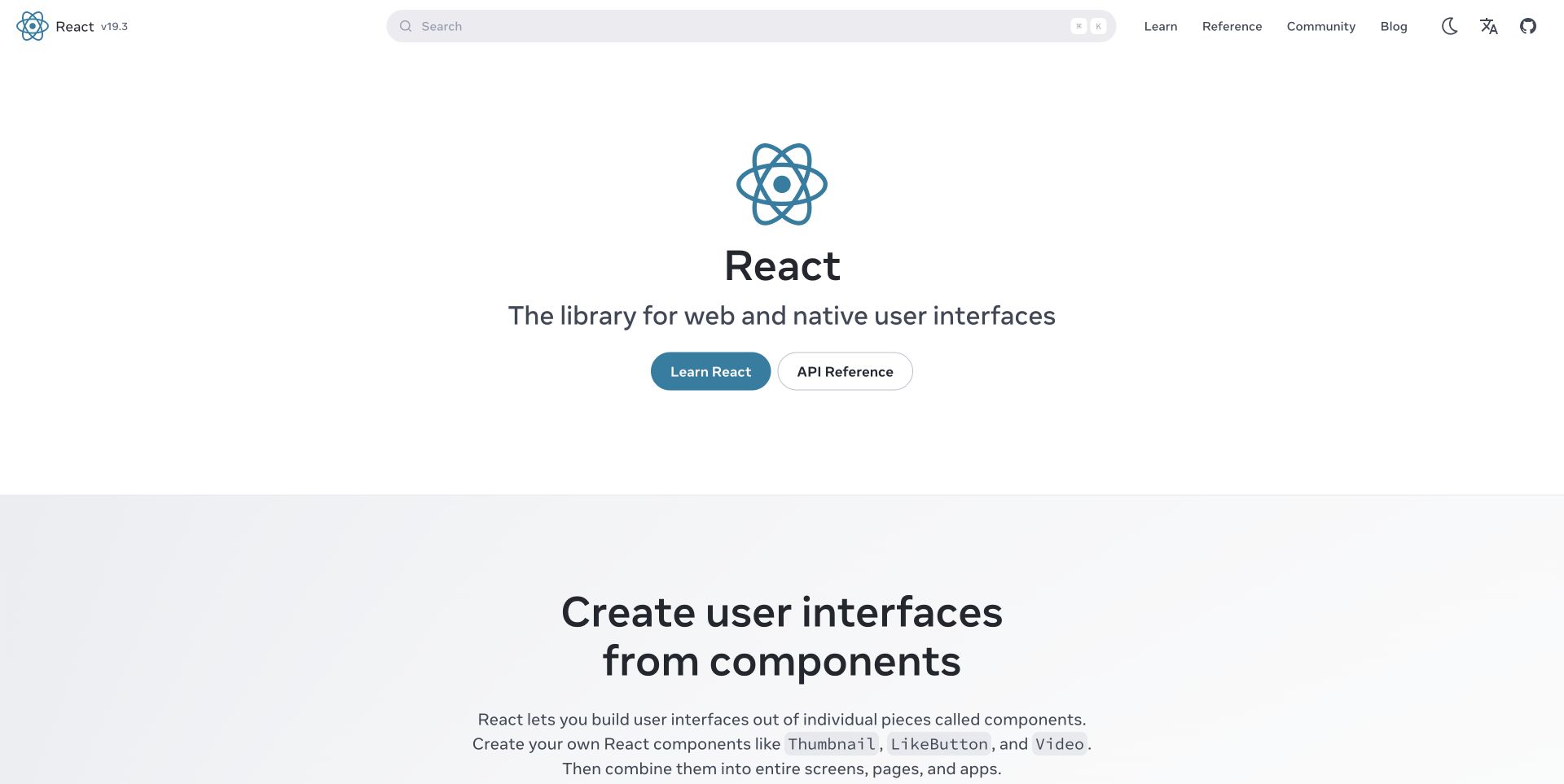
React gives a large technical subject a calm entrance. The centered mark, short explanation and two primary actions distinguish learning from reference before the reader confronts detailed navigation. Search remains available for someone arriving with a specific question. The restraint is useful: the opening does not try to display the entire documentation tree. React's website repository explicitly identifies the source powering react.dev and documents Git branches, commits and pushes for changes to that source. That relationship concerns how the public documentation is maintained, rather than a claim that Git renders the page.
What you can learn
Keep the first decision in a documentation site small, then give each destination a clear structure. In the source repository, group a proposed navigation or wording change into an understandable commit so a reviewer can connect the visible result with its purpose.
Pros
Learning and reference actions accommodate different levels of familiarity without crowding the introduction.
The recognizable identity and open spacing help readers locate the main starting choices.
Cons & considerations
A compact introduction cannot explain every prerequisite; the learning route must supply that context.
Public source history does not establish which commit the captured deployment used.
Platform source: Official website source or contribution documentation. The project identifies this repository as the source powering react.dev and documents Git cloning, remotes, branches, commits and pushes for website changes. Documented Git source-control or public repository relationship, not proof of frontend runtime, hosting, current deployed revision, private infrastructure or every property of the organization. Platform evidence is separate from the direct website screenshot and is not a complete current infrastructure audit.
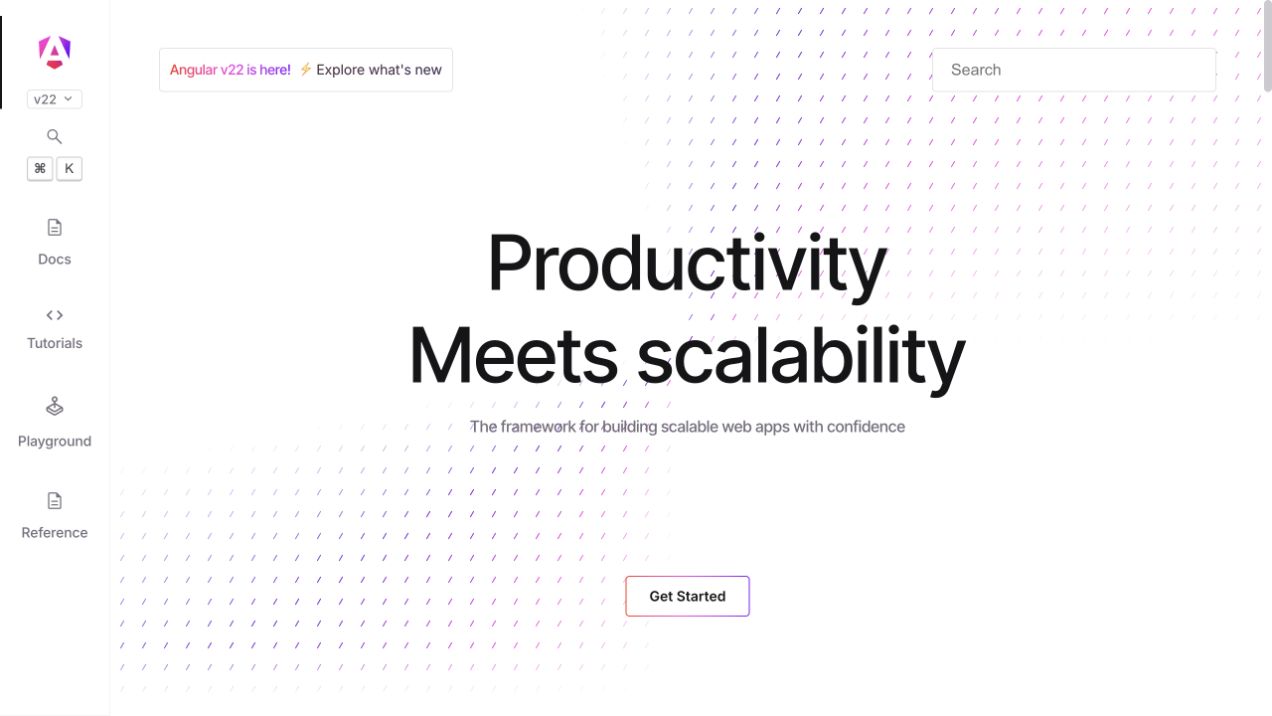
Angular places its navigation structure beside a visually spare introduction. The gradient headline gives the project a recognizable identity, while search and the left-hand categories make the larger information architecture visible. This arrangement lets a returning developer bypass introductory copy without forcing a newcomer straight into an API inventory. The official Angular repository identifies the adev directory as the angular.dev website and documents cloning the repository for website work. The Git association therefore reaches the pictured public property itself; it is not inferred from Angular being used by other companies or applications.
What you can learn
Treat a documentation sidebar as an editorial map that deserves review alongside the pages it organizes. Keep related navigation and content changes together in a focused branch, and explain the reader's new route when proposing the change for review.
Pros
Persistent navigation exposes the available depth without expanding every topic in the main column.
The short opening and strong color treatment give reference material a distinct visual identity.
Cons & considerations
A large category system still needs labels that make sense to readers unfamiliar with the framework.
The public source setup does not verify the production deployment revision or private release controls.
Platform source: Official website source or contribution documentation. The Angular monorepo documents the adev directory as the angular.dev website and gives a Git clone workflow for its website content and local development. Documented Git source-control or public repository relationship, not proof of frontend runtime, hosting, current deployed revision, private infrastructure or every property of the organization. Platform evidence is separate from the direct website screenshot and is not a complete current infrastructure audit.
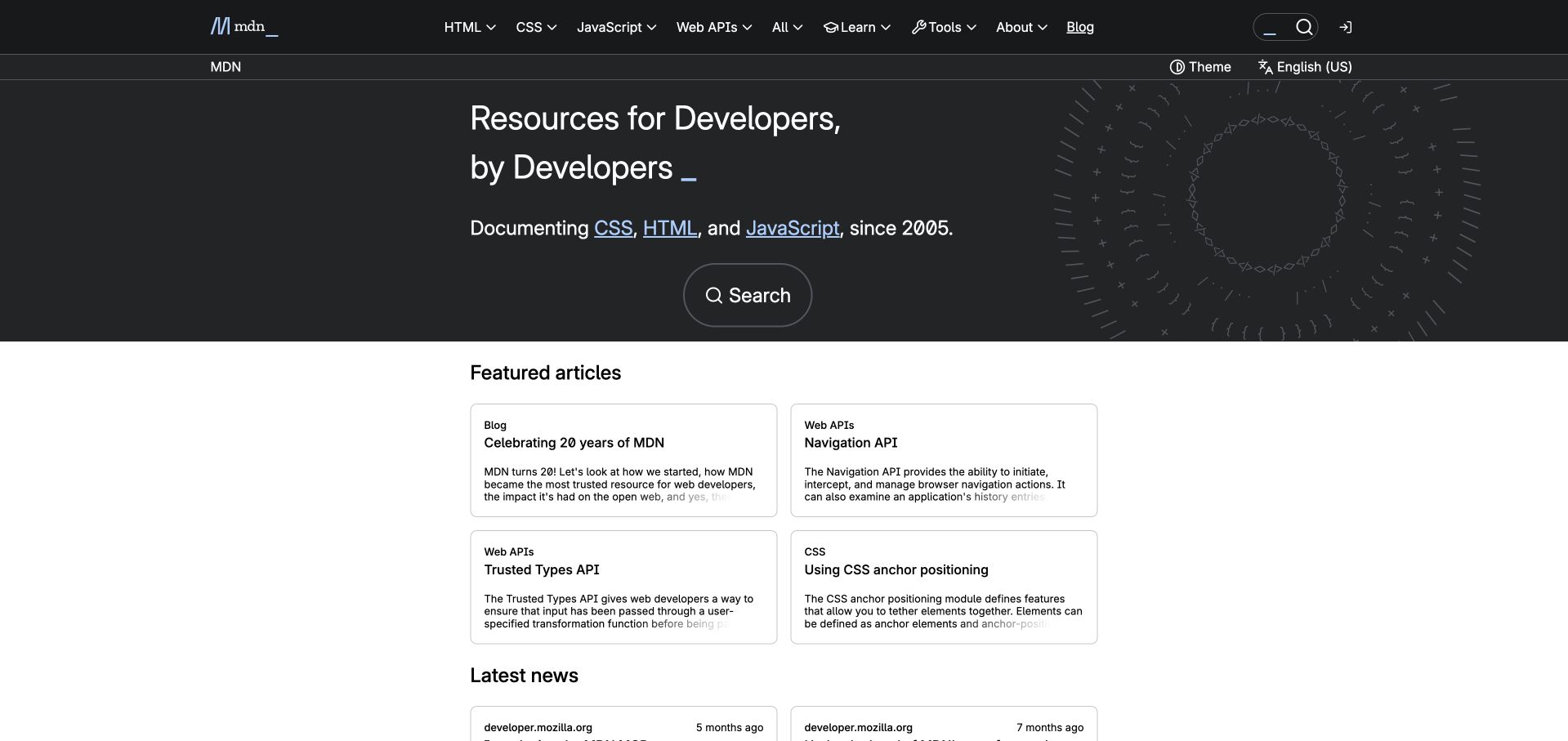
MDN's dark opening makes search the clearest route into an extensive web reference. Featured article cards offer an alternative for visitors who are exploring rather than looking up a term. That combination avoids treating every reader as a beginner, while giving the library an editorial surface beyond a search box. MDN's current Fred repository identifies the frontend source, and its community guidance connects contribution work with Git setup and document changes. Yari is archived and should not be presented as the current standalone frontend. These sources support a maintenance workflow, not an implementation claim about other Mozilla properties.
What you can learn
Design both retrieval and exploration into a reference entrance. When maintaining the site in Git, keep source ownership and repository transitions documented so contributors can find the current files instead of following an obsolete path preserved in an old article.
Pros
Search is prominent enough to support direct reference tasks immediately.
Article cards provide concrete starting points without requiring knowledge of the whole taxonomy.
Cons & considerations
Featured material needs ongoing editorial selection to remain useful beside the reference.
A repository transition can make older implementation descriptions misleading unless their dates and scope remain visible.
Platform source: Official website source or contribution documentation. The current Fred repository identifies itself as the MDN frontend; MDN contribution guidance links Git setup and document-change workflows. The archived Yari repository is not presented as the current standalone frontend. Documented Git source-control or public repository relationship, not proof of frontend runtime, hosting, current deployed revision, private infrastructure or every property of the organization. Platform evidence is separate from the direct website screenshot and is not a complete current infrastructure audit.
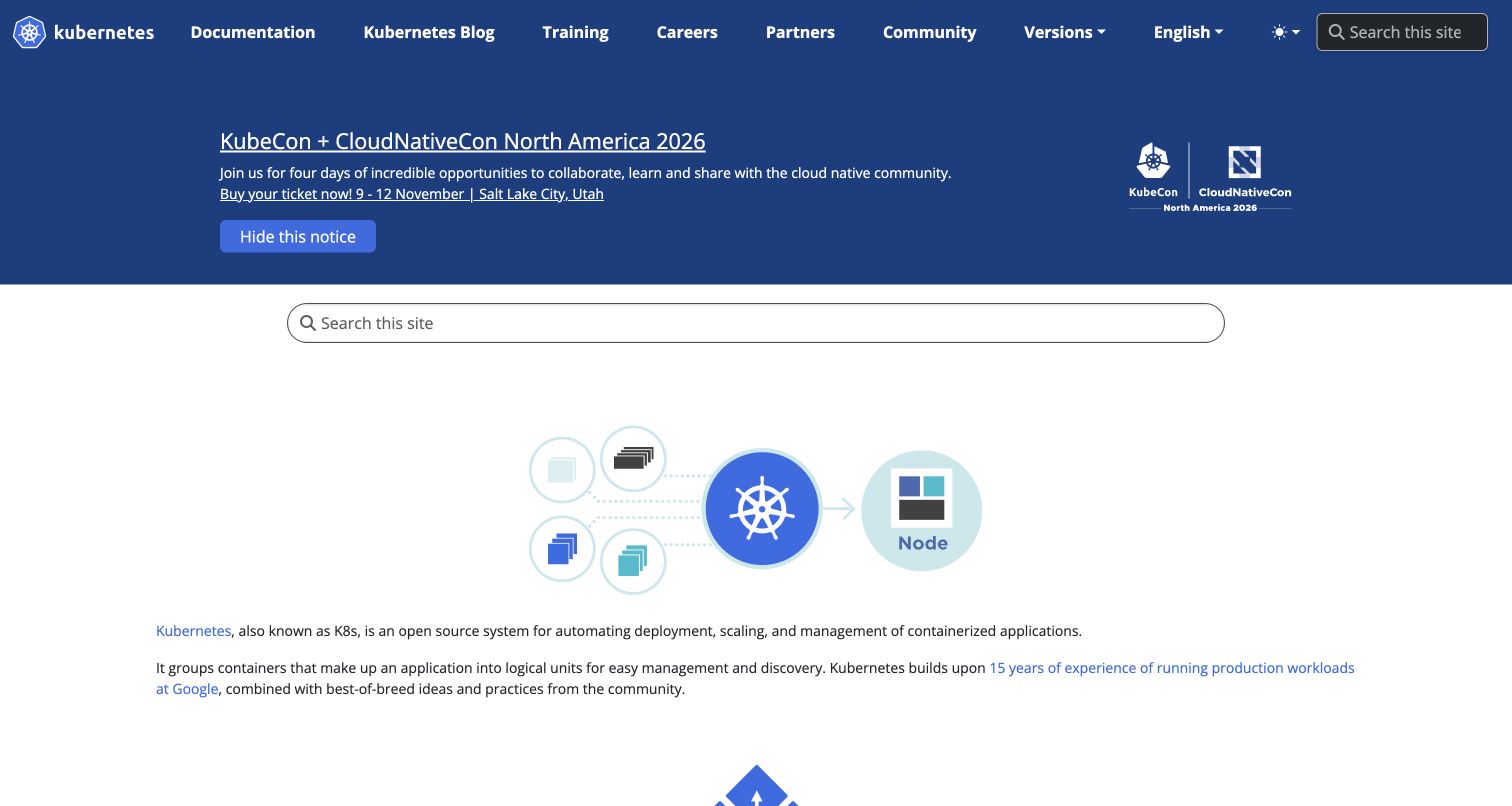
Kubernetes combines a substantial navigation system with a visual explanation of its subject. Search and topic routes are available before the reader reaches the architecture diagram, so the illustration does not have to carry the entire introduction. The blue conference announcement occupies its own space in the document rather than hiding the content beneath it. The project's official website repository expressly maps to kubernetes.io and documents Git cloning and submodule steps for website work. This is direct evidence about maintaining the public site and documentation, with no need to infer the infrastructure running the captured page.
What you can learn
Use a diagram to explain relationships, then keep the surrounding routes explicit enough for readers who already know their destination. Track diagram assets and their related explanatory text together, and review both when a source change alters the system being described.
Pros
Search and topic navigation support quick retrieval alongside the larger conceptual explanation.
The diagram gives an infrastructure subject a concrete visual starting point.
Cons & considerations
Event announcements should retain their own space and avoid displacing the main documentation task.
Source and submodule instructions establish a contribution process, not the state of a live deployment.
Platform source: Official website source or contribution documentation. The website repository expressly maps to kubernetes.io and documents Git clone/submodule and source contribution workflows for its website and documentation. Documented Git source-control or public repository relationship, not proof of frontend runtime, hosting, current deployed revision, private infrastructure or every property of the organization. Platform evidence is separate from the direct website screenshot and is not a complete current infrastructure audit.
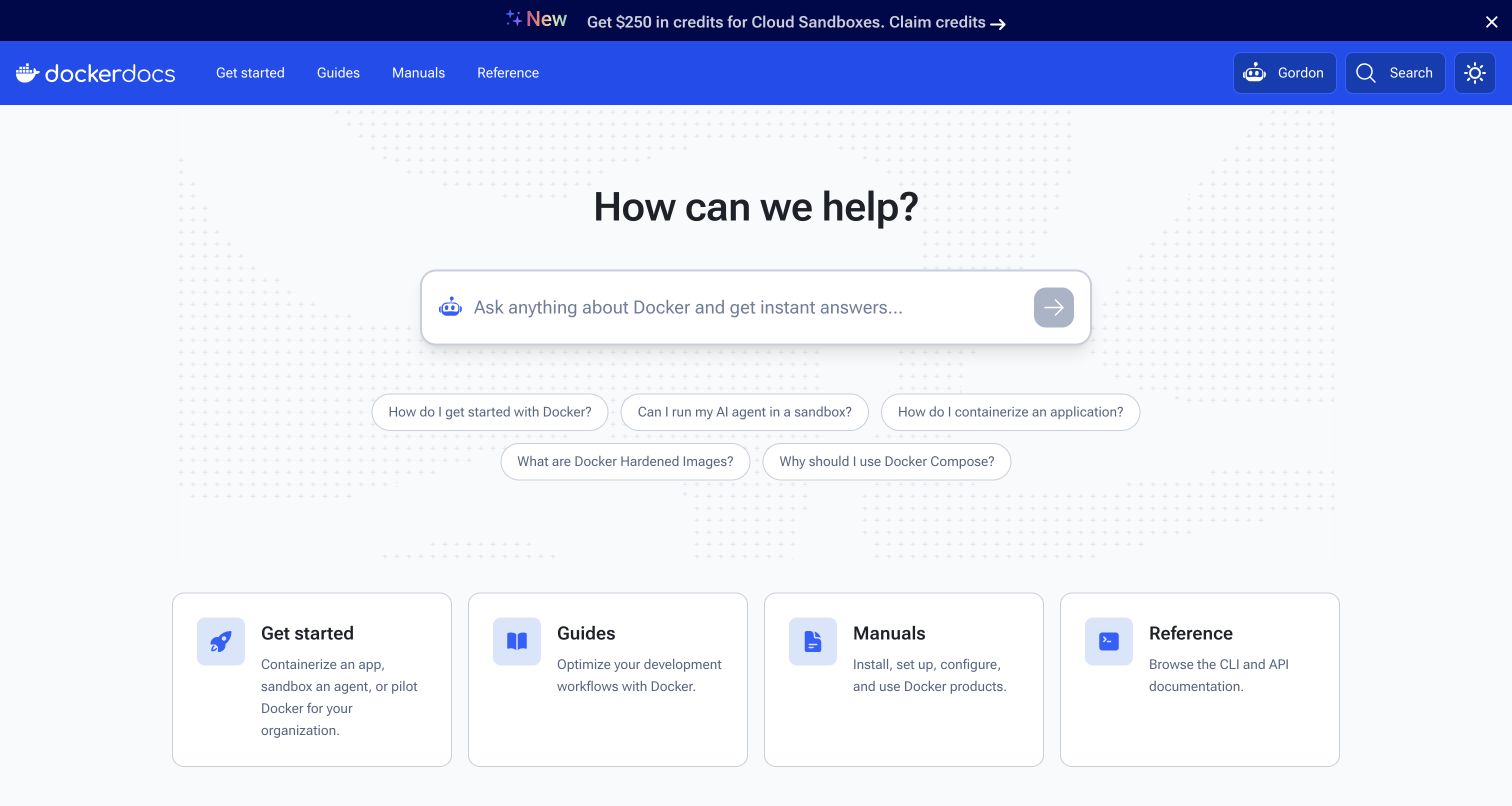
Docker Docs asks the reader to begin with a question and then offers a small set of documentation categories. The search-led hero gives experienced users a direct route, while the category cards provide orientation for someone who does not yet know the right terminology. A promotion sits above the navigation without covering the documentation beneath it. Docker's official docs repository identifies the source for this exact property, and its contribution guide describes cloning, remotes and branches. The evidence concerns versioned documentation maintenance; it does not mean the screenshot proves a particular Docker service or production container configuration.
What you can learn
Combine task-oriented search with a limited set of durable entry categories. For Git-based maintenance, explain where content files live and how contributors preview a change, so a wording improvement can be assessed in the same reading context that visitors will encounter.
Pros
Question-oriented search encourages readers to begin with their actual task.
A short category menu gives newcomers an alternative to knowing a precise query.
Cons & considerations
Broad categories need clear descriptions to avoid becoming interchangeable labels.
Repository instructions do not establish that a proposed documentation change has reached the public site.
Platform source: Official website source or contribution documentation. Docker identifies this repository as the source for docs.docker.com. Its contribution guide describes clone, remotes and branches for documentation edits. Documented Git source-control or public repository relationship, not proof of frontend runtime, hosting, current deployed revision, private infrastructure or every property of the organization. Platform evidence is separate from the direct website screenshot and is not a complete current infrastructure audit.
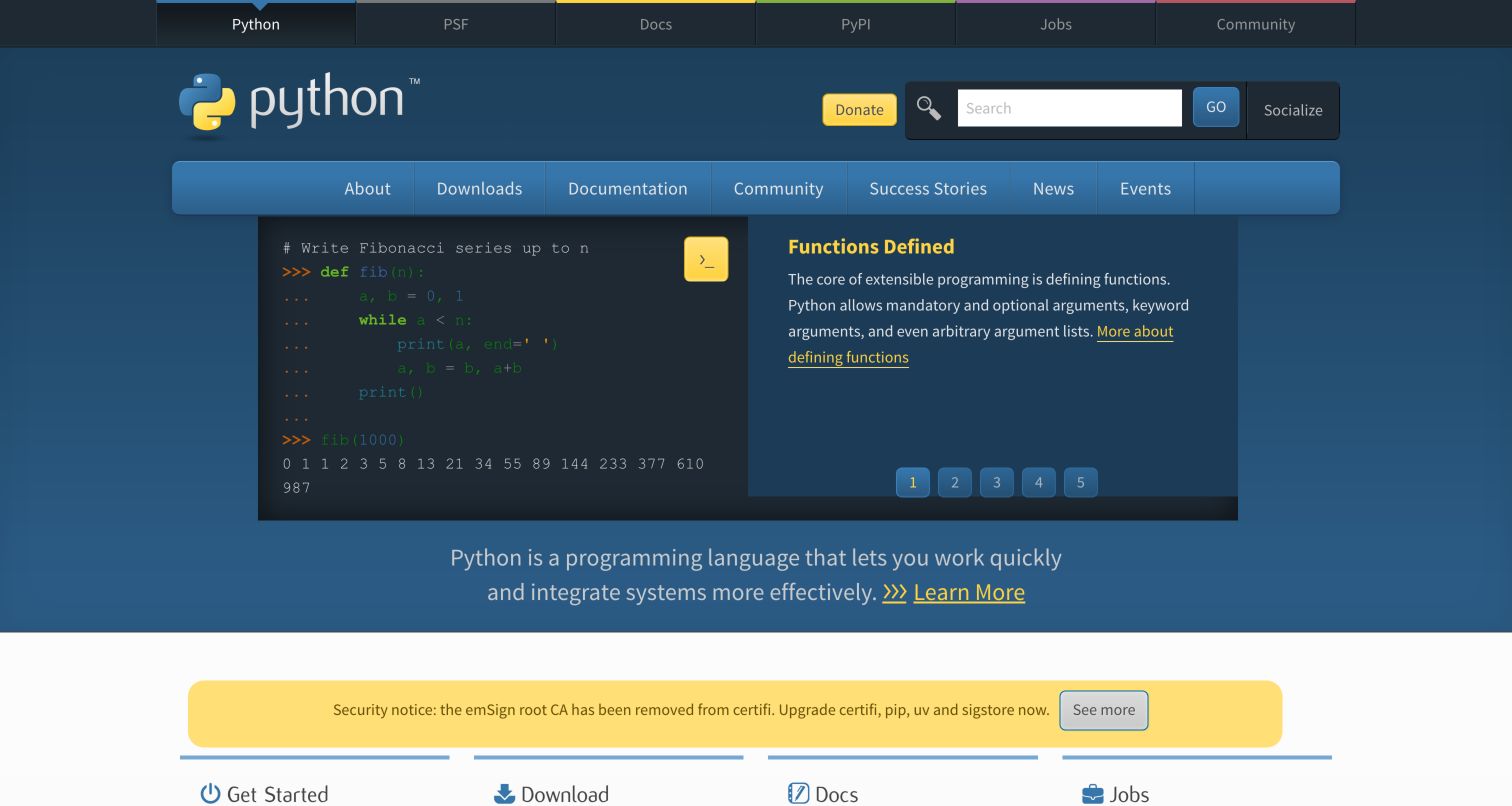
Python's homepage pairs a code example with a short explanation, making the subject tangible before the visitor chooses a download or documentation route. The broader navigation acknowledges that a language community has several audiences: people learning, people building and people looking for project information. A security notice sits within the page instead of obscuring its opening. The Python-owned pythondotorg repository identifies this website's source, with documented Git clone, remote and merge steps. That mapping is separate from the CPython codebase and the language reference, so it supports an exact website-source association without blending different properties.
What you can learn
Show a compact example of the thing visitors are learning, then label the next choices plainly. Keep the website repository's purpose explicit, especially when an organization also maintains language, package and documentation repositories that a new contributor could easily confuse.
Pros
The code-and-explanation pairing communicates the subject more concretely than a slogan alone.
Prominent navigation supports several recurring tasks without relying entirely on the hero.
Cons & considerations
A broad community homepage must keep download, learning and project information easy to distinguish.
Git setup documentation describes source maintenance rather than the runtime of every Python service.
Platform source: Official website source or contribution documentation. The Python-owned pythondotorg repository identifies the python.org website source; its installation guide documents clone, remote, fetch and merge steps. This is separate from CPython or docs.python.org. Documented Git source-control or public repository relationship, not proof of frontend runtime, hosting, current deployed revision, private infrastructure or every property of the organization. Platform evidence is separate from the direct website screenshot and is not a complete current infrastructure audit.
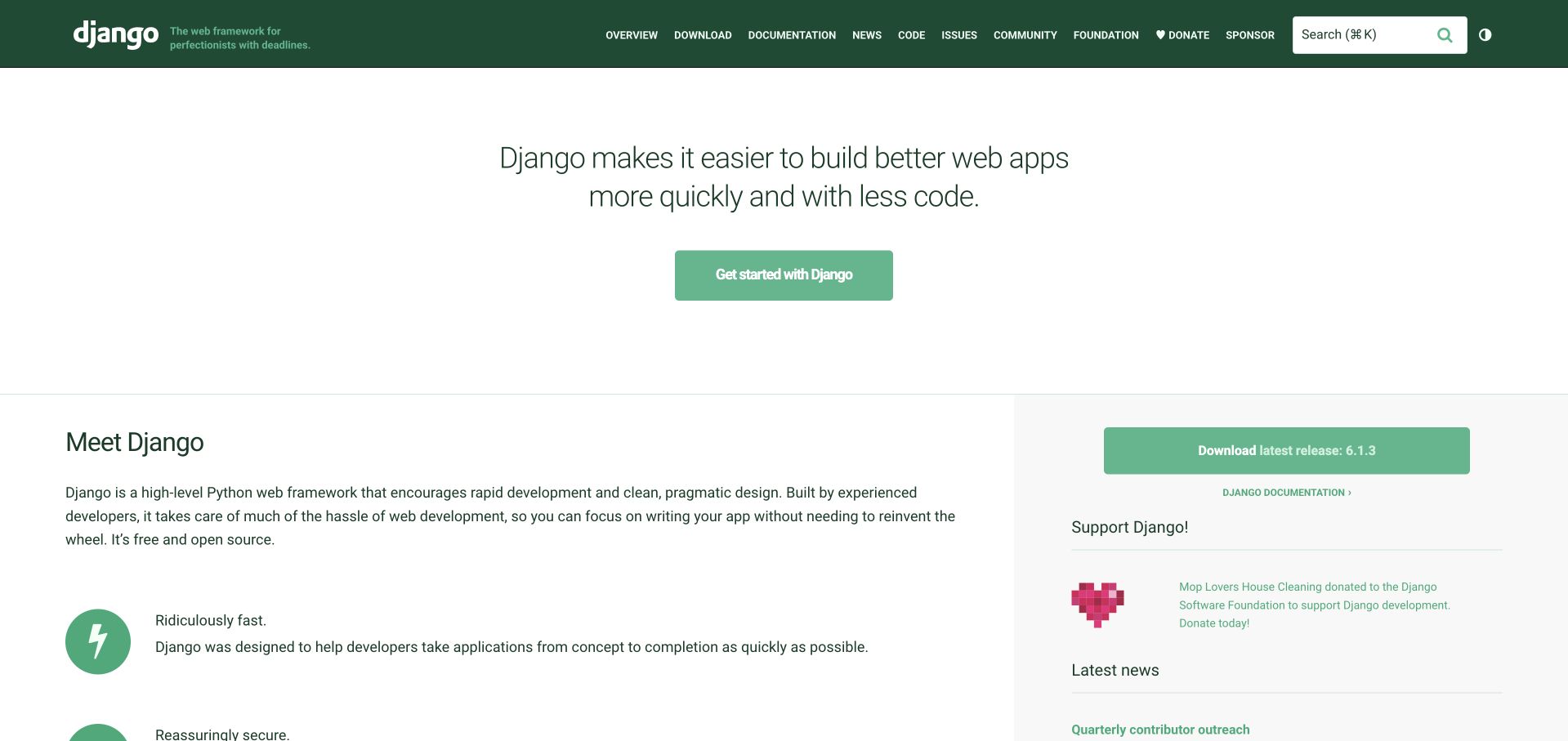
Django opens with a statement and prominent action, then separates introductory explanation from version and download information. The resulting hierarchy gives a newcomer context while keeping a practical route visible for someone already familiar with the framework. The page does not depend on an elaborate illustration to establish its purpose. Django's own djangoproject.com repository explicitly contains the source for the pictured website, with public files, commit history and contribution guidance. The association is about versioning this project site; it does not identify the implementation or Git workflow of every website built with Django.
What you can learn
Give returning visitors a direct practical route without removing the explanation a first-time reader needs. Make the website source repository equally specific: name the property it maintains, describe its local setup and separate website changes from changes to the framework itself.
Pros
The short opening explains the project before asking the visitor to make a choice.
A distinct version and download area supports readers who arrive ready to act.
Cons & considerations
Concise positioning needs supporting documentation to explain tradeoffs and prerequisites.
Public repository history cannot establish which source revision was deployed when the screenshot was taken.
Platform source: Official website source or contribution documentation. The Django-owned repository expressly contains the code for djangoproject.com and its public file/commit history and contribution workflow. The scope is the project website source, not every Django-built website. Documented Git source-control or public repository relationship, not proof of frontend runtime, hosting, current deployed revision, private infrastructure or every property of the organization. Platform evidence is separate from the direct website screenshot and is not a complete current infrastructure audit.
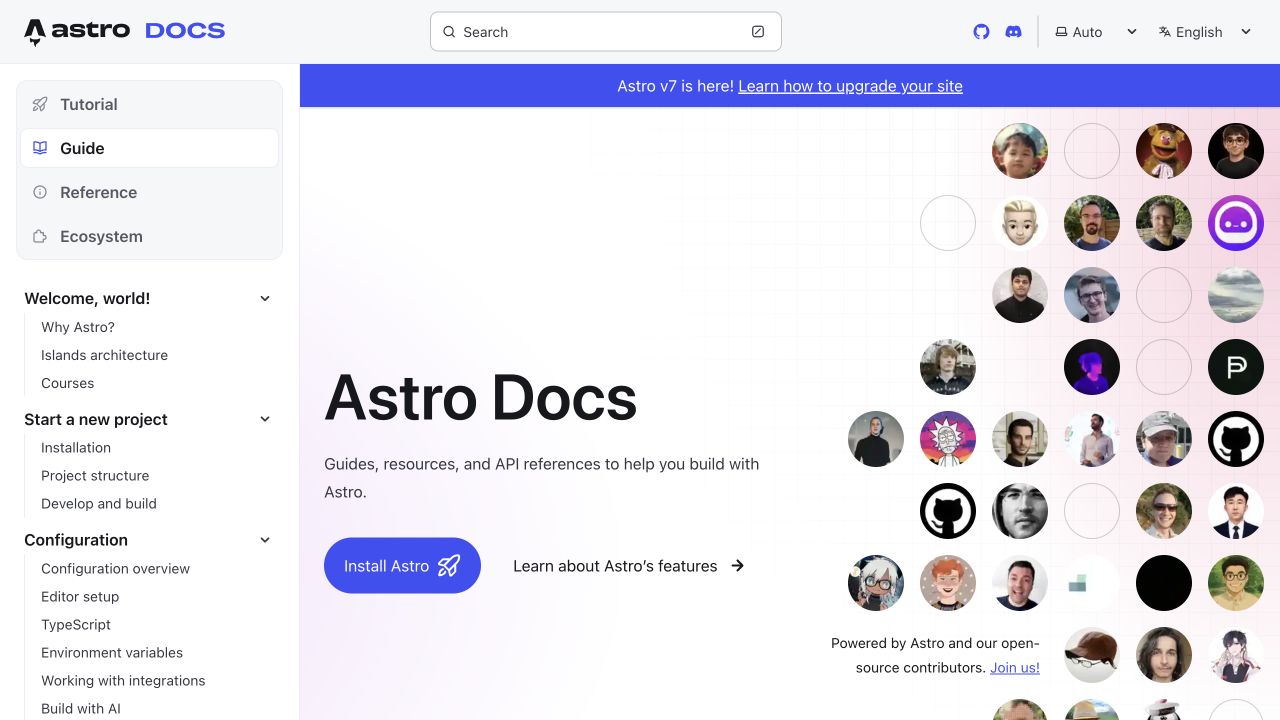
Astro's getting-started page places an introduction inside a persistent sidebar. The community image adds personality, while the navigation makes it clear that this page is the entrance to a larger body of material. That balance matters for documentation: the welcome should not become a marketing detour, and the reference should not become intimidating before the first task. The official docs repository identifies the source for docs.astro.build and explains Git cloning, branches and commits for contributions. It also notes that some generated pages originate elsewhere, a qualification that prevents treating every document as a locally authored file.
What you can learn
Keep the first learning step visible within the same navigation system readers will use later. Document exceptions in the source workflow, including generated reference pages, so contributors edit the authoritative file instead of changing output that a later build will replace.
Pros
The sidebar supplies a stable map while the main column focuses on a first task.
Community imagery makes the documentation feel approachable without replacing its navigation.
Cons & considerations
A welcome section should remain concise enough that the first useful instructions are easy to reach.
Generated pages require a clearly documented source location and review process.
Platform source: Official website source or contribution documentation. The repository contains docs.astro.build source. The contribution guide documents Git clone, remotes, branches and commits for documentation; its exceptions for externally generated pages are retained. The captured getting-started page is the exact docs property. Documented Git source-control or public repository relationship, not proof of frontend runtime, hosting, current deployed revision, private infrastructure or every property of the organization. Platform evidence is separate from the direct website screenshot and is not a complete current infrastructure audit.
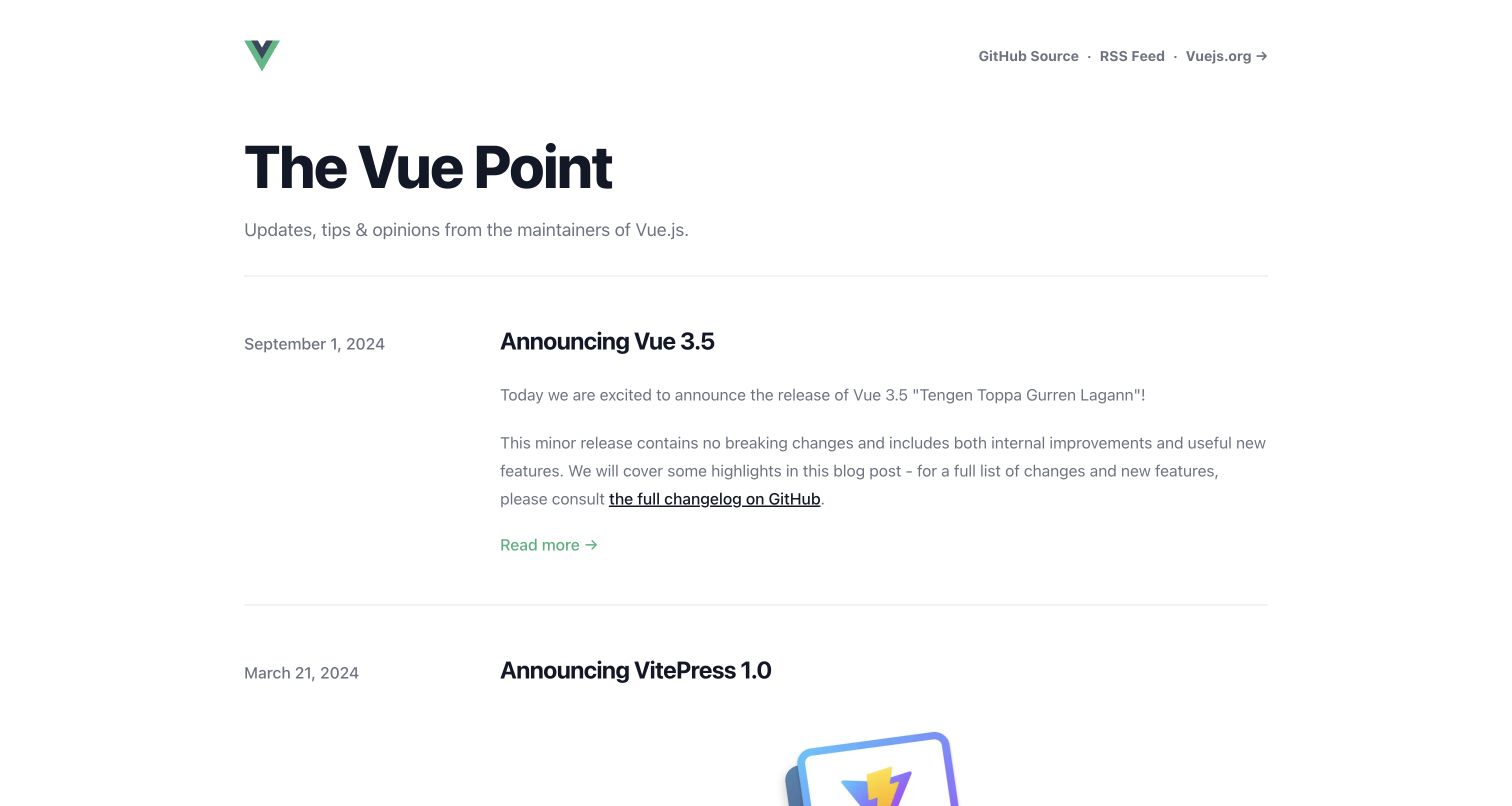
The Vue Point uses a restrained article index rather than a large promotional hero. Dates, titles and short descriptions give each entry a distinct purpose, while generous spacing makes the list easy to scan. The header keeps navigation and the source route available without crowding articles. The official vuejs/blog repository identifies blog.vuejs.org and exposes its index, posts and site configuration with commit history. This supports a Git source-control relationship for the blog itself. It does not establish which commit the deployment uses or make this property independent of the wider Vue project.
What you can learn
Treat a project blog as a record readers may return to long after publication. Keep dates clear, give each article a title and preserve the source history when correcting a post. Separate editorial changes from unrelated configuration work so the reason for a revision stays understandable.
Pros
Dated rows make the publishing sequence clear without an elaborate interface.
Ample spacing helps titles and descriptions remain readable across a long index.
Cons & considerations
An archive needs useful navigation as its volume grows beyond the first screen.
Public source files show the publishing material, not the deployed revision or its operational guarantees.
Platform source: Official website source or contribution documentation. The official vuejs/blog repository is labeled as the Vue blog, links exactly blog.vuejs.org, and exposes the index, posts and VitePress source files with commit history. This establishes source versioning, not the running deployment revision. Documented Git source-control or public repository relationship, not proof of frontend runtime, hosting, current deployed revision, private infrastructure or every property of the organization. Platform evidence is separate from the direct website screenshot and is not a complete current infrastructure audit.
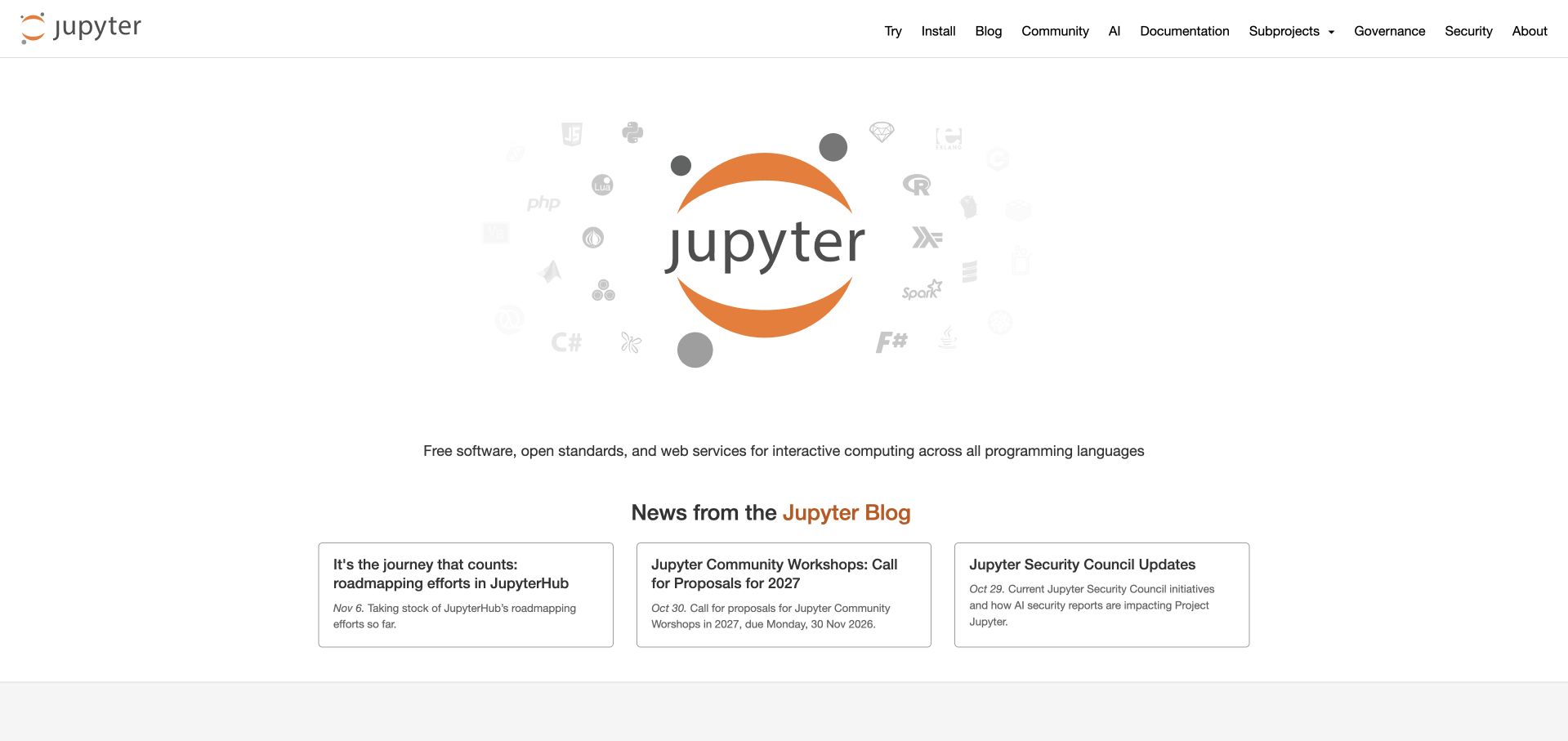
Project Jupyter puts a recognizable ecosystem identity at the center of its opening and follows it with distinct news cards. The structure establishes a shared home before asking visitors to choose among more specific developments. That is useful for a community whose public presence needs to explain a family of tools without presenting every component at once. Jupyter's official website repository expressly contains jupyter.org source and describes source-file changes and pull-request previews for that property. The evidence supports versioned website maintenance, rather than a claim that Git runs notebooks or renders every Jupyter application.
What you can learn
Give an ecosystem one clear entrance, then use specific updates to lead readers into its parts. In Git, keep an editorial update connected to the file that controls its placement and use a preview to explain how the change affects the public reading sequence.
Pros
The central identity creates a coherent starting point for a multi-project community.
Separate news cards make recent developments easier to scan and compare.
Cons & considerations
An ecosystem homepage must keep individual project routes distinct as the collection expands.
A documented preview workflow does not prove that any particular proposed change was published.
Platform source: Official website source or contribution documentation. The Jupyter-owned repository expressly holds jupyter.org source and documents source-file changes and pull-request previews for that website. Documented Git source-control or public repository relationship, not proof of frontend runtime, hosting, current deployed revision, private infrastructure or every property of the organization. Platform evidence is separate from the direct website screenshot and is not a complete current infrastructure audit.
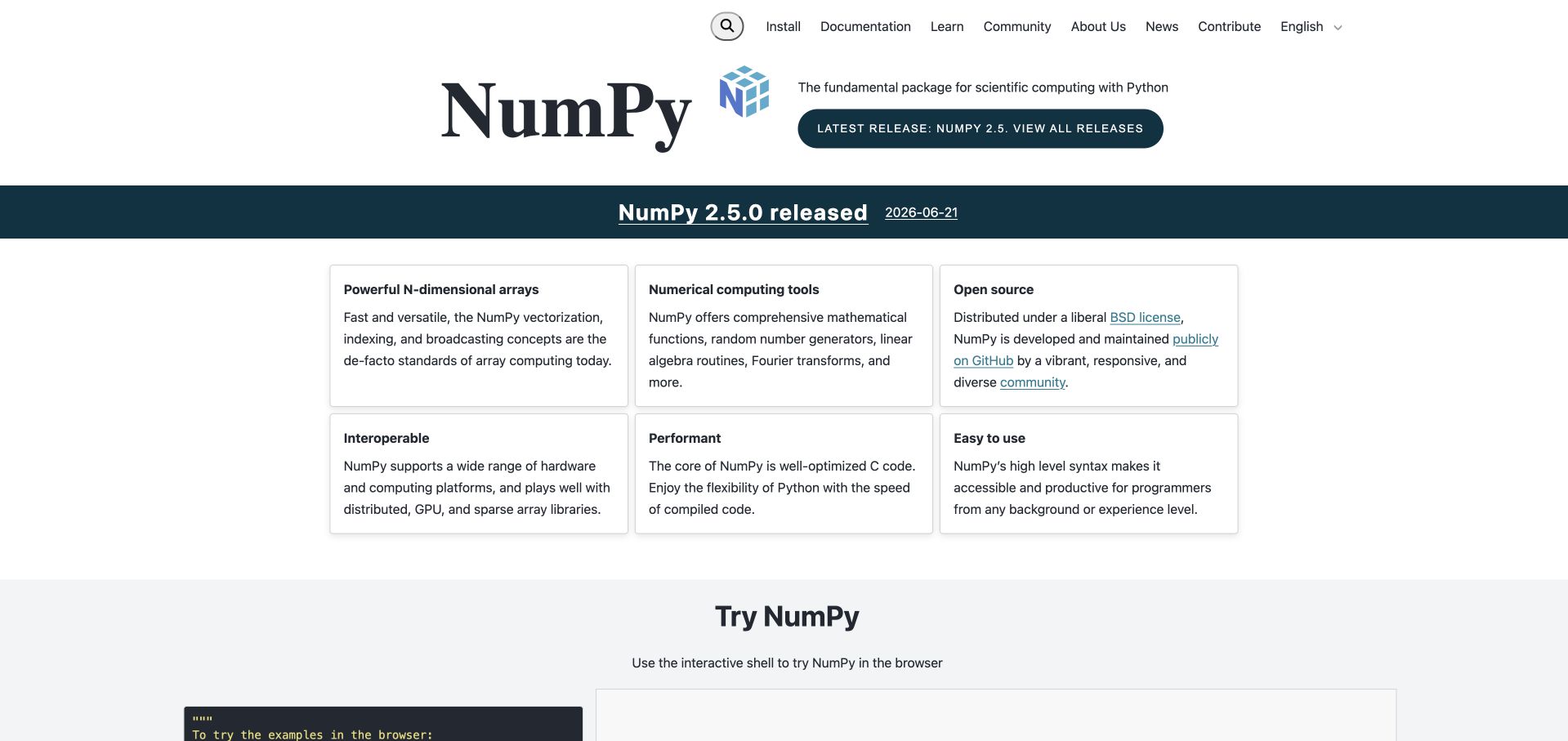
NumPy combines a visible release announcement with a compact set of feature explanations. The cards make a specialist numerical library easier to approach by separating its benefits into short, scannable ideas. A visitor can understand the broad purpose before deciding which documentation path to follow. The NumPy-owned numpy.org repository identifies the homepage source and documents Git cloning, submodules and local website work. That is direct evidence for the maintenance of this public property. It should not be stretched into a claim about how every scientific application using NumPy manages its code or serves its pages.
What you can learn
Translate a technical project's purpose into a small number of concrete ideas before presenting exhaustive reference material. Keep release-related wording and its source changes traceable, and distinguish the website's versioned content from the software version it happens to announce.
Pros
The feature grid breaks a specialist subject into manageable explanations.
A visible release signal gives returning readers timely context without replacing the introduction.
Cons & considerations
Short benefit statements need links to deeper explanation for readers evaluating actual capabilities.
Website repository instructions establish source control, not the implementation of downstream scientific products.
Platform source: Official website source or contribution documentation. The NumPy-owned repository identifies the numpy.org homepage source and provides Git clone/submodule steps plus website preview instructions. Documented Git source-control or public repository relationship, not proof of frontend runtime, hosting, current deployed revision, private infrastructure or every property of the organization. Platform evidence is separate from the direct website screenshot and is not a complete current infrastructure audit.
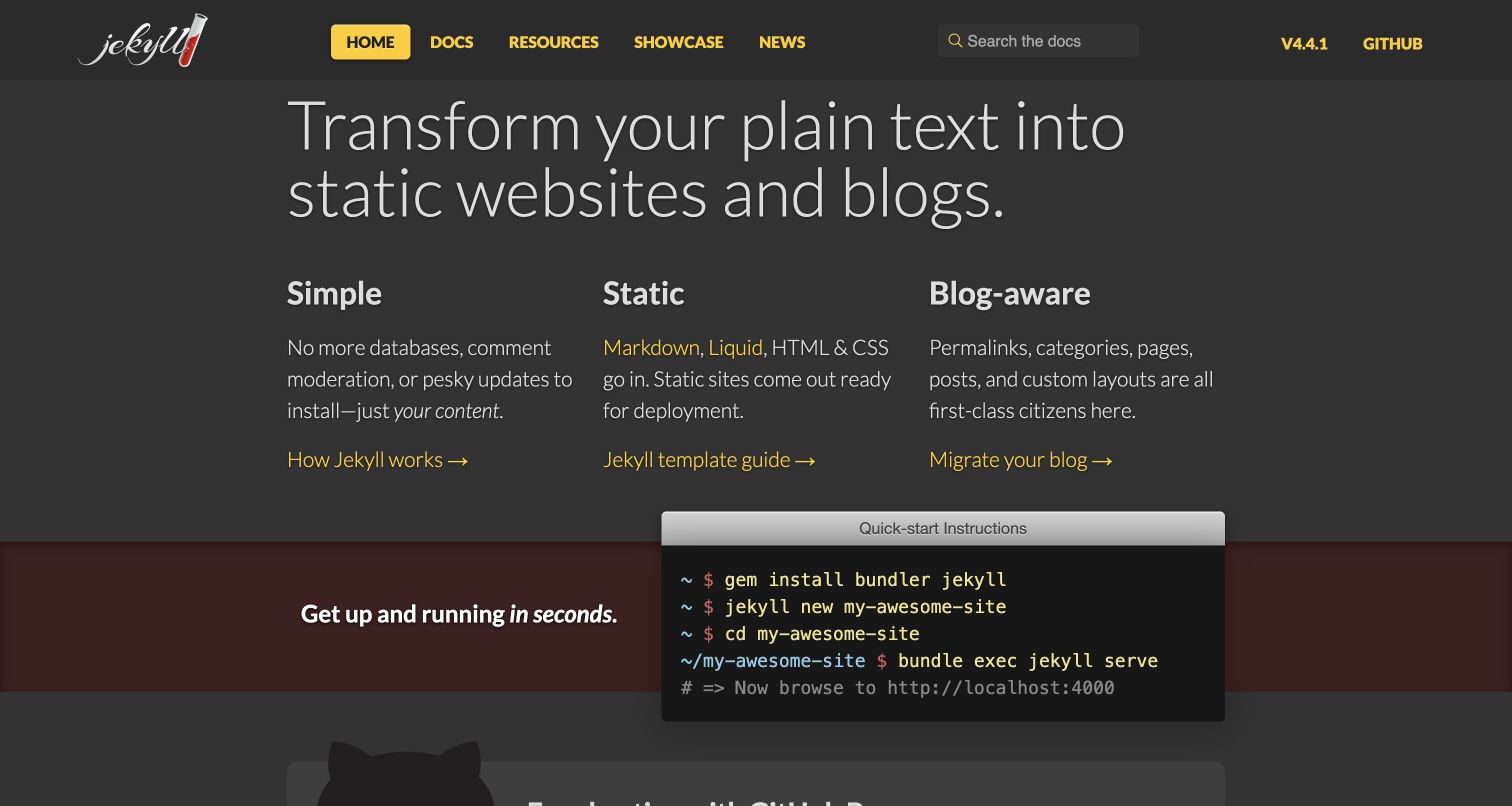
Jekyll uses three feature columns and a compact terminal example to connect its publishing idea with a practical starting point. The dark presentation and clear grouping make the opening feel like a tool introduction rather than an exhaustive manual. Readers can first understand the proposition and then inspect what beginning work looks like. Jekyll's official contribution guide explicitly locates the public documentation in its repository and explains local Git branches and pushes for proposed changes. This is evidence for maintaining the website's source material, not evidence that Git itself performs page rendering or hosting.
What you can learn
Place a credible first step near the explanation of a developer tool, while keeping the longer instructions one clear route away. In the repository, group documentation changes by the reader task they affect and explain how a correction improves the published guidance.
Pros
Three short feature groups make the project's core proposition easy to scan.
The terminal example connects an abstract publishing promise with a concrete starting format.
Cons & considerations
A compact command example must link to prerequisites and fuller installation guidance.
Contribution documentation does not verify a current deployed commit or the success of a particular build.
Platform source: Official website source or contribution documentation. The official contribution guide explicitly locates jekyllrb.com documentation in the repository docs directory and describes local Git branches and pushes for proposed changes. A separate optional tree-link fetch was restricted and is not used as additional evidence. Documented Git source-control or public repository relationship, not proof of frontend runtime, hosting, current deployed revision, private infrastructure or every property of the organization. Platform evidence is separate from the direct website screenshot and is not a complete current infrastructure audit.
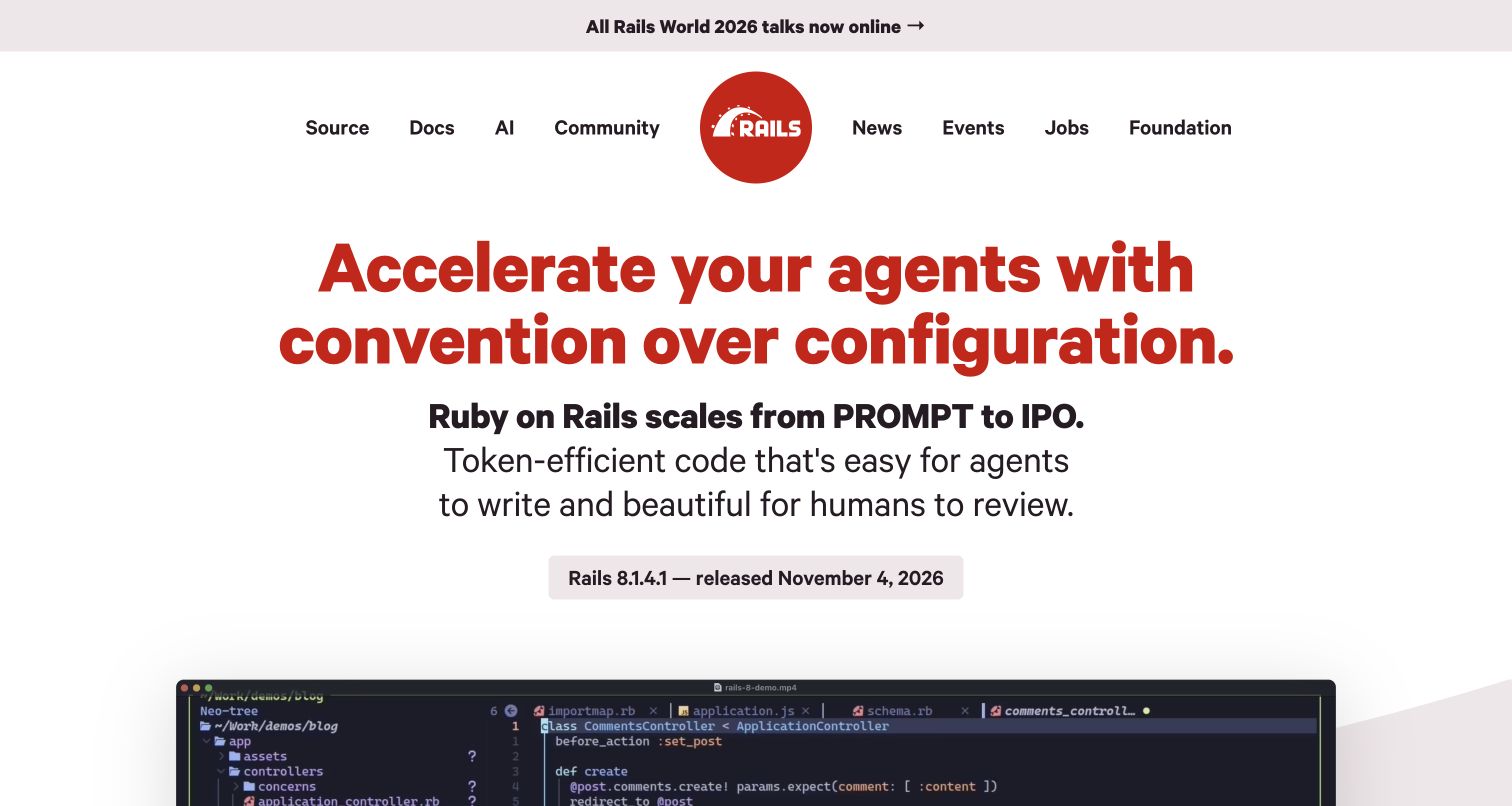
Ruby on Rails gives its introduction a strong visual hierarchy: a large red headline establishes the voice, a release badge provides practical context and a product video offers a deeper explanation. The top news strip occupies its own space rather than covering the content. This arrangement supports both immediate recognition and a more detailed second step. The Rails-owned website repository explicitly generates rubyonrails.org and documents website contributions and posts. The Git relationship therefore concerns this public project's source files, rather than the private repositories or runtime architecture of companies that use the framework.
What you can learn
Make one idea visually dominant, then support it with a practical version cue and a deeper explanation. Keep website posts and release wording traceable in Git, with focused changes that explain what the visitor should understand differently after the update.
Pros
The strong headline creates an unmistakable first hierarchy.
Release information and a demonstration give the opening both practical and explanatory depth.
Cons & considerations
A large headline should not push essential documentation routes out of easy reach.
The public website repository does not describe the deployment practices of unrelated Rails applications.
Platform source: Official website source or contribution documentation. The Rails-owned website repository explicitly generates rubyonrails.org and documents public source contributions, posts and development. This supports website source versioning, not implementation claims about unrelated Rails applications. Documented Git source-control or public repository relationship, not proof of frontend runtime, hosting, current deployed revision, private infrastructure or every property of the organization. Platform evidence is separate from the direct website screenshot and is not a complete current infrastructure audit.
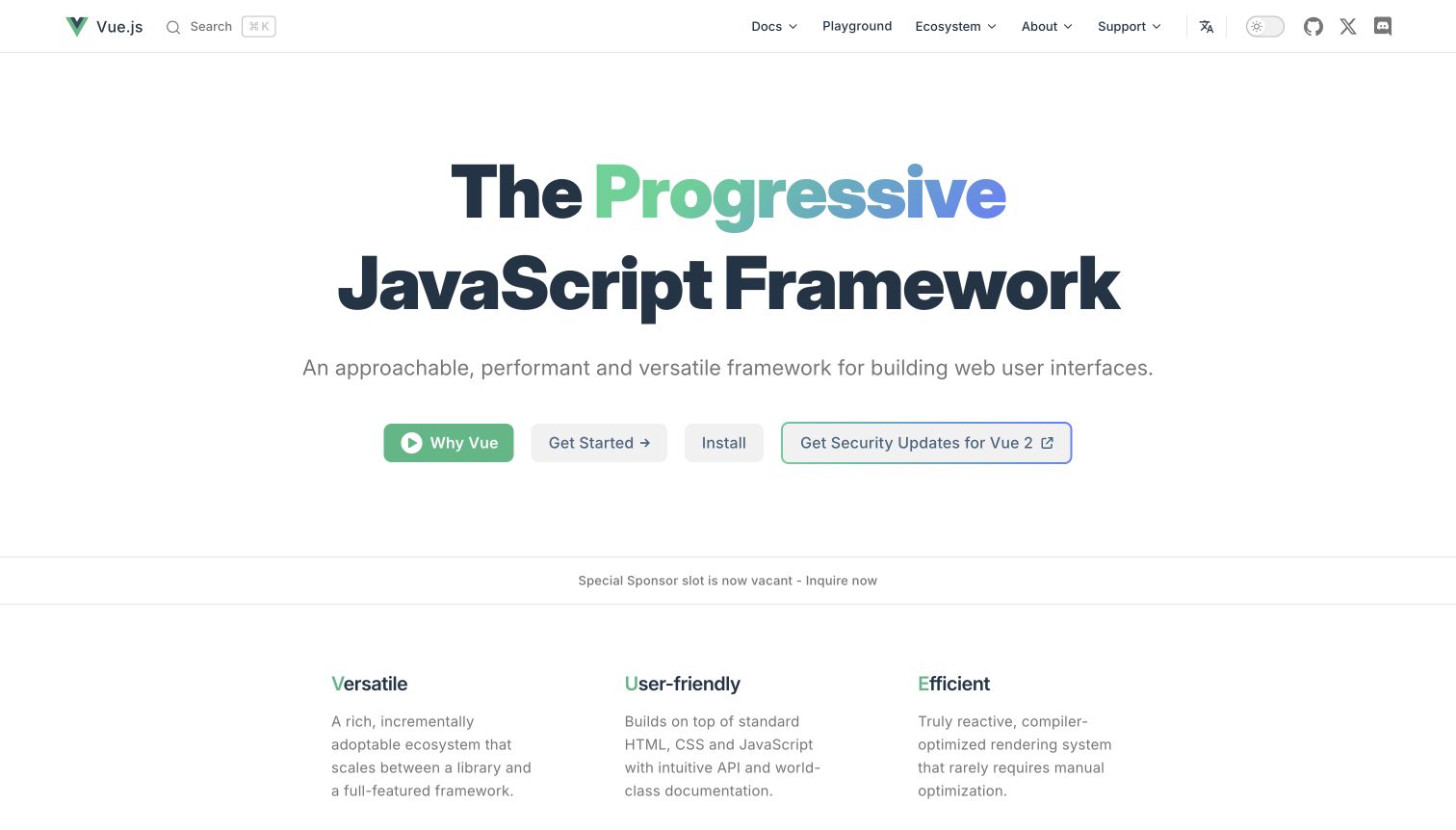
Vue's homepage uses a gradient headline, three actions and concise features to make a broad framework approachable. The first screen is deliberate about sequence: identity, purpose, then the available starting routes. It gives the reader enough context to choose without presenting the full reference. The Vue-owned docs repository expressly identifies vuejs.org and contains its Markdown website source and contribution guidance. This is a direct source-control association for the pictured property. It is separate from the Vue blog, Router and other related properties in this collection, which share an ecosystem rather than independent organizational ownership.
What you can learn
Use a small set of meaningful starting choices and keep their promises distinct. When the public site is maintained in Git, review the headline, action labels and destination content together so a wording change does not create a mismatch across the reader's first journey.
Pros
The limited action set makes the initial decision easier to understand.
Consistent spacing and short feature descriptions keep the introduction focused.
Cons & considerations
Several starting routes need clear differences that remain consistent on their destination pages.
A public documentation repository does not establish the current deployed revision or every Vue-related site's architecture.
Platform source: Official website source or contribution documentation. The Vue-owned docs repository identifies vuejs.org and its Markdown website source, with content edits, pull requests and local development guidance. Documented Git source-control or public repository relationship, not proof of frontend runtime, hosting, current deployed revision, private infrastructure or every property of the organization. Platform evidence is separate from the direct website screenshot and is not a complete current infrastructure audit.
Pinia gives a small technical subject a memorable identity through its pineapple illustration and green starting actions. The opening balances that personality with a concise description, so the visitor can connect the image to a documentation task. A sponsor strip sits above navigation in normal flow and does not conceal the page. The official repository names pinia.vuejs.org, while its tracked build configuration identifies the documentation source directory and output. This establishes versioned website source and configuration. It does not prove that the listed command ran successfully or that a particular commit reached the public site.
What you can learn
A specialist tool can be visually distinctive without making the first task difficult to find. Keep documentation source paths and build configuration easy to locate in the repository, and review content changes separately from operational assumptions about what a deployment system has executed.
Pros
The illustration gives the library a recognizable identity within the Vue ecosystem.
Clear starting actions keep the page useful beyond its visual character.
Cons & considerations
Sponsorship material should retain a separate place and avoid interrupting documentation navigation.
Tracked build configuration is documentary evidence, not a receipt for a successful deployment.
Platform source: Official website source or contribution documentation. The official repository names pinia.vuejs.org; its tracked configuration builds documentation from packages/docs and publishes that directory. The claim is version-controlled website source/configuration, not proof that a particular commit deployed. Documented Git source-control or public repository relationship, not proof of frontend runtime, hosting, current deployed revision, private infrastructure or every property of the organization. Platform evidence is separate from the direct website screenshot and is not a complete current infrastructure audit.
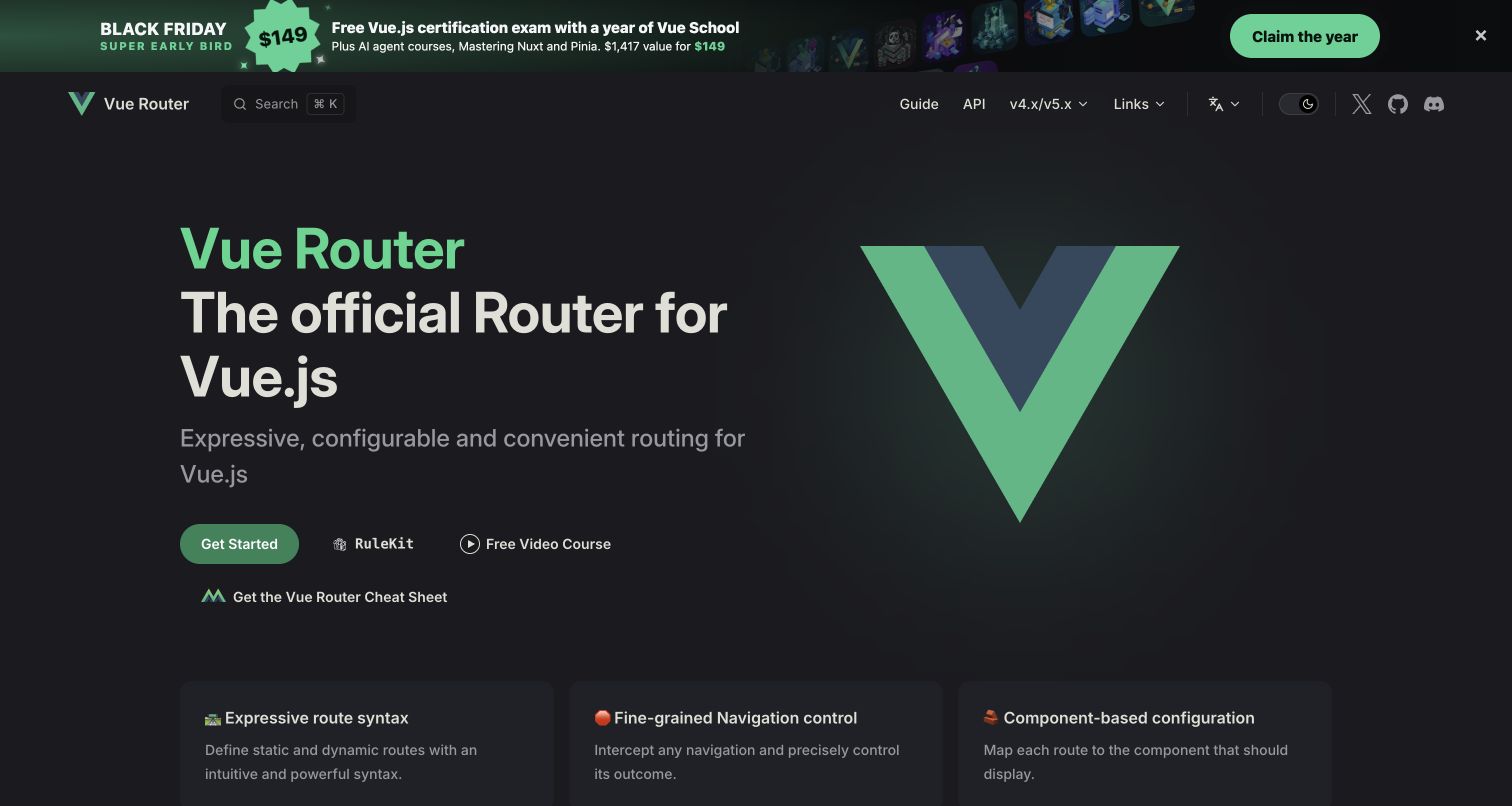
Vue Router keeps its opening centered on a recognizable green mark, a concise introduction and a small set of documentation routes. The page benefits from the visual language of the wider Vue ecosystem while retaining its own identity. Its sponsor strip occupies normal document space above navigation. The official contribution file identifies the documentation directory and describes Git branches, remotes and translation commit checkpoints. That evidence connects the exact documentation property to a source-control workflow. It does not establish the rendering implementation of a different Vue site or verify which commit is currently deployed.
What you can learn
Let a companion library explain its own job before sending readers into a larger ecosystem. For documentation maintained in Git, record which source revision a translation follows so editors can review meaningful differences instead of assuming two language versions remain synchronized.
Pros
The restrained opening helps a specialist library keep its purpose clear.
Consistent visual language makes the relationship with the wider ecosystem easy to recognize.
Cons & considerations
Shared styling should not make separate libraries' starting routes indistinguishable.
Translation checkpoints indicate revision context, not a guarantee that every translated page is current.
Platform source: Official website source or contribution documentation. The official contribution file places the website documentation in packages/docs and describes Git branches, remotes and translation commit checkpoints. Documented Git source-control or public repository relationship, not proof of frontend runtime, hosting, current deployed revision, private infrastructure or every property of the organization. Platform evidence is separate from the direct website screenshot and is not a complete current infrastructure audit.
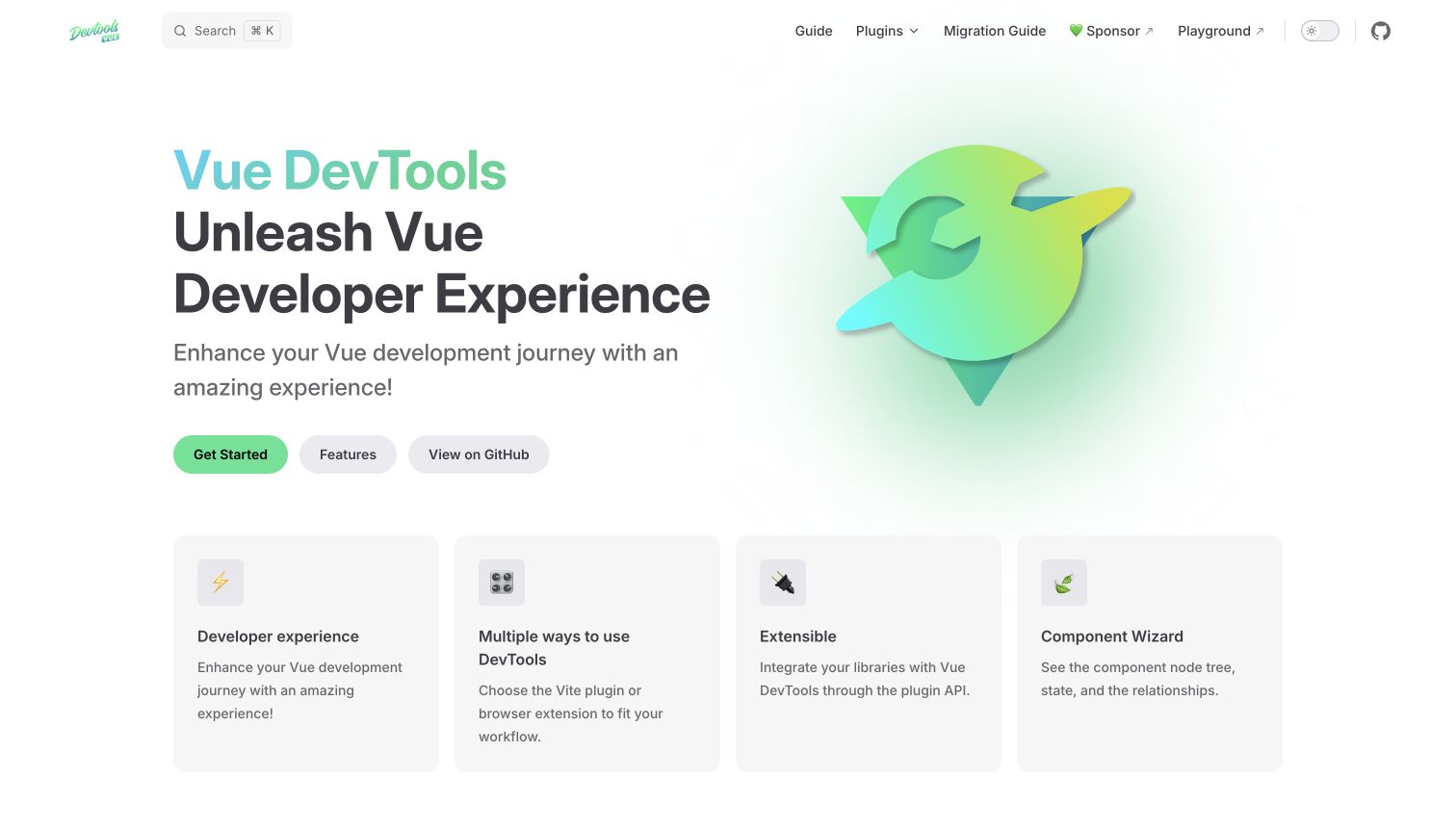
Vue DevTools uses a light green identity, three starting actions and four feature cards to separate initial choices from supporting explanation. The presentation is more welcoming than a raw installation manual while keeping the tool itself central. A reader can scan the actions first and use the feature summaries to understand why the tool is relevant. The official project repository includes documentation source, and the public contribution page describes cloning and pull requests while identifying its source-file location. This supports a Git relationship for maintaining the documentation property, without proving the current deployed revision or every feature's implementation.
What you can learn
Distinguish the available starting paths before listing every capability. Keep documentation contributions attached to clearly identified source files, and describe whether a change affects installation, explanation or the tool itself so reviewers understand the public result being proposed.
Pros
Three visible actions make alternative entry routes easy to compare.
Short feature cards supply context without turning the opening into an exhaustive reference.
Cons & considerations
Several entry routes require clear wording about which one suits the reader's situation.
A contribution page and source mapping do not establish that a change has been accepted or deployed.
Platform source: Official website source or contribution documentation. The official repository includes the documentation source; the public contribution page identifies cloning and pull requests and links its exact docs/help/contributing.md source. The edit endpoint was robots-denied and was not opened by any alternate route. Documented Git source-control or public repository relationship, not proof of frontend runtime, hosting, current deployed revision, private infrastructure or every property of the organization. Platform evidence is separate from the direct website screenshot and is not a complete current infrastructure audit.
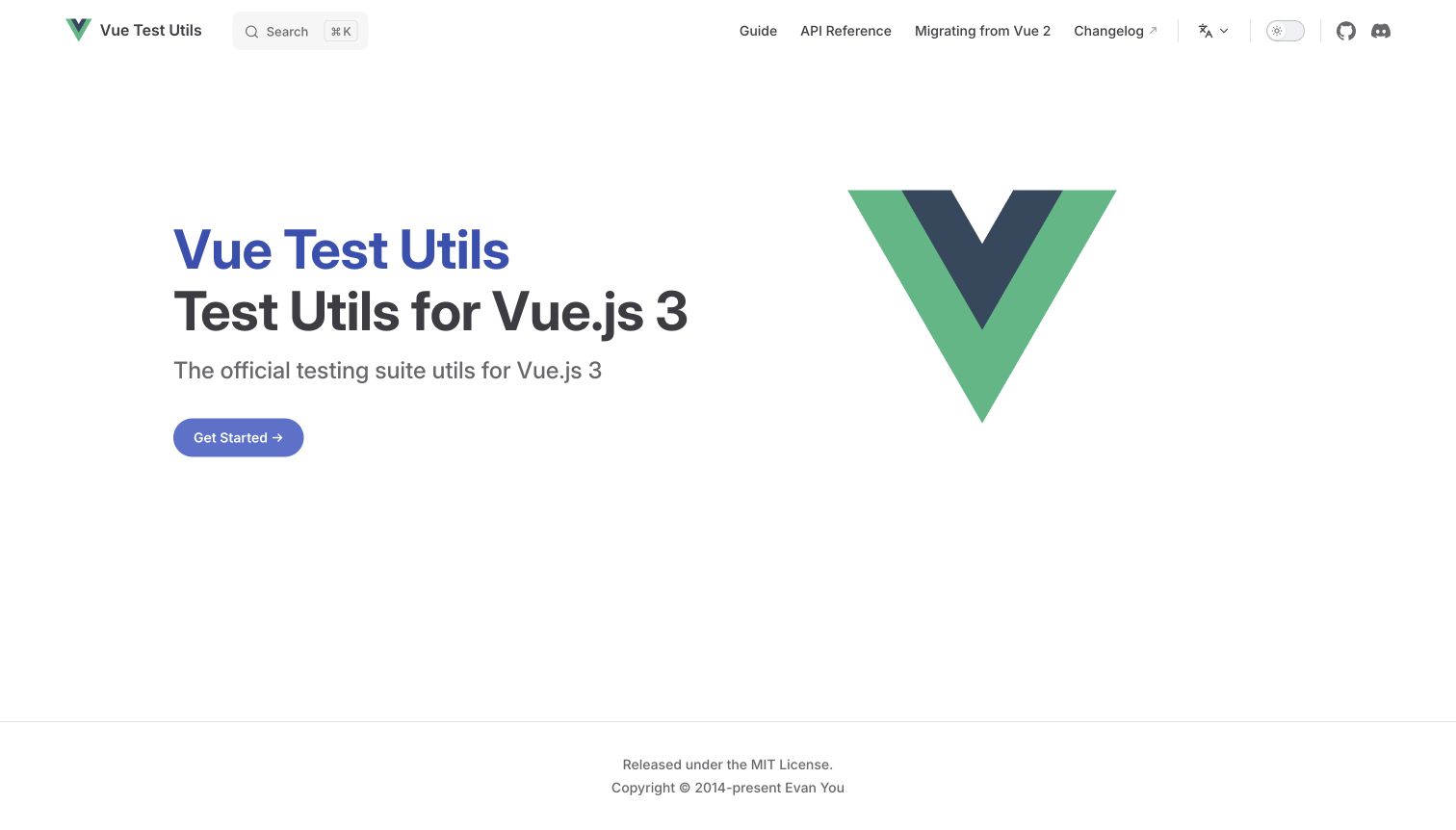
Vue Test Utils uses a restrained white opening, clear product identity and a prominent getting-started route. The sparse composition suits a specialist testing utility: the page can establish what the reader has found without requiring a long marketing introduction. Its relationship with the Vue ecosystem is visible, but the task remains specific. The official repository identifies the documentation directory and configuration and records translation revision checkpoints. The evidence supports a version-controlled documentation source. Package-release commands in that repository should not be recast as proof that the website's captured version was deployed successfully.
What you can learn
Give a narrow technical tool an equally clear entrance, then let the documentation supply the detail. In Git, distinguish documentation edits, translation synchronization and package releases so contributors can identify which artifact a change affects and what still needs separate verification.
Pros
The sparse layout makes the primary learning route easy to locate.
A specific product identity avoids confusing the utility with the broader framework documentation.
Cons & considerations
A minimal introduction still needs enough context for readers unfamiliar with the testing task.
Source and release instructions do not independently verify a public website deployment or current translation coverage.
Platform source: Official website source or contribution documentation. The official repository identifies its documentation directory and VitePress configuration and records translation checkpoints. Its public Git source contains the documentation site; package-release commands are not misrepresented as website deployment verification. Documented Git source-control or public repository relationship, not proof of frontend runtime, hosting, current deployed revision, private infrastructure or every property of the organization. Platform evidence is separate from the direct website screenshot and is not a complete current infrastructure audit.
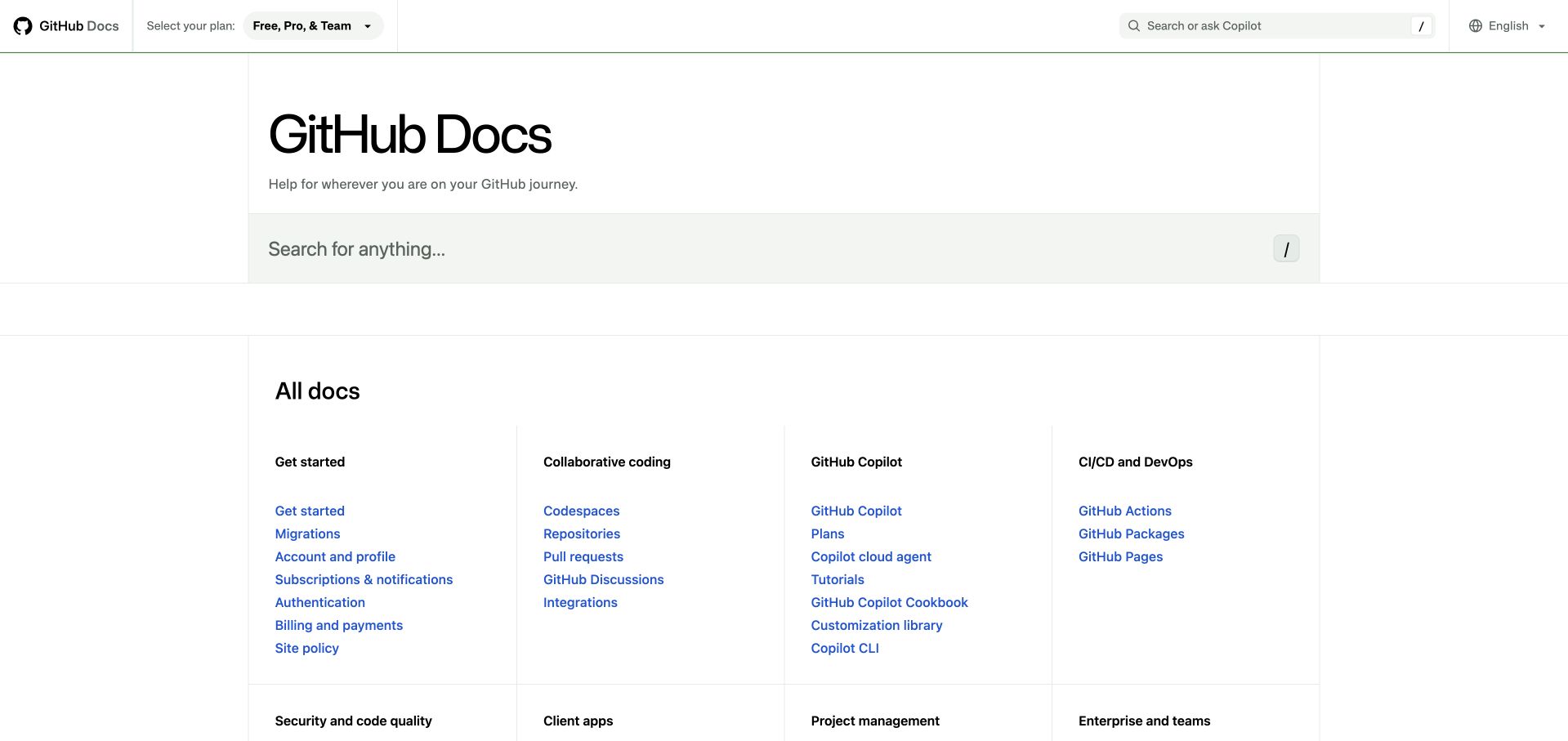
GitHub Docs begins with search and a category index, giving readers a route to the part of the product they need. The entrance favors finding an answer over showing promotional imagery. That approach works particularly well when visitors arrive with varied tasks and experience. GitHub's public docs repository expressly maps to this documentation property and describes contribution to its content. Its existence does not mean every piece of publishing infrastructure is public. The Git association here is the versioned documentation source, distinct from the company customer stories reviewed in the separate GitHub collection.
What you can learn
Organize a large documentation entrance around categories readers can recognize, then retain search for exact questions. State the boundaries of the public source repository just as clearly: contributors should know which content they can change and which publishing systems are maintained elsewhere.
Pros
Search provides an immediate route for readers with a specific question.
The category index makes the documentation's breadth visible without requiring a promotional detour.
Cons & considerations
A wide index needs consistent names to prevent similar workflows from becoming hard to distinguish.
Public content source does not reveal private publishing infrastructure or prove a particular live revision.
Platform source: Official website source or contribution documentation. The GitHub-owned repository maps expressly to docs.github.com and documents contribution to public documentation content. Private publishing infrastructure is not claimed to be public or described by this record. Documented Git source-control or public repository relationship, not proof of frontend runtime, hosting, current deployed revision, private infrastructure or every property of the organization. Platform evidence is separate from the direct website screenshot and is not a complete current infrastructure audit.
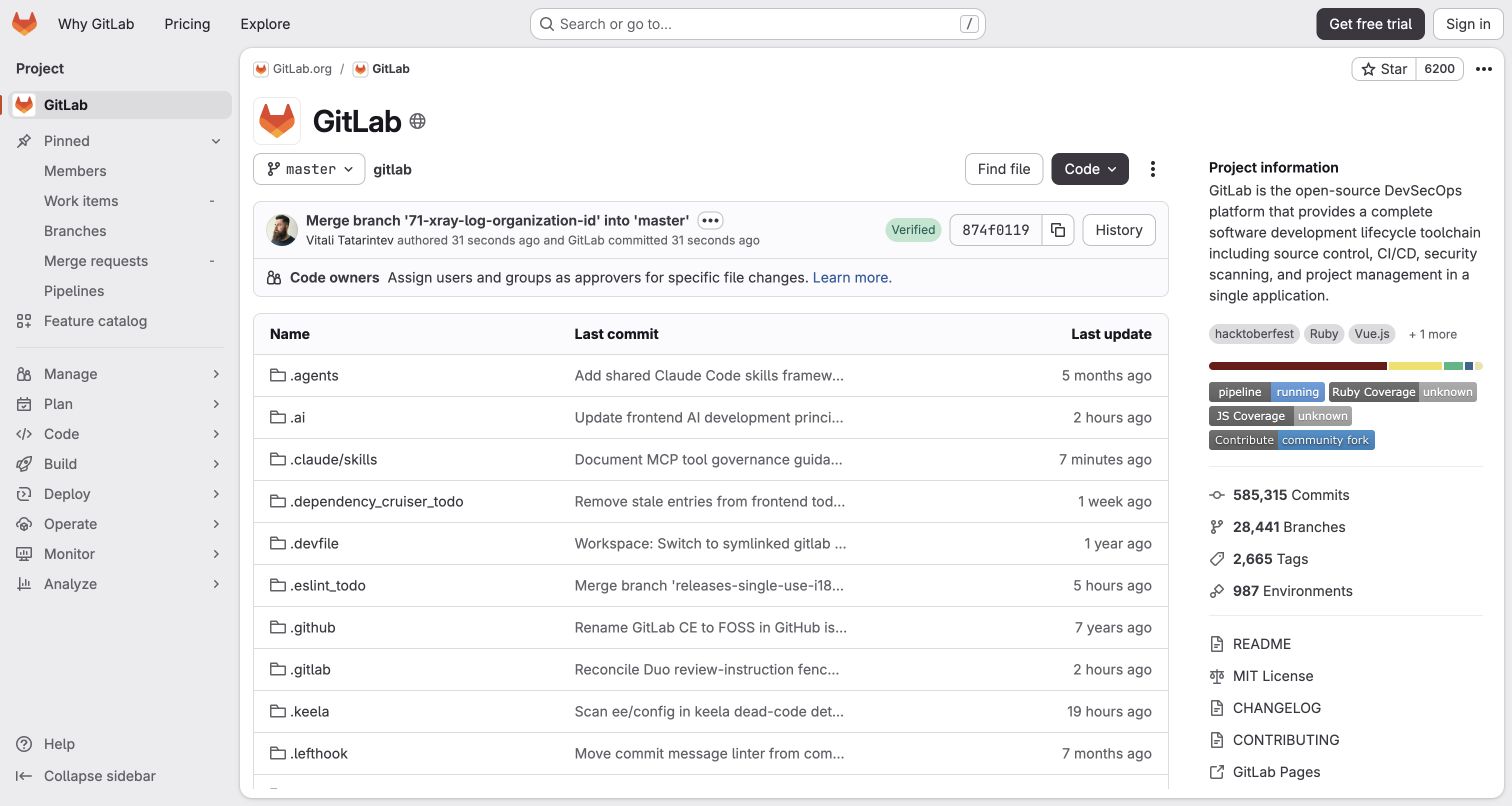
The GitLab project capture shows the public repository interface: files, branches and commit context sit within the project's navigation. This makes the versioned artifact visible without substituting a marketing homepage. Sign-in remains an available action, while the captured repository material can be read without account interaction. GitLab's repository documentation describes Git-based version control, and the exact public project supplies an example. The scope is this repository interface and its visible history; it does not establish private project data, every GitLab service or the runtime of an unrelated website.
What you can learn
When presenting a public code project, put the current files in context with navigation and revision information. Keep the introduction useful to a reader who has not signed in, and distinguish reading the public artifact from actions that require permissions or change repository state.
Pros
Files and revision context help visitors understand what the repository contains.
Project navigation makes the artifact's surrounding information available without hiding the main file view.
Cons & considerations
A repository interface needs clear project documentation to explain unfamiliar files and conventions.
Visible history alone does not verify a release, deployed product or the contents of private repositories.
Platform source: Official website source or contribution documentation. The captured destination is the actual public gitlab-org/gitlab repository with files, branches and commit history. GitLab repository documentation explains Git version control; this is a public repository interface example, not a marketing-page runtime claim. Documented Git source-control or public repository relationship, not proof of frontend runtime, hosting, current deployed revision, private infrastructure or every property of the organization. Platform evidence is separate from the direct website screenshot and is not a complete current infrastructure audit.
Kegan has 15+ years of experience working with small businesses, Fortune 500 companies, and everything in between. No development job is too big or too small: he brings the same hands-on attention to a focused improvement, a complete website, or a custom application.
For Git projects, he can help with responsive interfaces, reusable components, custom functionality, API connections, and performance-minded implementation. He works directly with clients on scope, design, implementation, testing, and handover, with an emphasis on clear communication and a system that remains practical to maintain after launch.
Show 3 other Git developersHide other Git developers
Choose a source-control workflow that fits the website
A focused website repository
A small project can keep its public source, contribution instructions and content structure together. Explain the supported setup and the files that affect common tasks such as a page correction or navigation update. Favor a simple path from a focused branch to reviewed source over a process that asks every editor to understand unrelated systems.
When website material lives beside a library or application, identify the documentation directory clearly. Explain which changes belong there and which belong in another package or repository. Angular's website directory and the Vue projects' documentation paths illustrate why that mapping should be explicit rather than left to a contributor's guess.
A site assembled from separately maintained sources
Some projects include a separate repository within their own working tree. Git submodules retain that separate history instead of turning the included project into ordinary copied files. If your website uses this arrangement, explain the initialization and update process, who maintains each part and how changes are checked together.
If visitors can inspect the project itself, make the repository understandable before they sign in. A clear introduction, navigable files and visible revision context help readers judge what they have found. Keep public reading separate from contribution and account actions, and explain the project's purpose beyond the file table.
From references to requirements
Plan source ownership, review and publication
Map every editable part to its source
List the authoritative locations for pages, navigation, shared components, translations and assets. Identify generated material separately. A contributor should be able to find the correct input from the public page or contribution guide without guessing which of several repositories owns it.
Define a useful unit of change
Decide what belongs in one proposed revision: a corrected instruction with its example, a navigation change with affected links, or a release notice with its date. Use focused commits and clear descriptions to keep those relationships visible. Separate unrelated work so review can address one coherent outcome.
Write down how maintainers check content and view the result. Include the relevant dependencies and any separately versioned parts. Explain how translators identify their source revision and how generated pages point back to their inputs. Preserve the difference between a successful check, merged source and a verified public release.
Record the boundary between source and deployment
A repository shows files and history; publication requires its own process and evidence. Record which revision is intended for release, what checks passed and how the public result is verified. Keep private configuration and credentials outside public content, and document ownership so a maintainer can resolve a question without inventing access or infrastructure details.
A useful handover demonstration
Ask the actual team to carry out its routine job: publish a realistic update, correct a mistake, preview a narrow screen, and identify who owns an integration failure. For a library or frontend framework, also ask who maintains the content source and deployment. A polished screenshot does not answer those operational questions.
Beyond the screenshot
A practical Git website-maintenance checklist
Identify the exact public website and the source repository that maintains it.
Explain where content, navigation, templates and public assets live.
Keep generated output distinct from the files contributors should edit.
Document the supported local setup and separately maintained dependencies.
Describe one visitor-facing purpose for each proposed change.
Inspect the staged files before recording the change.
Keep unrelated revisions separate so their intent remains readable.
Check navigation, links, examples and related text together.
Record translation or external-source revision boundaries where relevant.
Keep secrets, private records and local fixtures out of public source and packages.
Distinguish a merged change from a verified production release.
Preserve useful history and follow the project's documented collaboration rules.
Test with real content, a keyboard, a small screen, slow or failed requests, and the people who will maintain the system. These are planning checks, not an accessibility, security, performance, or search-ranking certification.
Sources & editorial method
How this Git collection was reviewed
The November 11, 2026 editorial review paired each exact public property with official source repositories or contribution documentation. The twenty unmodified direct browser captures retain their original November 2 through November 11 dates. Nineteen broad audit records were retained from shared research, including one partial outcome; the GitLab project uses its earlier successful private audit from November 11. No audit was rerun for this collection. The new Git associations describe source versioning or the public repository interface, not observed page rendering or a complete backend. Six Vue properties have distinct purposes and source mappings but remain part of the same ecosystem. The reviews assess visible hierarchy, navigation and starting paths without measuring conversion, product quality or release reliability.
Every image is an unmodified capture from the actual website, with its source and capture date. Some captures are reused from our shared catalog; their dates remain the original capture dates. None comes from a vendor gallery or a generated reconstruction. Moving imagery and live content can change.
Technology attribution uses public page assets or metadata, official platform documentation, or a cited first-party project case study. Documentary and framework-relationship evidence is identified where used; it is not a complete current backend inventory. A CMS image CDN alone does not establish a full CMS deployment. A library’s presence does not prove which individual controls use it, and a platform label does not establish AI authorship.
The composition notes, lessons, pros and tradeoffs are original editorial observations. We have not measured conversion, traffic, security, performance or accessibility conformance. Website owners retain their brands and imagery; these examples are not our client portfolio. Written, Edited and Curated are independent records, not dates advanced by a build. See our editorial standards or suggest a correction.
Questions worth asking
Git website development FAQs
Does Git build or render these websites?
Git is a version-control system. The evidence here concerns website source files, contribution workflows or an actual public repository interface. Page generation, hosting and runtime behavior are separate subjects and are not established merely by finding a Git repository.
How is this collection different from the GitHub guide?
This collection follows exact public website source and the Git operations used to maintain it. The GitHub guide covers documented product and company engineering relationships with that collaboration platform. Git can be used through different hosts and tools; the two names do not identify the same product.
Why are several Vue properties included?
They are distinct public documentation or publishing properties with separate source mappings and visible purposes: the main site, blog, Pinia, Router, DevTools and Test Utils. They are explicitly part of one ecosystem, not presented as six unrelated organizations.
Does a public repository prove the site uses its latest commit?
No. A repository can show source and history without identifying the revision currently deployed. The captured page has its own date, and the source review has another. Connecting a specific commit to a production release requires separate deployment evidence.
Can Git be useful for documentation as well as application code?
Yes. It records changes to files, which can include prose, navigation, diagrams and configuration. The useful part is a readable history of why those materials changed. A team still needs editorial ownership, accurate instructions and a clear review process.
What should a small website team establish first?
Start with one authoritative source location, a clear setup guide and a focused way to propose and review changes. Identify generated files and private configuration, explain how publication is verified and make common content corrections easy for the next maintainer to understand.
Borrow a clear documentation entrance or a useful source map from these examples. Then make each website change understandable in both places: the public reading experience and the history the next maintainer will inherit.