Best ReadMe Websites of 2026 (20 Real-World Examples)
Twenty genuine public documentation portals with current ReadMe application evidence and practical lessons for product gateways, onboarding, reference and navigation.
A developer portal has to explain what can be built, help someone make a first integration and remain useful when that person returns for one exact detail. These ReadMe examples show different ways to balance those jobs.
ReadMe combines explanatory guides, API reference and other documentation formats within a hosted developer hub. Its official architecture guidance distinguishes the work of conceptual explanation, endpoint details, complete examples and change communication. The useful design question is how readers move between those formats, not how many navigation tabs a portal can display.
Amazon Selling Partner API, Asana, Miro, Akamai and OpenSea open this collection. Each captured property has current public ReadMe deployment metadata, a named ReadMe project and linked ReadMe hub application CSS. The scope is the exact documentation page or gateway shown, not the organization's corporate website or the implementation of its API.
Before the examples
What makes good ReadMe website development in 2026?
Organize around the developer's next decision
The official structure guide describes onboarding, use-case and product-oriented approaches. Decide which choice readers need to make first: a product, an integration model or the next stage of setup. Gusto's two-model entrance and Amazon's numbered onboarding show why the same generic homepage would not suit every platform.
ReadMe can generate reference from API definitions, with request examples and an interactive request interface. Its OpenAPI guidance also explains that added Markdown can be tied to operationId. Preserve those identifiers deliberately, review schema changes and verify what happens to editorial additions when definitions are replaced or removed.
ReadMe's versioning guidance distinguishes versioned guides, recipes and reference from persistent landing pages, discussions and changelog content. Plan the default version and public visibility before launch, and communicate deprecated material clearly. A homepage version label is useful only when readers understand which instructions it governs.
The collection ranges from strongly branded developer gateways to minimal REST-reference introductions. Compare the first decision each page supports, then examine how its header, sidebar and article contents divide the work. Large directories, platform matrices and sequential tutorials solve different problems; none is a universal template.
We start with five recognizable brands or organizations: Amazon Selling Partner API, Asana Developer Platform, Miro Developer Platform, Akamai TechDocs, OpenSea Developer Platform. Each attribution applies to the named website property, not every product or website belonging to its organization. This is a curated reading sequence, not a measured ranking.
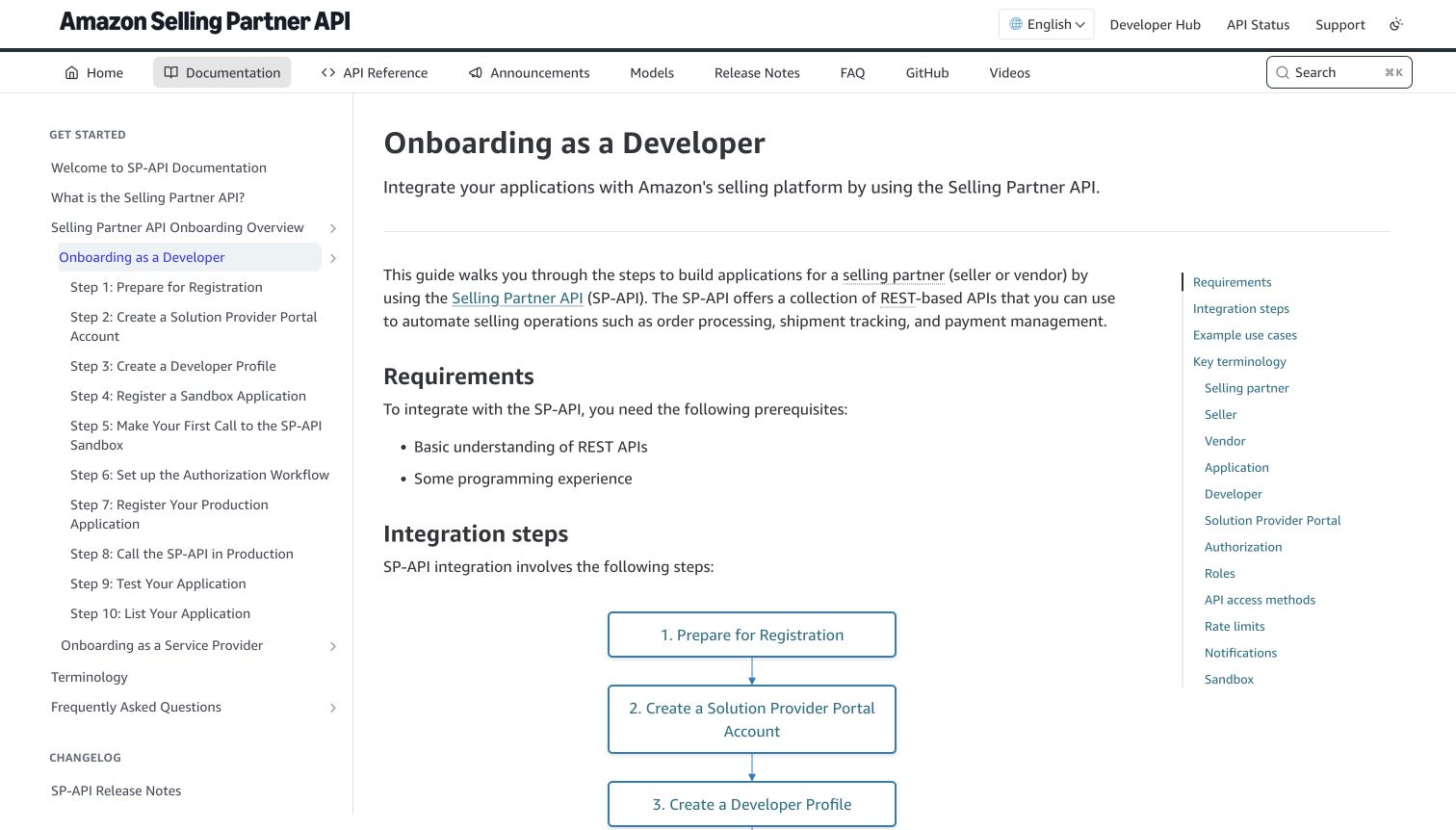
Amazon's Selling Partner API opens this onboarding article with a practical promise, prerequisites and a numbered integration sequence. The left navigation exposes ten developer steps, while a separate service-provider branch makes the audience distinction visible. In the article, a vertical flow diagram reinforces the sequence instead of leaving all orientation to the sidebar. A right-hand contents rail provides direct access to requirements, terminology and access methods.
What you can learn
When registration is itself a multi-stage process, make that process a first-class document. Combine a readable overview, persistent step names and links to deeper instructions, rather than placing every prerequisite inside the first endpoint page. Keep alternative roles explicitly separate.
Pros
The same numbered journey appears in navigation and the article diagram, supporting orientation across long setup work.
Requirements are visible before the integration sequence, giving readers an early expectation of the knowledge assumed.
Cons & considerations
If readers already have credentials, the extensive onboarding tree can delay discovery of the exact operation they need.
If many terminology sections remain on one page, the contents rail needs careful wording to avoid becoming another large directory.
Platform source: Current public ReadMe application metadata and stylesheet. The captured public document inspected on 2026-11-06 declares meta[name="readme-deploy"] content="5.953.0" and meta[name="readme-subdomain"] content="sp-api", and links ReadMe's application stylesheet https://cdn.readme.io/public/hub/web/main.ece18c952e1bd816db58.css. These current document/application markers identify this public documentation property; an image hosted on files.readme.io alone would not establish platform use. This observation does not identify the corporate website, the documented API's implementation or private services. Platform evidence is separate from the direct website screenshot and is not a complete current infrastructure audit.
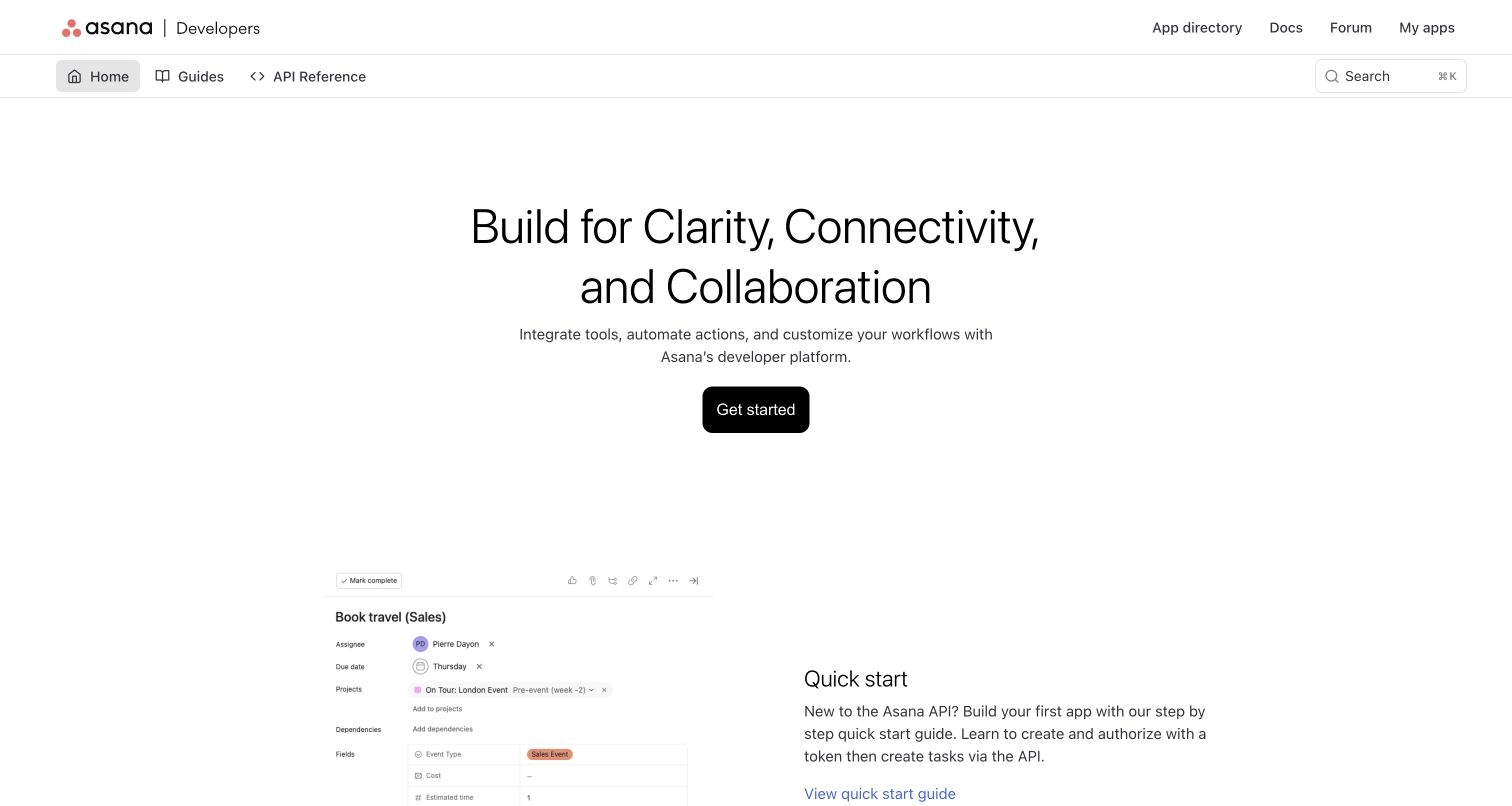
Asana uses its developer homepage as an invitation rather than an endpoint catalogue. A centered headline, short explanation and black Get started button sit in a large field of white space. Beneath them, a product screenshot is paired with a quick-start explanation, making the first practical route more tangible. The second navigation row clearly distinguishes Home, Guides and API Reference.
What you can learn
A developer homepage can explain what building on the product means before asking visitors to choose technical sections. Pair a compact value statement with a specific first tutorial, then retain a direct reference route for returning developers who already know the platform.
Pros
The quick-start section connects the introductory message to an actual app-building task rather than an abstract feature list.
Guide and reference destinations remain visible even while the page uses a spacious, marketing-like composition.
Cons & considerations
If repeat visitors mainly need endpoint names, the large introductory hero may feel less useful than a denser reference landing.
If product screenshots carry essential instructions, equivalent written steps are important for readers who cannot inspect image details.
Platform source: Current public ReadMe application metadata and stylesheet. The captured public document inspected on 2026-11-06 declares meta[name="readme-deploy"] content="5.953.0" and meta[name="readme-subdomain"] content="asana", and links ReadMe's application stylesheet https://cdn.readme.io/public/hub/web/main.ece18c952e1bd816db58.css. These current document/application markers identify this public documentation property; an image hosted on files.readme.io alone would not establish platform use. This observation does not identify the corporate website, the documented API's implementation or private services. Platform evidence is separate from the direct website screenshot and is not a complete current infrastructure audit.
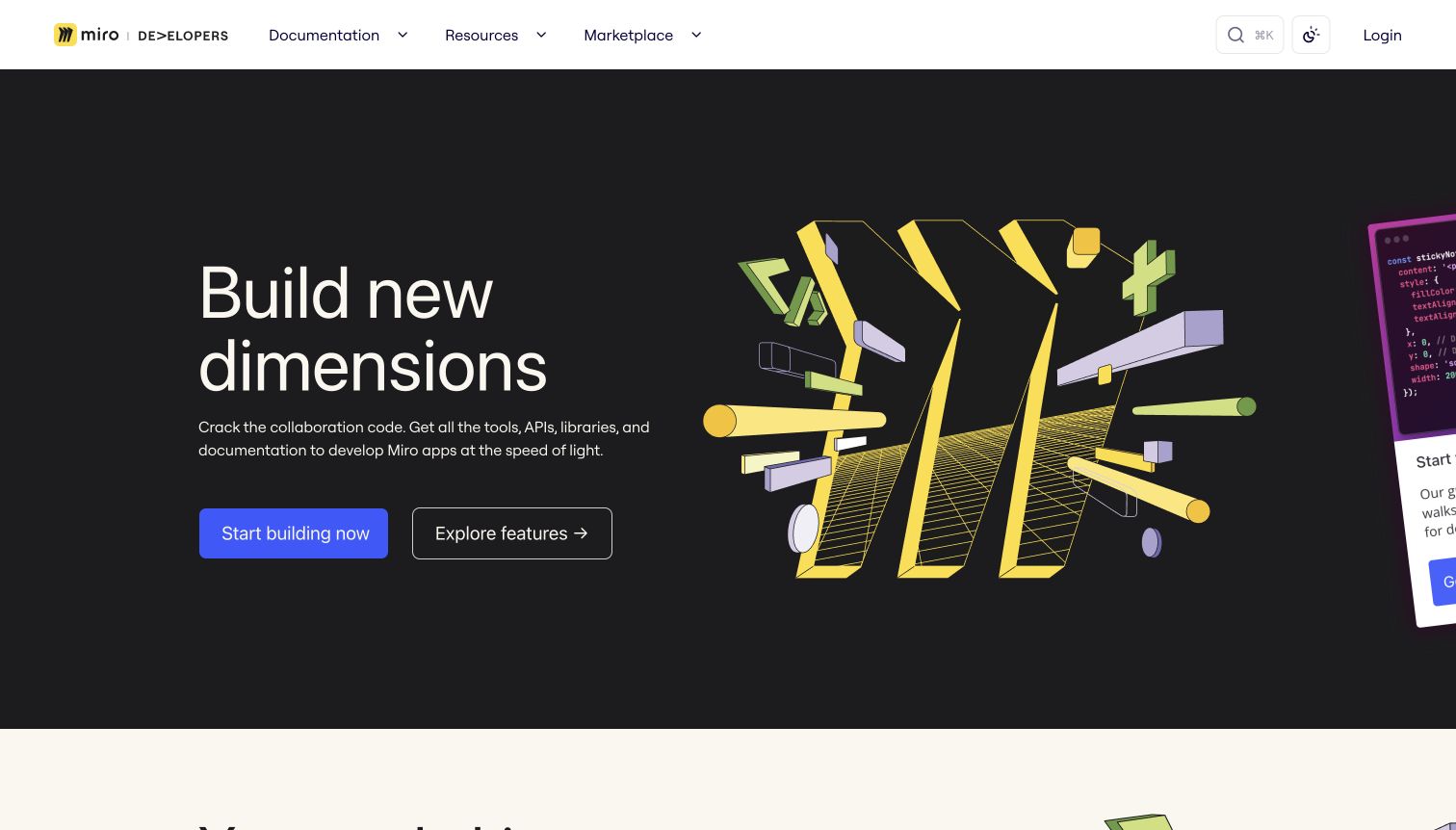
Miro gives its developer portal a strong visual identity: a black hero, oversized white type and a yellow dimensional illustration sit below a restrained white navigation bar. Two prominent routes distinguish starting a build from exploring available features. The header groups Documentation, Resources and Marketplace rather than presenting every technical section at once. Below the initial viewport, the page introduces the code toolkit, including different ways to build with the platform.
What you can learn
Use a branded landing page to explain the ecosystem, then make the transition into technical choices clear. Distinguishing an action-oriented starting route from a feature-exploration route can serve both committed builders and evaluators without forcing identical journeys through the same introductory article.
Pros
A clear pair of primary routes separates immediate implementation from learning which platform capability fits a project.
Strong product-specific artwork makes the developer property recognizable without replacing the visible navigation and page text.
Cons & considerations
If the hero artwork grows heavier on smaller devices, teams should protect loading speed and the visibility of primary links.
If SDK, REST and embedding choices are unfamiliar, their differences need plain explanations beyond broad platform branding.
Platform source: Current public ReadMe application metadata and stylesheet. The captured public document inspected on 2026-11-06 declares meta[name="readme-deploy"] content="5.953.0" and meta[name="readme-subdomain"] content="miro-group", and links ReadMe's application stylesheet https://cdn.readme.io/public/hub/web/main.ece18c952e1bd816db58.css. These current document/application markers identify this public documentation property; an image hosted on files.readme.io alone would not establish platform use. This observation does not identify the corporate website, the documented API's implementation or private services. Platform evidence is separate from the direct website screenshot and is not a complete current infrastructure audit.
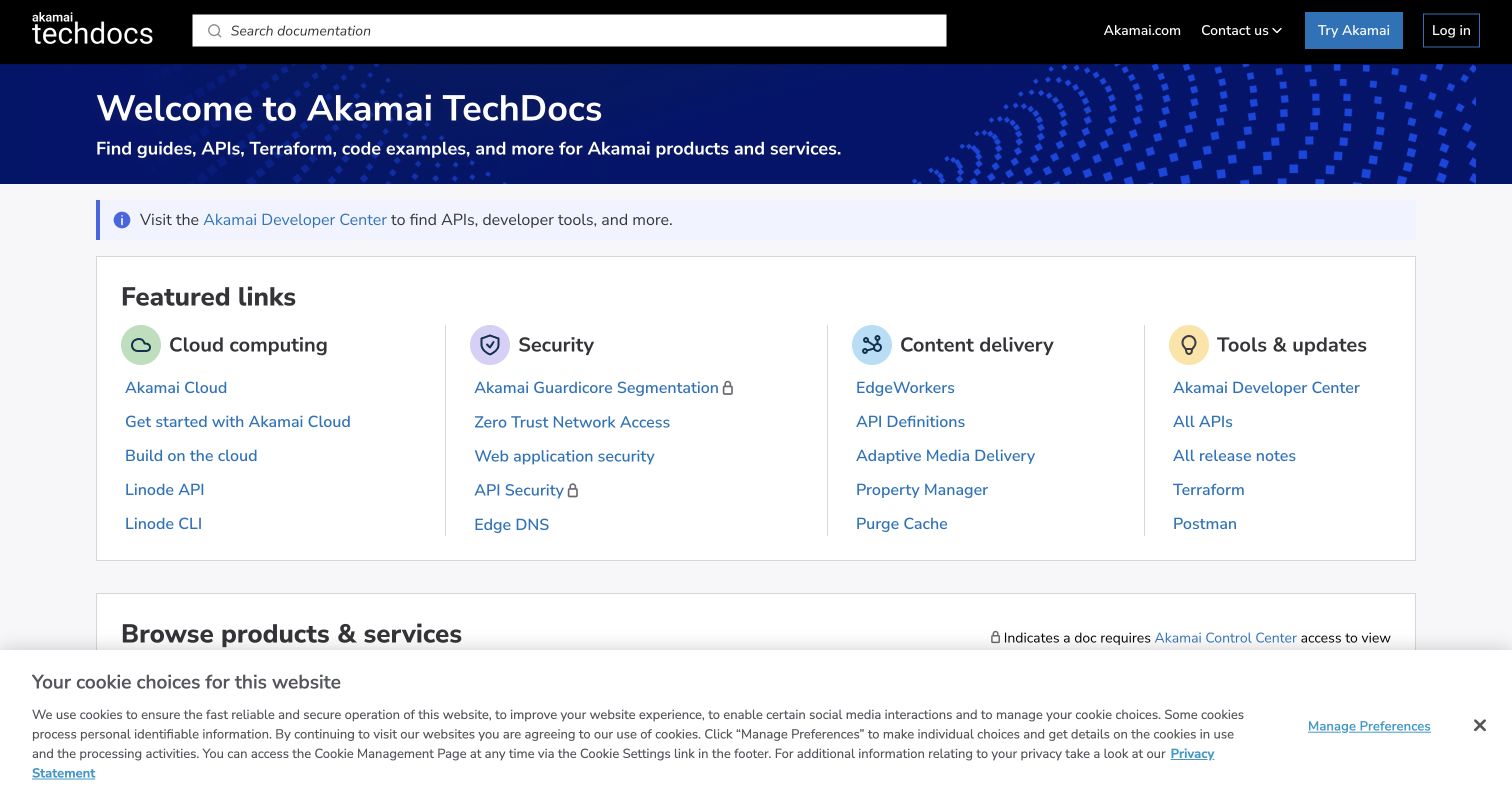
Akamai TechDocs is a directory-first implementation. Search occupies the black header above a blue welcome strip and Developer Center link. Featured links are arranged into four labeled columns: cloud computing, security, content delivery, and tools or updates. The next section begins a broader product-and-service browser. Small locks appear beside selected links, and a visible legend explains that some documents require Control Center access.
What you can learn
For a broad portfolio, organize the entrance around recognizable product families and high-frequency resources, not an enormous undifferentiated sidebar. Make restricted destinations identifiable before users follow them, while preserving useful public navigation and a strong search entry point for people who know a product name.
Pros
The featured-link columns expose the portfolio's main divisions without requiring visitors to open a navigation menu first.
A visible lock legend explains access restrictions rather than leaving readers to discover every boundary through failed navigation.
Cons & considerations
If the featured lists expand continuously, they can become an additional index that duplicates the complete product browser.
If a cookie notice covers lower directory controls, its layout should preserve access to the navigation users came to find.
Visible tech stack
Earlier / documented evidence
ReadMe
Platform source: Current public ReadMe application metadata and stylesheet. The captured public document inspected on 2026-11-06 declares meta[name="readme-deploy"] content="5.953.0" and meta[name="readme-subdomain"] content="home", and links ReadMe's application stylesheet https://cdn.readme.io/public/hub/web/main.ece18c952e1bd816db58.css. These current document/application markers identify this public documentation property; an image hosted on files.readme.io alone would not establish platform use. This observation does not identify the corporate website, the documented API's implementation or private services. Platform evidence is separate from the direct website screenshot and is not a complete current infrastructure audit.
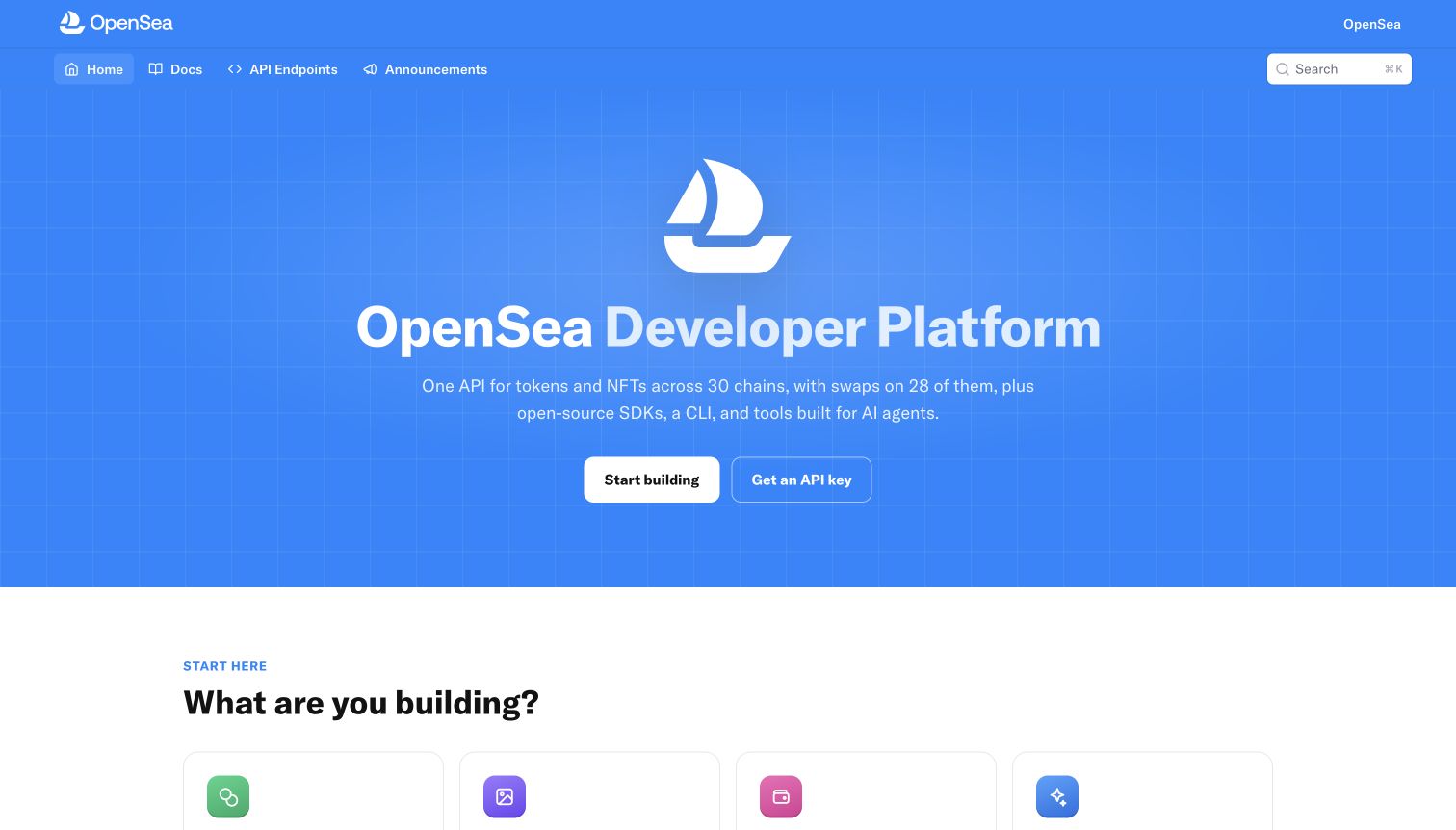
OpenSea's developer homepage uses an uninterrupted blue hero with a centered white boat mark, a large platform title and a short introduction. Start Building and Get API Key appear as distinct calls to action, while Home, Docs, API Endpoints and Announcements remain in the navigation above. The next section asks what the visitor is building, shifting the page toward use-case choices rather than a single linear tutorial.
What you can learn
Separate learning from obtaining credentials, especially when a developer platform serves several types of integration. A use-case selector can be a more helpful second step than a long endpoint list, provided each route eventually joins concrete authentication, environment and reference guidance.
Pros
Documentation and credential acquisition have different visible entry points, so the homepage does not imply they are the same task.
The use-case framing below the hero provides a way to explain different building goals within one recognizable platform identity.
Cons & considerations
If an API key requires an account or approval, state those requirements before sending new visitors into that workflow.
If marketplace terminology is unfamiliar, broad use-case cards should explain the underlying technical integration rather than assume domain expertise.
Platform source: Current public ReadMe application metadata and stylesheet. The captured public document inspected on 2026-11-06 declares meta[name="readme-deploy"] content="5.953.0" and meta[name="readme-subdomain"] content="opensea", and links ReadMe's application stylesheet https://cdn.readme.io/public/hub/web/main.ece18c952e1bd816db58.css. These current document/application markers identify this public documentation property; an image hosted on files.readme.io alone would not establish platform use. This observation does not identify the corporate website, the documented API's implementation or private services. Platform evidence is separate from the direct website screenshot and is not a complete current infrastructure audit.
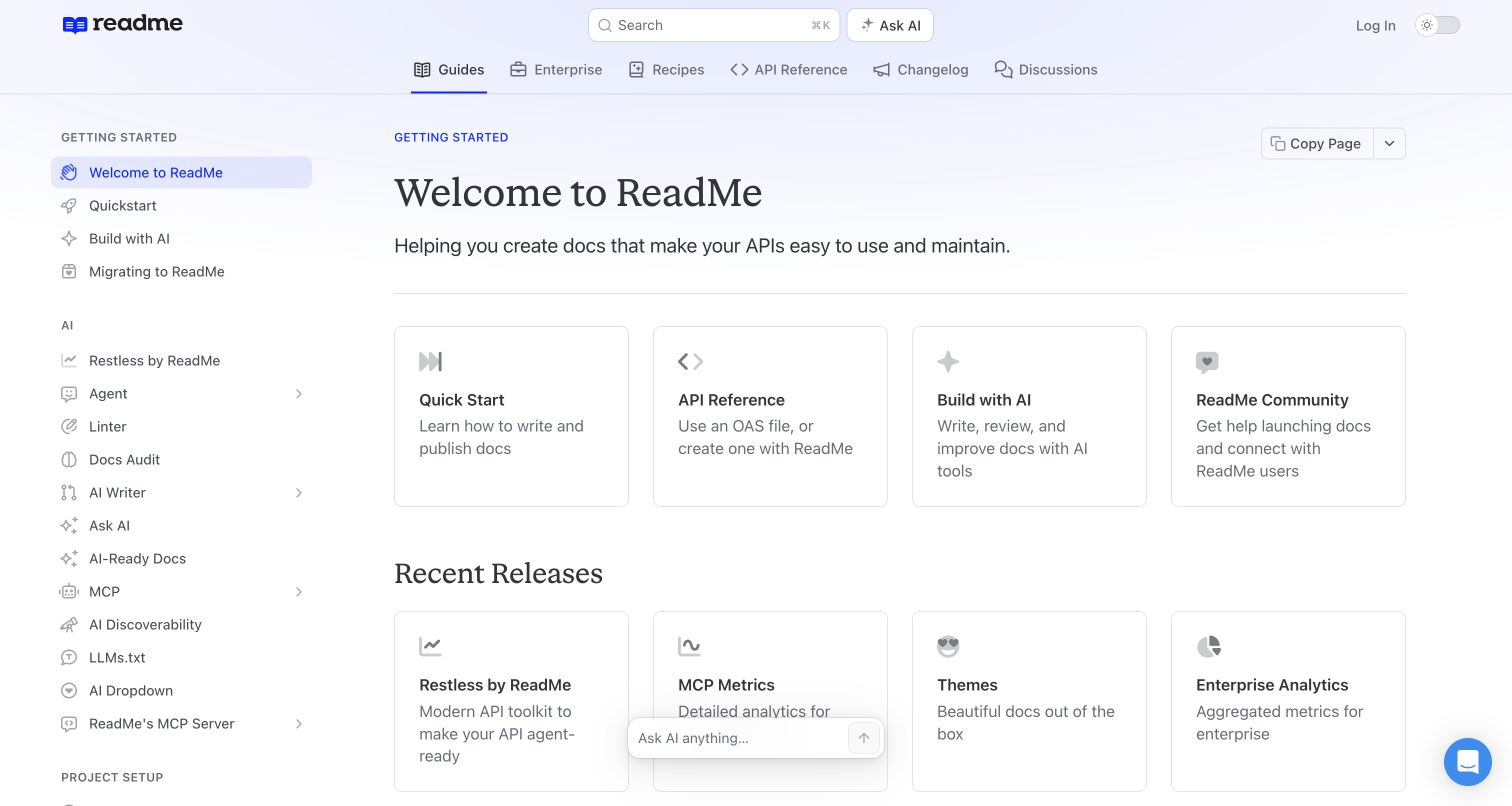
ReadMe's own documentation combines a pale lavender header, serif article headings and a dense but clearly grouped sidebar. The welcome page begins with four cards for starting documentation, API reference, AI-assisted work and community. A second card row highlights recent features. Search and Ask AI are adjacent in the header, while Guides, Enterprise, Recipes, API Reference, Changelog and Discussions form a separate navigation row.
What you can learn
Use the documentation entrance to expose distinct reader tasks rather than duplicate the entire navigation tree. A compact set of starting cards can orient new users, while the persistent sidebar supports deeper browsing. Review the balance regularly when new product categories compete with foundational setup material.
Pros
The first card row provides concrete starting options without forcing a new user to understand the complete sidebar taxonomy.
Guides, reference, recipes and change communication have distinct navigation labels, clarifying that they serve different reading tasks.
Cons & considerations
If the AI category continues growing, setup guidance may fall further down the sidebar and become harder for beginners to discover.
If floating assistance controls overlap content near the bottom of smaller viewports, they should offer an unobtrusive resting position.
Visible tech stack
Earlier / documented evidence
ReadMe
Platform source: Current public ReadMe application metadata and stylesheet. The captured public document inspected on 2026-11-06 declares meta[name="readme-deploy"] content="5.953.0" and meta[name="readme-subdomain"] content="developers", and links ReadMe's application stylesheet https://cdn.readme.io/public/hub/web/main.ece18c952e1bd816db58.css. These current document/application markers identify this public documentation property; an image hosted on files.readme.io alone would not establish platform use. This observation does not identify the corporate website, the documented API's implementation or private services. Platform evidence is separate from the direct website screenshot and is not a complete current infrastructure audit.
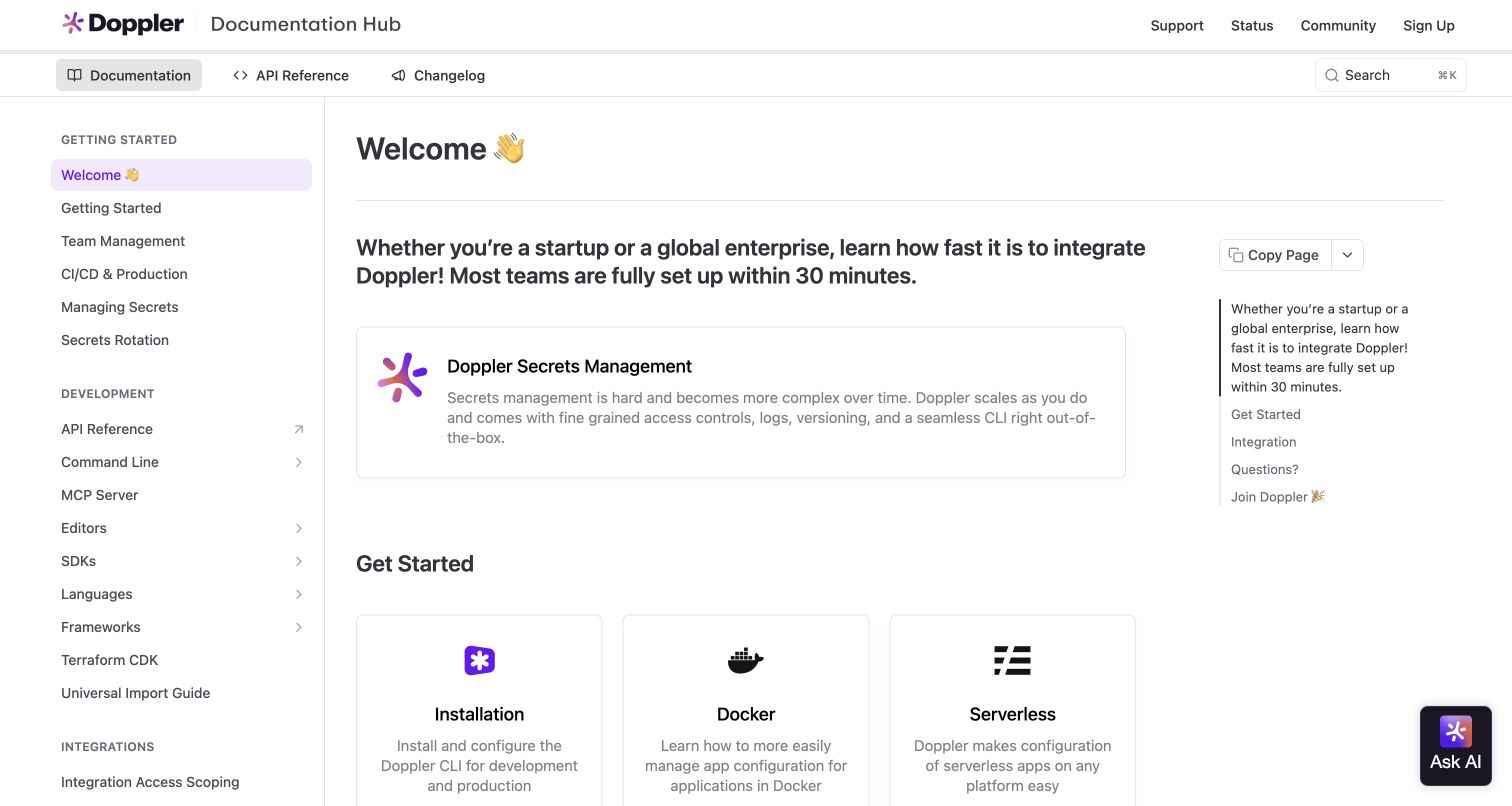
Doppler opens with a welcome article. Purple accents, a readable central column and a persistent sidebar establish a familiar working environment. A prominent introductory panel explains secrets management, followed by routes into installation and deployment contexts such as Docker or serverless environments. The header separates product documentation, API reference and changelog while retaining support, status and community links.
What you can learn
An introduction can become a routing page when the next task varies by runtime or deployment environment. Keep the product explanation brief enough that installation choices remain discoverable, and make support or operational status available without confusing them with the main implementation sequence.
Pros
Environment-specific entry points connect the welcome content to the practical context in which developers will use the tool.
Support and service-status destinations are available in the persistent chrome rather than hidden inside a troubleshooting article.
Cons & considerations
If a setup-time estimate appears in introductory copy, teams should qualify the prerequisites instead of treating it as a universal promise.
If many deployment targets are added, the welcome page needs a clear grouping system to avoid becoming an exhaustive link collection.
Platform source: Current public ReadMe application metadata and stylesheet. The captured public document inspected on 2026-11-06 declares meta[name="readme-deploy"] content="5.953.0" and meta[name="readme-subdomain"] content="doppler", and links ReadMe's application stylesheet https://cdn.readme.io/public/hub/web/main.ece18c952e1bd816db58.css. These current document/application markers identify this public documentation property; an image hosted on files.readme.io alone would not establish platform use. This observation does not identify the corporate website, the documented API's implementation or private services. Platform evidence is separate from the direct website screenshot and is not a complete current infrastructure audit.
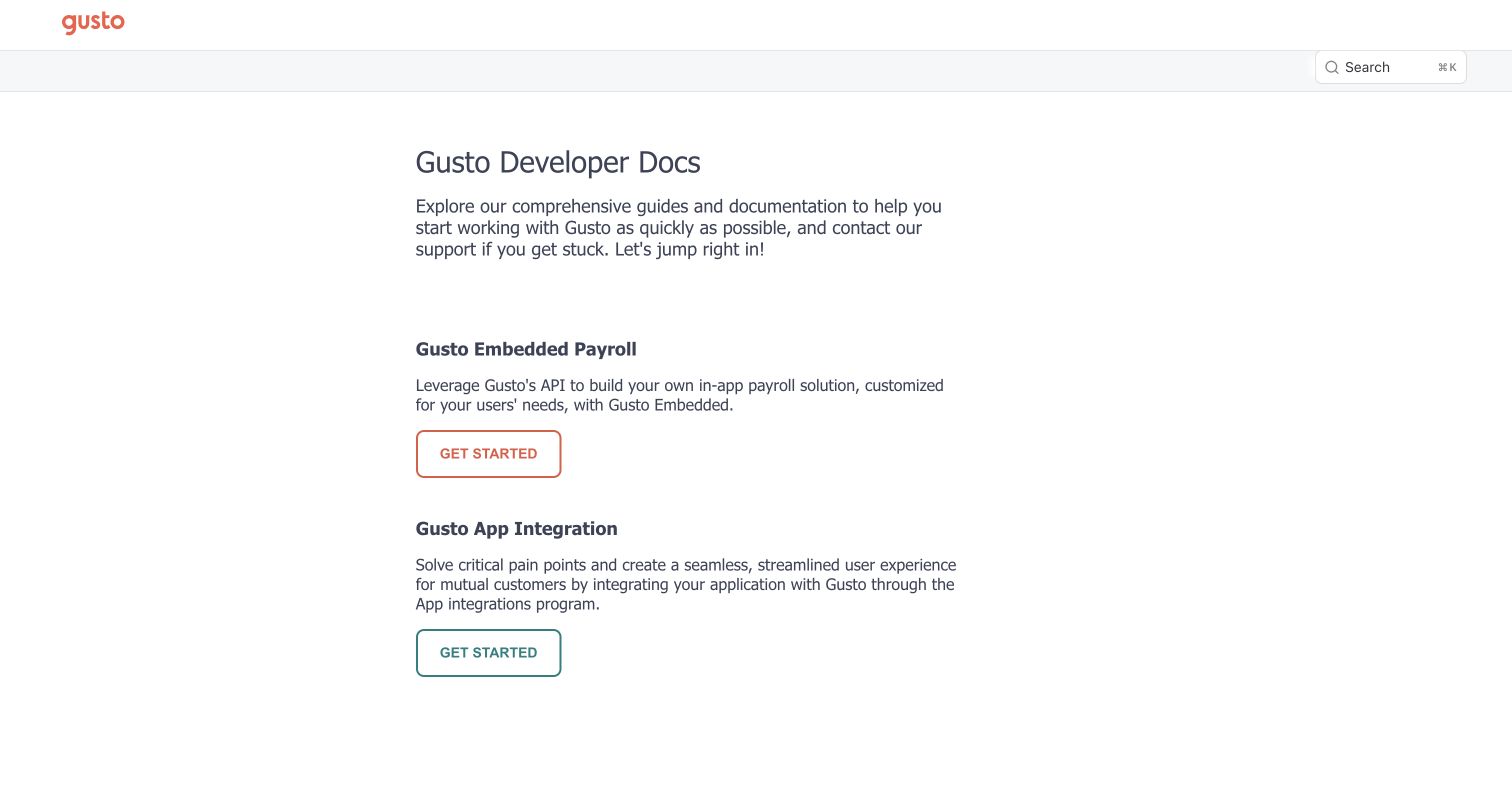
Gusto's documentation entrance is unusually spare. A red wordmark and a small search affordance precede a large developer-documentation title. Two stacked sections introduce Embedded Payroll and App Integration, each with a short explanation and its own Get started button. The buttons use different outline treatments, but the layout otherwise avoids decorative imagery, dense cards or a universal getting-started article.
What you can learn
When two developer audiences have materially different prerequisites, choose the audience before presenting setup steps. A restrained gateway can be more useful than a visually rich homepage if its short descriptions explain the difference in responsibility, product scope and expected integration rather than merely listing product names.
Pros
The page makes the two integration models the dominant decision, rather than burying that distinction inside a shared sidebar.
Short descriptions and separate starting links provide a clean transition into documentation without introducing an unrelated sales journey.
Cons & considerations
If visitors do not already understand embedded payroll, the descriptions must provide enough context to prevent choosing the wrong documentation track.
If returning developers regularly need reference endpoints, the minimal entrance may benefit from explicit shortcuts within each product section.
Visible tech stack
Earlier / documented evidence
ReadMe
Platform source: Current public ReadMe application metadata and stylesheet. The captured public document inspected on 2026-11-06 declares meta[name="readme-deploy"] content="5.953.0" and meta[name="readme-subdomain"] content="gusto-group", and links ReadMe's application stylesheet https://cdn.readme.io/public/hub/web/main.ece18c952e1bd816db58.css. These current document/application markers identify this public documentation property; an image hosted on files.readme.io alone would not establish platform use. This observation does not identify the corporate website, the documented API's implementation or private services. Platform evidence is separate from the direct website screenshot and is not a complete current infrastructure audit.
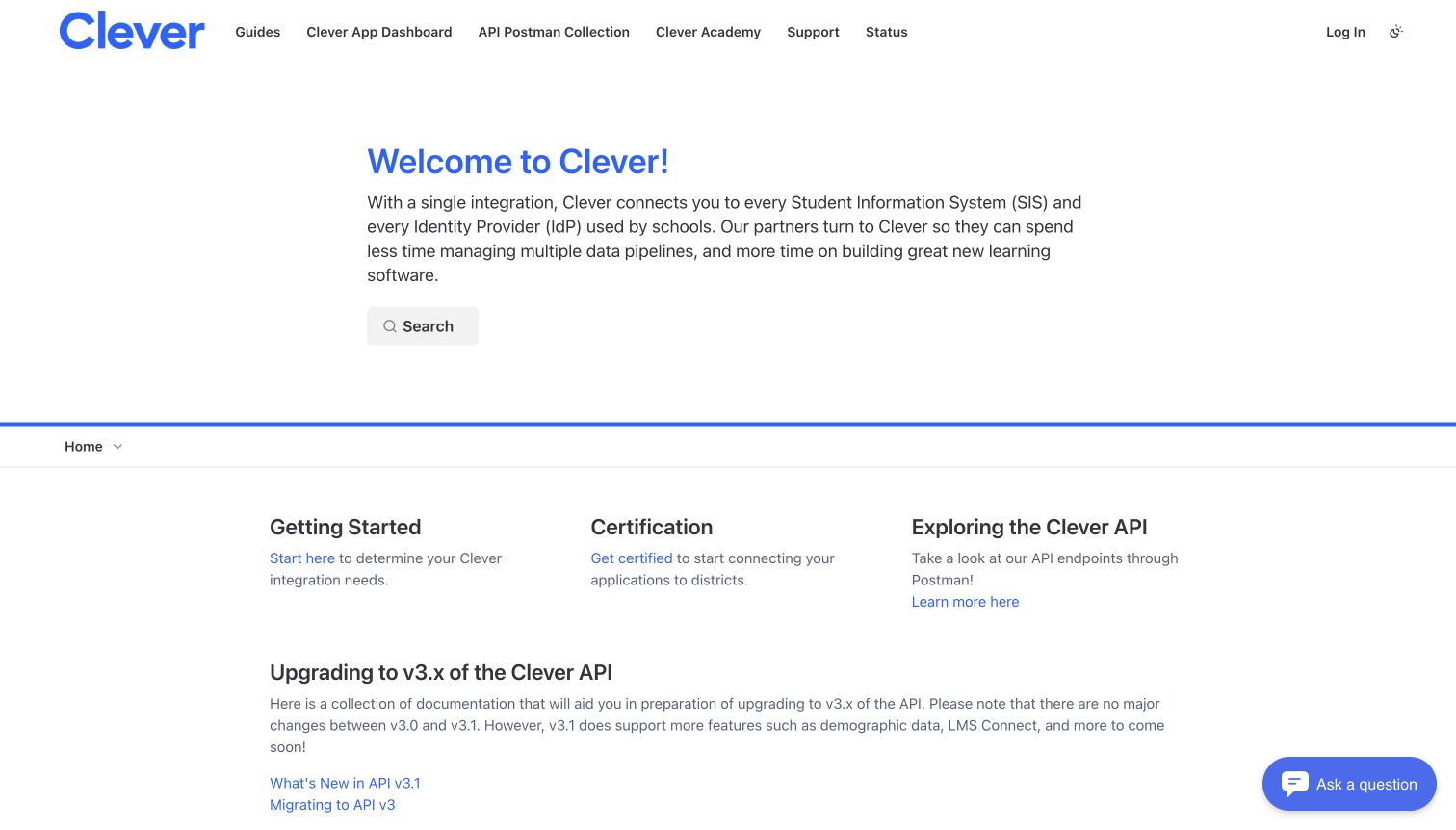
Clever uses a white homepage with blue accents and an unusually direct welcome statement. A search button sits beneath the introductory paragraph, followed by three columns for getting started, certification and API exploration. A separate migration section introduces version-three upgrade resources below. The top navigation includes the app dashboard, a Postman collection, academy, support and status, making the broader partner toolkit visible around the documentation.
What you can learn
If an integration has both technical and operational milestones, show them as separate destinations. Put the entry guide, readiness requirements and API exploration within the same orientation layer, while giving migrations their own clearly labeled section so existing partners are not forced through beginner onboarding again.
Pros
Certification is visibly distinguished from technical getting-started work, helping partners understand that these are different activities.
Migration resources have a dedicated section, acknowledging the needs of established integrations alongside brand-new partner projects.
Cons & considerations
If the introductory paragraph makes broad ecosystem claims, keep the actual coverage and eligibility details easy to verify in linked guidance.
If the partner-tool navigation grows further, a second grouping may be needed to keep documentation, training and account destinations distinguishable.
Platform source: Current public ReadMe application metadata and stylesheet. The captured public document inspected on 2026-11-06 declares meta[name="readme-deploy"] content="5.953.0" and meta[name="readme-subdomain"] content="clever-developers", and links ReadMe's application stylesheet https://cdn.readme.io/public/hub/web/main.ece18c952e1bd816db58.css. These current document/application markers identify this public documentation property; an image hosted on files.readme.io alone would not establish platform use. This observation does not identify the corporate website, the documented API's implementation or private services. Platform evidence is separate from the direct website screenshot and is not a complete current infrastructure audit.
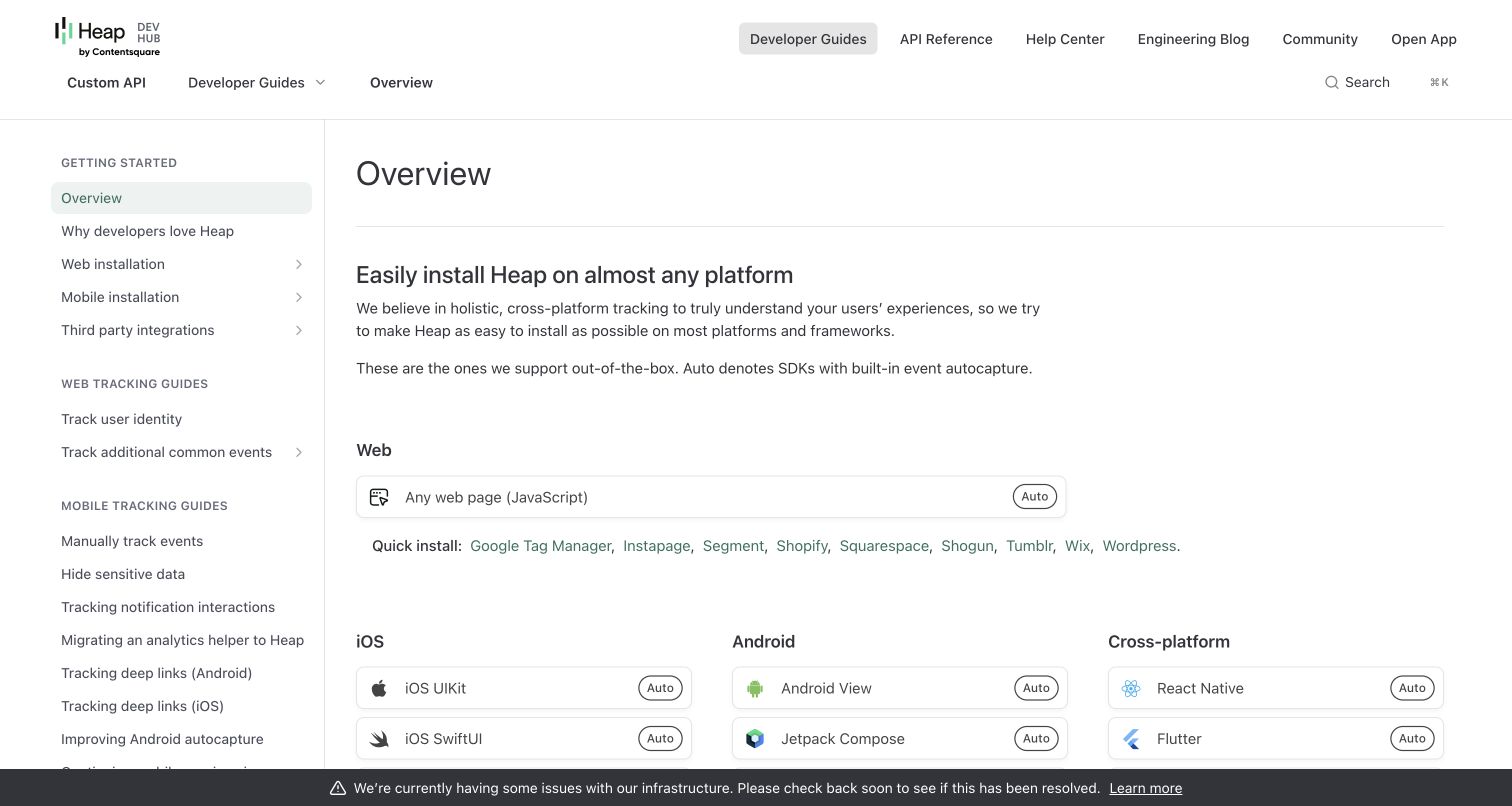
Heap's developer overview moves quickly from a page title into an installation matrix. A web row appears above columns for iOS, Android and cross-platform environments, with small Auto labels differentiating automatic-capture support. The left sidebar separates installation from web tracking and mobile tracking guides; privacy-related material such as hiding sensitive data is visible among the mobile topics. The header distinguishes developer guides, API reference and the help center.
What you can learn
When setup depends on platform, turn compatibility into a scannable comparison rather than describing every SDK in consecutive paragraphs. Explain capability badges near the matrix, and keep privacy guidance alongside implementation material.
Pros
The platform matrix makes web, mobile and cross-platform choices visible together, reducing the need to inspect each installation article.
Badges communicate a meaningful capability difference, while the surrounding paragraph explains what the label represents for SDK behavior.
Cons & considerations
If the matrix is difficult to reflow on narrow screens, platform labels and capability badges need to remain associated with each other.
If an operational notice persists, link it to useful current status information and avoid letting it obscure the lower installation choices.
Visible tech stack
Earlier / documented evidence
ReadMe
Platform source: Current public ReadMe application metadata and stylesheet. The captured public document inspected on 2026-11-06 declares meta[name="readme-deploy"] content="5.953.0" and meta[name="readme-subdomain"] content="heap", and links ReadMe's application stylesheet https://cdn.readme.io/public/hub/web/main.ece18c952e1bd816db58.css. These current document/application markers identify this public documentation property; an image hosted on files.readme.io alone would not establish platform use. This observation does not identify the corporate website, the documented API's implementation or private services. Platform evidence is separate from the direct website screenshot and is not a complete current infrastructure audit.
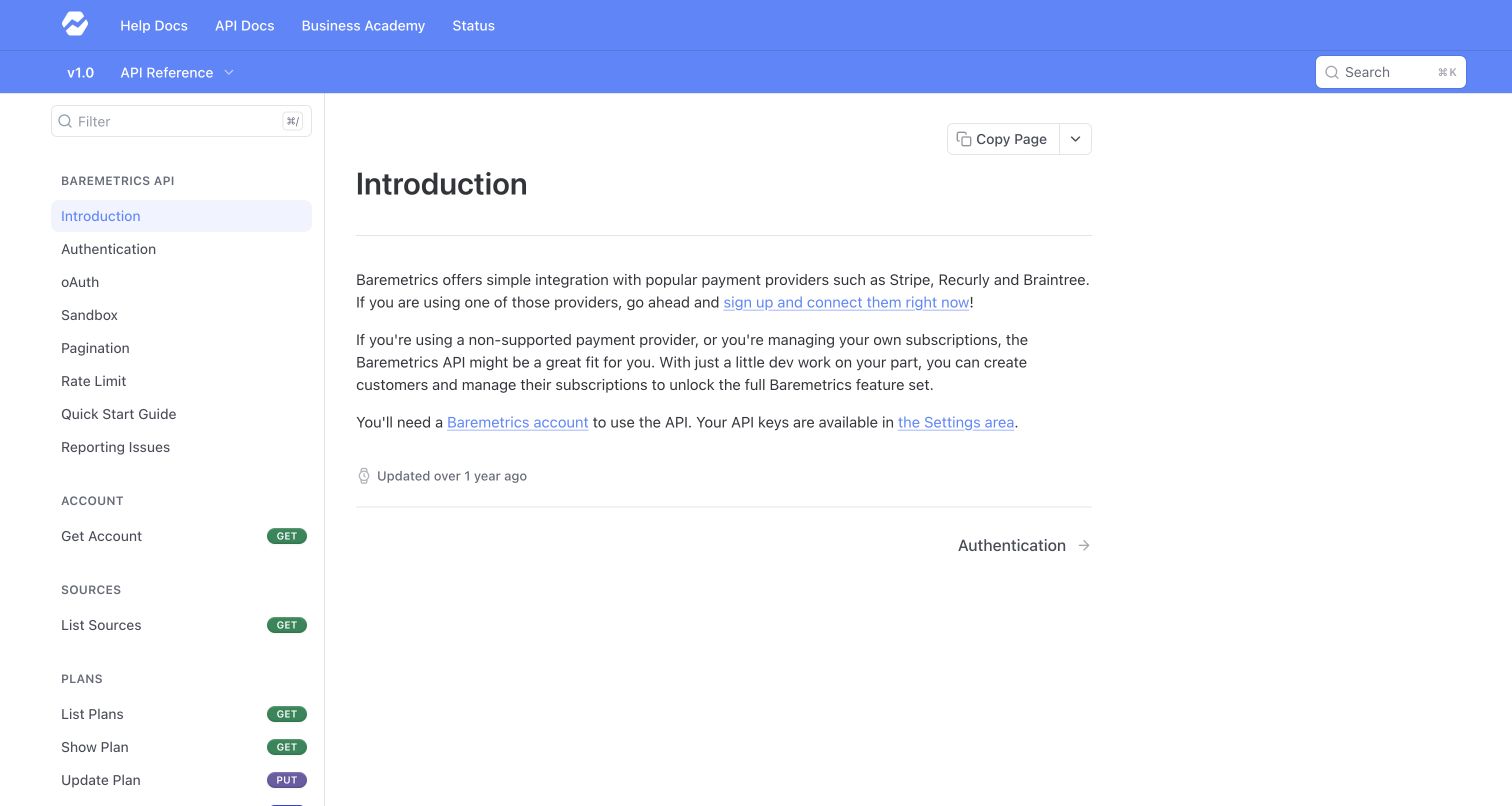
Baremetrics uses a blue two-row header over a plain reference workspace. The selected introduction is short: it explains when the API is relevant, points to account requirements and leads directly toward authentication. The left rail places OAuth, sandbox, pagination and rate limits before resource groups, then uses colored method badges to distinguish operations. A filter field appears above the reference tree.
What you can learn
For a focused API, a brief introduction can work well when the next steps are explicit. Put authentication, test environment and request conventions ahead of resource details, then let a filter and grouped operation names serve readers returning with a specific endpoint in mind.
Pros
Operational basics precede resource groups, making prerequisites easier to discover before a developer copies an isolated endpoint example.
The short article has a single next destination, avoiding competition among several unrelated calls to action.
Cons & considerations
If the API serves several integration models, a short introduction may need an additional decision guide before authentication.
If method badges are the only visible operation distinction, ensure the text labels remain understandable without relying on color.
Visible tech stack
Earlier / documented evidence
ReadMe
Platform source: Current public ReadMe application metadata and stylesheet. The captured public document inspected on 2026-11-06 declares meta[name="readme-deploy"] content="5.953.0" and meta[name="readme-subdomain"] content="baremetrics-api", and links ReadMe's application stylesheet https://cdn.readme.io/public/hub/web/main.ece18c952e1bd816db58.css. These current document/application markers identify this public documentation property; an image hosted on files.readme.io alone would not establish platform use. This observation does not identify the corporate website, the documented API's implementation or private services. Platform evidence is separate from the direct website screenshot and is not a complete current infrastructure audit.
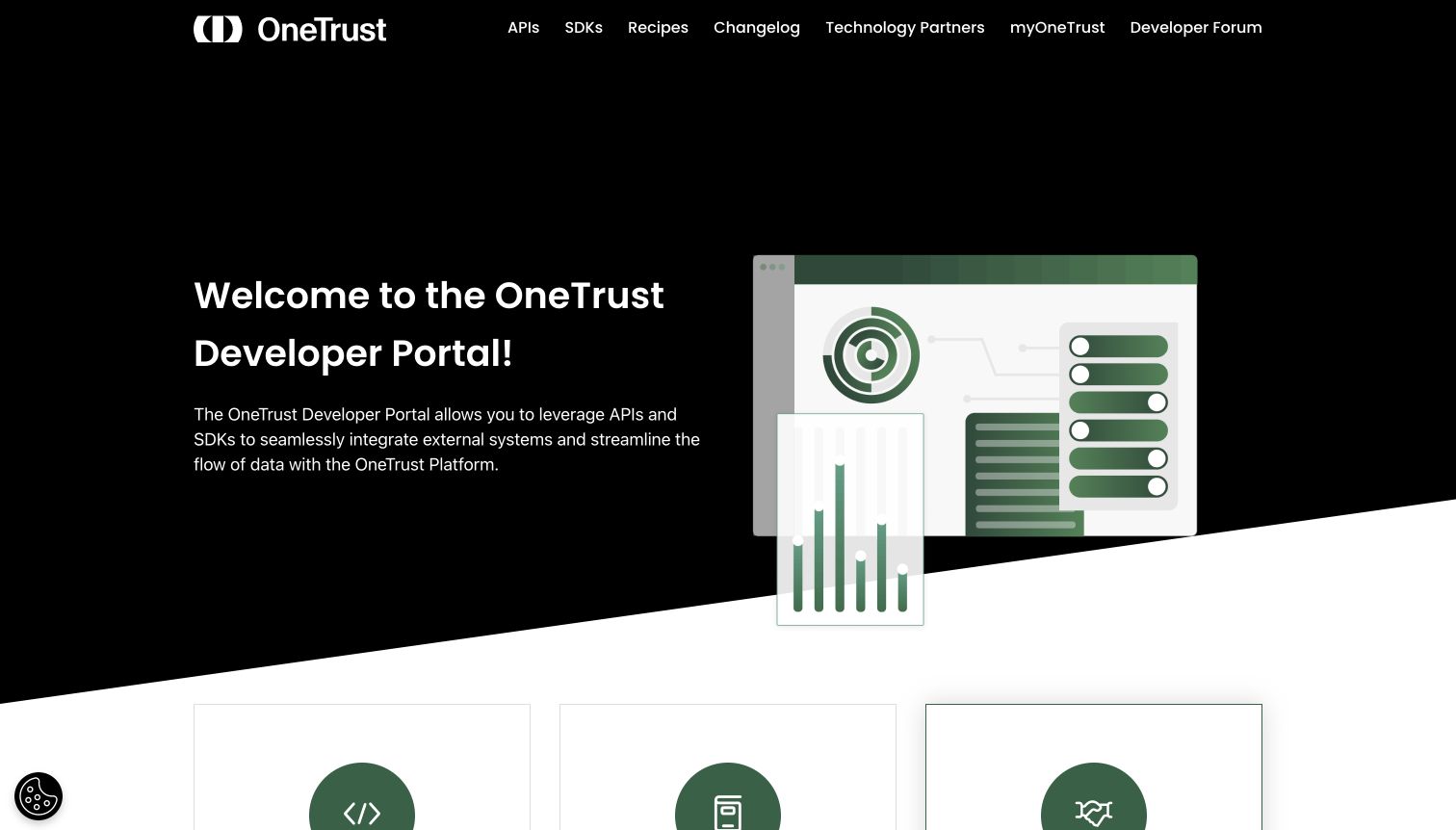
OneTrust's public developer homepage pairs white type on a black hero with a green product-style illustration. An angled transition leads into three entry cards for API reference, SDK reference and technology partners. The upper navigation also offers recipes, changelog, the account portal and developer forum. The design treats the developer property as an ecosystem entrance rather than a single API manual.
What you can learn
A platform gateway should explain the major ways people can extend the product before handing them a reference tree. Keep API and SDK routes separate when their setup differs, and label partner-program destinations clearly so an implementation task does not unexpectedly become a business-relationship workflow.
Pros
The API, SDK and partner entry points describe genuinely different activities rather than three variations of a generic getting-started link.
The visual language remains recognizably branded while ordinary navigation text provides a usable route into technical material.
Cons & considerations
If the large hero pushes all actionable cards below the fold, repeat the most important technical entry points in persistent navigation.
If community or account destinations require authentication, make that boundary understandable before readers leave the public documentation.
Visible tech stack
Earlier / documented evidence
ReadMe
Platform source: Current public ReadMe application metadata and stylesheet. The captured public document inspected on 2026-11-06 declares meta[name="readme-deploy"] content="5.953.0" and meta[name="readme-subdomain"] content="onetrust-group", and links ReadMe's application stylesheet https://cdn.readme.io/public/hub/web/main.ece18c952e1bd816db58.css. These current document/application markers identify this public documentation property; an image hosted on files.readme.io alone would not establish platform use. This observation does not identify the corporate website, the documented API's implementation or private services. Platform evidence is separate from the direct website screenshot and is not a complete current infrastructure audit.
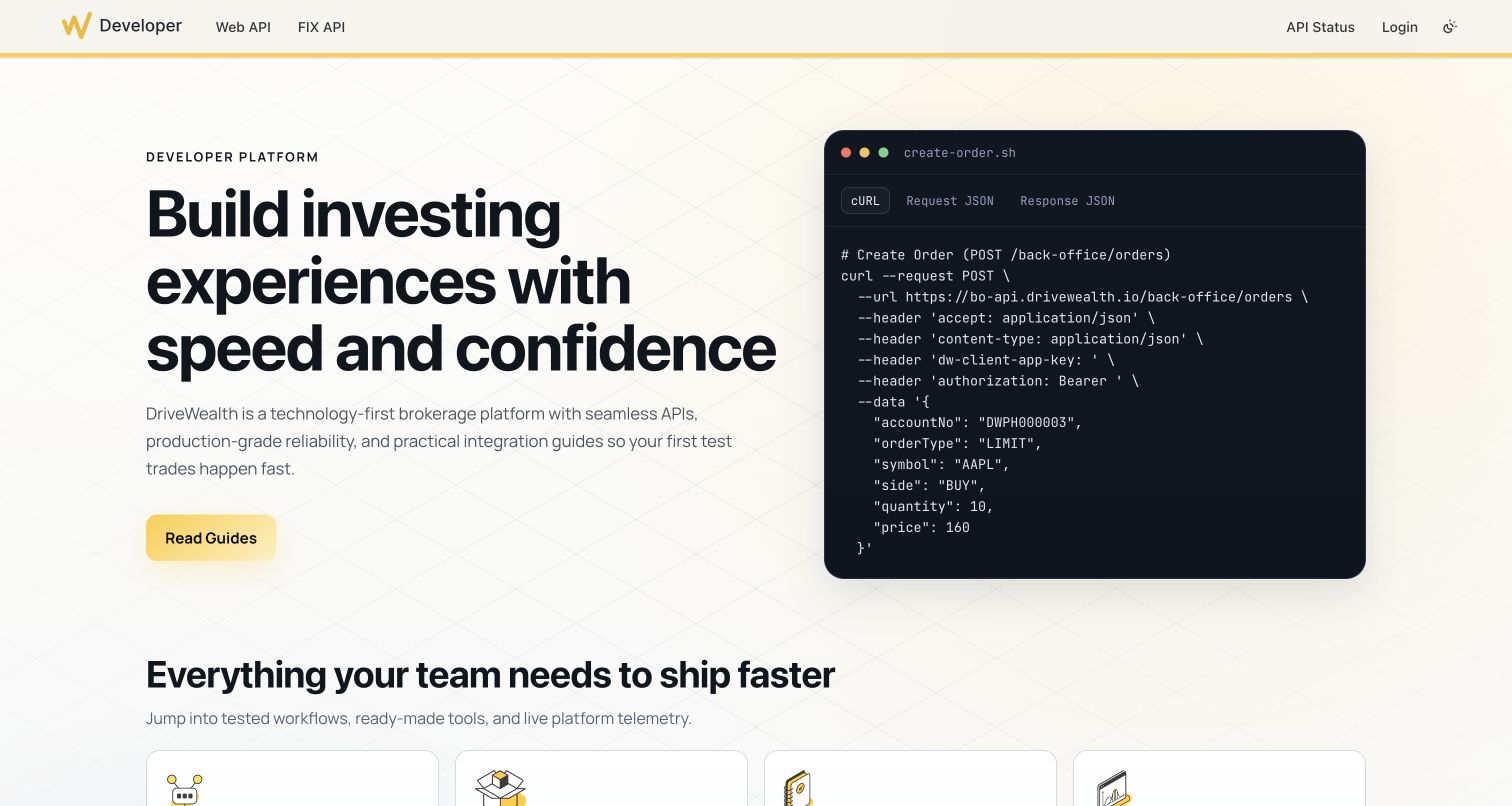
DriveWealth uses a cream-and-yellow, two-column hero. A large introductory headline and Read Guides button sit beside a dark code panel containing a sample order request. Tabs identify cURL, request JSON and response JSON views. Below, a developer-tool row provides routes to an MCP server, Postman collection, OpenAPI specification and service status. The header separates Web API from FIX API, exposing the protocol distinction.
What you can learn
A realistic request can make an API platform's purpose more concrete than a purely decorative illustration. Keep it clearly illustrative, with empty credential fields and a route to prerequisites. Separate protocol-specific guides early, and avoid suggesting that reading a homepage is enough to perform production transactions.
Pros
The adjacent code example gives developers a concrete sense of request structure while the main guide route remains easy to find.
Tool links gather schema, collection and status resources in one discovery layer rather than scattering them across setup articles.
Cons & considerations
If sample requests describe consequential actions, clearly distinguish examples and test environments from instructions to execute against production.
If a landing page makes speed or reliability promises, supporting operational detail should be separate from the visual demonstration.
Visible tech stack
Earlier / documented evidence
ReadMe
Platform source: Current public ReadMe application metadata and stylesheet. The captured public document inspected on 2026-11-06 declares meta[name="readme-deploy"] content="5.953.0" and meta[name="readme-subdomain"] content="drivewealth-enterprise-group", and links ReadMe's application stylesheet https://cdn.readme.io/public/hub/web/main.ece18c952e1bd816db58.css. These current document/application markers identify this public documentation property; an image hosted on files.readme.io alone would not establish platform use. This observation does not identify the corporate website, the documented API's implementation or private services. Platform evidence is separate from the direct website screenshot and is not a complete current infrastructure audit.
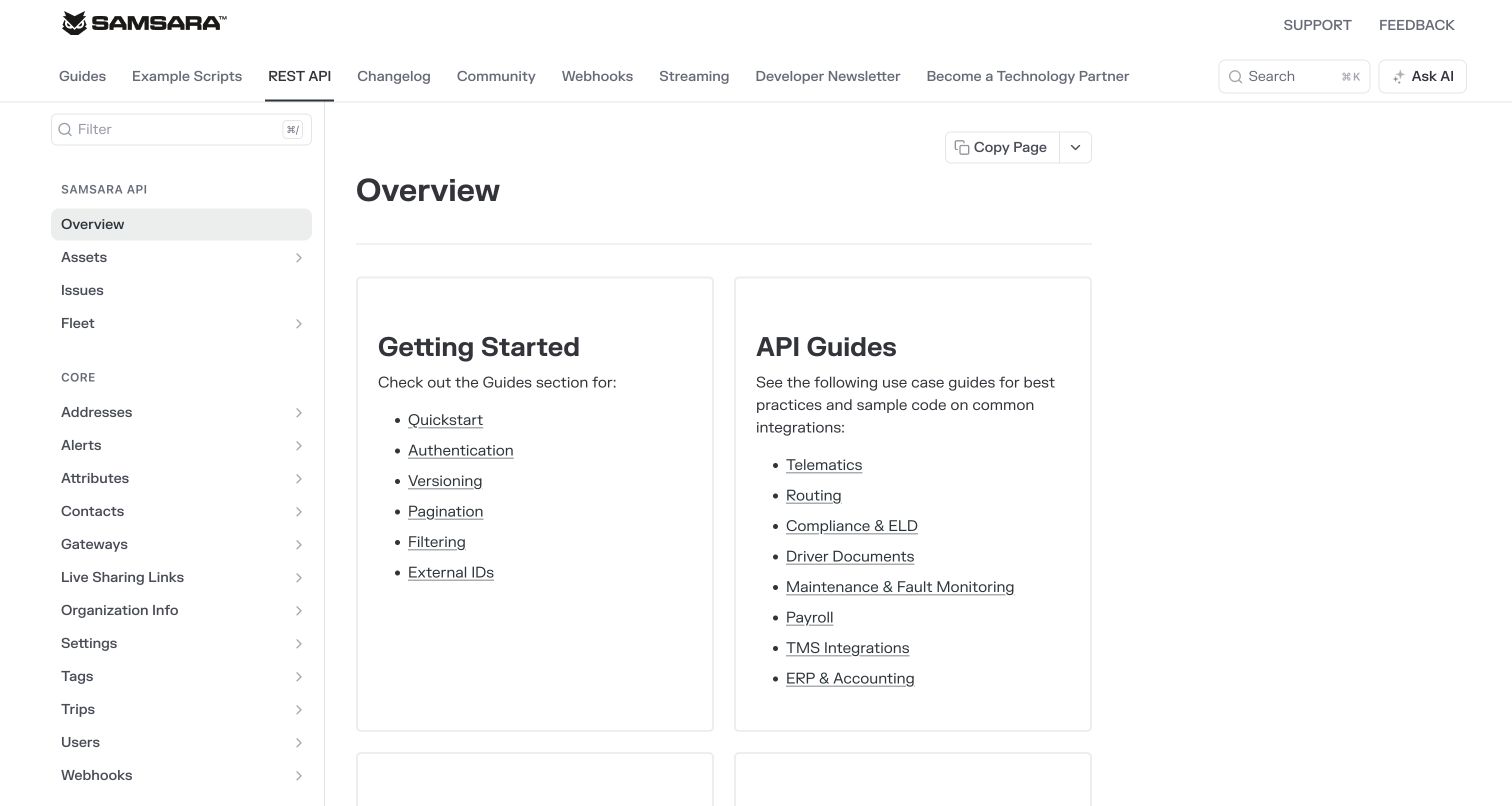
Samsara's reference overview uses two bordered content cards to distinguish getting-started foundations from use-case guides. Authentication, versioning and pagination sit alongside routes for telematics, routing, maintenance and other workflows. A filterable left rail organizes the much larger API catalogue into domain groups. The header separately exposes guides, example scripts, REST API, changelog, community, webhooks and streaming.
What you can learn
An API reference entrance should help developers decide whether they need foundational conventions or a domain workflow. A small curated set of guide links can support that choice, while the sidebar remains responsible for exact resource lookup. Avoid expecting a resource taxonomy alone to teach a real integration.
Pros
The overview distinguishes universal request conventions from domain-specific examples, giving different reader needs a clear starting point.
A filter field and grouped resource tree provide a direct lookup path alongside the curated onboarding cards.
Cons & considerations
If the resource catalogue keeps expanding, default expansion and grouping should prevent beta or legacy operations from overwhelming common tasks.
If many navigation links appear in one header row, smaller-screen behavior needs deliberate prioritization rather than simple compression.
Platform source: Current public ReadMe application metadata and stylesheet. The captured public document inspected on 2026-11-06 declares meta[name="readme-deploy"] content="5.953.0" and meta[name="readme-subdomain"] content="samsara-dev-rel", and links ReadMe's application stylesheet https://cdn.readme.io/public/hub/web/main.ece18c952e1bd816db58.css. These current document/application markers identify this public documentation property; an image hosted on files.readme.io alone would not establish platform use. This observation does not identify the corporate website, the documented API's implementation or private services. Platform evidence is separate from the direct website screenshot and is not a complete current infrastructure audit.
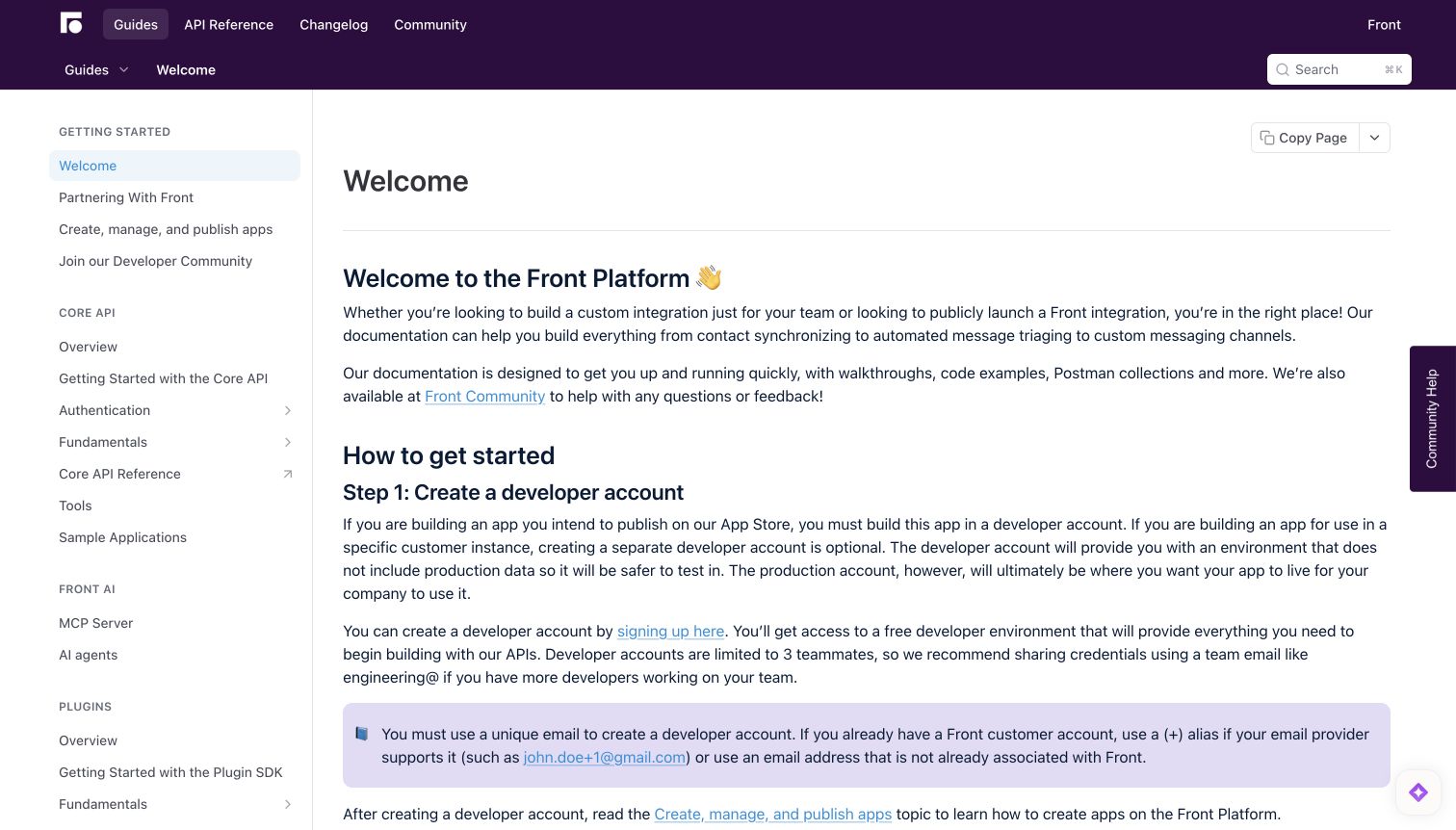
Front's welcome article places a practical distinction near the start: a private integration and a publicly launched integration do not follow exactly the same journey. The purple header separates guides, reference, changelog and community; the sidebar groups Core API, plugins and additional extension capabilities. The article proceeds through developer-account setup, partnership considerations and community participation. A colored note highlights an account-related prerequisite.
What you can learn
Explain distribution intent before prescribing setup. Public marketplace apps and internal integrations can require different accounts, review steps or partner relationships, so an introductory guide should tell readers which steps apply to them instead of presenting every requirement as universal.
Pros
The opening content distinguishes private and public integration goals, reducing ambiguity about why some later steps may be optional.
The page connects onboarding to community and reference destinations without removing the persistent capability-based sidebar.
Cons & considerations
If account guidance includes credential-sharing suggestions, teams should review it against their own access policies rather than copying it unquestioningly.
If every extension capability sits in one sidebar, newcomers may need a simpler chooser before exploring plugins, channels and connectors.
Platform source: Current public ReadMe application metadata and stylesheet. The captured public document inspected on 2026-11-06 declares meta[name="readme-deploy"] content="5.953.0" and meta[name="readme-subdomain"] content="front", and links ReadMe's application stylesheet https://cdn.readme.io/public/hub/web/main.ece18c952e1bd816db58.css. These current document/application markers identify this public documentation property; an image hosted on files.readme.io alone would not establish platform use. This observation does not identify the corporate website, the documented API's implementation or private services. Platform evidence is separate from the direct website screenshot and is not a complete current infrastructure audit.
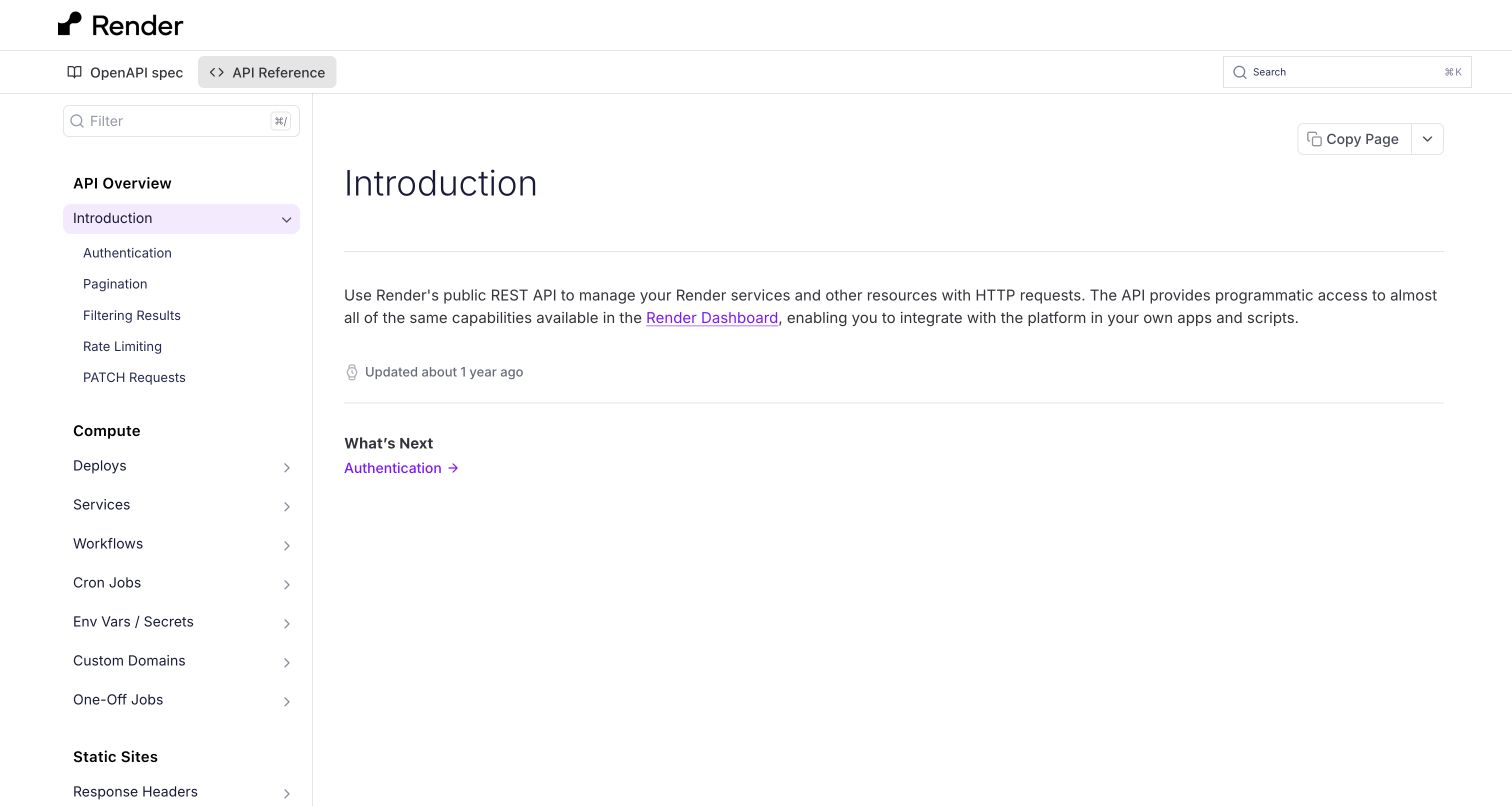
Render's API introduction is almost entirely functional. A black wordmark, OpenAPI-spec link and API Reference tab form the header, while the central article briefly explains the API's relationship to dashboard capabilities. An explicit Authentication link provides the next step. The left rail groups overview material separately from compute, static-site and datastore resources. Nested operations use familiar method labels once expanded, and a filter field sits above the tree.
What you can learn
A reference-focused entrance can be concise if it establishes scope, links the schema and names the immediate prerequisite. Put universal conventions before service groups, then let the resource tree do the detailed work. Resist filling empty space with marketing content when developers mainly need accurate navigation.
Pros
The OpenAPI specification is available from the persistent navigation, making the machine-readable contract easy to discover.
Authentication, pagination, filtering and rate limits are grouped before product resources rather than repeated as unrelated articles throughout the tree.
Cons & considerations
If new users arrive without infrastructure context, the brief introduction may need links to an explanatory guide outside the reference.
If many service families are added, the sidebar's grouping must remain understandable without requiring readers to expand each section experimentally.
Platform source: Current public ReadMe application metadata and stylesheet. The captured public document inspected on 2026-11-06 declares meta[name="readme-deploy"] content="5.953.0" and meta[name="readme-subdomain"] content="render-api", and links ReadMe's application stylesheet https://cdn.readme.io/public/hub/web/main.ece18c952e1bd816db58.css. These current document/application markers identify this public documentation property; an image hosted on files.readme.io alone would not establish platform use. This observation does not identify the corporate website, the documented API's implementation or private services. Platform evidence is separate from the direct website screenshot and is not a complete current infrastructure audit.
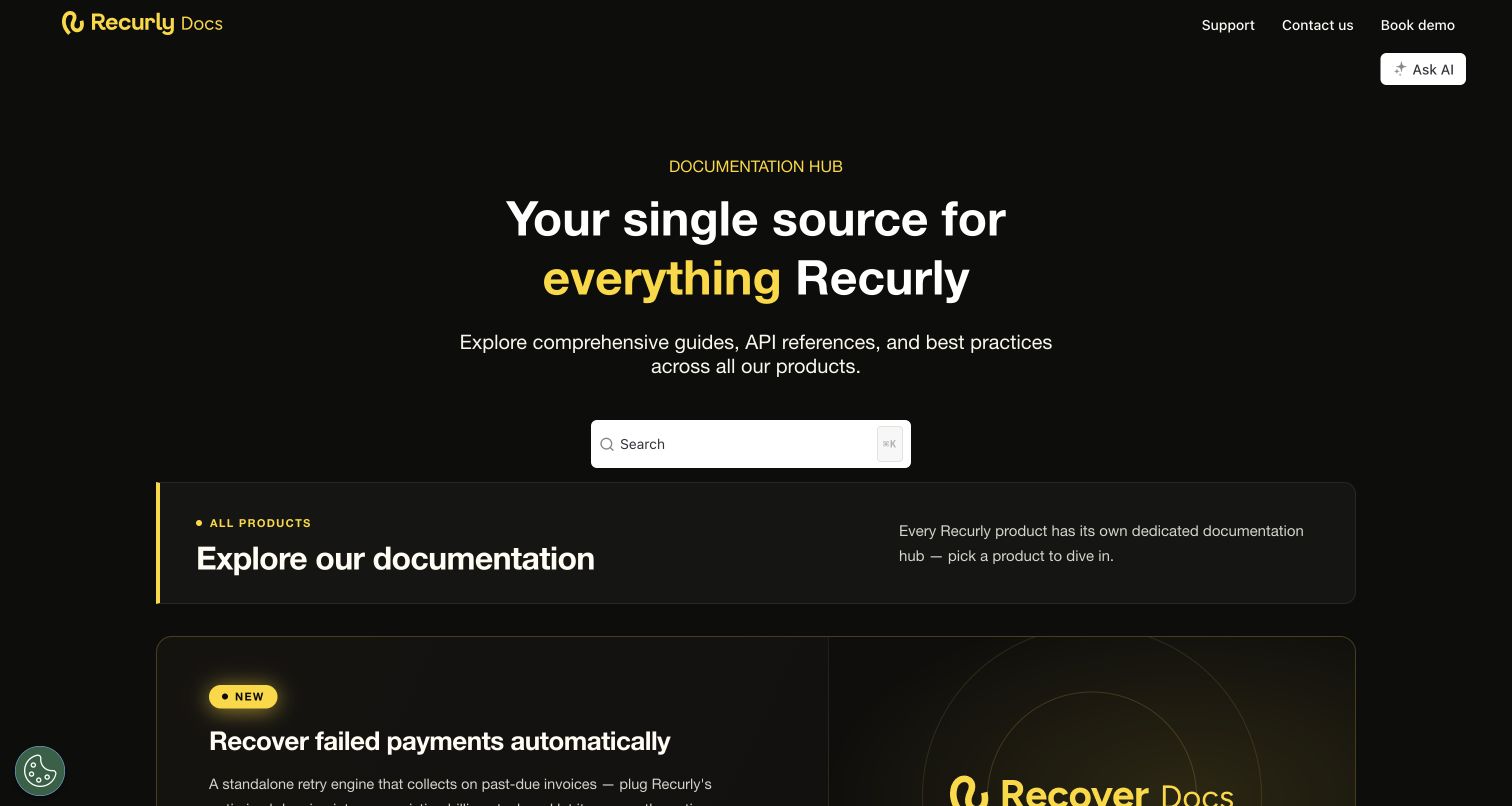
Recurly's documentation homepage uses a black background with yellow accents and a prominent centered search field. A short hero introduces the overall documentation hub, followed by a clearly labeled all-products area. Individual product panels route readers toward subscriptions, commerce, engagement, revenue recognition and payment recovery documentation. The design provides a suite-level directory. Support and contact destinations remain in the header.
What you can learn
For a suite of products, make the first decision about the product rather than its eventual endpoint or feature. Each panel should explain enough scope to help unfamiliar visitors choose correctly, while shared search supports people who already know the term they want to find.
Pros
The hub acknowledges separate product documentation projects instead of disguising a portfolio as one universal setup path.
The product panel descriptions provide context beyond logos, helping readers distinguish related offerings before entering deeper content.
Cons & considerations
If the opening product panel is much larger than later entries, it can make the directory feel like a launch campaign rather than a balanced chooser.
If suite-wide search blends products, result labels should preserve the product and version context needed to interpret each answer.
Visible tech stack
Earlier / documented evidence
ReadMe
Platform source: Current public ReadMe application metadata and stylesheet. The captured public document inspected on 2026-11-06 declares meta[name="readme-deploy"] content="5.953.0" and meta[name="readme-subdomain"] content="recurly-group", and links ReadMe's application stylesheet https://cdn.readme.io/public/hub/web/main.ece18c952e1bd816db58.css. These current document/application markers identify this public documentation property; an image hosted on files.readme.io alone would not establish platform use. This observation does not identify the corporate website, the documented API's implementation or private services. Platform evidence is separate from the direct website screenshot and is not a complete current infrastructure audit.
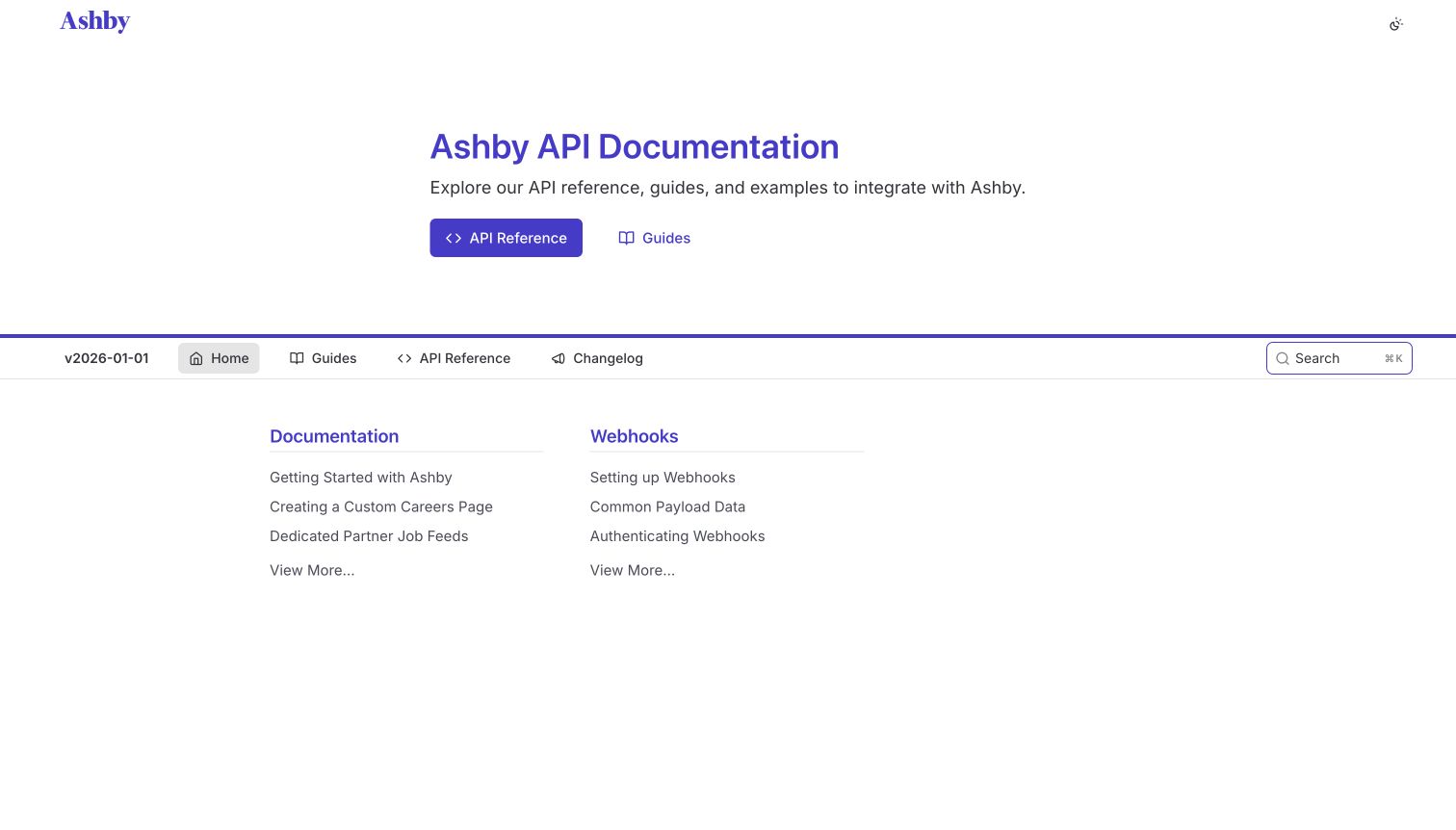
Ashby's homepage is a restrained white launchpad with purple typography and a compact explanation of the API documentation. Reference and Guides buttons provide the first choice. A navigation row below the hero shows a dated version label, Home, Guides, API Reference and Changelog. Two short link columns then distinguish general documentation from webhooks, exposing examples such as custom careers pages and webhook authentication.
What you can learn
A small documentation portal does not need a complex landing composition. Give readers a clear reference-versus-guide choice, expose the active version near navigation and highlight the integration subjects that deserve their own entry points. Use specific link names rather than filling the page with generic feature cards.
Pros
Webhook setup, payload data and authentication are grouped together, signaling that event delivery has its own implementation requirements.
The version label appears alongside persistent navigation, helping establish context before readers enter deeper reference material.
Cons & considerations
If the displayed version is not selectable, provide clear guidance elsewhere on compatibility and how to find older supported documentation.
If the portal grows beyond two link columns, retain the simple task hierarchy instead of adding an unstructured list of new subjects.
Visible tech stack
Earlier / documented evidence
ReadMe
Platform source: Current public ReadMe application metadata and stylesheet. The captured public document inspected on 2026-11-06 declares meta[name="readme-deploy"] content="5.953.0" and meta[name="readme-subdomain"] content="ashby", and links ReadMe's application stylesheet https://cdn.readme.io/public/hub/web/main.ece18c952e1bd816db58.css. These current document/application markers identify this public documentation property; an image hosted on files.readme.io alone would not establish platform use. This observation does not identify the corporate website, the documented API's implementation or private services. Platform evidence is separate from the direct website screenshot and is not a complete current infrastructure audit.
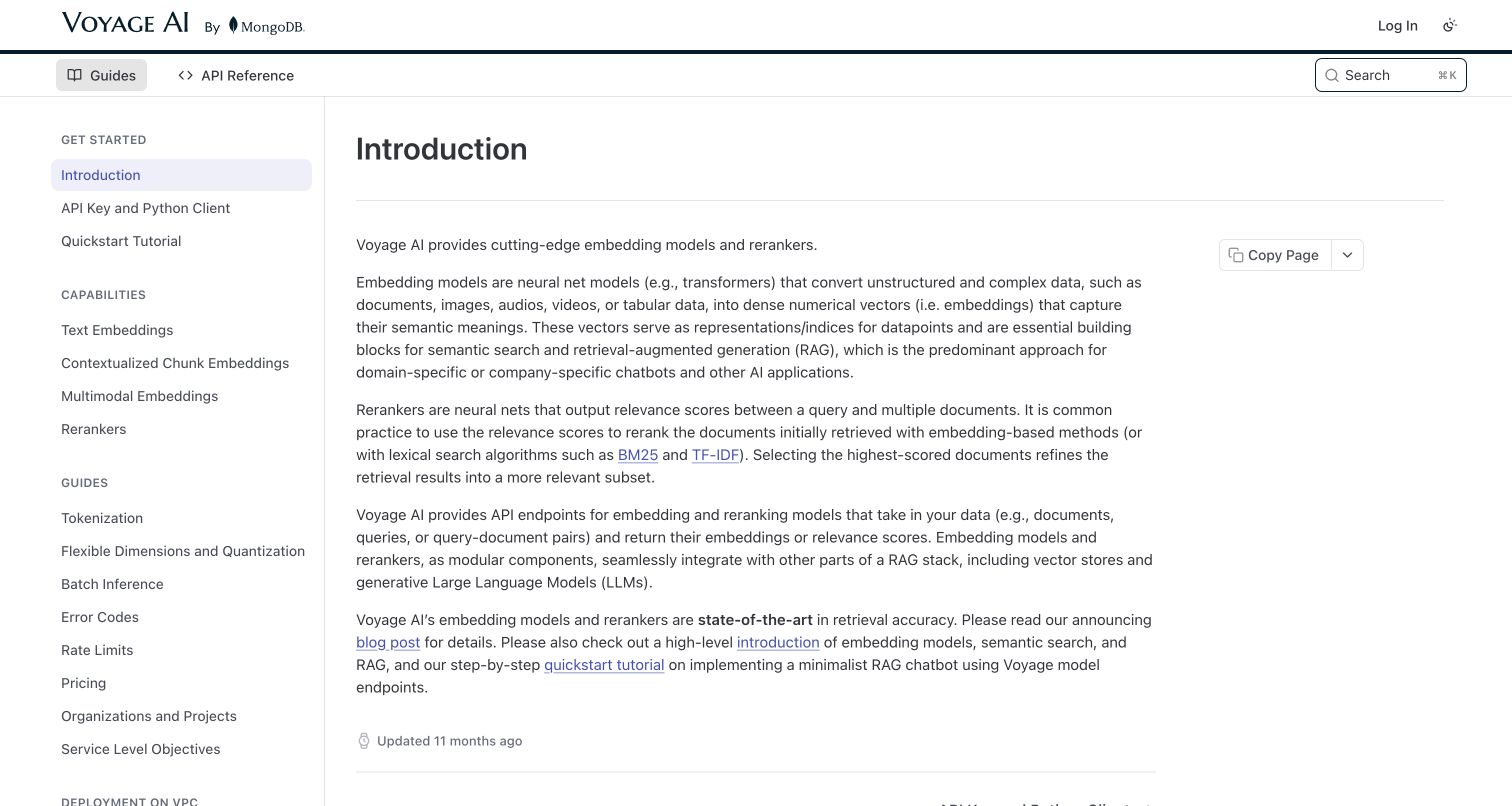
Voyage AI starts with a text-led introduction that explains embeddings and rerankers before sending readers to API-key and client setup. The header identifies the product and separates Guides from API Reference. The sidebar groups capabilities, implementation guides, deployment contexts, community resources and help. Inline links connect the explanation to a quick-start tutorial and background. The captured page also shows a last-updated indicator.
What you can learn
When a technical product has unfamiliar categories, a short conceptual introduction can prevent readers from choosing the wrong endpoint. Follow it with an unmistakable practical next step, and separate capabilities from deployment environment guidance so model selection and hosting decisions do not become one confusing taxonomy.
Pros
The introduction distinguishes the two model roles in written explanations before asking users to configure a client or obtain credentials.
Capabilities and deployment choices occupy separate sidebar groups, keeping different kinds of implementation decision from being mixed together.
Cons & considerations
If the introduction makes comparative model claims, attach dated evidence and avoid letting those claims replace concrete capability documentation.
If readers arrive ready to implement, keep the quick-start route prominent enough that the conceptual article does not become a mandatory detour.
Platform source: Current public ReadMe application metadata and stylesheet. The captured public document inspected on 2026-11-06 declares meta[name="readme-deploy"] content="5.953.0" and meta[name="readme-subdomain"] content="voyage-ai", and links ReadMe's application stylesheet https://cdn.readme.io/public/hub/web/main.ece18c952e1bd816db58.css. These current document/application markers identify this public documentation property; an image hosted on files.readme.io alone would not establish platform use. This observation does not identify the corporate website, the documented API's implementation or private services. Platform evidence is separate from the direct website screenshot and is not a complete current infrastructure audit.
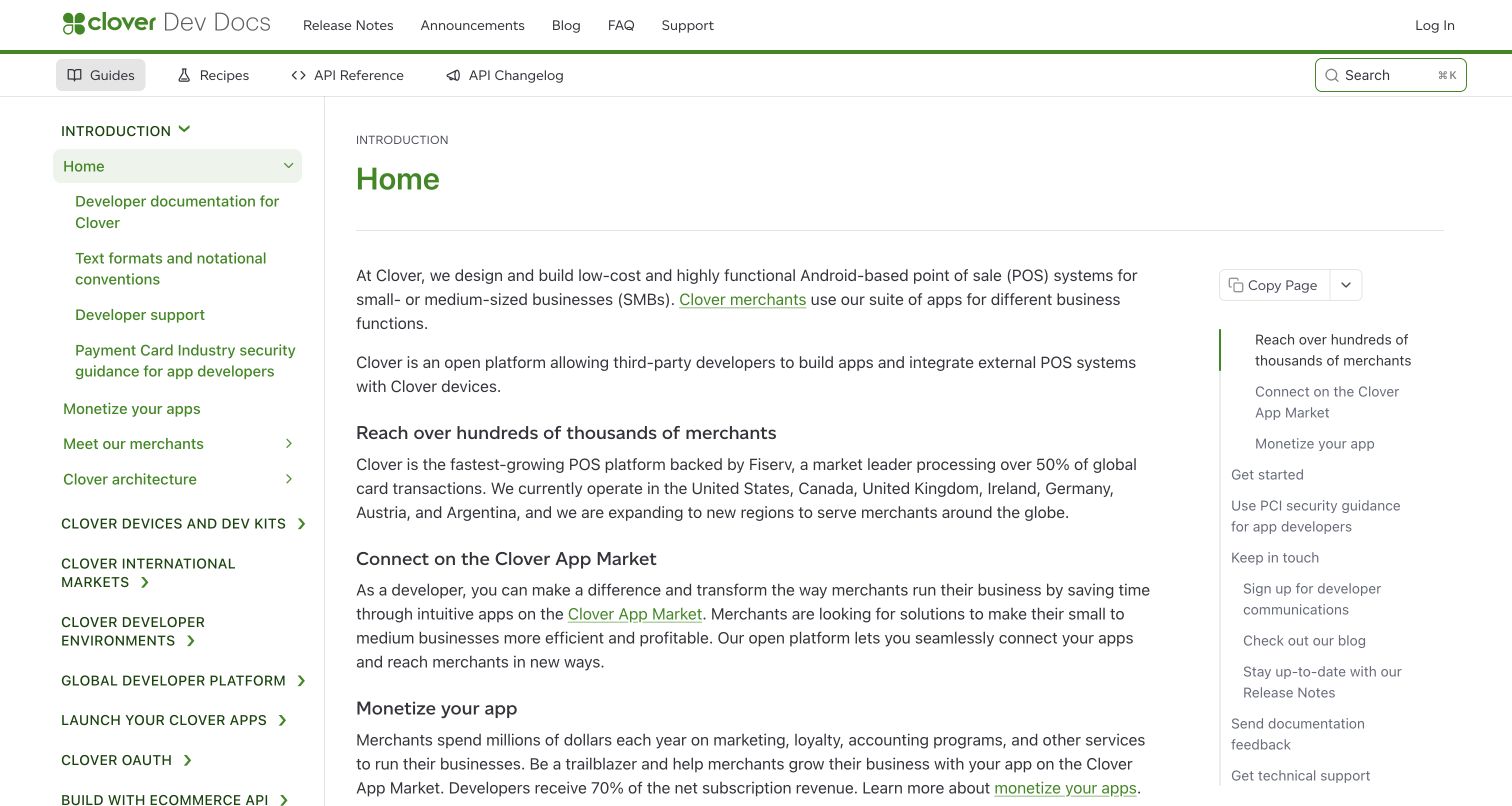
Clover's public documentation uses green accents across a broad platform handbook. The selected home article introduces the product ecosystem before linking to development environments and integration choices. A left rail groups device information, international markets, OAuth, ecommerce, REST APIs, Android and other integration families; a right-hand contents list maps the long introductory article. Guides, recipes, API reference and API changelog remain distinct in the header.
What you can learn
For a platform with hardware, geography and integration-type differences, establish those dimensions explicitly. Use a high-level handbook to explain the choices, then connect each path to the appropriate environment and reference material. Keep security guidance discoverable without implying that a documentation page alone establishes compliance.
Pros
The navigation acknowledges device, regional and integration differences rather than treating all developers as users of the same API path.
A separate article contents rail helps readers move through the long introduction without losing the broader platform navigation.
Cons & considerations
If many sidebar headings are simultaneously prominent, newcomers may struggle to identify the recommended first path without a compact decision guide.
If introductory content includes market-size or commercial claims, distinguish that context from the technical prerequisites needed to begin building.
Visible tech stack
Earlier / documented evidence
ReadMe
Platform source: Current public ReadMe application metadata and stylesheet. The captured public document inspected on 2026-11-06 declares meta[name="readme-deploy"] content="5.953.0" and meta[name="readme-subdomain"] content="clover-platform", and links ReadMe's application stylesheet https://cdn.readme.io/public/hub/web/main.ece18c952e1bd816db58.css. These current document/application markers identify this public documentation property; an image hosted on files.readme.io alone would not establish platform use. This observation does not identify the corporate website, the documented API's implementation or private services. Platform evidence is separate from the direct website screenshot and is not a complete current infrastructure audit.
Kegan has 15+ years of experience working with small businesses, Fortune 500 companies, and everything in between. No development job is too big or too small: he brings the same hands-on attention to a focused improvement, a complete website, or a custom application.
For ReadMe projects, he can help with content models, frontend integration, editorial workflows, migrations, and maintainable deployment. He works directly with clients on scope, design, implementation, testing, and handover, with an emphasis on clear communication and a system that remains practical to maintain after launch.
Show 3 other ReadMe developersHide other ReadMe developers
Miro, Asana, OpenSea and OneTrust explain the opportunity before opening detailed documentation. Use this when visitors need to understand different extension capabilities, but retain direct guide and reference routes for experienced developers.
A product or audience chooser
Gusto and Recurly require a meaningful product decision before setup. Short, specific descriptions can prevent readers from entering the wrong integration model. Give each choice an explicit destination rather than using several indistinguishable Get started buttons.
A working reference environment
Render, Baremetrics and Samsara prioritize resource lookup while keeping introductory conventions nearby. Provide authentication, test-environment and request-behavior guidance before a developer reaches an isolated operation, then connect endpoint details back to relevant workflows.
From references to requirements
Define publication ownership and the boundary between reading and action
Choose an editing workflow the team can maintain
ReadMe documents optional two-way synchronization with GitHub, GitLab and Bitbucket. Agree who reviews changes, how conflicts are handled and when publication occurs before connecting a repository. Pilot the workflow in an appropriate test project; do not change repository protections or grant integration access simply to make a tutorial succeed.
Separate public examples from consequential execution
Reference tools can send authenticated API requests. Label environments, example credentials and required permissions; make production effects unmistakable. Public design review can inspect instructions and request structure without creating accounts, accepting agreements, moving money or executing sample operations.
Test the combined documentation interface
Review keyboard use, zoom, narrow viewports, search, sidebar filtering, copy controls and long code samples. Include first-visit consent panels, status notices and floating assistants in those checks. A visual capture records one state; it does not establish accessibility conformance, operational reliability or the correctness of every integration example.
A useful handover demonstration
Ask the actual team to carry out its routine job: publish a realistic update, correct a mistake, preview a narrow screen, and identify who owns an integration failure. For a library or frontend framework, also ask who maintains the content source and deployment. A polished screenshot does not answer those operational questions.
Beyond the screenshot
ReadMe developer-portal planning checklist
Choose the first product, audience or setup-stage decision deliberately.
Keep conceptual guides and exact endpoint reference distinguishable.
Expose authentication, sandbox and request conventions before resource details.
Review stable operation identifiers before replacing API definitions.
Define default, public and deprecated documentation versions.
Assign reviewers and publication responsibilities for editor and repository changes.
Label account transitions and interactive API requests separately from ordinary reading.
Test consent, status notices and assistant controls alongside real article content.
Test with real content, a keyboard, a small screen, slow or failed requests, and the people who will maintain the system. These are planning checks, not an accessibility, security, performance, or search-ranking certification.
Sources & editorial method
How this ReadMe collection was reviewed
Twenty official public developer properties were opened, independently inspected and directly captured in an ordinary browser on November 6 UTC. Every captured document exposed ReadMe deployment metadata, a named project and the ReadMe hub application stylesheet. Files hosted on ReadMe's image CDN alone were not accepted as platform evidence. Amazon's original documentation URL redirected to its current .amazon property, whose actual final URL is recorded. The NVIDIA candidate was excluded because its blocking consent interface tied any button to terms acceptance; Atelio was excluded after a TLS connection failure, without bypass. Reviews describe visible information architecture and design rather than adopting customer-story outcome metrics, product marketing claims or financial or security assurances. No account, assistant, API, purchase or booking workflow was submitted.
Every image is an unmodified capture from the actual website, with its source and capture date. Some captures are reused from our shared catalog; their dates remain the original capture dates. None comes from a vendor gallery or a generated reconstruction. Moving imagery and live content can change.
Technology attribution uses public page assets or metadata, official platform documentation, or a cited first-party project case study. Documentary and framework-relationship evidence is identified where used; it is not a complete current backend inventory. A CMS image CDN alone does not establish a full CMS deployment. A library’s presence does not prove which individual controls use it, and a platform label does not establish AI authorship.
The composition notes, lessons, pros and tradeoffs are original editorial observations. We have not measured conversion, traffic, security, performance or accessibility conformance. Website owners retain their brands and imagery; these examples are not our client portfolio. Written, Edited and Curated are independent records, not dates advanced by a build. See our editorial standards or suggest a correction.
Questions worth asking
ReadMe website development FAQs
Does a ReadMe customer logo prove a whole website uses the platform?
No. A customer logo is not scoped implementation evidence. This collection records current public application markers on each exact captured documentation property. An official customer story can support that scope, but does not establish the company's corporate website, product application or private infrastructure.
Can a ReadMe portal look different from a standard reference page?
Yes. The captured collection includes customized developer homepages, multi-product gateways and conventional article layouts. Treat those as examples of composition and information architecture, not a promise that every appearance or feature is included in every product plan.
Should all documentation content share the same version?
Plan this by content type. ReadMe's official guidance says guides, recipes and reference are versioned, while landing pages, discussions and changelog persist across versions. Check the reader-facing context and defaults so a shared entrance does not imply that old and current instructions are interchangeable.
Is reading a request example the same as safely testing it?
No. A request can create, modify or delete real resources when executed with credentials. Establish a suitable test environment, permissions and expected effects first. This research examined public pages without submitting requests or exercising authenticated APIs.
Use ReadMe to publish a developer experience with clear choices, trustworthy scope and maintained examples. A polished gateway matters most when it leads to the right instructions and remains useful after the first integration.