Best GitBook Websites of 2026 (20 Real-World Examples)
Twenty verified public documentation portals showing how product scope, implementation paths and content lifecycle shape a useful developer experience.
A good documentation site makes the right instruction easier to find and harder to misapply. These GitBook examples demonstrate that through version choices, audience boundaries, task routes, explicit archives and concrete first steps—not merely a familiar sidebar.
The collection begins with Zoom, Snyk, Sonar, Verifone and Mozilla.ai, selected as recognizable brands with primary customer-hub support and direct evidence on the exact documentation properties shown. Every example directly exposed GitBook’s API and static documentation application runtime during browser inspection. That association is specific to the named portal; it does not identify the technology of the organization’s corporate website, app or protected services.
The examples span technical libraries, developer hubs, help centers, open-source manuals and integration references. Study how they distinguish tutorials from reference, current products from archives, and public orientation from authenticated resources. The same platform shell can support very different information architectures. A useful choice depends on who is reading, what they already know and which assumptions could make an instruction unsafe or wrong.
Before the examples
What makes good GitBook website development in 2026?
Identify the exact property and implementation evidence
The official GitBook customer hub provides primary discovery and brand-association context. Each included public portal independently exposed GitBook’s API and static application runtime, so this collection does not rely on a customer logo or a delivered image alone. Keep the documentation URL, inspection date and capture provenance with the example; do not extend the evidence to the entire organization’s stack.
Sonar exposes product and server-release choices, Immuta names SaaS scope and self-managed versions, and Keycloakify puts version and framework context near its quickstart. These choices matter because an otherwise correct instruction can fail in the wrong environment. Document permissions, deployment model, release and dependencies before presenting commands or configuration changes.
Gensyn separates active tools from an explicitly inactive testnet archive. Snyk acknowledges an interface transition. Argos distinguishes publicly available source from supported hosting. These observed disclosures help readers judge applicability; they are not claims that the platform automatically keeps instructions correct. Ownership, review and retirement remain part of the documentation operating model.
Each review concerns the named public documentation property in its genuine browser capture. The opening five have explicit primary-source brand rationales; the remaining examples broaden the tasks, audiences and implementation patterns without claiming that a shared platform guarantees the same results.
We start with five recognizable brands or organizations: Zoom Technical Library, Snyk User Docs, Sonar Documentation, Verifone Documentation Portal, Mozilla.ai Docs — any-llm. Each attribution applies to the named website property, not every product or website belonging to its organization. This is a curated reading sequence, not a measured ranking.
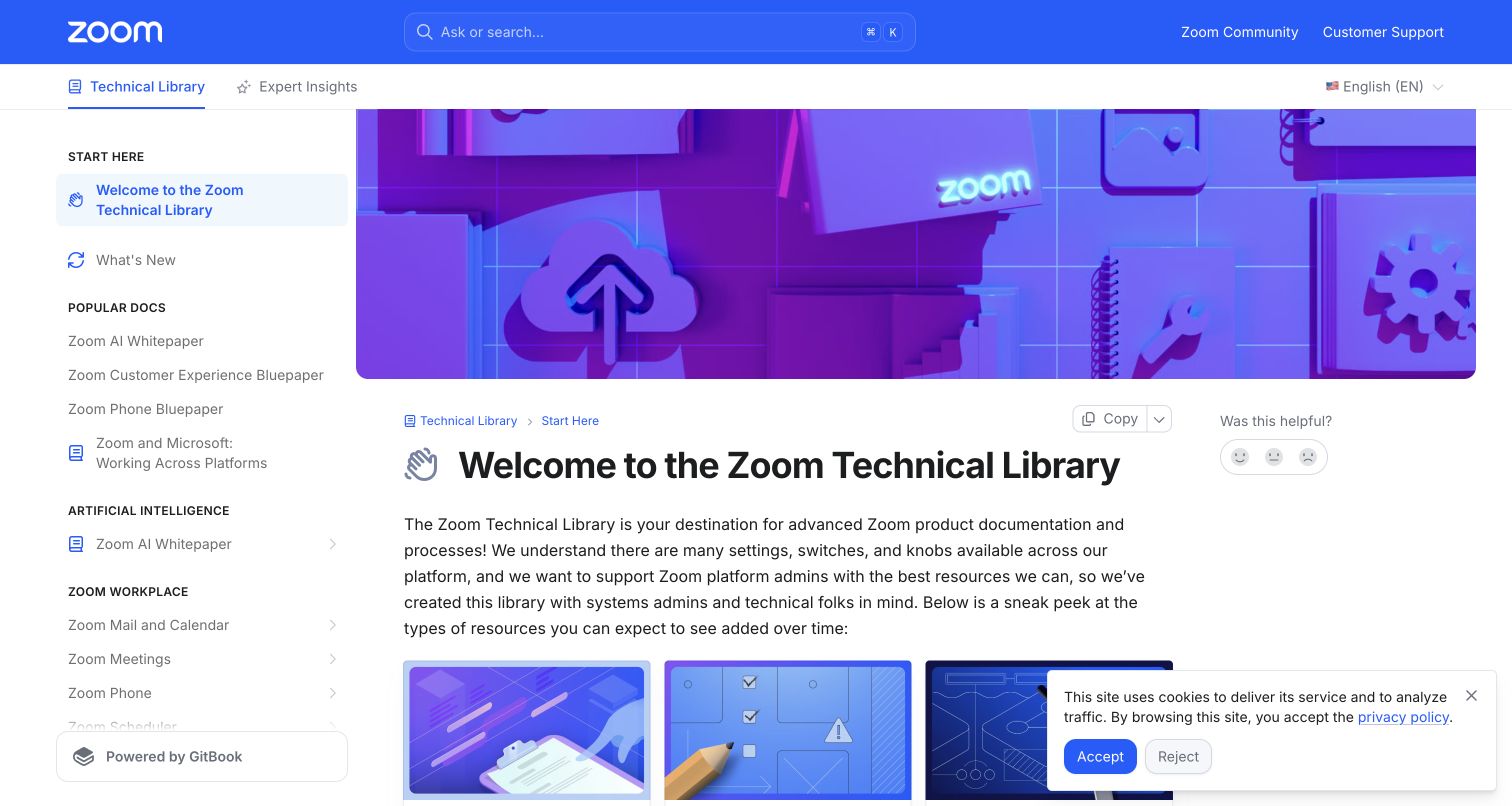
Zoom’s Technical Library announces a specific audience: systems administrators and technical readers. Its blue header, branded cover and persistent product sidebar connect the library to Zoom without presenting it as the ordinary customer-support portal. The introduction explains three document types—short explainers, deployment-oriented field guides and deeper bluepapers—before readers choose a product. Community and customer support remain separate header destinations. The useful design decision is not merely the large product catalog; it is explaining what kind of reading experience a technical visitor can expect from each resource.
What you can learn
Name the audience and the document formats when a library mixes conceptual, procedural and architectural material. Keep general support separate from advanced deployment guidance, and let readers choose a depth that matches the decision they need to make.
Pros
Document-type explanations clarify the difference between a scannable introduction and an in-depth implementation resource.
Community and customer-support links remain distinct from the administrator-focused technical library.
Cons & considerations
If readers only need a quick fix, the branded cover and welcome text delay direct procedural content.
If products appear in several sidebar groups, maintainers need clear canonical paths to prevent duplicate guidance.
Platform source: WordPress.org Showcase. Direct browser inspection of this exact public documentation property recorded api.gitbook.com and the GitBook-rendered site runtime at https://static-2v.gitbook.com/_next/static/css/cc3667f784452f1a.css?dpl=p-09a8310c9da7cbdd28edef3852fe8c. Together these identify the GitBook documentation application rather than media delivery alone. The association is scoped to this named portal, not the company’s corporate frontend or authenticated product. Platform evidence is separate from the direct website screenshot and is not a complete current infrastructure audit.
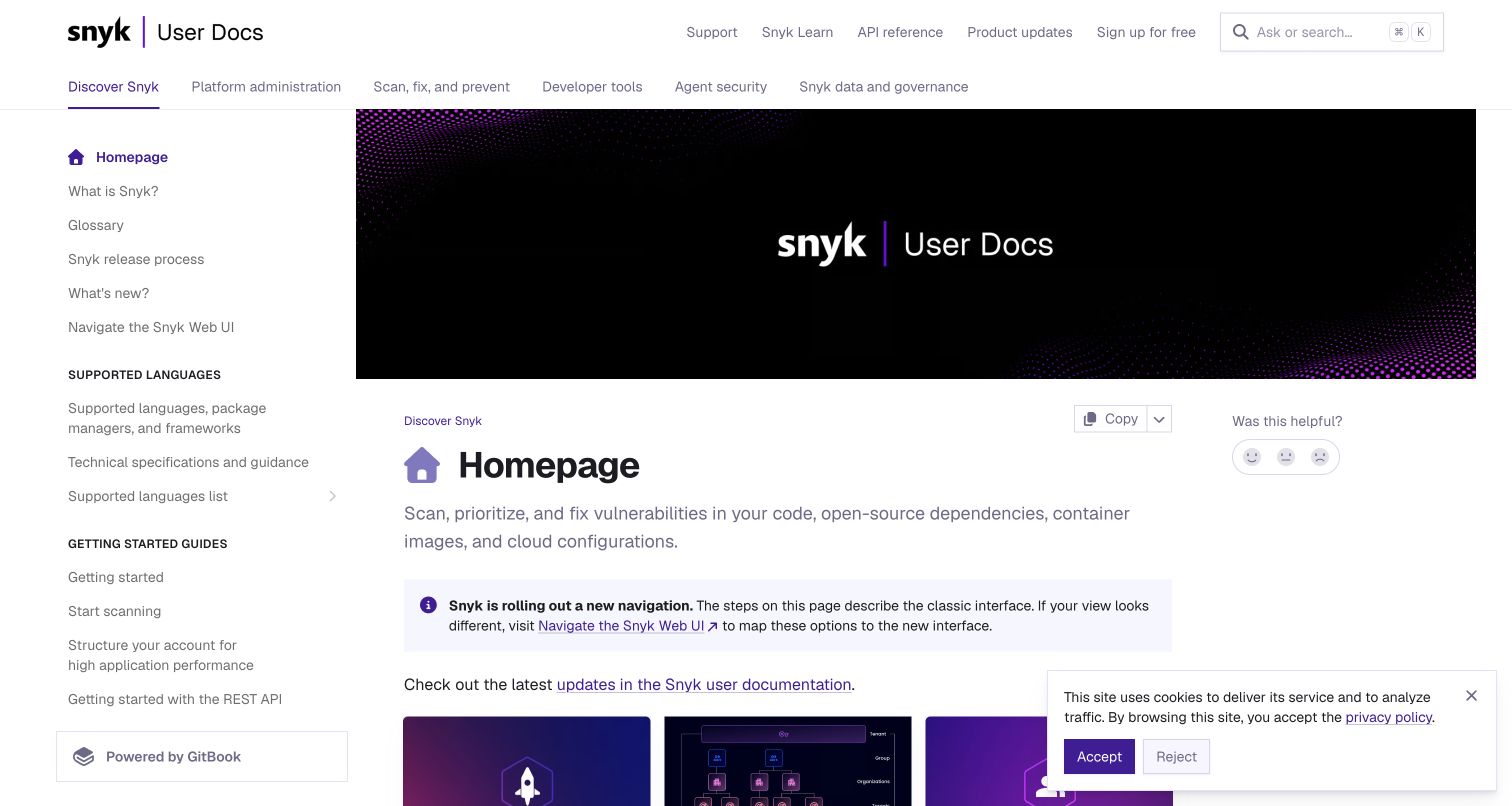
Snyk’s documentation home combines a persistent sidebar with top-level areas for discovery, administration, remediation, developer tools, agent security and governance. A notice explicitly warns that the page describes the classic interface and links to guidance for the new navigation. Below the introduction, task cards distinguish first scans, platform setup and development integrations. The transition notice is particularly instructive: a technically correct instruction can still fail if the reader’s interface no longer matches it. The portal acknowledges that context before readers invest time in the wrong navigation path.
What you can learn
Treat interface version as part of an instruction’s prerequisites. When navigation changes, provide a clear mapping instead of silently editing some pages while leaving others ambiguous. Separate administration, everyday developer work and governance because their access and goals differ.
Pros
The navigation-change notice identifies the mismatch and points to an explanatory route before detailed instructions.
Developer tools, platform administration and governance have separate top-level areas rather than one oversized setup guide.
Cons & considerations
If the migration notice remains after the transition, it can become stale context that confuses newer users.
If supported-language lists grow, the sidebar needs deliberate hierarchy to avoid overwhelming a first-time reader.
Platform source: WordPress.org Showcase. Direct browser inspection of this exact public documentation property recorded api.gitbook.com and the GitBook-rendered site runtime at https://static-2v.gitbook.com/_next/static/css/cc3667f784452f1a.css?dpl=p-09a8310c9da7cbdd28edef3852fe8c. Together these identify the GitBook documentation application rather than media delivery alone. The association is scoped to this named portal, not the company’s corporate frontend or authenticated product. Platform evidence is separate from the direct website screenshot and is not a complete current infrastructure audit.
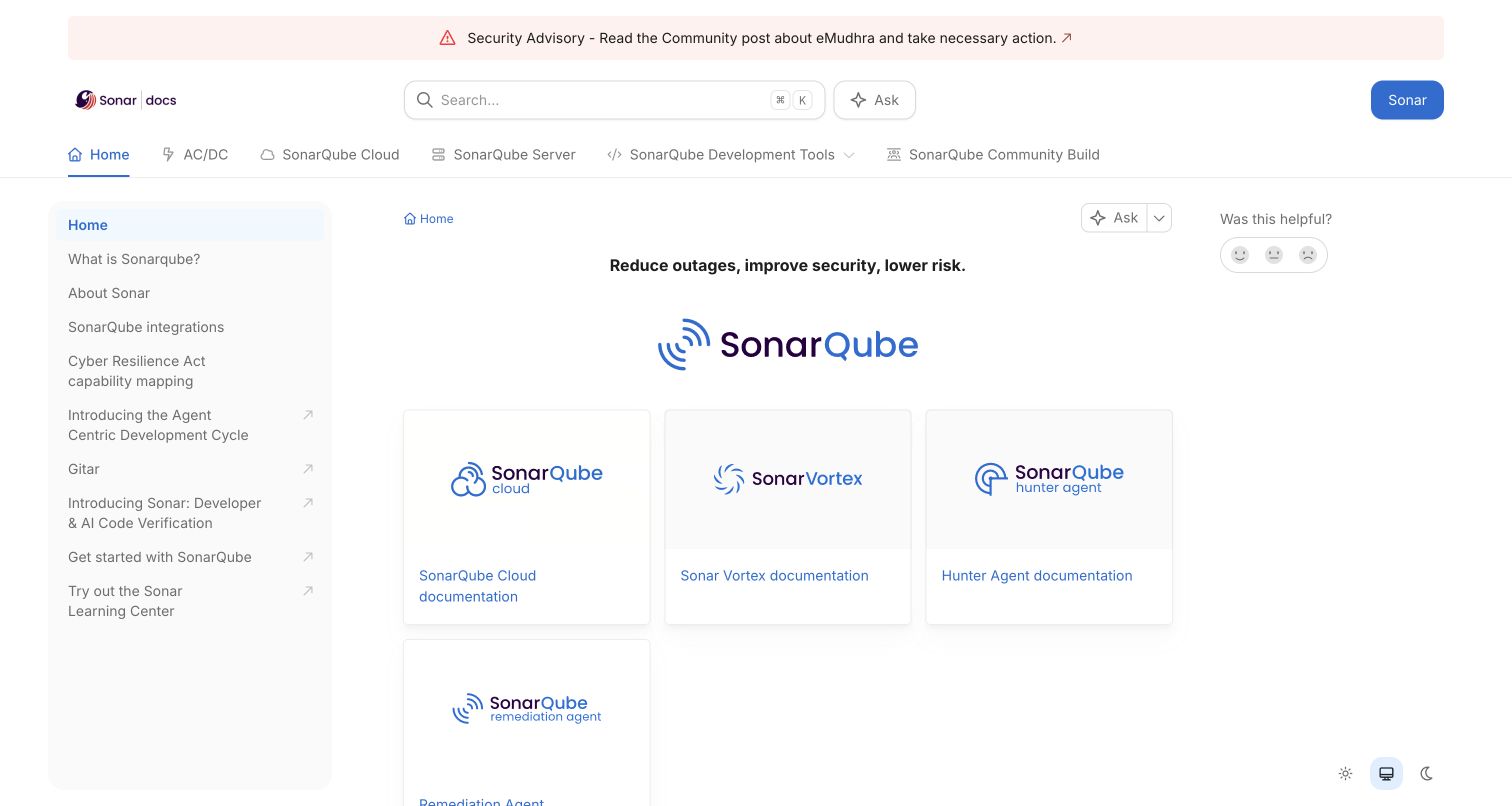
Sonar’s documentation home acts as a router rather than a long tutorial. Product cards distinguish cloud, agent tools and multiple server long-term-active versions, while other destinations cover the CLI and individual development environments. A security advisory occupies a separate strip above the main header. Search and Ask appear as different controls, and the left rail contains product background and integration topics. The important pattern is explicit scope: a reader should select the right product and release before following an instruction that may not apply to another deployment.
What you can learn
Make product and release context visible before presenting configuration steps. Keep urgent advisories separate from the durable documentation tree, and distinguish reference navigation from an assistant interface so readers can choose an appropriate way to find information.
Pros
Server release choices are named explicitly rather than hidden behind a generic latest-documentation link.
Cloud, command-line and editor-specific documentation are separate destinations in the portal’s product model.
Cons & considerations
If similar product logos dominate the cards, readers may need stronger descriptions to distinguish adjacent offerings.
If releases multiply, old-version entry points require clear support-status labels and an orderly archive strategy.
Platform source: WordPress.org Showcase. Direct browser inspection of this exact public documentation property recorded api.gitbook.com and the GitBook-rendered site runtime at https://static-2v.gitbook.com/_next/static/css/cc3667f784452f1a.css?dpl=p-09a8310c9da7cbdd28edef3852fe8c. Together these identify the GitBook documentation application rather than media delivery alone. The association is scoped to this named portal, not the company’s corporate frontend or authenticated product. Platform evidence is separate from the direct website screenshot and is not a complete current infrastructure audit.
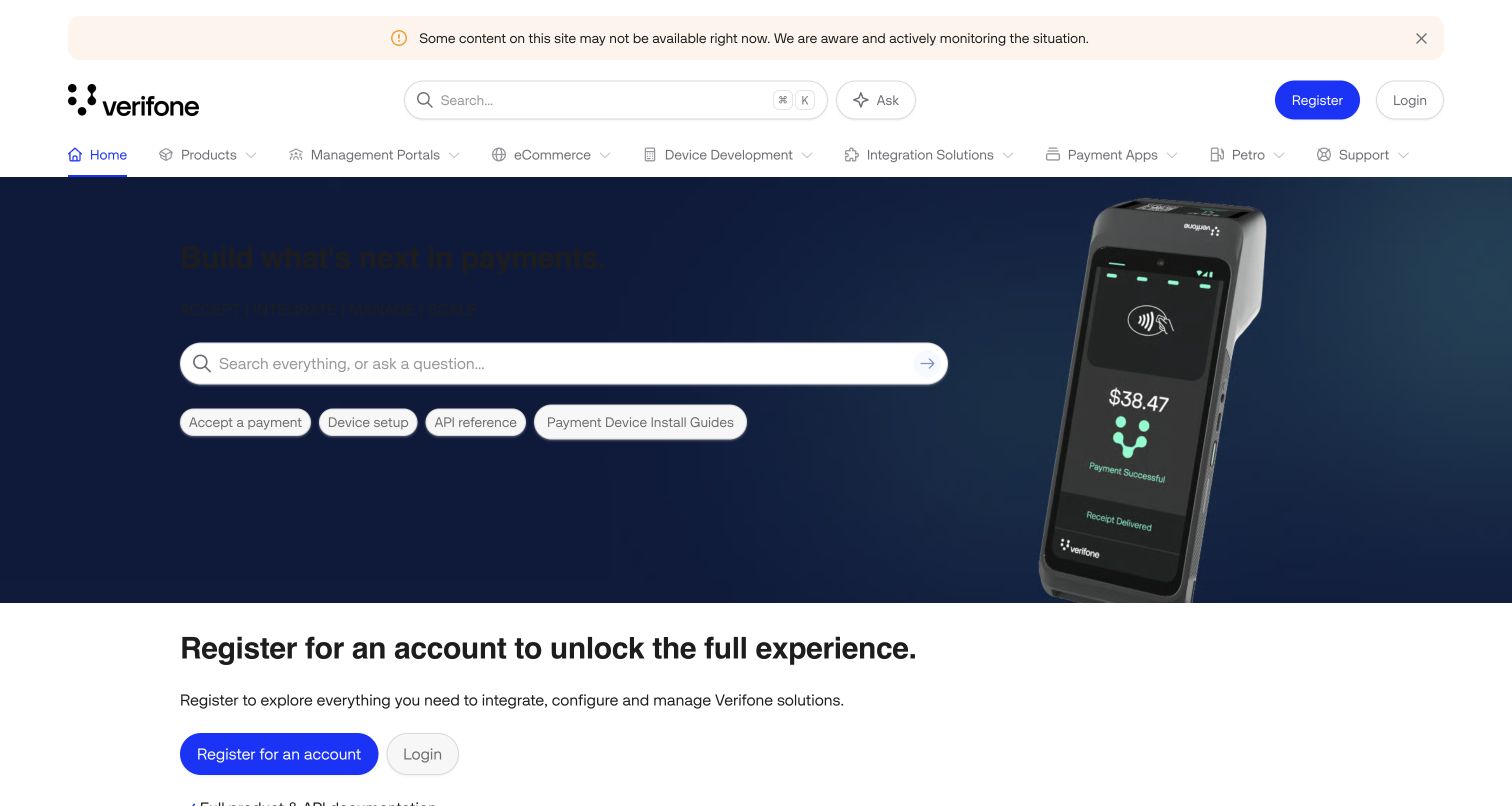
Verifone’s documentation portal pairs a payment-terminal hero with search and shortcuts for payments, devices, APIs and installation guides. Top navigation separates products, management portals, ecommerce, device development and integration solutions. The next section explains that registration unlocks fuller documentation and downloads; later support guidance distinguishes self-service, AI and human routes. This is a useful public entrance, not proof of access to every document: the page itself makes the boundary between public discovery and account-dependent resources part of the support journey.
What you can learn
Explain access requirements before a technical reader commits to an integration path. Preserve public orientation, clearly label authenticated resources and avoid implying that an assistant or a prominent search field guarantees a complete answer when underlying content may be unavailable.
Pros
Device installation and API reference have direct shortcuts rather than being buried under an undifferentiated product catalog.
Registration and account-dependent support are explained openly instead of presenting every resource as universally accessible.
Cons & considerations
If dark hero text sits on a dark image, contrast can undermine an otherwise useful search-led entrance.
If availability notices persist, readers need a maintained explanation of which resources are affected and where to go next.
Platform source: WordPress.org Showcase. Direct browser inspection of this exact public documentation property recorded api.gitbook.com and the GitBook-rendered site runtime at https://static-2v.gitbook.com/_next/static/css/cc3667f784452f1a.css?dpl=p-09a8310c9da7cbdd28edef3852fe8c. Together these identify the GitBook documentation application rather than media delivery alone. The association is scoped to this named portal, not the company’s corporate frontend or authenticated product. Platform evidence is separate from the direct website screenshot and is not a complete current infrastructure audit.
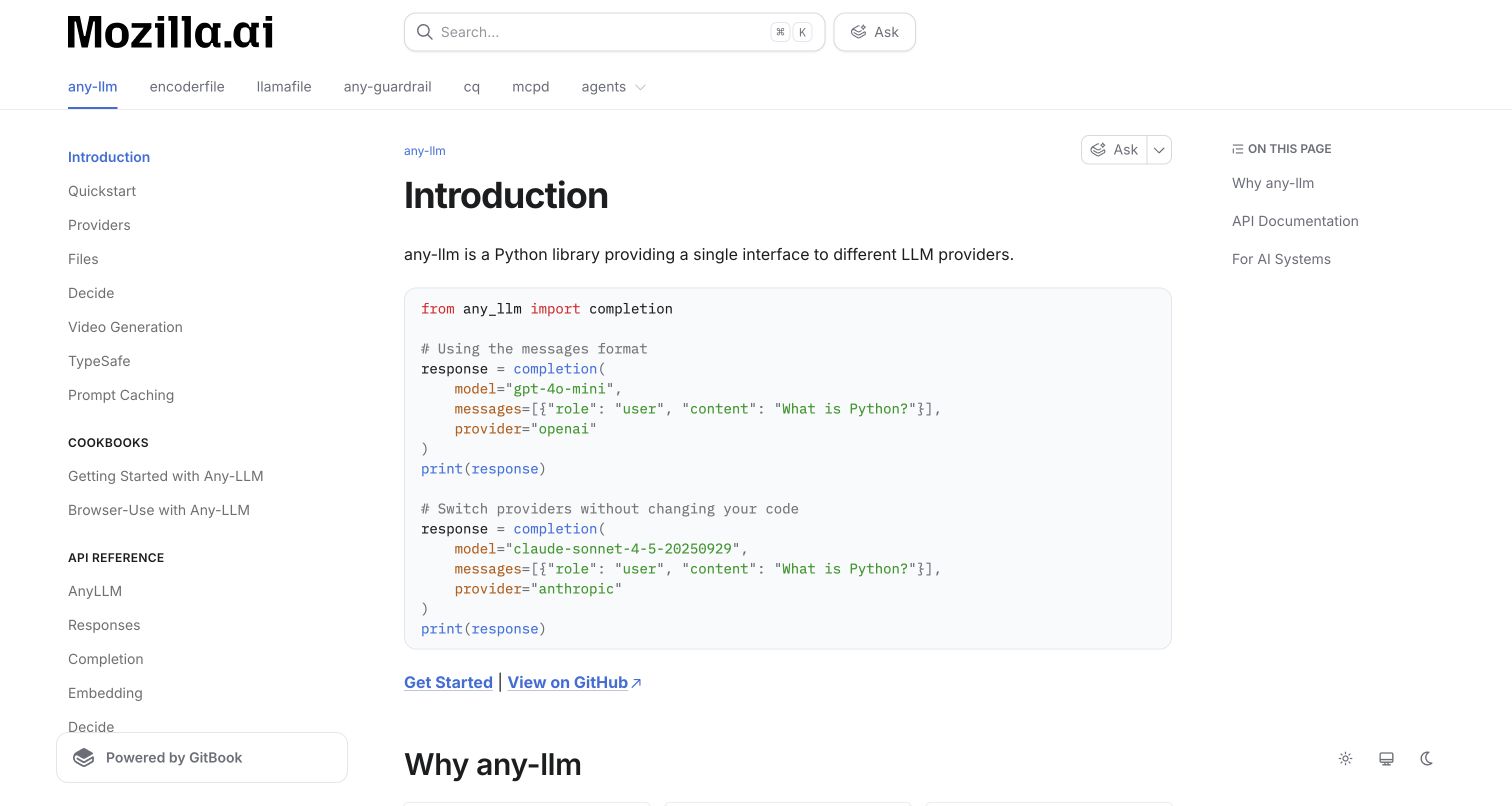
Mozilla.ai’s portal keeps its project family in a horizontal navigation bar while the captured any-llm introduction uses a project-specific sidebar and page outline. A short Python example demonstrates switching providers before the page explains the library’s rationale and reference interfaces. Quickstart, cookbook and API routes remain distinct, and the page explicitly names machine-readable documentation formats. The main lesson is layered context: readers can see which project they are studying without losing access to the broader organization, then move from a minimal example to task guidance or detailed reference.
What you can learn
Give each project a coherent local structure inside a shared documentation identity. Demonstrate the smallest meaningful use early, then separate quickstarts, practical recipes and reference material so a first experiment does not require reading an exhaustive API catalog.
Pros
The project bar and local sidebar provide two distinct levels of orientation without merging unrelated APIs.
A concrete code example explains the central abstraction before the longer rationale and reference links.
Cons & considerations
If the shared project bar keeps expanding, it will need a scalable small-screen and overflow strategy.
If sample model identifiers age, an otherwise clear introduction still needs routine technical maintenance.
Platform source: WordPress.org Showcase. Direct browser inspection of this exact public documentation property recorded api.gitbook.com and the GitBook-rendered site runtime at https://static-2v.gitbook.com/_next/static/css/cc3667f784452f1a.css?dpl=p-09a8310c9da7cbdd28edef3852fe8c. Together these identify the GitBook documentation application rather than media delivery alone. The association is scoped to this named portal, not the company’s corporate frontend or authenticated product. Platform evidence is separate from the direct website screenshot and is not a complete current infrastructure audit.
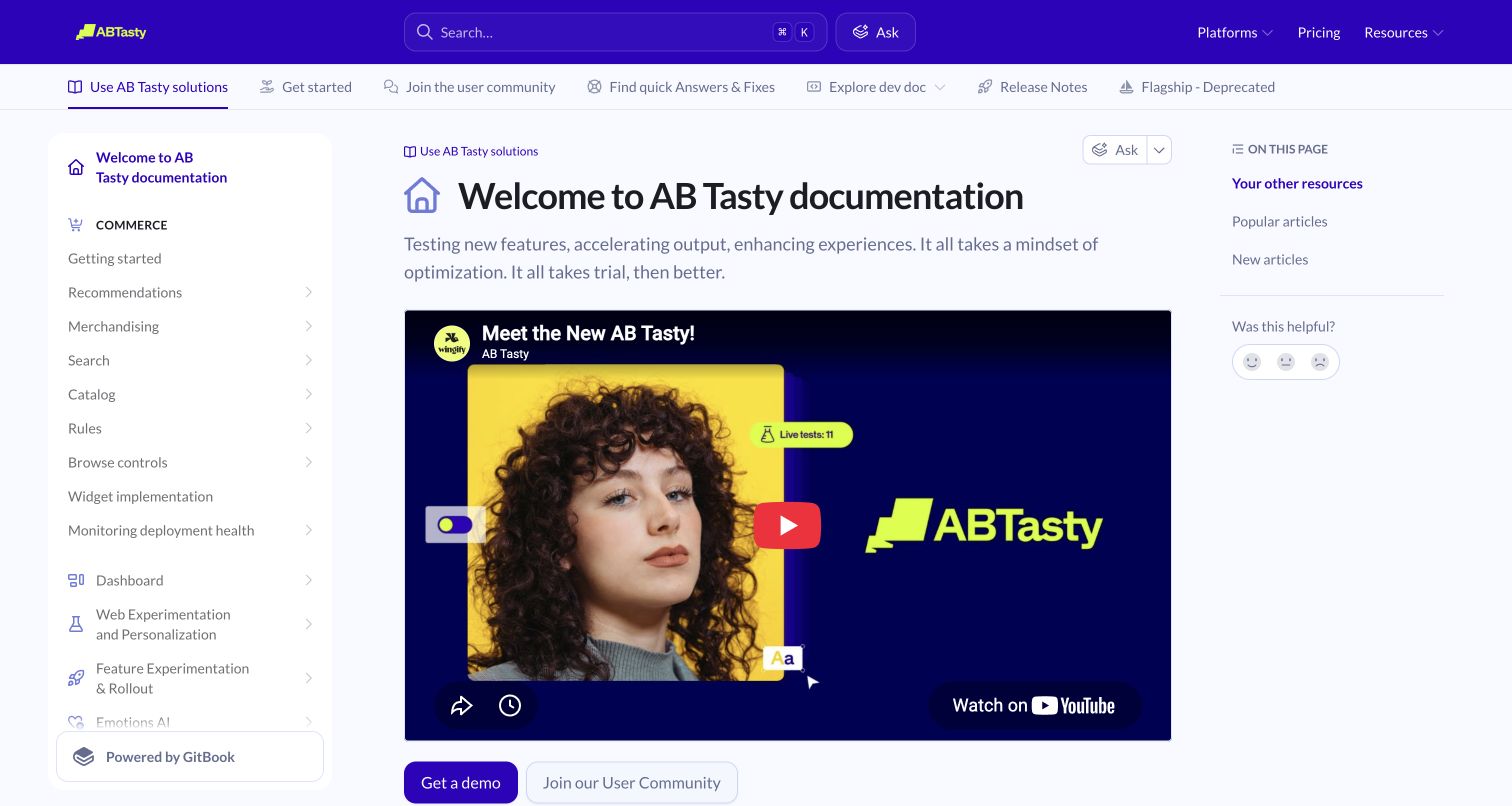
AB Tasty’s documentation uses a purple shared header, solution navigation, a detailed product sidebar and an on-page outline. The welcome page leads with an introductory video, then links to developer documentation, widgets, release information, statistical tools and educational resources. Popular and new articles provide alternative routes into the catalog. The structure acknowledges different jobs: running experiments, implementing capabilities and interpreting results.
What you can learn
Keep implementation reference, practical fixes and conceptual learning distinguishable even when they share a portal. Use introductory media as an option rather than a prerequisite, and give returning users direct routes to common tasks and recently changed instructions.
Pros
Developer material, quick answers, release information and community routes are explicitly labeled in the portal navigation.
Popular and new article groups offer entry points beyond traversing the entire product sidebar.
Cons & considerations
If the embedded video does not load, its large reserved area can become an unhelpful gap before practical content.
If a resource catalog mixes marketing and operational material, descriptions must make the destination and purpose clear.
Platform source: WordPress.org Showcase. Direct browser inspection of this exact public documentation property recorded api.gitbook.com and the GitBook-rendered site runtime at https://static-2v.gitbook.com/_next/static/css/cc3667f784452f1a.css?dpl=p-09a8310c9da7cbdd28edef3852fe8c. Together these identify the GitBook documentation application rather than media delivery alone. The association is scoped to this named portal, not the company’s corporate frontend or authenticated product. Platform evidence is separate from the direct website screenshot and is not a complete current infrastructure audit.
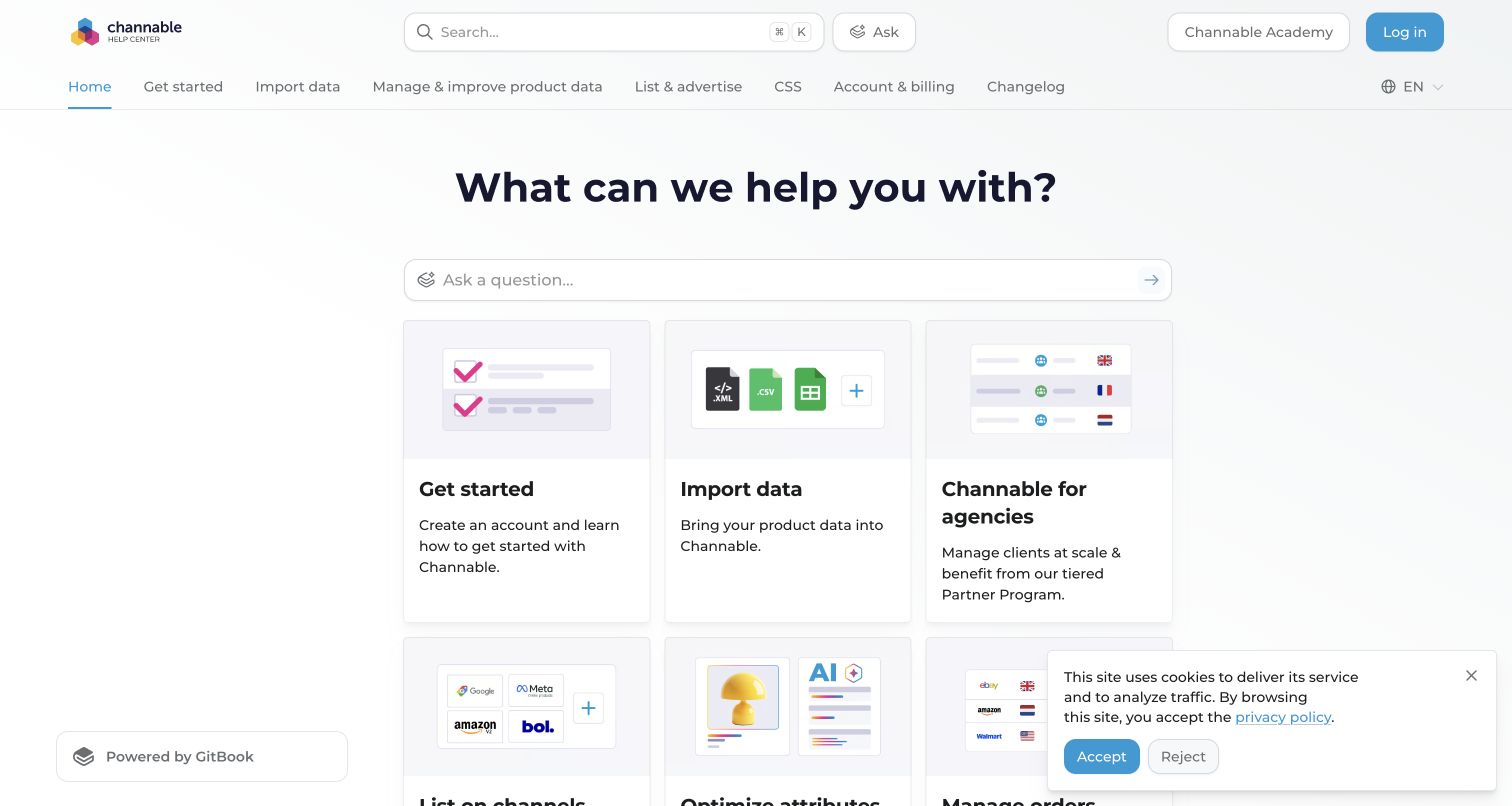
Channable’s help center places a question field above illustrated task cards for getting started, importing data and agency work. The top navigation follows the broader sequence of importing, improving product data, listing and advertising, then account management. Additional cards cover orders, creative generation and campaigns. Academy, demos, changelog and a status destination are separate learning or operational resources. This is a practical lifecycle model: product data must arrive, be shaped and then reach external channels, and those stages can fail for different reasons.
What you can learn
Organize integration-heavy help around the movement of the user’s data, not only the application’s menus. Keep source import, transformation and destination publishing distinct, and provide a separate audience route when agencies manage several clients rather than one catalog.
Pros
Importing, improving and distributing product data are visible stages instead of one broad integrations collection.
An agency path acknowledges multi-client responsibilities that differ from a single seller’s setup.
Cons & considerations
If acronyms such as CSS are used, the surrounding descriptions need to clarify their specific commerce meaning.
If channel-specific rules change frequently, lifecycle navigation still depends on actively maintained destination guidance.
Platform source: WordPress.org Showcase. Direct browser inspection of this exact public documentation property recorded api.gitbook.com and the GitBook-rendered site runtime at https://static-2v.gitbook.com/_next/static/css/cc3667f784452f1a.css?dpl=p-09a8310c9da7cbdd28edef3852fe8c. Together these identify the GitBook documentation application rather than media delivery alone. The association is scoped to this named portal, not the company’s corporate frontend or authenticated product. Platform evidence is separate from the direct website screenshot and is not a complete current infrastructure audit.
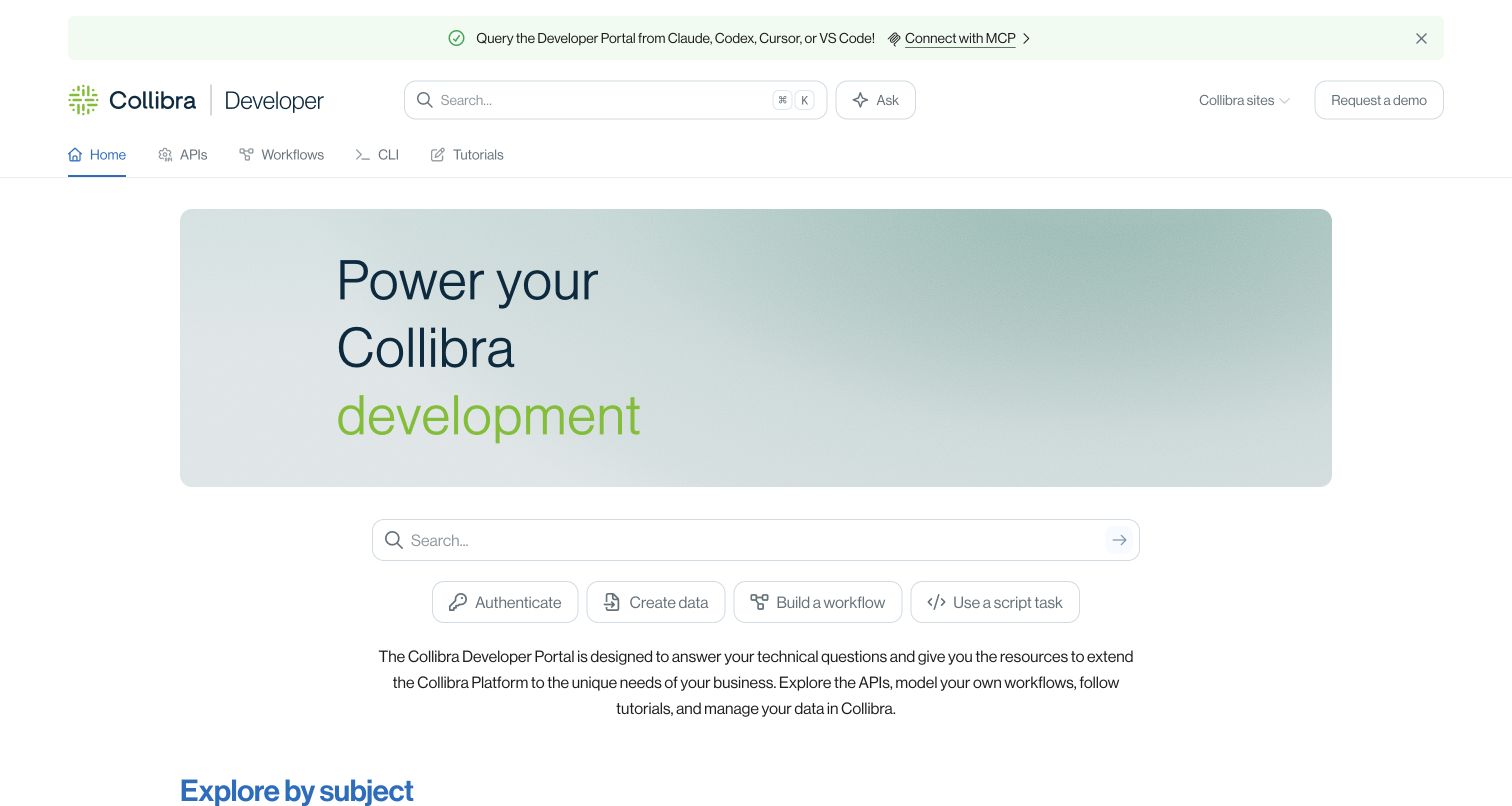
Collibra’s developer portal uses a broad branded introduction, search and concrete shortcuts for authentication, creating data, building a workflow and scripting. The page then offers both subject-based routes and build-goal explanations: APIs, workflow design, workflow operations, CLI and tutorials. Community, ideation, university and product resources remain distinct destinations. A notice also exposes documentation access through MCP. The stronger architectural decision is the two-way entrance: an experienced reader can choose the technical surface, while someone with an integration goal can start from what they want to accomplish.
What you can learn
Provide both technical-surface and task-goal routes when a platform has several extension mechanisms. Make their boundaries explicit, and separate implementation documentation from community discussion or feature requests so developers know what kind of answer each destination provides.
Pros
Authentication and build-task shortcuts provide concrete starting points before readers confront the full technical catalog.
API, workflow design, workflow operation and tutorials are named as different kinds of developer material.
Cons & considerations
If two navigation models lead to duplicate pages, maintainers need canonical ownership to prevent conflicting instructions.
If a large hero carries little functional content, returning developers may prefer more direct first-screen reference access.
Platform source: WordPress.org Showcase. Direct browser inspection of this exact public documentation property recorded api.gitbook.com and the GitBook-rendered site runtime at https://static-2v.gitbook.com/_next/static/css/cc3667f784452f1a.css?dpl=p-09a8310c9da7cbdd28edef3852fe8c. Together these identify the GitBook documentation application rather than media delivery alone. The association is scoped to this named portal, not the company’s corporate frontend or authenticated product. Platform evidence is separate from the direct website screenshot and is not a complete current infrastructure audit.
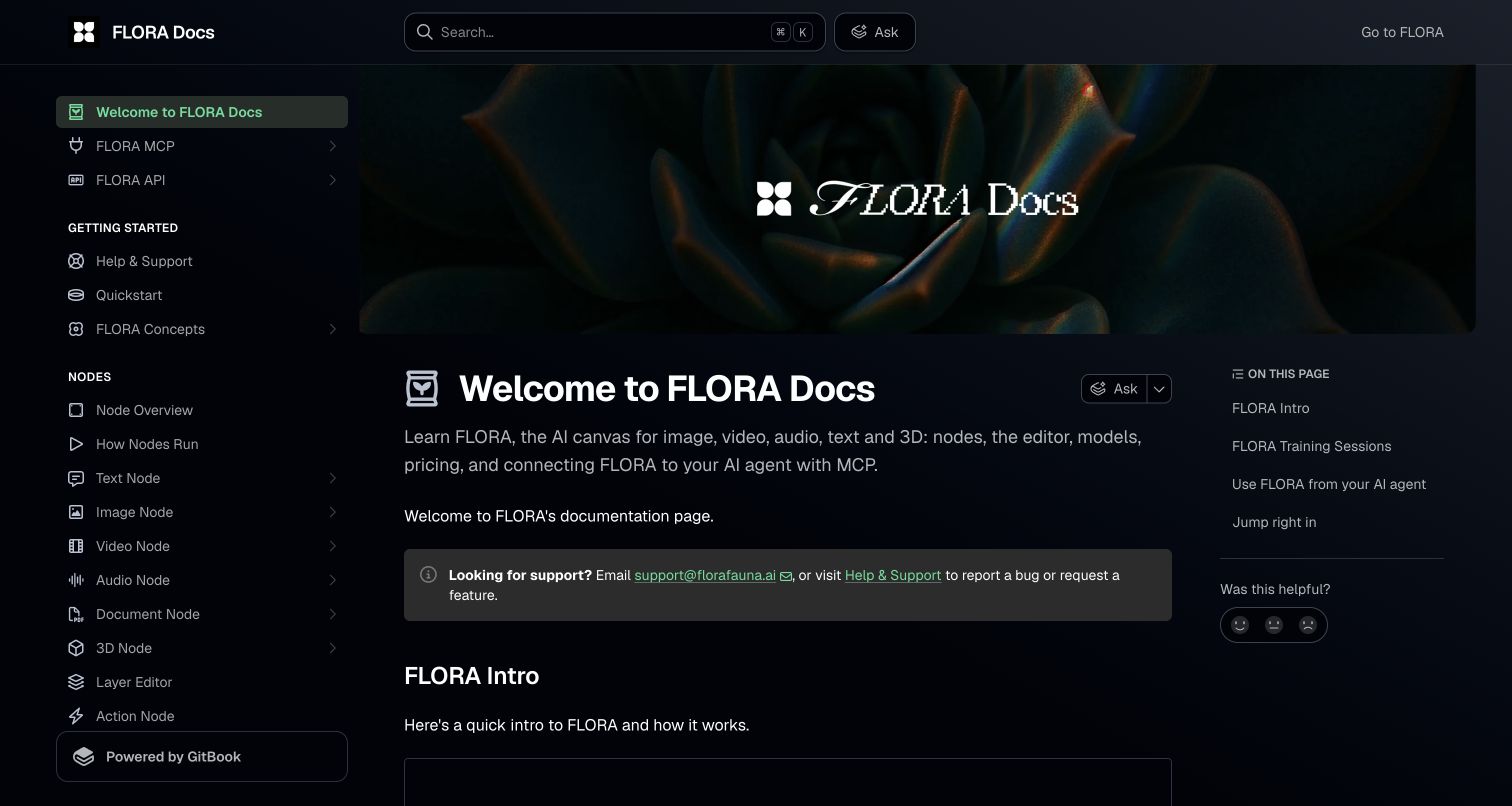
FLORA’s dark documentation home carries a distinctive image banner but quickly names its scope: nodes, editing, models, pricing and agent connections. The sidebar distinguishes text, image, video, audio, document and 3D nodes, alongside model families and several pricing explanations. Support email and a help route appear in an early callout. The useful design choice is treating the mechanics, costs and integration surface as adjacent documentation needs. A creative canvas user may need to understand execution and pricing before deciding which model or workflow to run.
What you can learn
For multimodal tools, separate media types, execution concepts and pricing rather than assuming one editing tutorial covers them all. Keep direct assistance discoverable, and label agent integration as its own surface with prerequisites instead of implying it is merely another canvas button.
Pros
Pricing has several specific documentation routes rather than a single unexplained commercial-plan link.
Support email and a named help destination appear early alongside the broader creative learning catalog.
Cons & considerations
If model and pricing details change rapidly, the broad manual requires active ownership and careful version review.
If dark-theme borders and secondary text are too subtle, dense navigation may become difficult to scan.
Platform source: WordPress.org Showcase. Direct browser inspection of this exact public documentation property recorded api.gitbook.com and the GitBook-rendered site runtime at https://static-2v.gitbook.com/_next/static/css/cc3667f784452f1a.css?dpl=p-09a8310c9da7cbdd28edef3852fe8c. Together these identify the GitBook documentation application rather than media delivery alone. The association is scoped to this named portal, not the company’s corporate frontend or authenticated product. Platform evidence is separate from the direct website screenshot and is not a complete current infrastructure audit.
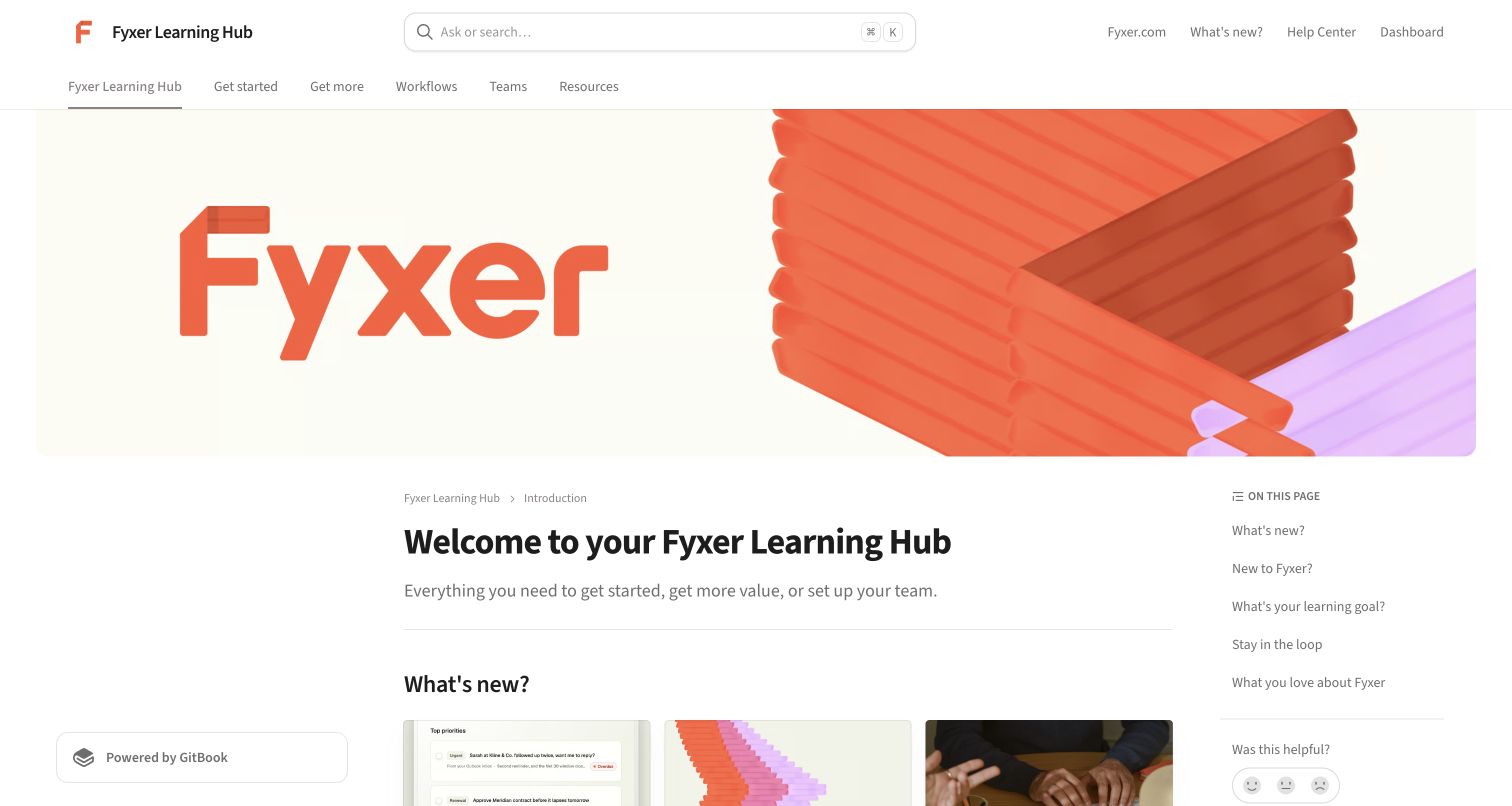
Fyxer’s learning hub combines a large branded cover with top-level areas for getting started, deeper use, workflows, teams and resources. The main page presents new capabilities, a webinar invitation and three learning goals: being new, getting more value and setting up a team. The interesting distinction is between learning the personal workflow and deploying it for others. Product updates and live education can support both audiences, but they also require ongoing editorial care so a returning customer can reach a stable task guide without navigating a sequence of promotions.
What you can learn
Separate an individual user’s learning stage from an administrator’s rollout responsibility. Link live education and release updates to durable task guidance, and maintain a direct help route for people who need to resolve a problem rather than attend a learning event.
Pros
The three learning-goal routes explain different visitor intentions in ordinary first-person language.
Team rollout is distinguished from becoming a more advanced individual user of the product.
Cons & considerations
If new-feature blocks grow, the long welcome page may postpone stable setup and workflow instructions.
If webinar schedules are promoted, outdated dates or registration links need regular review and retirement.
Platform source: WordPress.org Showcase. Direct browser inspection of this exact public documentation property recorded api.gitbook.com and the GitBook-rendered site runtime at https://static-2v.gitbook.com/_next/static/css/cc3667f784452f1a.css?dpl=p-09a8310c9da7cbdd28edef3852fe8c. Together these identify the GitBook documentation application rather than media delivery alone. The association is scoped to this named portal, not the company’s corporate frontend or authenticated product. Platform evidence is separate from the direct website screenshot and is not a complete current infrastructure audit.
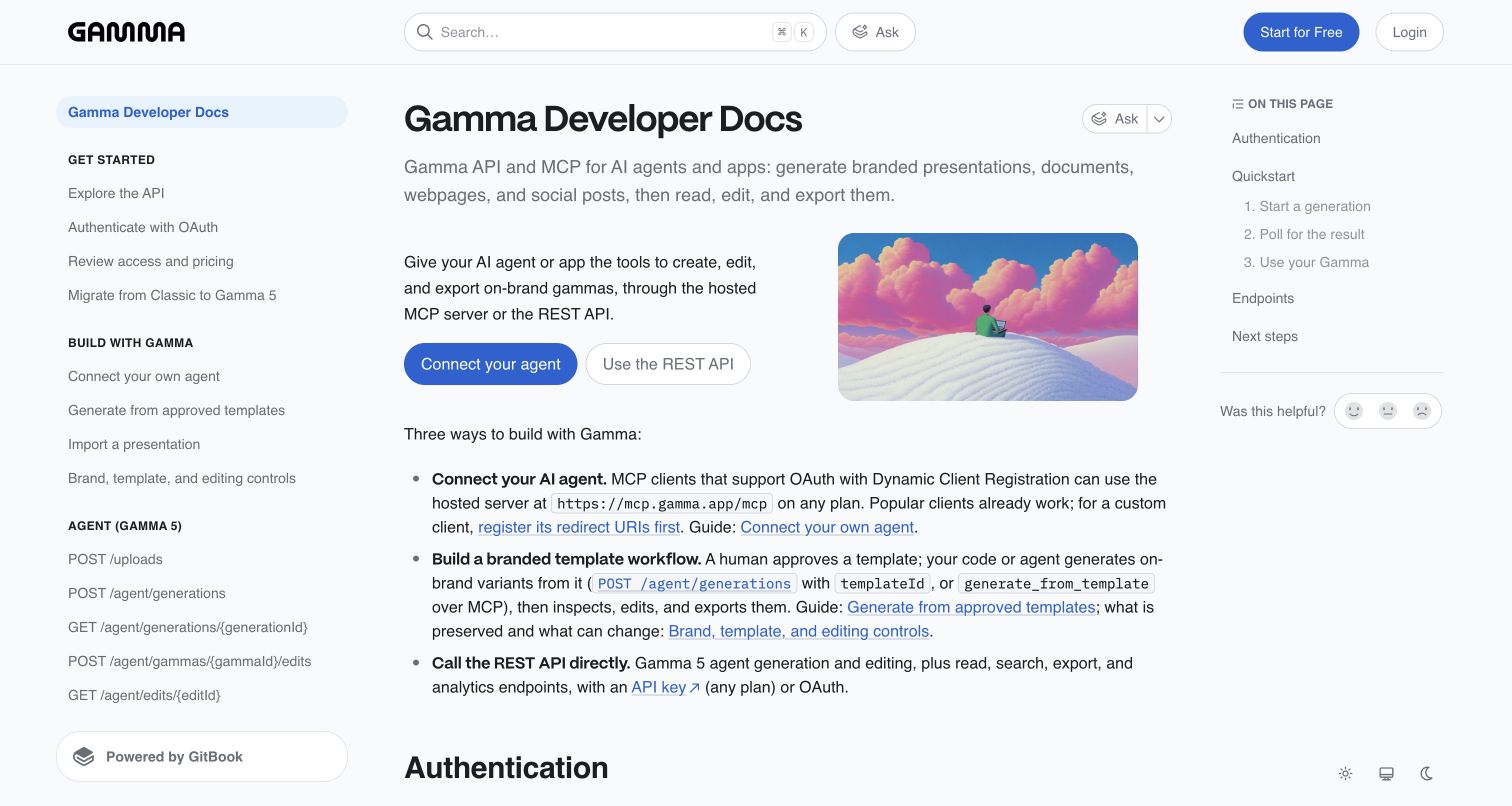
Gamma’s developer documentation starts with two clear actions: connect an agent or use the REST API. The introduction then distinguishes agent access, approved-template workflows and direct API calls. Its sidebar groups setup, authentication, pricing review, migration and building patterns before listing endpoint families. A page outline exposes the quickstart sequence and next steps without replacing the full reference navigation. The useful pattern is explaining which integration surface fits the job before asking readers to choose among many similarly named generation and export endpoints.
What you can learn
Orient developers around integration choices and prerequisites before presenting endpoint detail. Make migration and older-engine guidance explicit when behavior differs, and keep a first-result quickstart separate from exhaustive reference so the initial path remains comprehensible.
Pros
Agent access and REST API use are distinct first actions rather than an undifferentiated get-started button.
Authentication, pricing review and migration appear as named setup concerns ahead of the endpoint inventory.
Cons & considerations
If endpoint families expand, the sidebar can become dense without durable grouping and version context.
If old and new generation engines coexist, sample requests need clear scope so developers do not mix their parameters.
Platform source: WordPress.org Showcase. Direct browser inspection of this exact public documentation property recorded api.gitbook.com and the GitBook-rendered site runtime at https://static-2v.gitbook.com/_next/static/css/cc3667f784452f1a.css?dpl=p-09a8310c9da7cbdd28edef3852fe8c. Together these identify the GitBook documentation application rather than media delivery alone. The association is scoped to this named portal, not the company’s corporate frontend or authenticated product. Platform evidence is separate from the direct website screenshot and is not a complete current infrastructure audit.
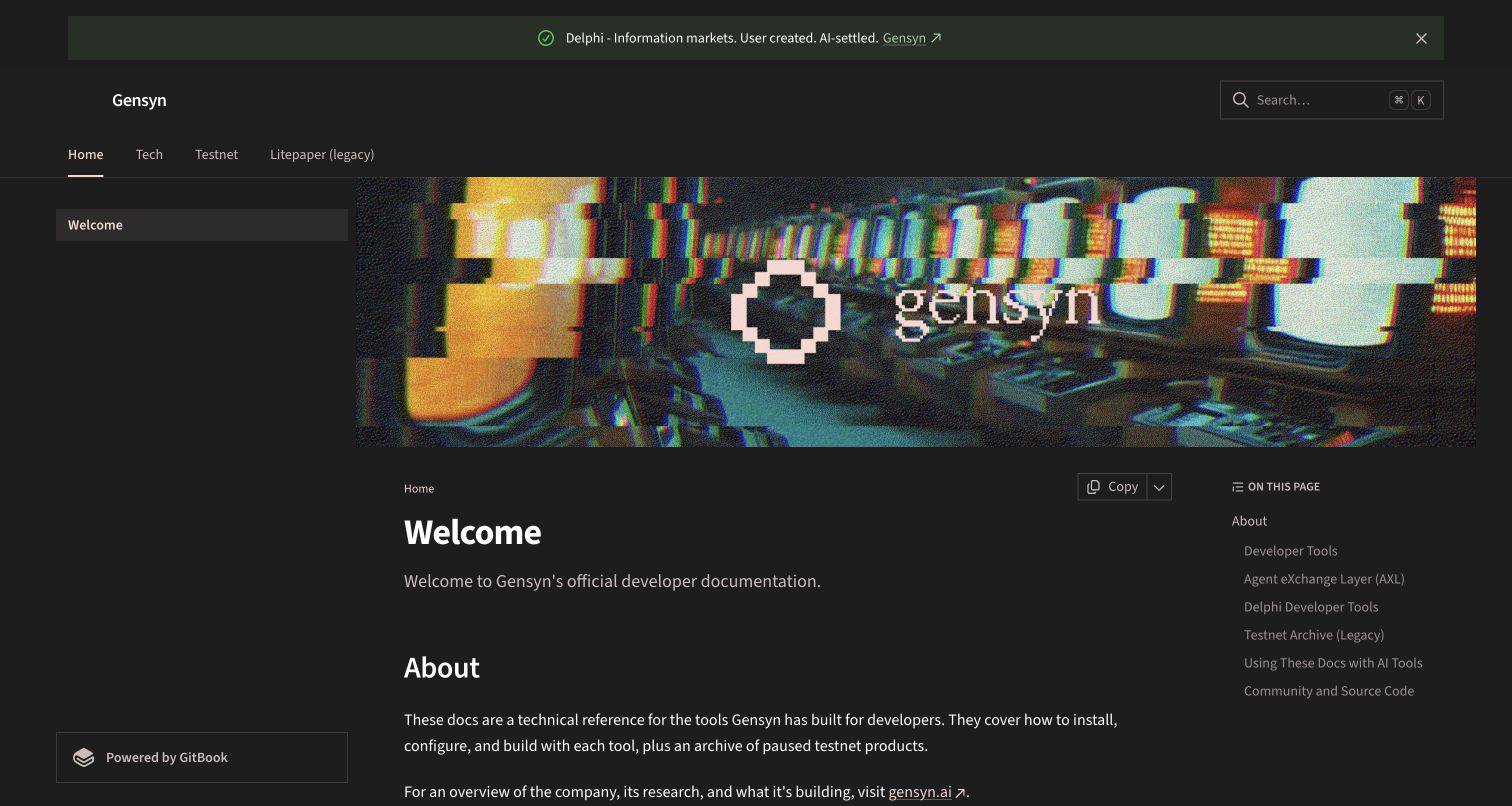
Gensyn’s documentation home uses a dark retro-computing cover but provides an unusually candid scope statement: the portal is technical reference, while the corporate site explains the organization and research. Current developer tools receive their own introductions and setup links. A separate testnet archive explicitly labels paused products as no longer actively maintained and notes that no official swarms are running. The strongest pattern is lifecycle honesty. A polished documentation page should not make an archived experiment appear to be a currently supported product simply because it remains reachable.
What you can learn
Separate active tools, paused experiments and historical material visibly. State maintenance status close to the entry point, preserve useful archives without implying ongoing support, and distinguish company research context from the instructions needed to operate a particular tool.
Pros
The archive explicitly explains the inactive status of legacy testnet products rather than leaving readers to infer it.
Corporate context, technical tool guidance and community/source-code destinations are separately described.
Cons & considerations
If a promotional announcement points outside the docs, it may distract readers seeking an active tool’s setup instructions.
If experimental names change often, archive boundaries and cross-links need continuous editorial maintenance.
Platform source: WordPress.org Showcase. Direct browser inspection of this exact public documentation property recorded api.gitbook.com and the GitBook-rendered site runtime at https://static-2v.gitbook.com/_next/static/css/cc3667f784452f1a.css?dpl=p-09a8310c9da7cbdd28edef3852fe8c. Together these identify the GitBook documentation application rather than media delivery alone. The association is scoped to this named portal, not the company’s corporate frontend or authenticated product. Platform evidence is separate from the direct website screenshot and is not a complete current infrastructure audit.
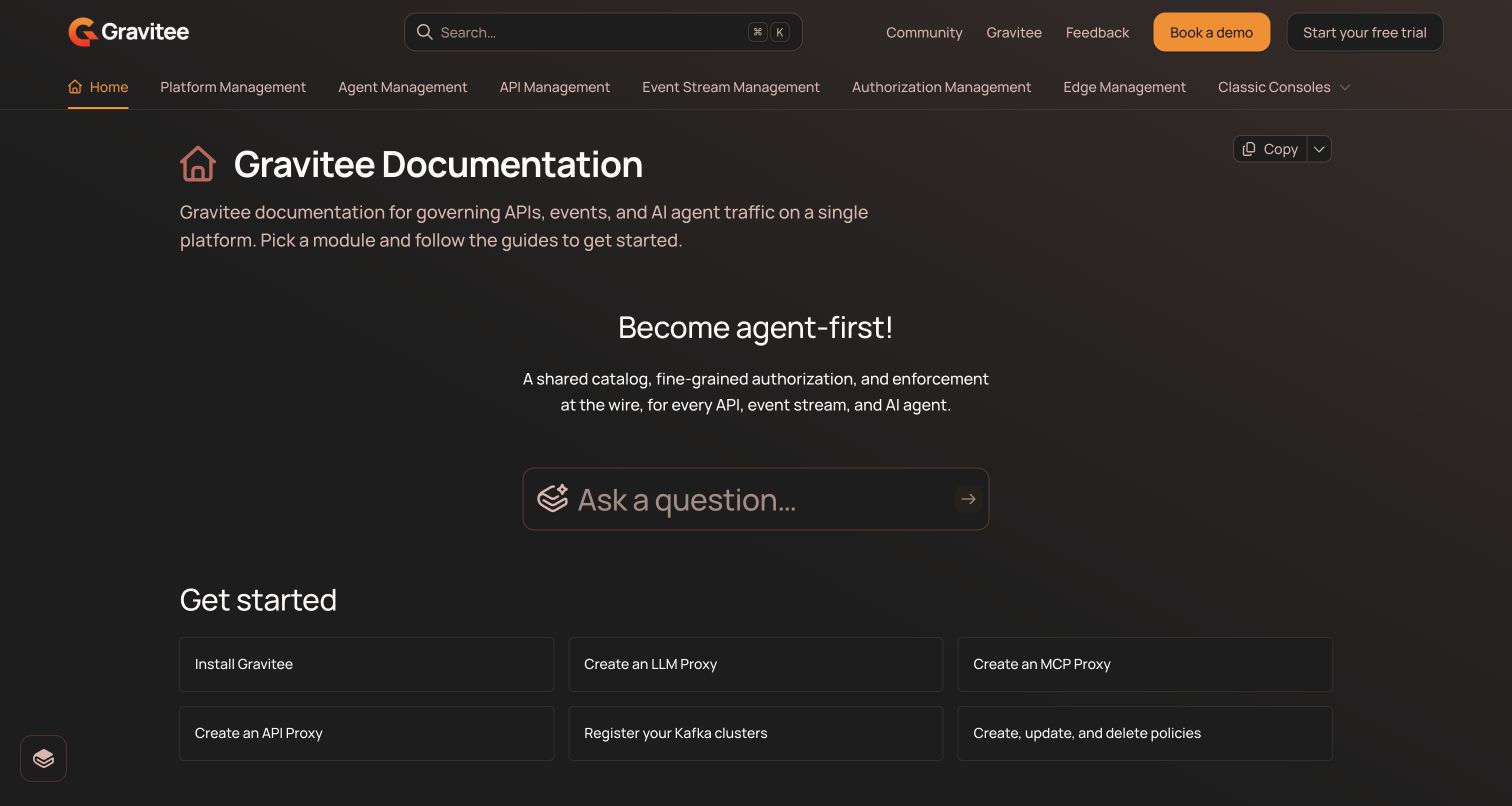
Gravitee’s documentation home uses a dark, orange-accented interface and a horizontal module bar. A getting-started grid offers concrete tasks such as installation, creating proxies, registering Kafka clusters and managing policies. Detailed module sections explain agent, authorization, API, event-stream, edge and platform management. Classic-console documentation receives a distinct destination rather than being mixed anonymously with the current platform. readers can begin with a known module or an implementation task, while the portal acknowledges that older interfaces may still require different guidance.
What you can learn
Give infrastructure readers a small set of concrete starting operations as well as module-level navigation. Keep classic or legacy consoles clearly labeled, and describe the responsibility of neighboring modules so product expansion does not create an opaque wall of management terminology.
Pros
Installation and proxy tasks are explicit links instead of requiring a reader to choose a module first.
Classic-console documentation is separated from the current module structure, preserving important interface context.
Cons & considerations
If module names keep expanding, the long horizontal navigation will need a robust overflow and small-screen strategy.
If repeated management terminology sounds similar, descriptions must make the boundary between products clear before configuration begins.
Platform source: WordPress.org Showcase. Direct browser inspection of this exact public documentation property recorded api.gitbook.com and the GitBook-rendered site runtime at https://static-2v.gitbook.com/_next/static/css/cc3667f784452f1a.css?dpl=p-09a8310c9da7cbdd28edef3852fe8c. Together these identify the GitBook documentation application rather than media delivery alone. The association is scoped to this named portal, not the company’s corporate frontend or authenticated product. Platform evidence is separate from the direct website screenshot and is not a complete current infrastructure audit.
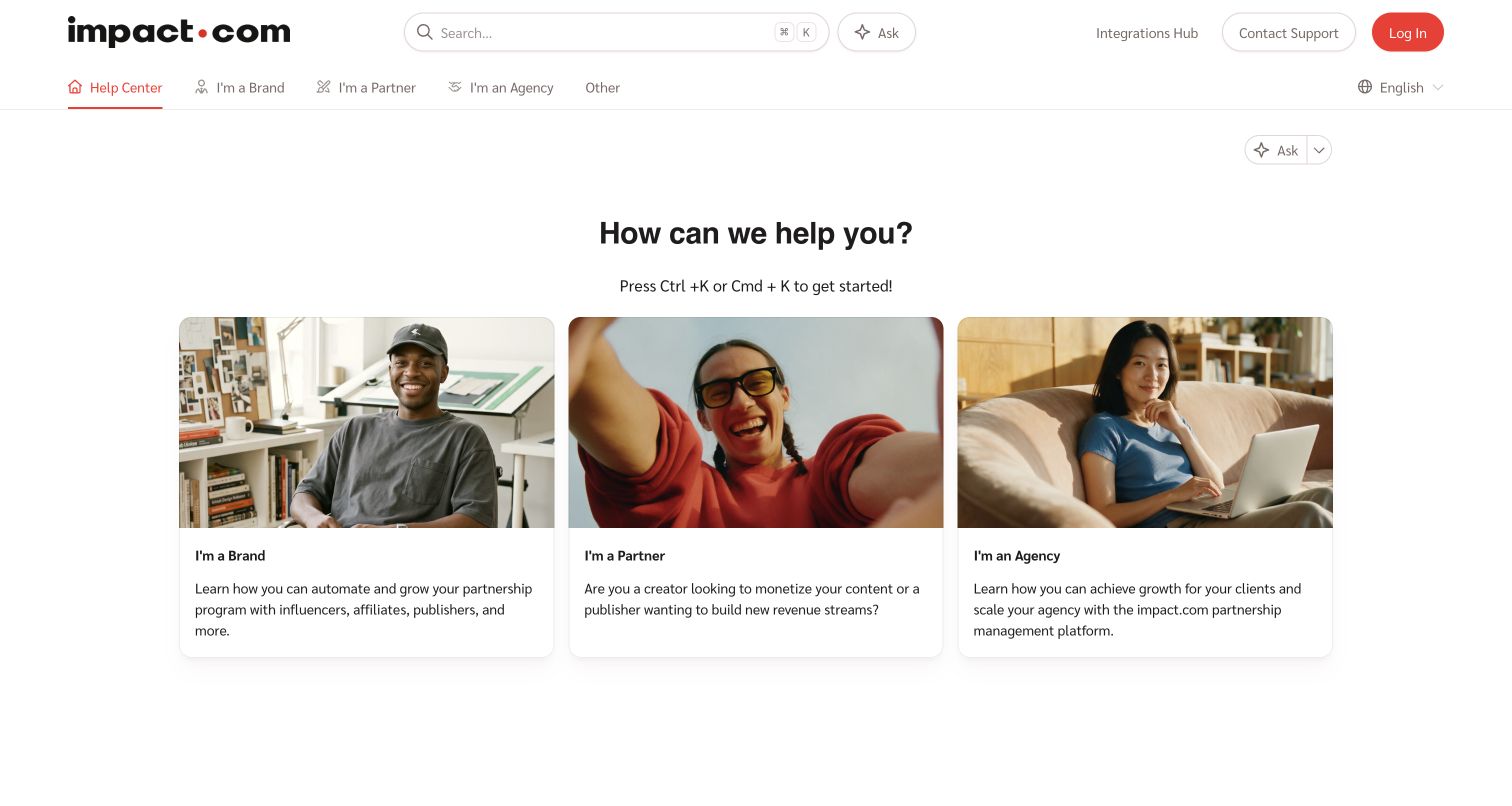
impact.com’s help center makes one dominant decision: whether the visitor is a brand, a partner or an agency. Three cards explain the goals of each role, and the top navigation repeats those routes. Search, an Ask control, contact support and the integrations hub remain available in the header. The footer adds developer documentation, an academy and a glossary. That fits a platform where the same partnership can create different responsibilities for the organization running a program, the person monetizing content and the agency acting for a client.
What you can learn
Start with role only when it materially changes the instructions and permissions. Describe each role through its goals, preserve a direct support fallback and make technical integration resources available without forcing every reader through a business-audience learning path.
Pros
Brand, partner and agency choices are explained through distinct tasks rather than merely presented as unexplained labels.
Support and the integrations hub remain direct header destinations outside the role-card navigation.
Cons & considerations
If a visitor occupies several roles, the gateway needs cross-links that preserve the correct account context.
If readers do not recognize partnership terminology, the role descriptions must remain sufficiently clear without relying on the photographs.
Platform source: WordPress.org Showcase. Direct browser inspection of this exact public documentation property recorded api.gitbook.com and the GitBook-rendered site runtime at https://static-2v.gitbook.com/_next/static/css/cc3667f784452f1a.css?dpl=p-09a8310c9da7cbdd28edef3852fe8c. Together these identify the GitBook documentation application rather than media delivery alone. The association is scoped to this named portal, not the company’s corporate frontend or authenticated product. Platform evidence is separate from the direct website screenshot and is not a complete current infrastructure audit.
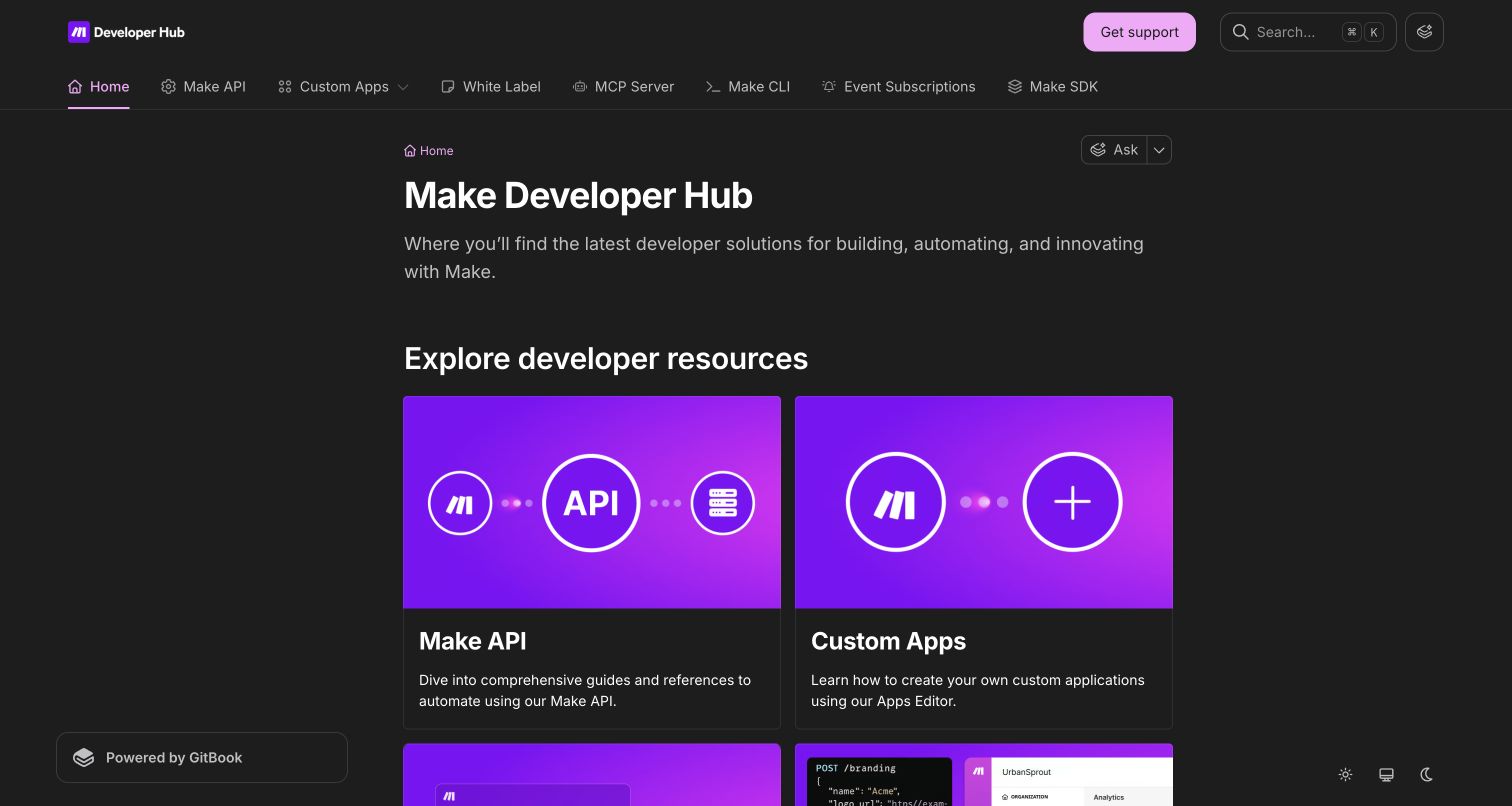
Make’s developer hub presents a concise introduction followed by illustrated cards for the API, custom apps, MCP server, white-label administration, CLI, event subscriptions and SDK. This portal does not assume that every developer needs the same integration: building an application connector, managing platform resources and receiving event notifications are different jobs. The visual consistency of the cards helps scanning, but their short descriptions do the important work of explaining those boundaries before a reader enters the detailed material.
What you can learn
Distinguish the mechanisms developers can build with rather than placing every capability under one API label. Pair each surface with its intended job and preserve links to general support or training for readers whose question is not a reference problem.
Pros
API, custom apps, CLI, events and SDK are separately explained technical surfaces rather than one oversized reference category.
General help, community and academy resources remain distinct from the developer hub’s implementation routes.
Cons & considerations
If card illustrations occupy too much space, fewer integration choices are visible before the first scroll.
If related mechanisms share capabilities, their descriptions need clear selection guidance and maintained cross-links.
Platform source: WordPress.org Showcase. Direct browser inspection of this exact public documentation property recorded api.gitbook.com and the GitBook-rendered site runtime at https://static-2v.gitbook.com/_next/static/css/cc3667f784452f1a.css?dpl=p-09a8310c9da7cbdd28edef3852fe8c. Together these identify the GitBook documentation application rather than media delivery alone. The association is scoped to this named portal, not the company’s corporate frontend or authenticated product. Platform evidence is separate from the direct website screenshot and is not a complete current infrastructure audit.
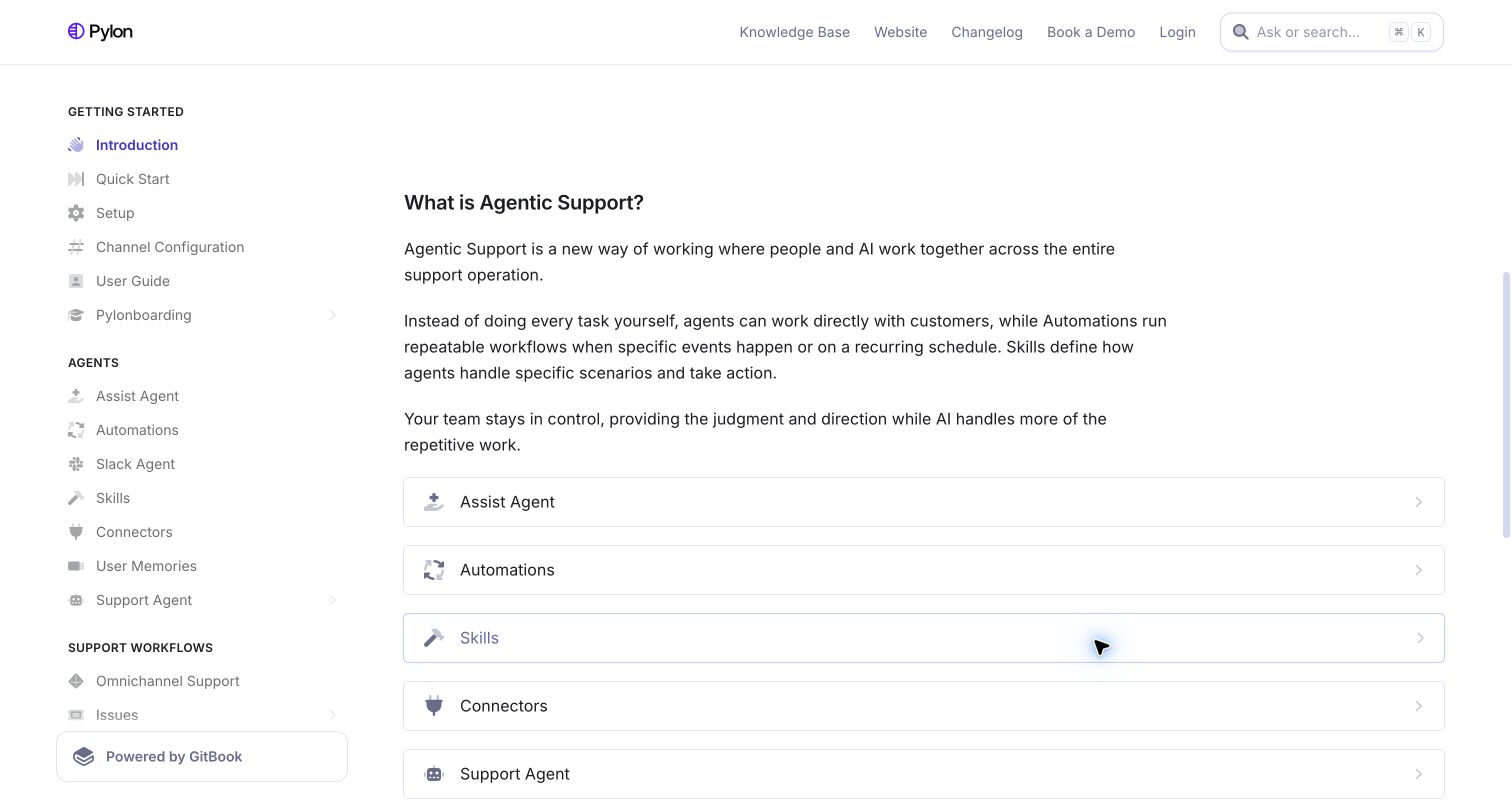
Pylon’s documentation begins by explaining how agents, automations and skills fit into a support operation. The persistent sidebar groups initial setup, agent capabilities, omnichannel workflows, customer portals, chat, account intelligence, integrations, security and developer material. The useful pattern is defining the operating model before the feature inventory becomes overwhelming. Documentation can connect similarly named automation concepts, but an embedded demonstration should not be the only way to understand the relationship between them.
What you can learn
Define neighboring concepts in plain language before sending readers into separate feature guides. Preserve text explanations and direct links even when interactive tours are available, and distinguish setup, frontline workflows, administration and developer integration within the larger navigation tree.
Pros
The introduction explains relationships between agents, automations and skills rather than assuming their names are self-evident.
Security and developer topics are explicit groups alongside day-to-day support workflows and account operations.
Cons & considerations
If a third-party tour fails to render, its reserved space can delay access to the useful explanatory content.
If the sidebar keeps growing, similar agent and workflow terms will need careful grouping and cross-references.
Platform source: WordPress.org Showcase. Direct browser inspection of this exact public documentation property recorded api.gitbook.com and the GitBook-rendered site runtime at https://static-2v.gitbook.com/_next/static/css/cc3667f784452f1a.css?dpl=p-09a8310c9da7cbdd28edef3852fe8c. Together these identify the GitBook documentation application rather than media delivery alone. The association is scoped to this named portal, not the company’s corporate frontend or authenticated product. Platform evidence is separate from the direct website screenshot and is not a complete current infrastructure audit.
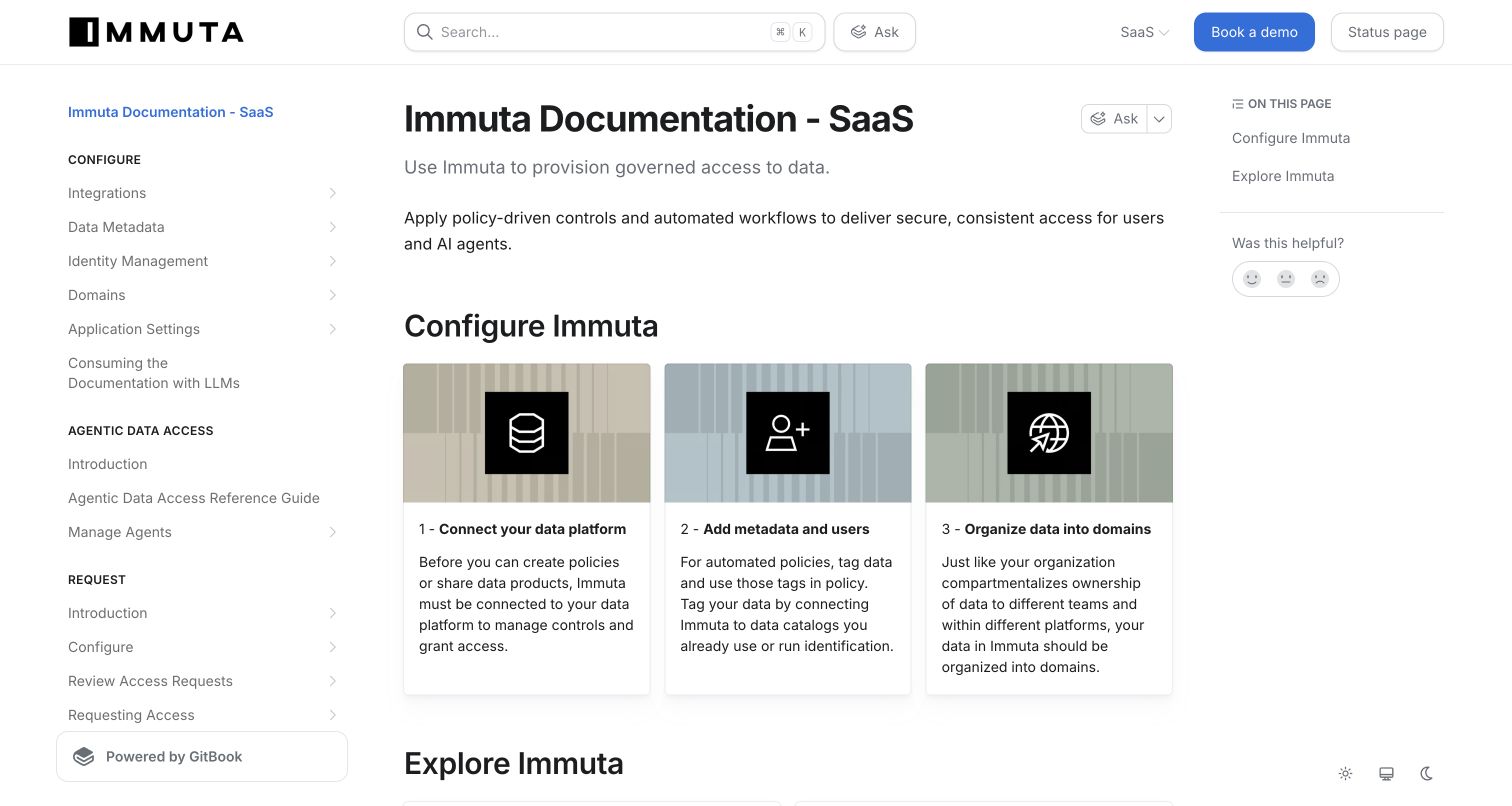
Immuta’s SaaS documentation explicitly names its deployment scope and offers a numbered configuration sequence: connect a data platform, add metadata and users, then organize domains. The sidebar separates configuration, agentic access, requests, governance, knowledge-base material, release information and developer guides. This is an instructive alternative to a generic welcome page. The first cards explain not just where topics live but why prerequisites matter: policies and sharing depend on connecting the relevant data and identity context first.
What you can learn
Represent dependency order when setup steps are not interchangeable. Keep SaaS and self-managed release context visible, distinguish conceptual governance guidance from configuration reference, and link each prerequisite to an actionable guide rather than treating the home page as a passive catalog.
Pros
The numbered configuration cards express a dependency sequence rather than implying all setup topics can be tackled in any order.
SaaS scope, self-managed versions and operational status have recognizable independent places in the portal.
Cons & considerations
If prerequisites differ by deployment or integration, the sequence needs clear qualifications rather than a universal promise.
If the product adds more governance domains, the sidebar should preserve the distinction between concepts and procedural setup.
Platform source: WordPress.org Showcase. Direct browser inspection of this exact public documentation property recorded api.gitbook.com and the GitBook-rendered site runtime at https://static-2v.gitbook.com/_next/static/css/cc3667f784452f1a.css?dpl=p-09a8310c9da7cbdd28edef3852fe8c. Together these identify the GitBook documentation application rather than media delivery alone. The association is scoped to this named portal, not the company’s corporate frontend or authenticated product. Platform evidence is separate from the direct website screenshot and is not a complete current infrastructure audit.
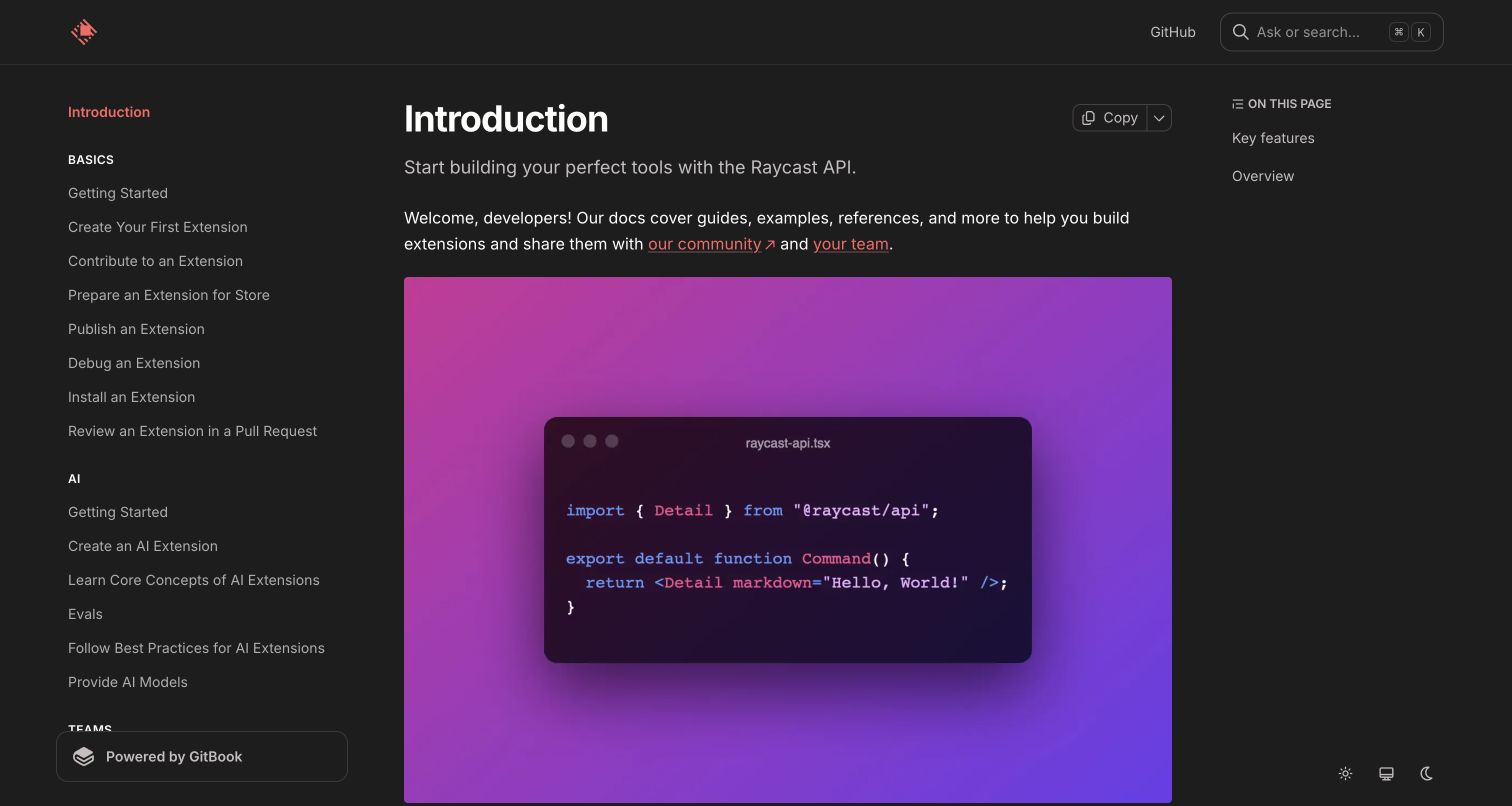
Raycast’s API documentation welcomes extension builders and distinguishes two parts of the platform: creating through the API and distributing through the store. The sidebar gives basics a clear sequence from first extension through contribution, store preparation, publishing, debugging and review. Separate areas cover AI extensions, team use, examples, reference and utilities. Building a successful extension requires more than finding a component signature; developers also need to understand how it is shared, reviewed and maintained.
What you can learn
Document the lifecycle around the API, not only its callable surface. Connect first-project guides, examples, publishing rules and review workflows, then keep exhaustive reference available for experienced contributors who already know the operating model and need a precise detail.
Pros
The basic sequence includes publishing, debugging and contribution rather than ending when the first code example runs.
Team use, examples, reference and utilities are described as different ways to continue learning.
Cons & considerations
If the introductory code illustration occupies most of the viewport, it delays the practical first-project explanation.
If a welcome page is old, maintainers should verify that its ecosystem overview still matches current contribution workflows.
Platform source: WordPress.org Showcase. Direct browser inspection of this exact public documentation property recorded api.gitbook.com and the GitBook-rendered site runtime at https://static-2v.gitbook.com/_next/static/css/cc3667f784452f1a.css?dpl=p-09a8310c9da7cbdd28edef3852fe8c. Together these identify the GitBook documentation application rather than media delivery alone. The association is scoped to this named portal, not the company’s corporate frontend or authenticated product. Platform evidence is separate from the direct website screenshot and is not a complete current infrastructure audit.
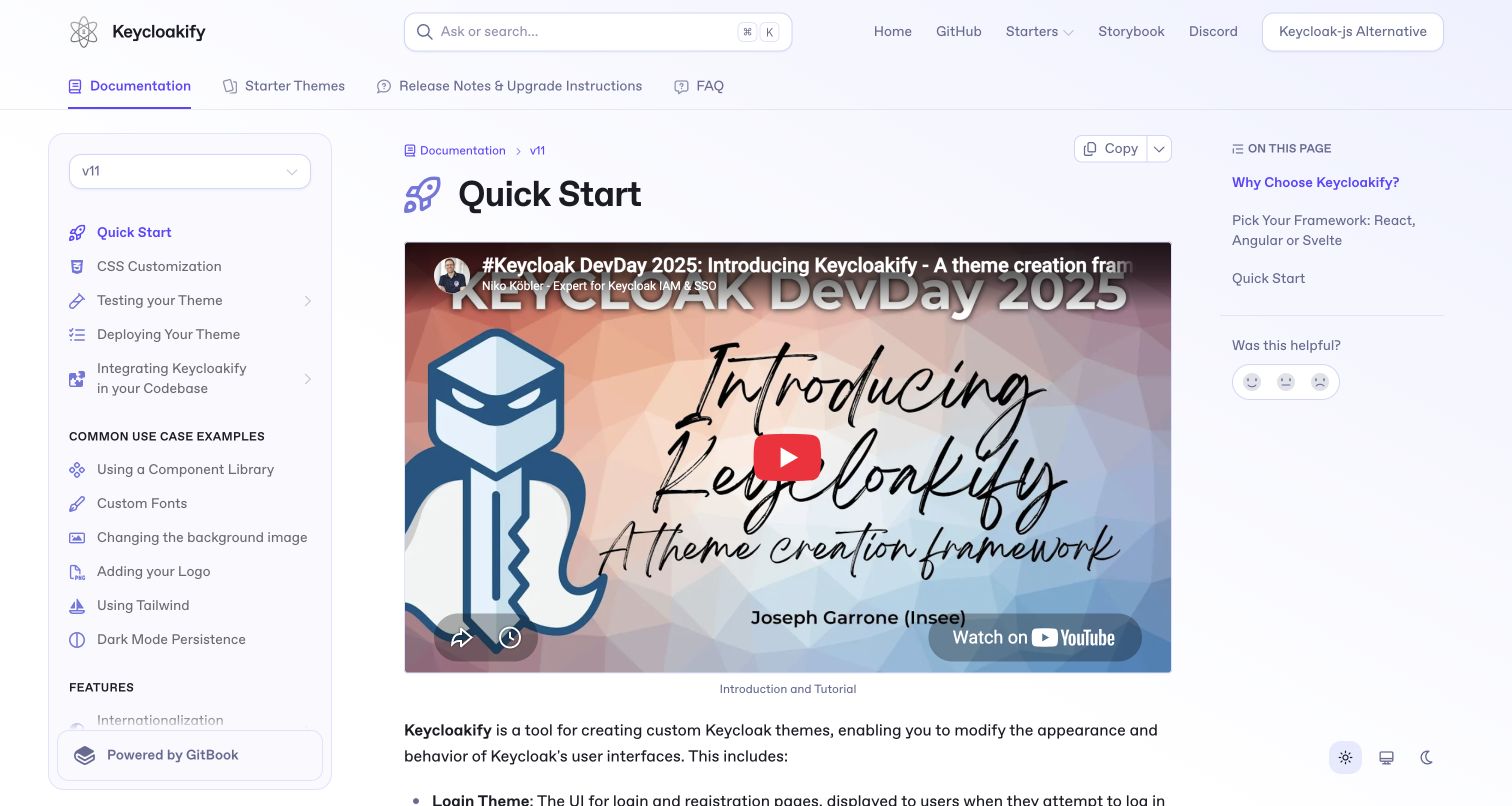
Keycloakify’s documentation opens directly on a versioned quickstart rather than a generic marketing page. The sidebar groups customization, testing, deployment and common visual changes; the main article combines an introductory video, framework-selection guidance and a practical starter workflow. The text qualifies differences among supported frameworks instead of presenting them as identical choices. The useful documentation pattern is context before commitment: users can understand the relevant version, project structure and framework implications before following a sequence of setup commands.
What you can learn
Make compatibility and framework differences explicit before a quickstart asks readers to create a project. Provide a text path around introductory video, and connect customization, testing and deployment so a successful preview is not confused with a production-ready theme.
Pros
The visible version selector keeps release context close to the active quickstart and customization navigation.
Framework guidance explains meaningful setup tradeoffs rather than treating every supported option as operationally identical.
Cons & considerations
If the introductory video dominates the first screen, readers who prefer text must scroll before reaching the commands.
If older starter instructions remain reachable, compatibility labels and cross-links need regular review against current releases.
Platform source: WordPress.org Showcase. Direct browser inspection of this exact public documentation property recorded api.gitbook.com and the GitBook-rendered site runtime at https://static-2v.gitbook.com/_next/static/css/cc3667f784452f1a.css?dpl=p-09a8310c9da7cbdd28edef3852fe8c. Together these identify the GitBook documentation application rather than media delivery alone. The association is scoped to this named portal, not the company’s corporate frontend or authenticated product. Platform evidence is separate from the direct website screenshot and is not a complete current infrastructure audit.
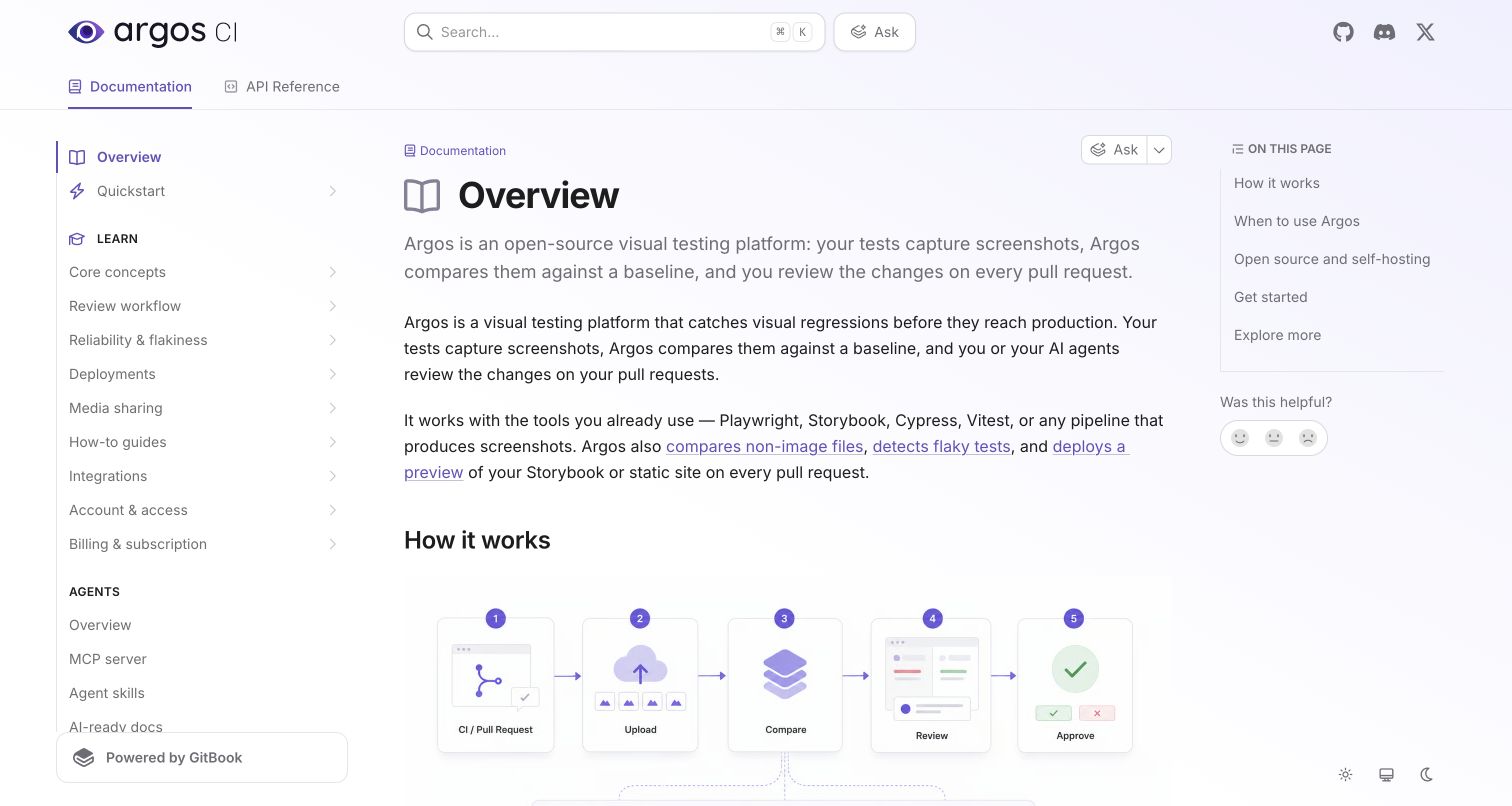
Argos’s documentation home explains a screenshot-review workflow through both text and a small process diagram. Navigation separates quickstart, core concepts, review, reliability, deployments, integrations, account access and billing, with API reference in a distinct top-level area. The page also makes an important distinction between open-source availability and officially supported hosting: the public code does not mean a self-managed production deployment is documented or supported. A developer can understand the operating loop and service boundary before committing effort to integration or making assumptions from the repository’s license alone.
What you can learn
Explain the system’s workflow before listing integration options, and state support boundaries where a common assumption could be costly. Pair conceptual diagrams with readable text and separate reliability guidance from the happy-path quickstart so maintainers can diagnose unstable results later.
Pros
The process diagram and written explanation make the capture, compare and review loop understandable before setup.
Open-source code and supported hosting are distinguished explicitly rather than left as an ambiguous implication.
Cons & considerations
If diagrams carry essential detail, equivalent text must remain complete for readers who cannot use the visual.
If introductory claims repeat, tighter editing can bring practical setup links into view sooner.
Platform source: WordPress.org Showcase. Direct browser inspection of this exact public documentation property recorded api.gitbook.com and the GitBook-rendered site runtime at https://static-2v.gitbook.com/_next/static/css/cc3667f784452f1a.css?dpl=p-09a8310c9da7cbdd28edef3852fe8c. Together these identify the GitBook documentation application rather than media delivery alone. The association is scoped to this named portal, not the company’s corporate frontend or authenticated product. Platform evidence is separate from the direct website screenshot and is not a complete current infrastructure audit.
Kegan has 15+ years of experience working with small businesses, Fortune 500 companies, and everything in between. No development job is too big or too small: he brings the same hands-on attention to a focused improvement, a complete website, or a custom application.
For GitBook projects, he can help with content models, frontend integration, editorial workflows, migrations, and maintainable deployment. He works directly with clients on scope, design, implementation, testing, and handover, with an emphasis on clear communication and a system that remains practical to maintain after launch.
Show 3 other GitBook developersHide other GitBook developers
Choose the documentation structure around the reader’s job
A product-and-version router
Use this when readers must choose a deployment or release before instructions become meaningful. Sonar and Immuta show different ways to keep that context visible. Decide how latest, supported older versions, previews and archives are labeled, and how search results preserve the reader’s scope. A version selector is not enough if copied links or cross-project results silently discard that context.
A task-oriented developer hub
Use this when a platform exposes several extension surfaces. Collibra offers subject and build-goal routes, while Make distinguishes APIs, custom applications, events, SDKs and OEM administration. Explain the job for each surface before presenting a reference inventory. Preserve an independent conceptual path for readers evaluating the system and a direct route for experts seeking one precise detail.
A guided product or learning manual
Use this when a mental model or setup sequence must be learned. Zoom names document types, Fyxer separates learning goals, and Immuta numbers configuration dependencies. Connect introductions, tutorials, how-to guides and reference instead of forcing one page to do everything. Embedded videos or tours should supplement a complete text path, especially when external media may not load.
From references to requirements
Plan the content system before the documentation theme
Define scope, reader and first useful result
Inventory your products, releases, deployment models and audience roles. Identify which distinctions change the answer, then draft a small set of first-result journeys with prerequisites and expected outputs. Decide where tutorials, reference, explanation and troubleshooting belong. Do not use the corporate organization chart as the only navigation model, and do not put every new feature at the top level.
Design safe transitions and truthful boundaries
Specify how readers move between public orientation, authenticated resources, community help and direct assistance. Label unsupported hosting, inactive products, interface transitions and preview features where the reader makes a decision. Make secrets, permissions and destructive operations explicit in your actual technical instructions. Review AI and search entry points separately; a visible Ask control does not establish answer accuracy or complete coverage.
Assign ownership, release review and practical verification
Give every content area a maintainer and a review trigger tied to product changes. Test sample code, links, version switches, search results and quickstart outcomes in the relevant supported environment before publication. Maintain text alternatives to videos and diagrams, retire stale announcements and archive obsolete procedures honestly. Measure documentation task completion and support impact with authorized data, independently of visual screenshots or vendor case-study metrics.
A useful handover demonstration
Ask the actual team to carry out its routine job: publish a realistic update, correct a mistake, preview a narrow screen, and identify who owns an integration failure. For a library or frontend framework, also ask who maintains the content source and deployment. A polished screenshot does not answer those operational questions.
Beyond the screenshot
GitBook documentation planning checklist
Name the exact public documentation property and retain dated runtime evidence.
Define the reader roles, product versions and deployment scopes that change instructions.
Separate tutorials, how-to guidance, explanation and exhaustive reference.
State prerequisites and expected outcomes before configuration steps or code.
Label active, preview, unsupported and archived material honestly.
Keep public orientation, protected resources, community and direct assistance distinct.
Provide complete text paths around essential video, diagrams and interactive tours.
Assign maintainers and test the actual quickstart, search and version-transition journeys.
Test with real content, a keyboard, a small screen, slow or failed requests, and the people who will maintain the system. These are planning checks, not an accessibility, security, performance, or search-ranking certification.
Sources & editorial method
How this GitBook collection was reviewed
All 20 properties were directly inspected and captured on their official public documentation URLs on 6 November 2026 UTC. The original browser research recorded GitBook API and static documentation application-runtime evidence; this authoring pass read the supplied page observations and visually reviewed every capture. Sixteen original timestamps are preserved. Four replacement captures have their own truthful timestamps after normal cookie dismissal, completed media loading or scrolling to readable content. No protected documentation, account actions, support forms, API operations or embedded-demo transactions were performed. Reviews discuss visible architecture and tradeoffs, not measured performance, assistant accuracy, accessibility conformance or business outcomes.
Every image is an unmodified capture from the actual website, with its source and capture date. Some captures are reused from our shared catalog; their dates remain the original capture dates. None comes from a vendor gallery or a generated reconstruction. Moving imagery and live content can change.
Technology attribution uses public page assets or metadata, official platform documentation, or a cited first-party project case study. Documentary and framework-relationship evidence is identified where used; it is not a complete current backend inventory. A CMS image CDN alone does not establish a full CMS deployment. A library’s presence does not prove which individual controls use it, and a platform label does not establish AI authorship.
The composition notes, lessons, pros and tradeoffs are original editorial observations. We have not measured conversion, traffic, security, performance or accessibility conformance. Website owners retain their brands and imagery; these examples are not our client portfolio. Written, Edited and Curated are independent records, not dates advanced by a build. See our editorial standards or suggest a correction.
Questions worth asking
GitBook website development FAQs
Are these organizations’ entire websites built with GitBook?
The finding is narrower: the exact public documentation properties shown use GitBook’s documentation application. Corporate marketing sites, products, APIs and authenticated areas may use different technology. The reviews deliberately name the technical library, developer hub, help center or manual rather than treating a company logo as evidence for every property.
What makes the platform evidence stronger than an image URL?
The inspected public pages exposed the GitBook API and static application runtime used to render the documentation experience, often alongside an explicit powered-by label. That is different from finding one image or font on a content-delivery domain. The primary customer hub supports discovery, while the exact public property supplies independent implementation evidence.
Should every documentation site have an AI question field?
Only if it serves a defined reader need and its answers, citations, scope and fallbacks are tested. The visible presence of Ask in these examples does not prove accuracy or support coverage. Preserve browsable documentation, stable links and a clear distinction between reference content and generated assistance.
What should we copy first from these examples?
Start with a useful content decision: explicit version scope, a first-result sequence, a task-based integration choice or honest archive status. Then adapt the navigation and presentation to your own catalog. A polished theme cannot compensate for incorrect prerequisites, stale code, ambiguous product boundaries or missing maintenance ownership.
Choose the instruction you most need readers to find and apply correctly. Build its prerequisites, scope, next steps and maintenance process first; then use the documentation layout to make those decisions visible.