Opening media larger should preserve the reason someone opened it. These examples show why titles, captions, credits, context, and a predictable return to the page matter as much as the image itself.
Fancybox is a media-viewing library with support for image galleries and other content. Its generations differ: some public resources in this collection belong to older jQuery-era releases, while the current official documentation describes the modern product. A dated resource association does not establish a current version or prove that a particular visible feature uses Fancybox.
The reviews focus on the surrounding content decision. An artwork needs attribution and exhibition context; a product needs an accurate identity; a festival recording needs its edition and status; a travel photograph needs a route back to the story. The implementation recommendations remain distinct from what the screenshots and public source evidence directly establish.
Before the examples
What makes good Fancybox website development in 2026?
Treat captions as part of the content model
Keep titles, credits, dates, and useful descriptions attached to the media. Current Fancybox documentation supports captions, but the content still needs editorial ownership and enough room to remain readable. Separate artwork metadata from exhibition dates, and a product image from its availability information.
A next arrow implies a relationship. Group by project, product, edition, or another understandable unit rather than letting every media link on a page become one accidental gallery. Current documentation explains gallery grouping; your content rules determine whether the resulting sequence makes sense.
Media can introduce controls and failure states beyond the surrounding page. Test keyboard entry, close controls, playback stopping, unavailable sources, and focus restoration. Current Fancybox video documentation covers several media types, but each real integration still needs verification in its complete page context.
Juventus, UCLA, Toys R Us, Drunk Elephant, and Acorn TV open the collection. Each reference represents a distinct public property with a documented Fancybox resource or code association. The reviews do not assign visible players, carousels, booking panels, or image controls to Fancybox without direct evidence.
We start with five recognizable brands or organizations: Juventus, University of California, Los Angeles, Toys R Us, Drunk Elephant, Acorn TV. Each attribution applies to the named website property, not every product or website belonging to its organization. This is a curated reading sequence, not a measured ranking.
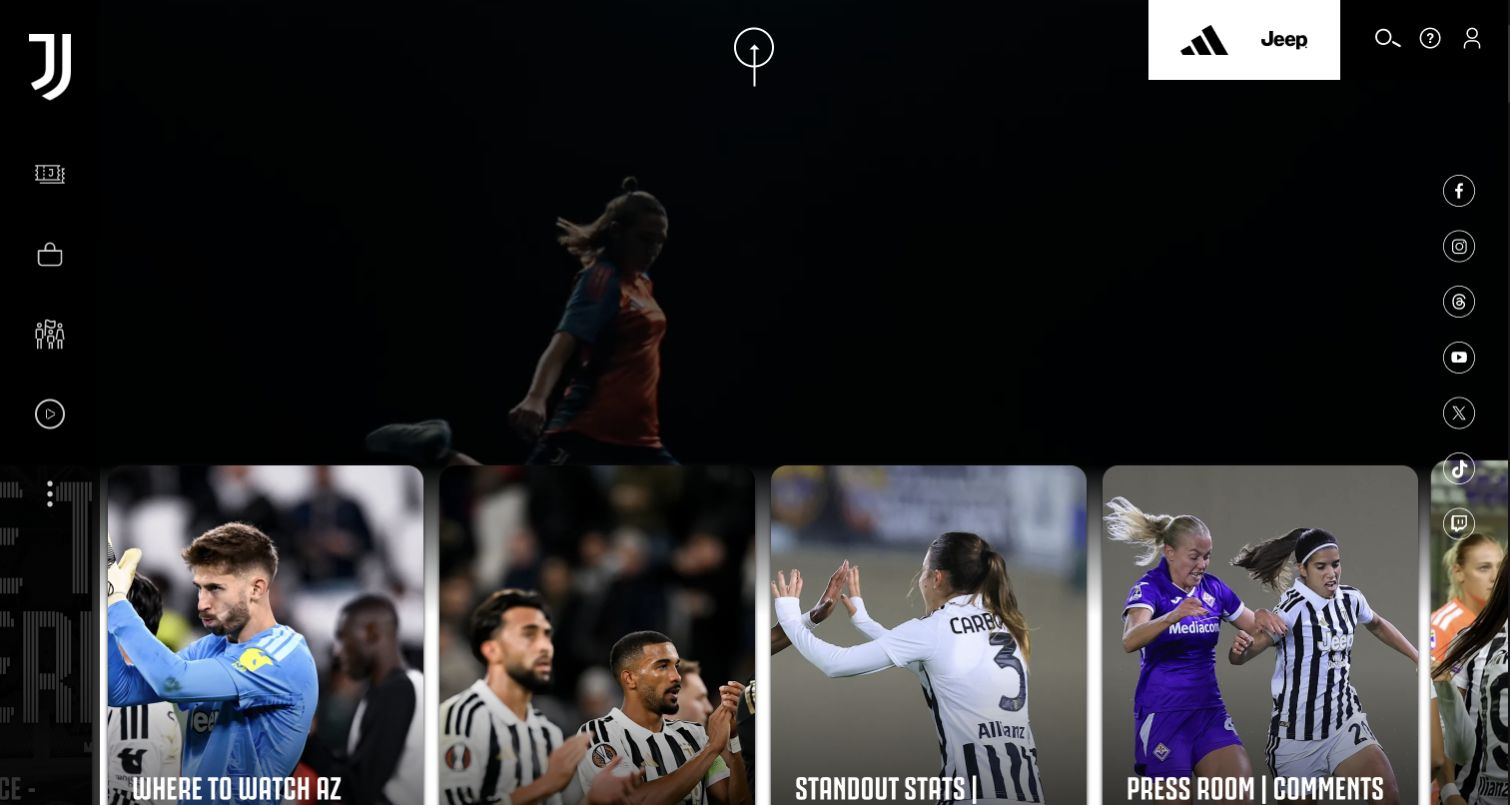
Juventus gives its opening a cinematic dark treatment, with background video and large story cards that mix match information, previews, and different team coverage. Sponsor marks and utility icons surround the club identity. For Fancybox planning, the useful issue is how a media-heavy page explains what opening an image or card will do. A Fancybox stylesheet was observed on the exact public source, but that does not establish whether a particular card opens a lightbox, a video, or a separate editorial page.
What you can learn
Label the content type and keep the story's title visible before the interaction. If a similar page opens video in an overlay, verify a clear close control, keyboard access, playback stopping on close, and return to the original card. Preserve direct article destinations for readers who want to share or revisit the story. Background motion should not compete with the media they deliberately chose to open.
Pros
Large photographic cards give individual stories substantial visual targets.
The editorial mix includes practical match information and varied team coverage.
Cons & considerations
Icon-heavy utilities can demand interpretation from first-time visitors.
Background movement and horizontal content add interaction and performance complexity.
Platform source: Dated exact public source-page audit. Linked stylesheet matches Fancybox. Dated public resource or code association on this exact source page; not proof that any particular visible component initializes or behaves as assumed. Platform evidence is separate from the direct website screenshot and is not a complete current infrastructure audit.
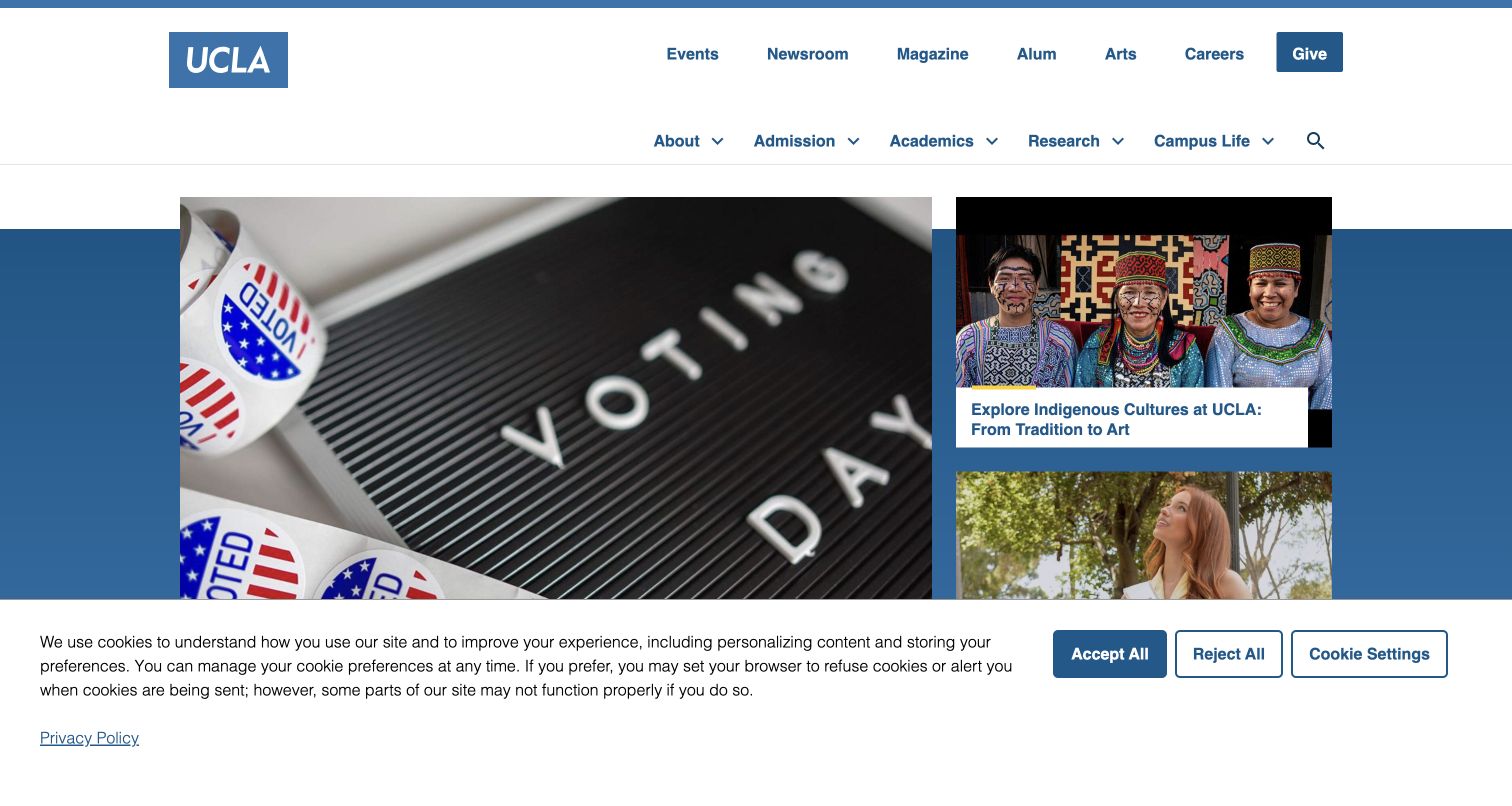
UCLA places several civic, cultural, and student stories beneath a compact blue-branded header instead of giving the entire opening to one campaign. Later features include dates and publication labels, while admissions and academic routes stay permanent. For Fancybox development, this is useful context for handling editorial imagery responsibly. The public library reference does not identify a specific image viewer, demonstrate an overlay's behavior, or establish that linked campus publications use the same component or publishing system.
What you can learn
If an editorial image opens larger, retain its caption, source, date context, and relationship to the full story. Do not turn a news card into an unlabeled image-only destination when its headline promises reporting. Test the return from an optional viewer to the exact story card and provide a direct article link. A university homepage can curate several publications while still making their different origins and update dates understandable.
Pros
Several opening stories convey a broad campus community.
Dates and source labels support interpretation of editorial material.
Cons & considerations
Applicants seeking a specific course need more directed navigation.
Several vivid images can compete without a clear visual hierarchy.
Platform source: Dated exact public source-page audit. Linked stylesheet matches Fancybox. Dated public resource or code association on this exact source page; not proof that any particular visible component initializes or behaves as assumed. Platform evidence is separate from the direct website screenshot and is not a complete current infrastructure audit.
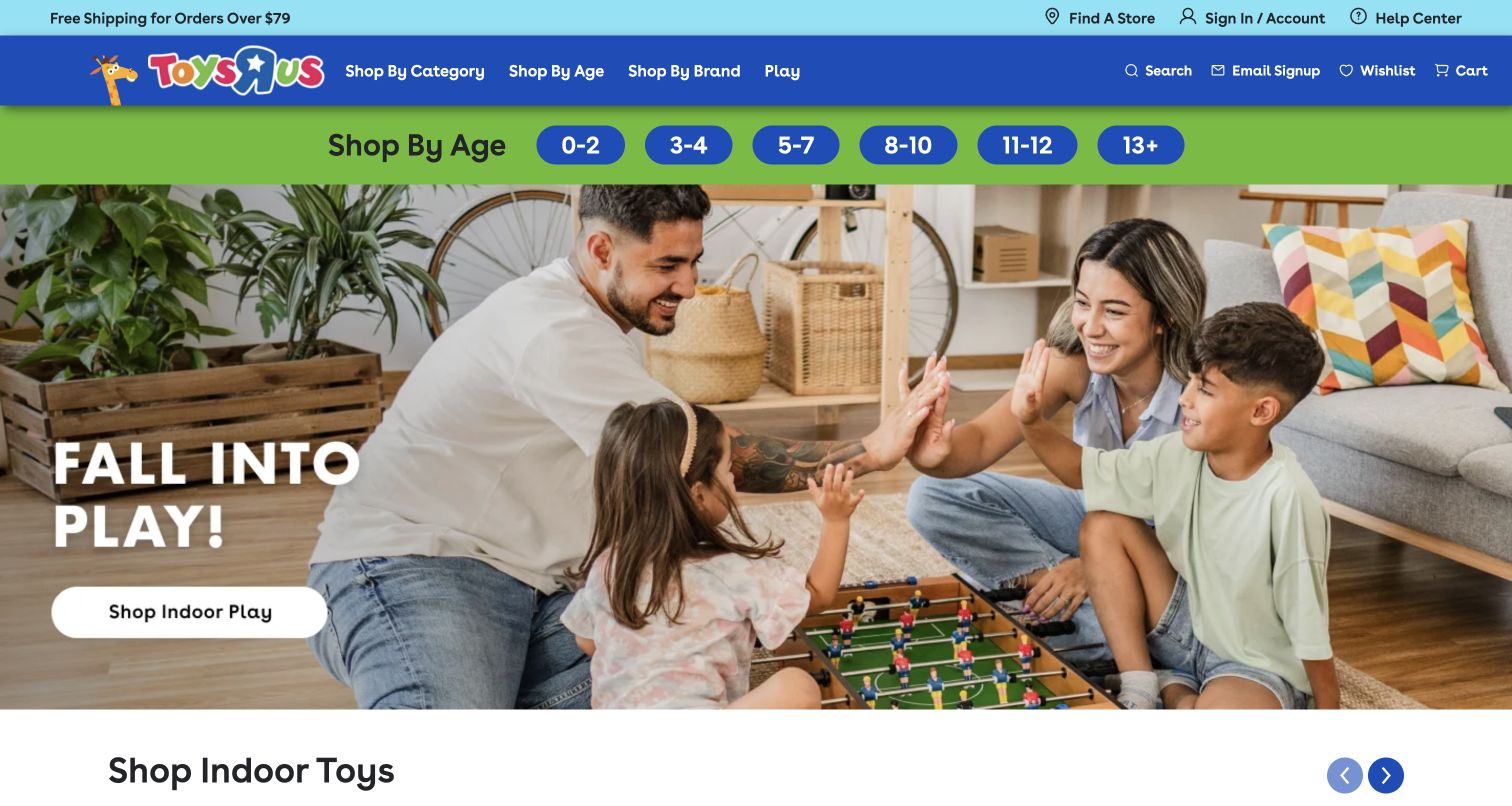
Toys R Us puts visible age buttons above a seasonal family-play image, then provides product names and prices in a subsequent merchandise collection. Category and brand routes remain available alongside store finding and help. For Fancybox planning, the useful pattern is preserving shopping context when examining a larger image. The library's public stylesheet association does not prove that any product image uses a lightbox, establish zoom behavior, or verify product availability, age suitability, pricing, or checkout behind the public presentation.
What you can learn
If implementing a product viewer, keep the item name and relevant variation identifiable inside it, and return focus to the selected product afterward. A larger photograph should supplement the full product record, not hide important age information or warnings that belong in readable text. Test several image shapes and a product with only one image, making close and next controls understandable without requiring a swipe gesture.
Pros
Visible age ranges provide a practical shopping entry before the campaign.
Brand and category routes support shoppers with more specific preferences.
Cons & considerations
The large family scene postpones individual merchandise detail.
A partial product row adds navigation to side-by-side comparison.
Platform source: Dated exact public source-page audit. Linked script matches Fancybox. Dated public resource or code association on this exact source page; not proof that any particular visible component initializes or behaves as assumed. Platform evidence is separate from the direct website screenshot and is not a complete current infrastructure audit.
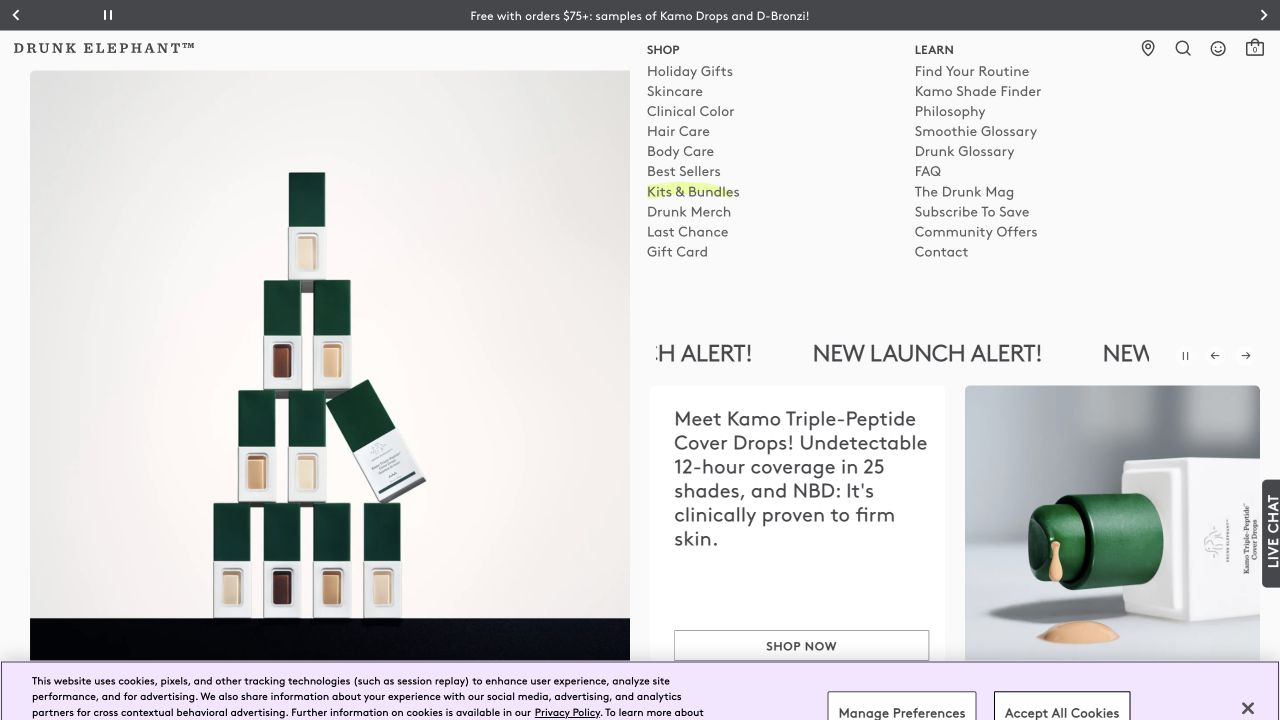
Drunk Elephant combines vivid packaging colors with separate Shop and Learn routes, giving routine explanations and terminology their own place alongside the catalog. A launch image pairs a model with a short action. For Fancybox planning, this is useful because a product photograph and an explanation solve different problems. A public Fancybox reference does not identify a specific image viewer, prove a product video opens in an overlay, or establish the accuracy of a recommendation about individual product suitability.
What you can learn
If images open larger, retain the product's plain-language identity and a route to its full details. Keep usage explanations accessible as normal text rather than embedding them only in a promotional image or video. Test caption wrapping, keyboard close behavior, and returning to the same variation. A visitor unfamiliar with the brand's playful names should understand which item they inspected and where to read more without reopening the entire shopping path.
Pros
Shopping and learning have distinct, recognizable entry points.
Color links the product range to the promotional visual system.
Cons & considerations
Branded names can make functional differences less obvious.
Launch-focused imagery can overshadow quieter usage and service information.
Platform source: Dated exact public source-page audit. Linked script matches Fancybox. Dated public resource or code association on this exact source page; not proof that any particular visible component initializes or behaves as assumed. Platform evidence is separate from the direct website screenshot and is not a complete current infrastructure audit.
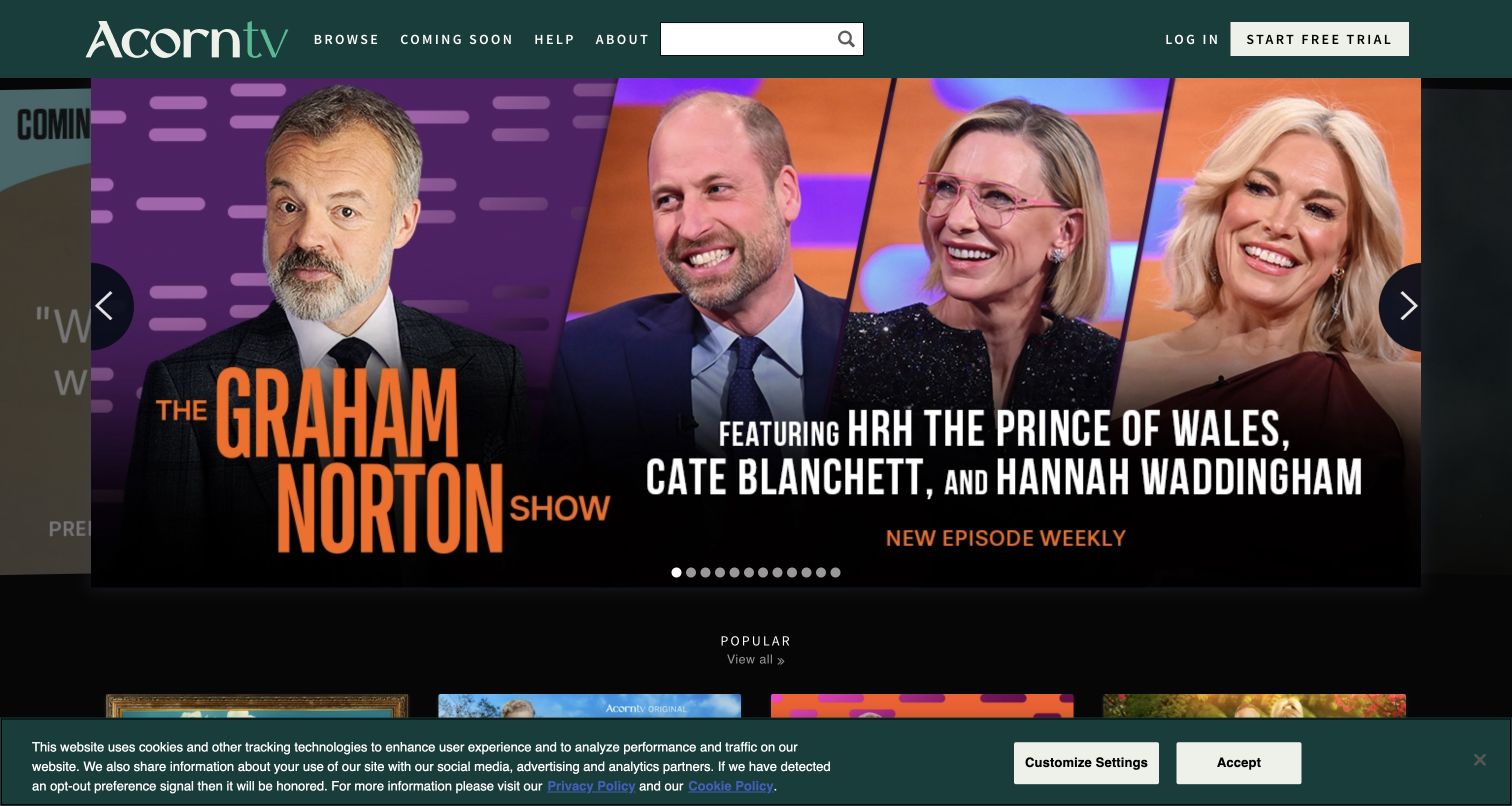
Acorn TV's public entrance emphasizes browsing, search, and upcoming releases around a large program montage. Login and trial actions have separate positions, with a Popular section below and a retained cookie notice. For Fancybox planning, the relevant problem is what happens when someone chooses to inspect media. The public library resource does not identify a trailer viewer, establish playback rights, or show whether any particular overlay uses Fancybox. The signed-in streaming application remains outside this public-page review.
What you can learn
If trailers open in a lightbox, label them as previews and keep the program title and full-detail destination available. Verify that closing stops playback and returns focus to the correct card. Test the interaction with consent UI present and with an unavailable media source. A viewer should not conceal search or become the only route to release information that the visitor needs before considering a subscription.
Pros
Search and Coming Soon support concrete viewing questions.
The feature offers recognizable program imagery with visible navigation cues.
Cons & considerations
Many feature positions can make manual exploration tedious.
The cookie notice obscures part of the following content row.
Platform source: Dated exact public source-page audit. Linked stylesheet matches Fancybox. Dated public resource or code association on this exact source page; not proof that any particular visible component initializes or behaves as assumed. Platform evidence is separate from the direct website screenshot and is not a complete current infrastructure audit.
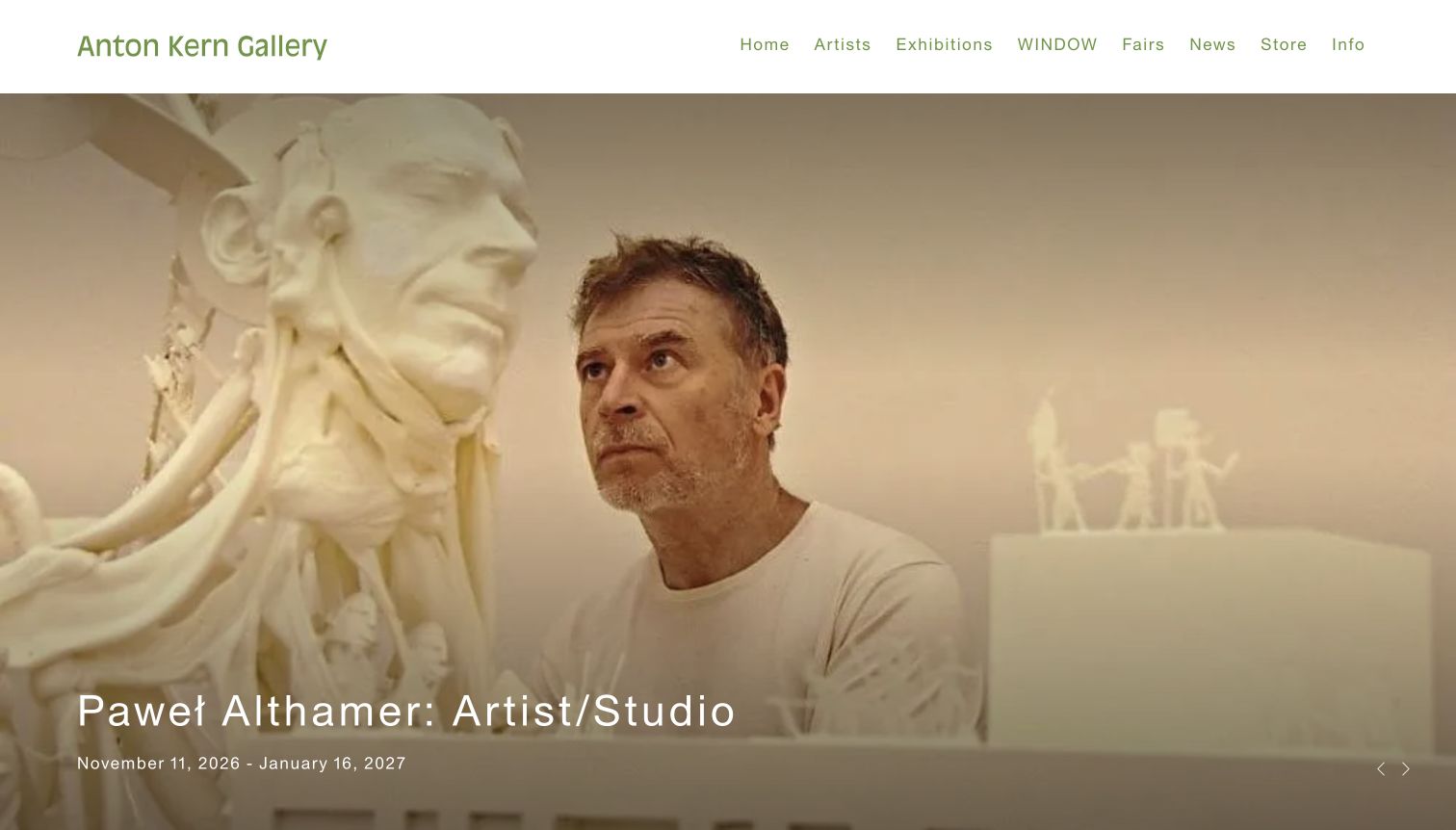
Anton Kern Gallery opens with an artist working beside sculpture, placing exhibition title and dates over the documentary scene. A white header includes exhibitions, fairs, news, store, information, and the named WINDOW program. For Fancybox planning, this is useful because a larger image still needs exhibition context. The observed library association does not prove that the opening photograph launches a lightbox or verify navigation between works. It also cannot establish the location of the exhibition from imagery alone.
What you can learn
If studio and artwork photographs form a gallery, keep the artist, exhibition, dates, location, and credits attached to each appropriate item. Distinguish a process photograph from a work available for closer inspection. Test a long artwork caption and a portrait image without losing controls, then ensure closing returns to the initiating thumbnail. A compelling documentary image should lead to a useful artist or exhibition record rather than becoming an isolated visual dead end.
Pros
The working scene makes the exhibition introduction personal and specific.
The date range remains readable beneath the main caption.
Cons & considerations
The first caption does not state the physical venue.
The WINDOW label needs explanation for visitors unfamiliar with the program.
Platform source: Dated exact public source-page audit. Linked stylesheet matches Fancybox. Dated public resource or code association on this exact source page; not proof that any particular visible component initializes or behaves as assumed. Platform evidence is separate from the direct website screenshot and is not a complete current infrastructure audit.
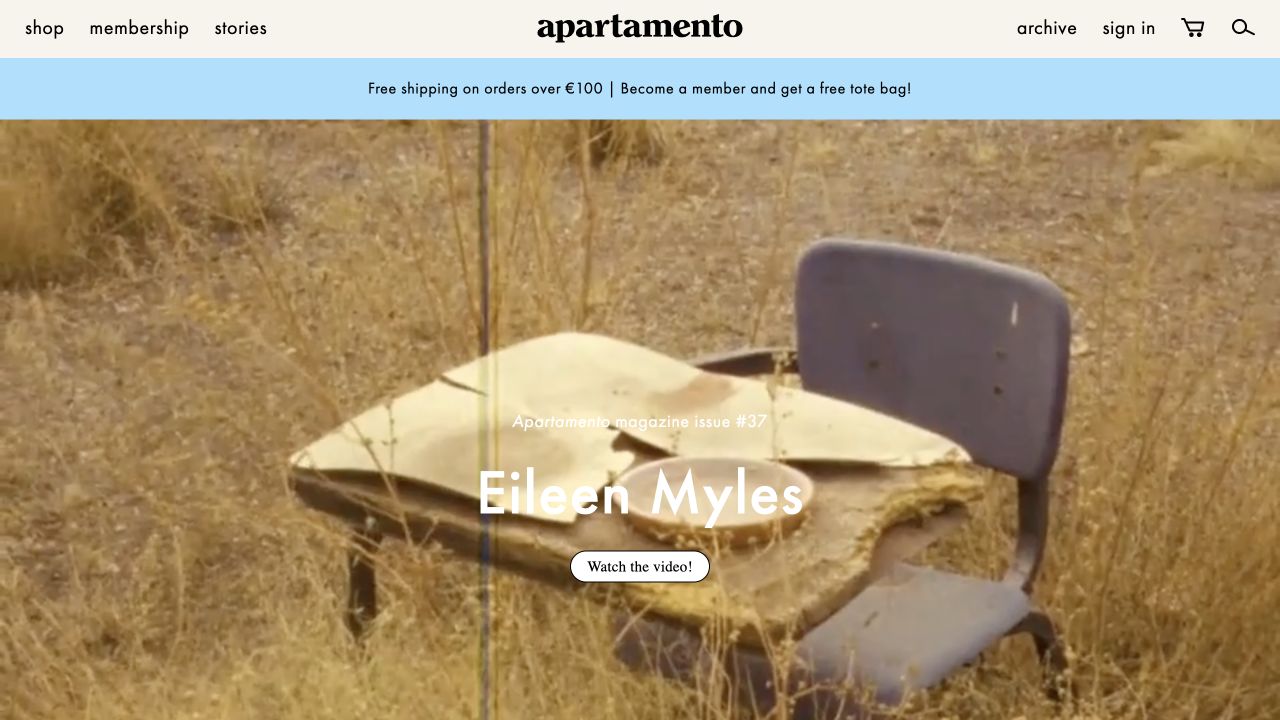
Apartamento links a substantial visual feature with stories, archive, shopping, and membership, giving editorial work and physical publications a shared identity. That continuity is useful Fancybox planning material because the same image treatment can lead to several different outcomes. The library association in the public source does not establish whether a feature opens a video, image gallery, article, or product detail. It also does not verify the behavior of a membership or checkout system reached from the publication.
What you can learn
Label the destination before opening media: story, film, issue, or object. If a lightbox supplements an article, preserve the contributor and caption context and provide a clear path to the full text. If it supplements a product, keep edition and item identity visible. Test a visitor moving between editorial and commercial content so closing a viewer returns to the expected place without silently switching the meaning of the next action.
Pros
A consistent visual world connects editorial work and publishing products.
Story and archive routes remain distinct from ordinary shopping.
Cons & considerations
Similar imagery can blur editorial and commercial destinations.
Video-led features need a useful summary for people who do not play them.
Platform source: Dated exact public source-page audit. Linked script matches Fancybox. Dated public resource or code association on this exact source page; not proof that any particular visible component initializes or behaves as assumed. Platform evidence is separate from the direct website screenshot and is not a complete current infrastructure audit.
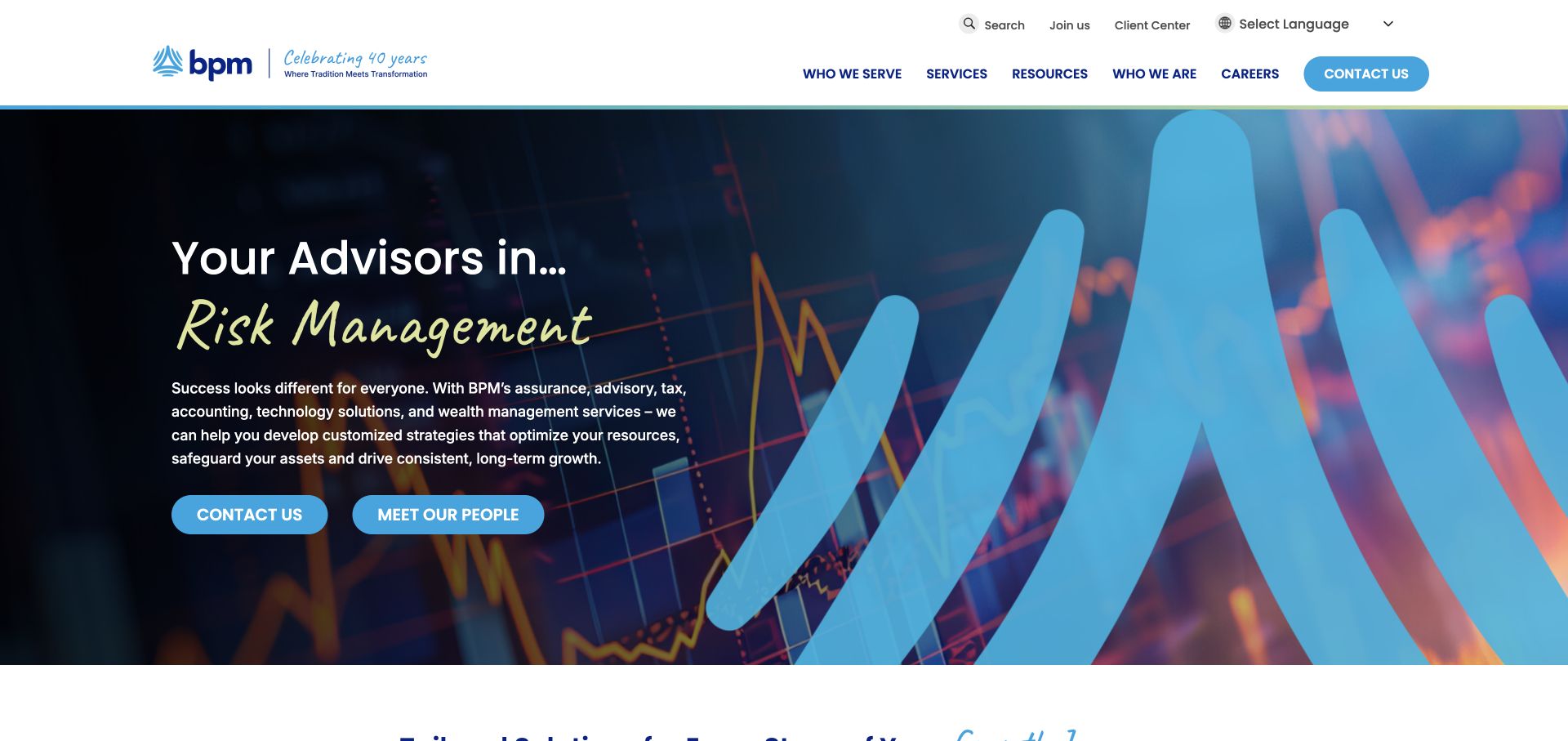
BPM combines a dark chart background, blue ribbon, and lime handwritten accent with separate actions for contacting the firm and meeting its people. Services, resources, client groups, and client-center access have their own navigation roles. For Fancybox planning, the useful distinction is between exploring expertise and starting a relationship. A public library reference does not identify a staff-video overlay, demonstrate how it behaves, or establish any connection between Fancybox and the firm's private client systems.
What you can learn
If a people profile includes video or a larger portrait, retain the person's name, role, and full-profile link around the viewer. Keep inquiry access separate so visitors can proceed without playing media. Test captions, keyboard dismissal, and focus restoration, and ensure a decorative chart is not presented as proof of a specific client outcome. Media can humanize expertise while the page still supplies concrete service information in ordinary text.
Pros
People and contact actions support different stages of evaluation.
The handwriting accent adds personality within a structured visual system.
Cons & considerations
Changing expressive language should not carry essential service information alone.
Generic chart imagery needs concrete sector and expertise context elsewhere.
Platform source: Dated exact public source-page audit. Linked stylesheet matches Fancybox. Dated public resource or code association on this exact source page; not proof that any particular visible component initializes or behaves as assumed. Platform evidence is separate from the direct website screenshot and is not a complete current infrastructure audit.
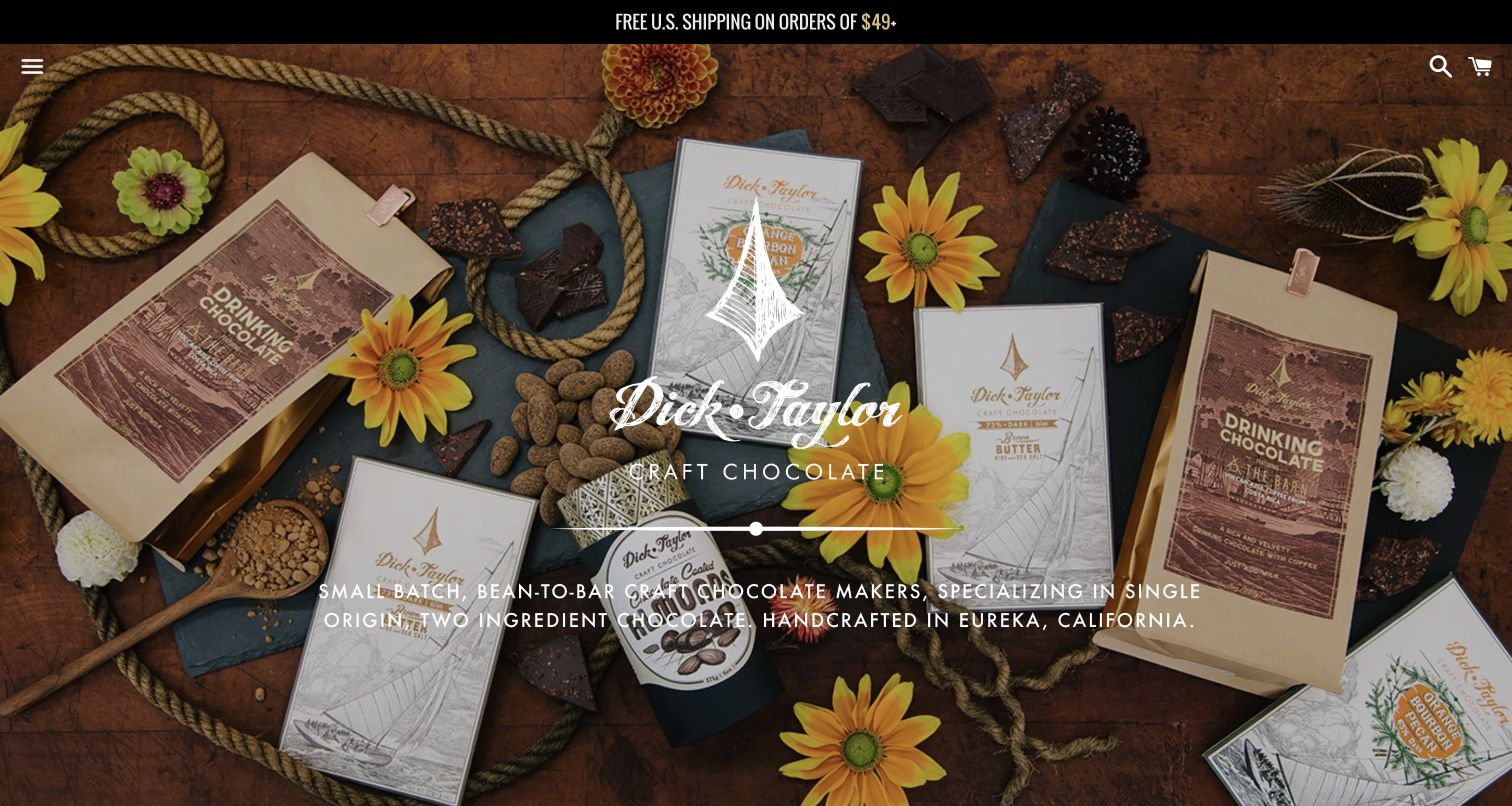
Dick Taylor Craft Chocolate photographs bars, pouches, cacao beans, flowers, and rope together on wood, using illustrated packaging to reinforce its craft identity. Search and cart remain visible while product categories sit behind a menu icon. For Fancybox planning, this is a useful starting point for a detailed product-image experience. The source association does not prove that a packaging image opens in Fancybox, establish zoom behavior, or reveal whether ingredient and product information remain available inside any actual viewer.
What you can learn
If building a gallery, include a clear product view as well as atmospheric scenes, and preserve the item name and caption while people inspect it. Keep ingredients and other essential details as readable page content rather than only on packaging photography. Test portrait labels, wide lifestyle images, and a missing image source. Closing the viewer should return to the same product without losing the visitor's catalog position or selected variation.
Pros
Packaging and surrounding props reinforce a coherent maker identity.
Search and cart remain available within the minimal header.
Cons & considerations
Hidden categories make ordinary product discovery less immediate.
White type over detailed imagery needs responsive contrast checks.
Platform source: Dated exact public source-page audit. Linked stylesheet matches Fancybox. Dated public resource or code association on this exact source page; not proof that any particular visible component initializes or behaves as assumed. Platform evidence is separate from the direct website screenshot and is not a complete current infrastructure audit.
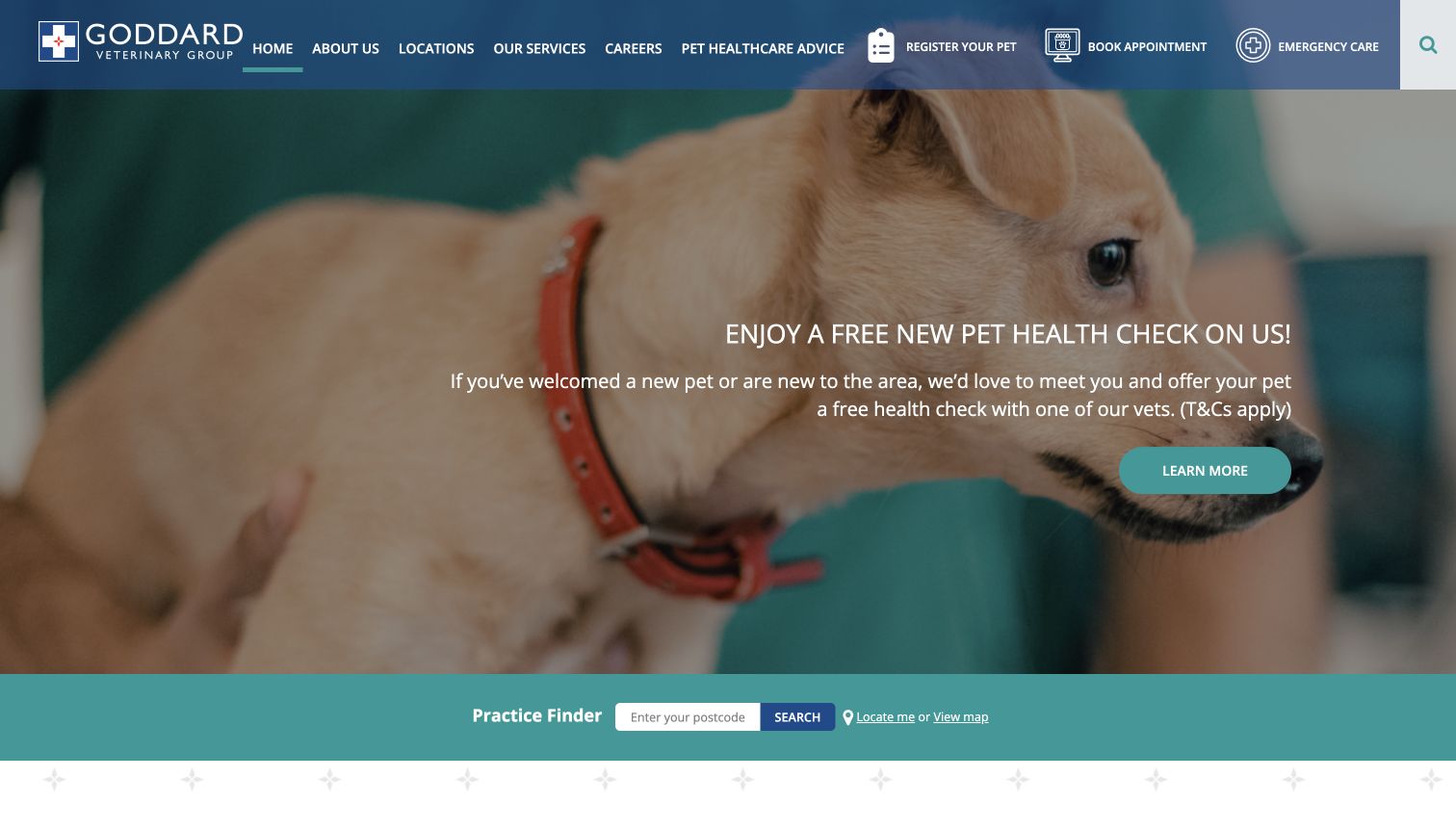
Goddard Veterinary Group gives registration, appointments, and emergency care distinct header tasks around a pet photograph and offer. A postcode finder and map route make practice choice explicit. For Fancybox planning, the useful question is whether optional media helps a visitor understand a location without blocking practical access. The public library resource does not identify a map or image overlay, verify a booking flow, or establish availability and clinical services at any particular practice.
What you can learn
If practice photographs open larger, keep the branch name and location visible and return visitors to the same finder result. Do not place emergency directions only inside an optional viewer. Test a map-related overlay independently from an image gallery, including keyboard close and unavailable content. A promotional photograph should lead to maintained local information, while appointment, registration, and urgent contact remain separately labeled tasks that do not depend on viewing media first.
Pros
Registration, booking, and emergency help have distinct labels.
Postcode and map routes support different approaches to location discovery.
Cons & considerations
Many header items compete with the main task.
The large offer postpones more detailed practice information.
Platform source: Dated exact public source-page audit. Linked stylesheet matches Fancybox. Dated public resource or code association on this exact source page; not proof that any particular visible component initializes or behaves as assumed. Platform evidence is separate from the direct website screenshot and is not a complete current infrastructure audit.
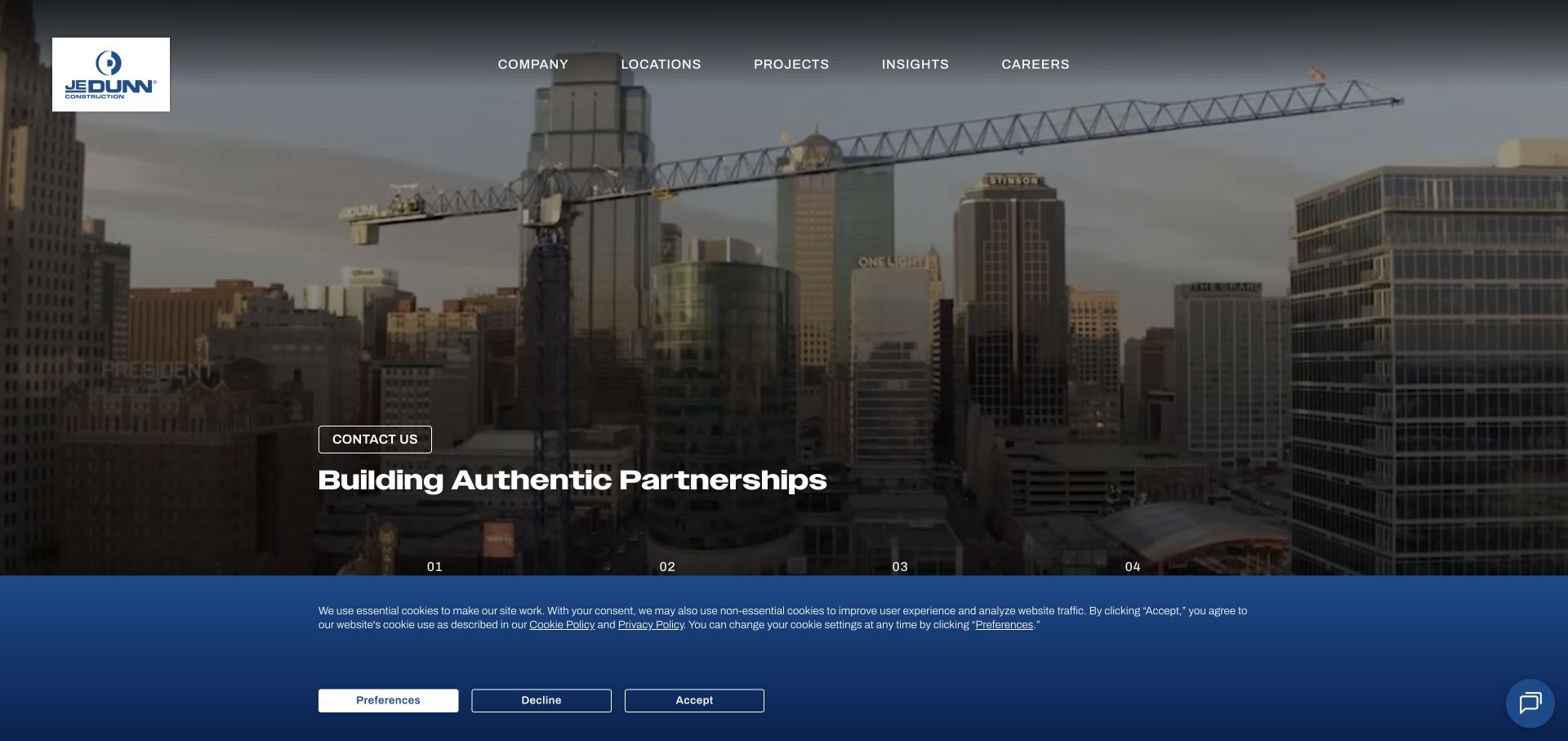
JE Dunn frames dusk architecture in dark blue and organizes its story into identity, approach, work, and news through numbered sections. Markets and office routes support more direct research. For Fancybox planning, this is useful because project images should add evidence to that narrative rather than become a disconnected slideshow. A library resource on the public source does not identify the hero or portfolio gallery as Fancybox, prove gallery behavior, or establish the company's role in every visible project.
What you can learn
If project photographs open in a viewer, keep the project name, location, relevant role, and image credit available. Group images by project deliberately so the next arrow does not imply an unrelated building is part of the same commission. Test long captions and returning to the original project card. Preserve a normal case-study destination where a prospective client can read the delivery details that an attractive photograph cannot establish alone.
Pros
Numbered sections give the company narrative a clear sequence.
A consistent blue frame unifies photographs and practical routes.
Cons & considerations
Linear storytelling can delay buyers seeking a known capability.
Partnership claims need specific project evidence behind the visual presentation.
Platform source: Dated exact public source-page audit. Linked stylesheet matches Fancybox. Dated public resource or code association on this exact source page; not proof that any particular visible component initializes or behaves as assumed. Platform evidence is separate from the direct website screenshot and is not a complete current infrastructure audit.
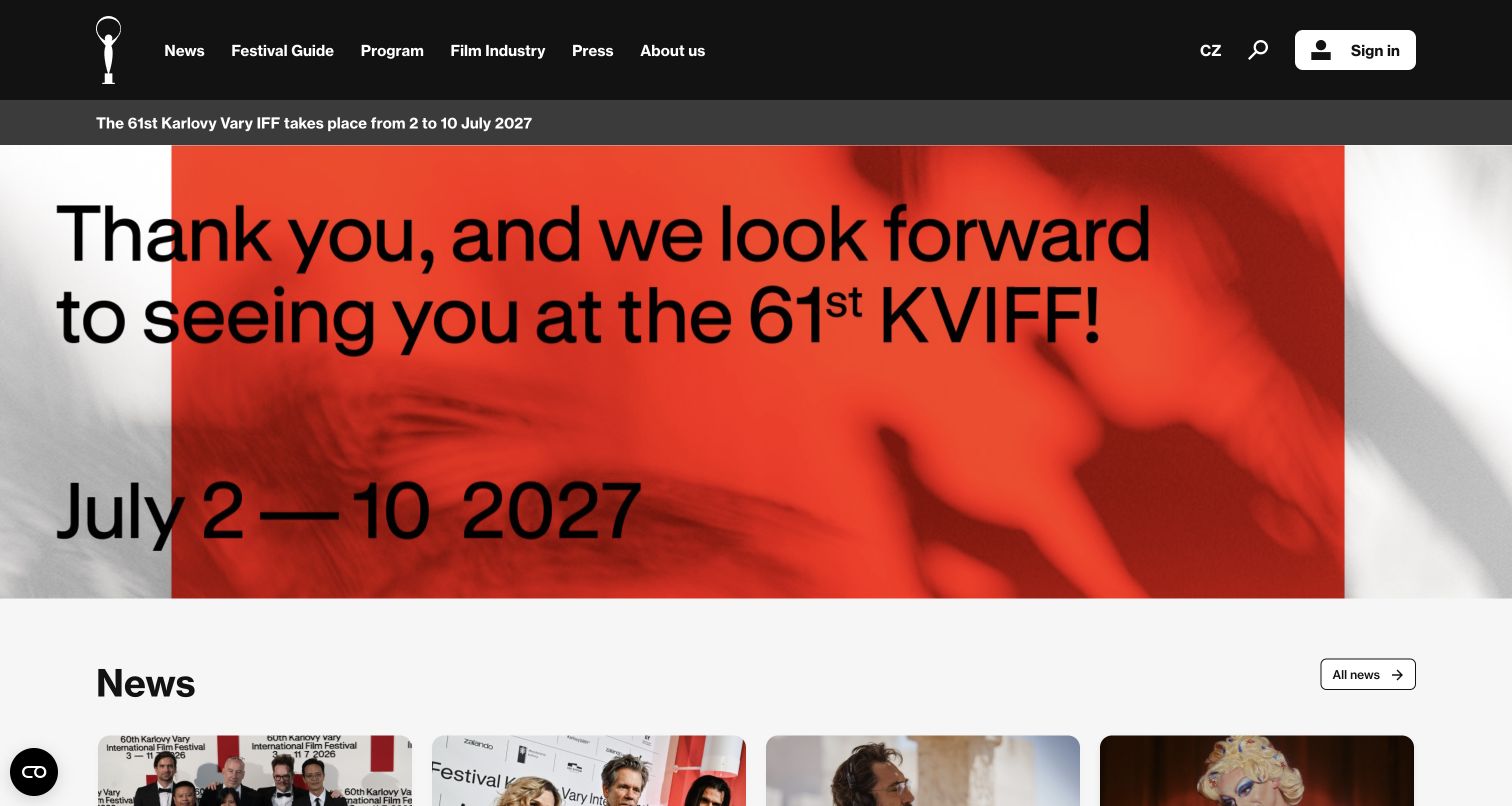
Karlovy Vary's opening uses a thank-you campaign, next-edition date strip, and news beneath a black navigation bar. Audience guidance, program, industry, and press remain visible between festival cycles. For Fancybox planning, this is a useful reference for keeping media status clear. The public source association does not identify a particular photo or video viewer, demonstrate an overlay's behavior, or establish whether featured recordings belong to the completed event or the upcoming edition without the surrounding editorial context.
What you can learn
Attach edition, date, event name, credit, and recording status to festival media. If a lightbox contains a past gala or photo series, make that history explicit before playback or navigation. Test a visitor arriving through an archived image link and keep a route to the relevant edition page. A next-year date elsewhere in the header should not make old footage look like a current live stream or upcoming event.
Pros
The next festival period is clearly stated in its own strip.
Audience and professional routes remain distinct during the off-season.
Cons & considerations
Language editions require coordinated editorial updates.
Large campaign lettering needs careful wrapping to preserve complete dates.
Platform source: Dated exact public source-page audit. Linked stylesheet matches Fancybox. Dated public resource or code association on this exact source page; not proof that any particular visible component initializes or behaves as assumed. Platform evidence is separate from the direct website screenshot and is not a complete current infrastructure audit.
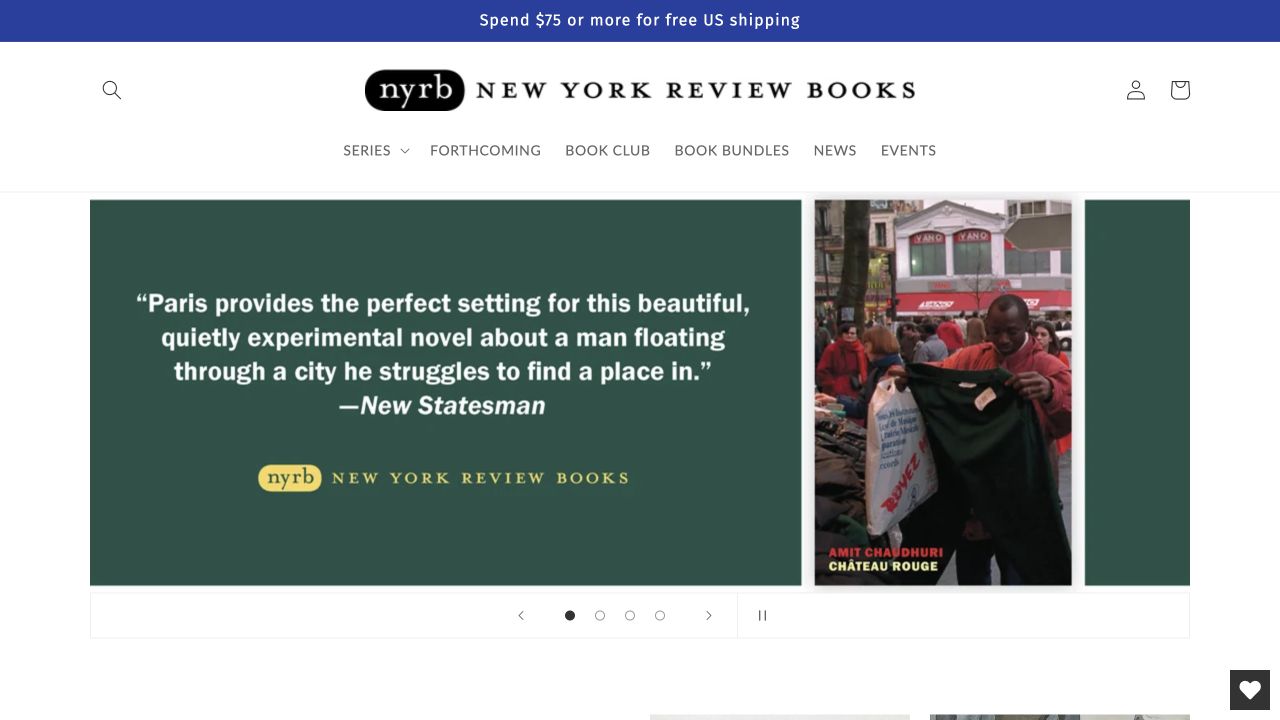
New York Review Books emphasizes series, forthcoming titles, bundles, club offers, news, and events around prominent cover artwork and author information. The editorial organization gives readers useful alternatives to broad commercial genres. For Fancybox planning, this is a reference for keeping a larger cover image connected to an actual edition. The library association does not prove that covers open in a lightbox, identify a preview implementation, or verify publication status and availability in the linked commerce system.
What you can learn
If covers or interior spreads open larger, retain title, author, translator where relevant, and edition context. Group previews deliberately and distinguish sample pages from the complete publication. Keep forthcoming status and format information on the normal product record as well. Test a bundle containing several books so image navigation cannot imply that every pictured edition is included, and return focus to the precise cover or preview link that opened the viewer.
Pros
Series routes reflect the publisher's editorial organization.
Forthcoming titles and bundles have distinct discovery paths.
Cons & considerations
Unfamiliar series names need concise explanations.
Bundles and club offers add edition and availability details to maintain.
Platform source: Dated exact public source-page audit. Linked script matches Fancybox. Dated public resource or code association on this exact source page; not proof that any particular visible component initializes or behaves as assumed. Platform evidence is separate from the direct website screenshot and is not a complete current infrastructure audit.
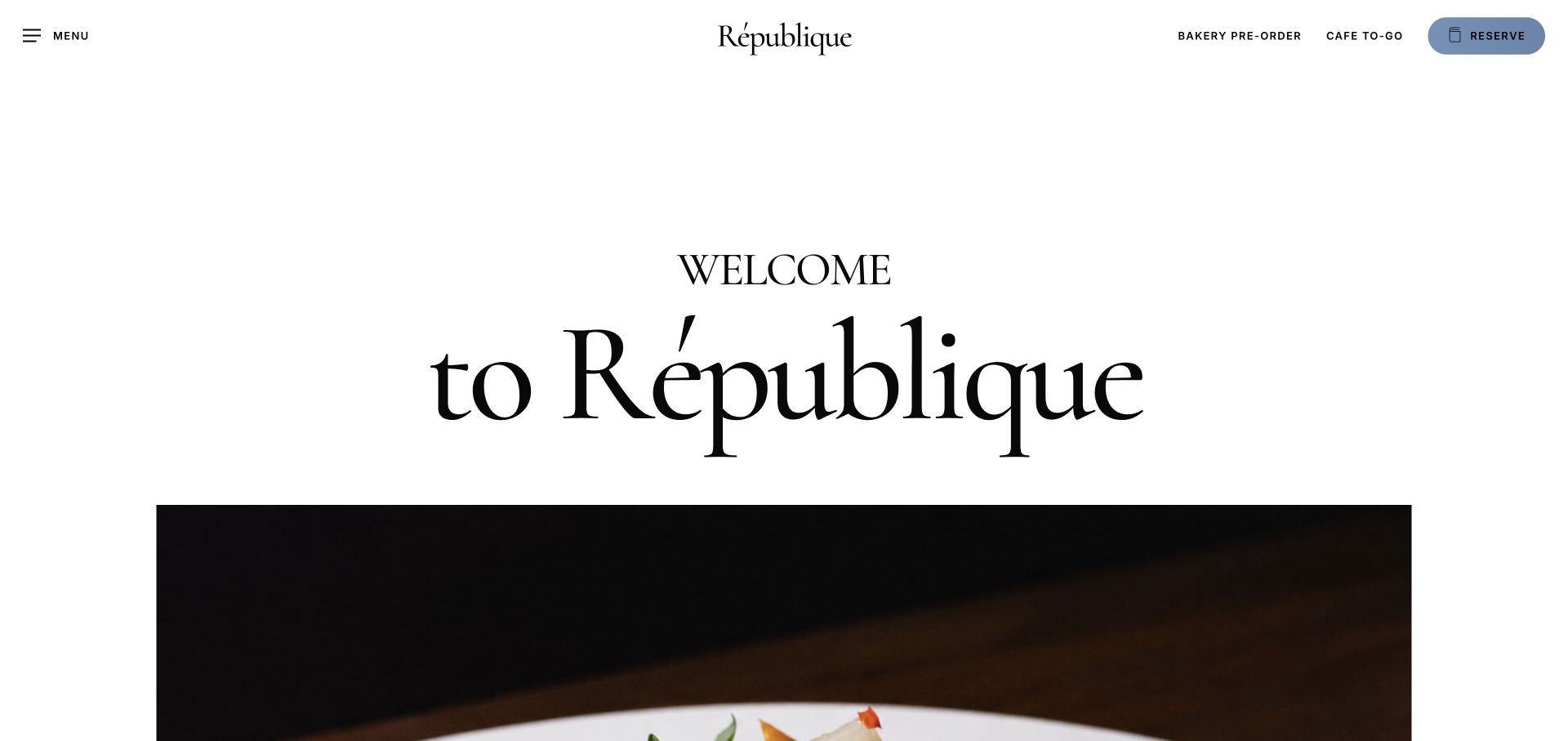
République opens with a large serif welcome on white, then introduces food imagery beneath a header separating bakery preorder, café takeaway, and reservations. The reservation action has a blue pill treatment. For Fancybox planning, the useful principle is to preserve these different service intentions around optional images or menus. The public library evidence does not show that any photograph or menu uses a lightbox, identify a reservation provider, or verify food availability and ordering behavior at the linked destinations.
What you can learn
If menus or photographs open in a viewer, label the service and date context before the trigger. A dinner menu image should not appear to describe café takeaway or a seasonal bakery order. Provide readable menu information and a normal destination when a large image is unsuitable. Test keyboard closing and returning to the appropriate service route, keeping reservations distinct from an image-viewing action that merely helps someone understand the restaurant.
Pros
Ordering and reserving use different, specific labels.
The white typographic introduction avoids placing all text over photography.
Cons & considerations
The large welcome uses space without explaining service differences deeply.
The general menu must remain discoverable beside prominent transaction links.
Platform source: Dated exact public source-page audit. Linked stylesheet matches Fancybox. Dated public resource or code association on this exact source page; not proof that any particular visible component initializes or behaves as assumed. Platform evidence is separate from the direct website screenshot and is not a complete current infrastructure audit.
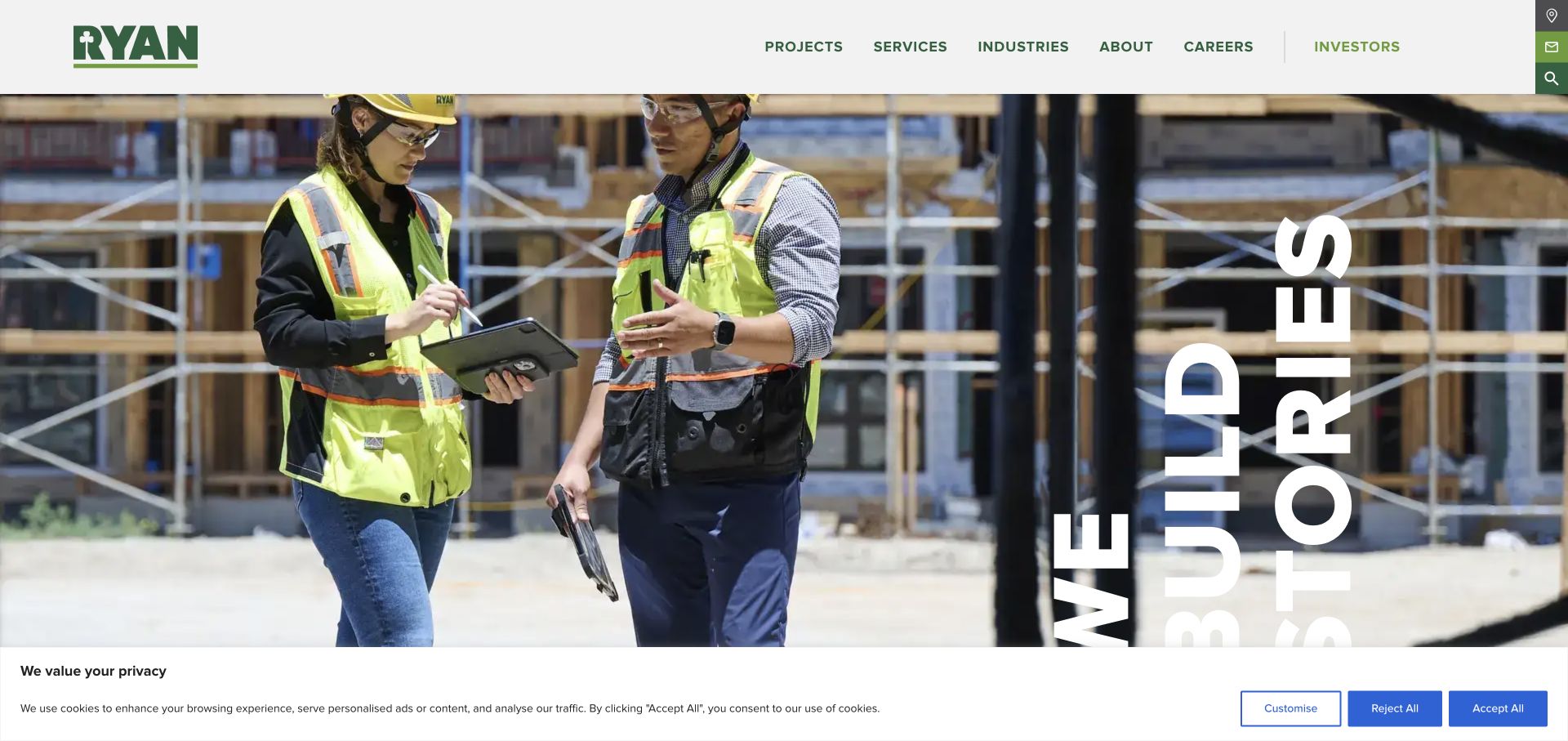
Ryan Companies pairs construction personnel and a story-oriented opening with separate sector, service, and project routes. Its integrated offer spans several real-estate responsibilities, making the chosen research path important. For Fancybox planning, this is useful context for project photography that may represent different roles. A public library reference does not identify a portfolio viewer, verify its behavior, or prove that the company designed, built, owned, or managed every aspect of a project pictured on the website.
What you can learn
Attach role, sector, project name, and credit to each gallery, with a complete case-study link nearby. If a project includes several phases, explain them rather than relying on image order to suggest chronology. Test landscape and portrait construction images with long captions, then verify the return to the initiating project card. A polished viewer should support comparison and attribution without replacing the factual account of what the company actually delivered.
Pros
Sector, service, and project routes support several valid research methods.
Large work photography keeps the built result present in the story.
Cons & considerations
An integrated offer can blur responsibility without precise case-study labels.
Decorative headline treatments need a straightforward narrow-screen reading order.
Platform source: Dated exact public source-page audit. Linked stylesheet matches Fancybox. Dated public resource or code association on this exact source page; not proof that any particular visible component initializes or behaves as assumed. Platform evidence is separate from the direct website screenshot and is not a complete current infrastructure audit.
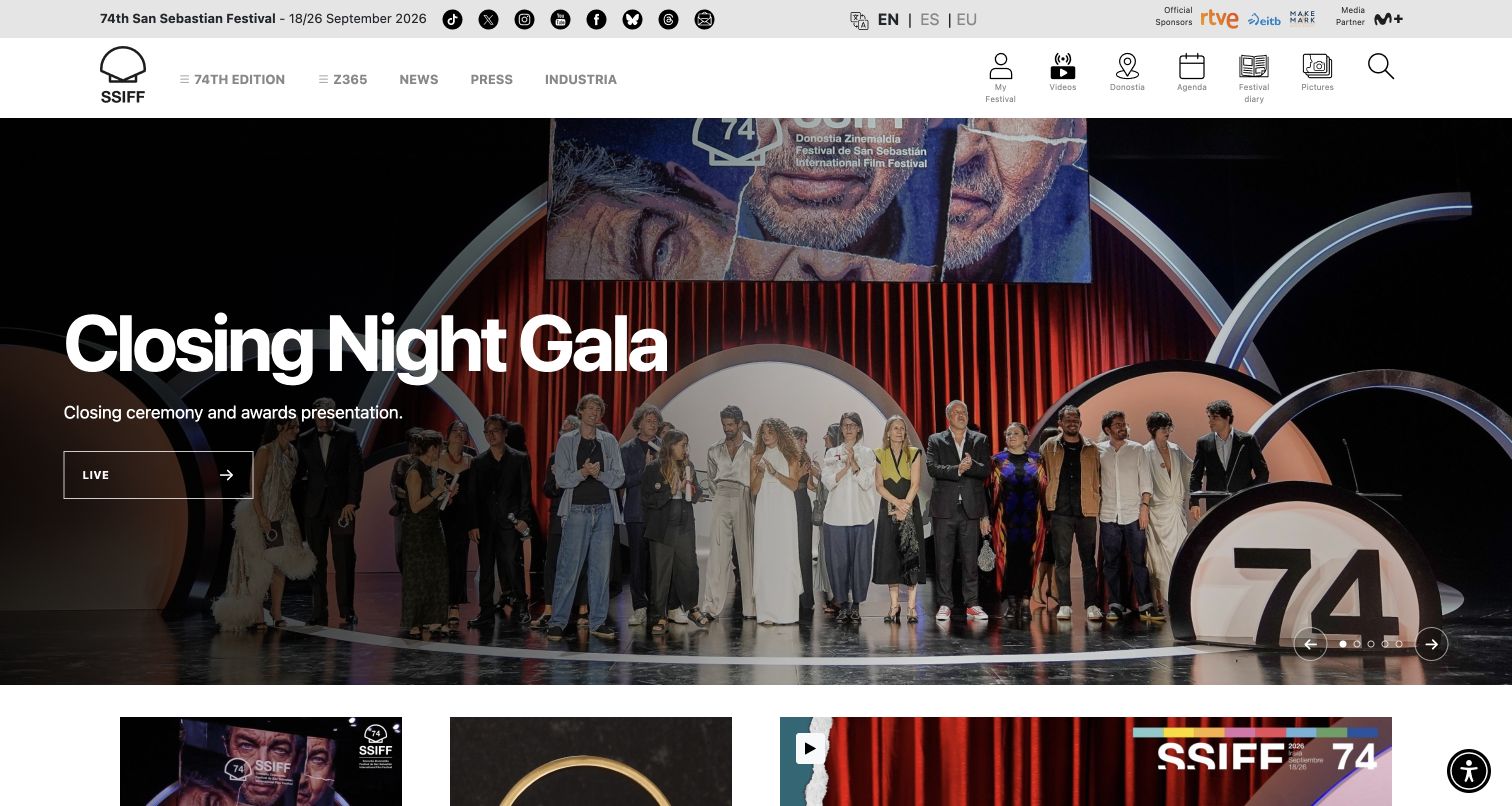
San Sebastian combines edition dates, gala imagery, and utilities for video, city information, agenda, diary, and pictures. Day, venue, and section choices support a dense screening program, with language selection kept prominent. For Fancybox planning, the important issue is distinguishing media types and status in a crowded festival environment. The public resource association does not prove a gala video opens in Fancybox, establish streaming behavior, or show whether a label describes a live broadcast or a recording from the completed edition.
What you can learn
For any overlay, state whether the item is a photograph, trailer, recorded event, or live destination. Preserve edition, title, date, and credit with it. Test unavailable media and closing during playback, then return focus to the correct utility or story. Keep agenda and venue information on ordinary pages so a visitor planning attendance does not have to enter a media viewer to discover practical event details.
Pros
City guidance and daily coverage sit beside the main festival routes.
Day, venue, and section choices reflect real attendance planning needs.
Cons & considerations
Ambiguous Live wording can confuse retrospective media with an upcoming broadcast.
Dense icon utilities need readable labels at smaller widths.
Platform source: Dated exact public source-page audit. Linked stylesheet matches Fancybox. Dated public resource or code association on this exact source page; not proof that any particular visible component initializes or behaves as assumed. Platform evidence is separate from the direct website screenshot and is not a complete current infrastructure audit.
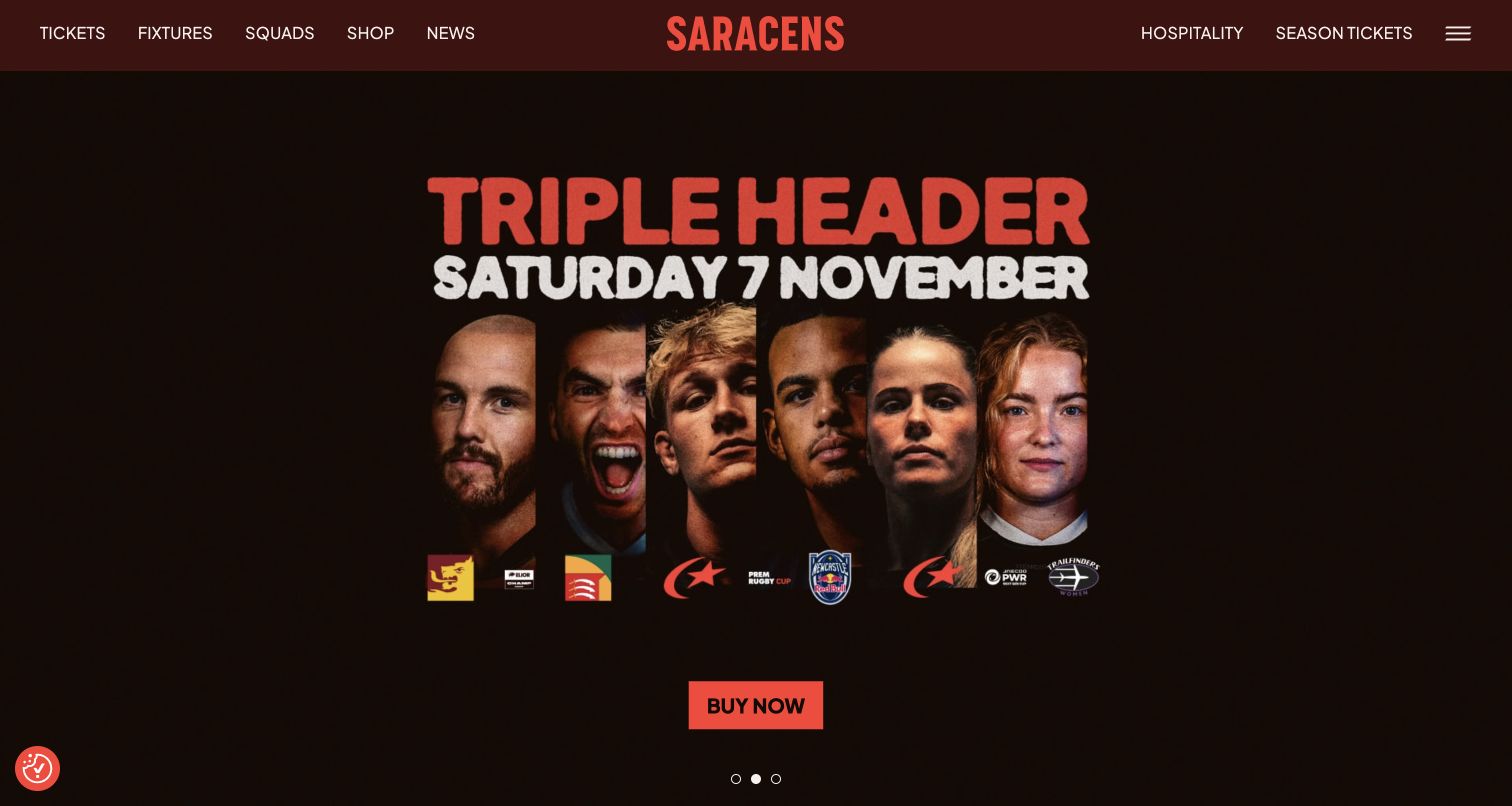
Saracens gives a coordinated player poster, date, and purchase action the opening position beneath compact dark-red navigation. Fixtures, squads, shopping, hospitality, and season tickets remain stable choices. For Fancybox planning, this is a useful example of a graphic that should not be the only place important information exists. Public library evidence does not identify an image viewer, establish ticket availability, or show how an event poster behaves when opened at a larger size on the real site.
What you can learn
If campaign artwork can be enlarged, provide its event name, date, venue, and action as readable text outside the image as well. A viewer should help inspect the artwork without becoming the route required to understand attendance. Test portrait and landscape posters, control contrast, and closing on a phone. Retire expired campaigns with their related links, and keep fixture details available through a permanent destination after the featured poster changes.
Pros
Players, date, and action form a coherent attendance proposition.
Hospitality and season tickets remain distinct from the immediate campaign.
Cons & considerations
Text-heavy artwork needs readable mobile and textual alternatives.
Temporary posters need ownership and prompt post-event replacement.
Platform source: Dated exact public source-page audit. Linked script matches Fancybox. Dated public resource or code association on this exact source page; not proof that any particular visible component initializes or behaves as assumed. Platform evidence is separate from the direct website screenshot and is not a complete current infrastructure audit.
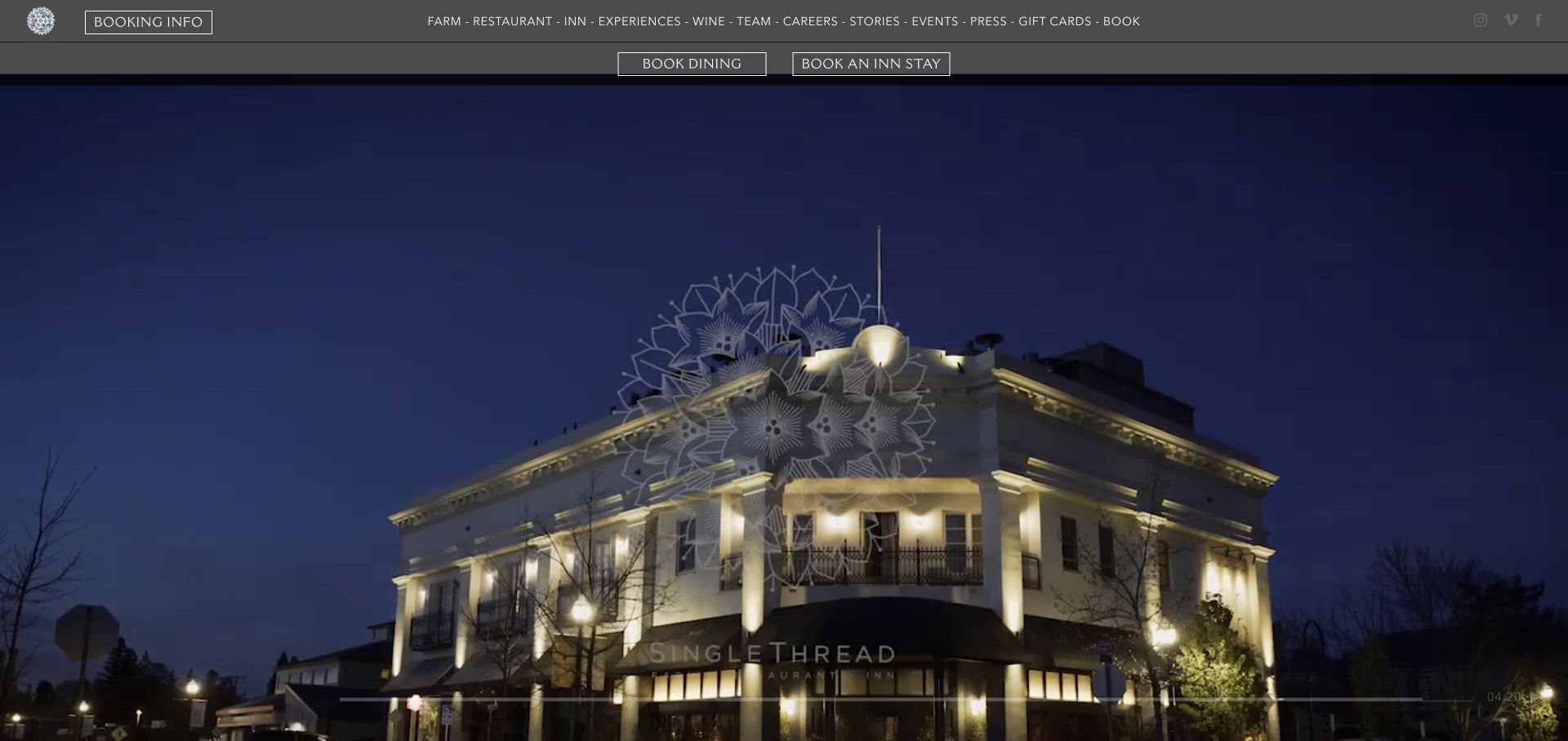
SingleThread places film of food and service beneath a dark header covering farm, restaurant, inn, experiences, and editorial material. Separate dining and inn buttons make the booking object explicit. A substantial dated notification was dismissed before the genuine capture. For Fancybox planning, the useful distinction is between optional storytelling and the practical purpose of a visit. The public resource association does not identify the notification or film as Fancybox, verify dismissal behavior, or establish either booking system's implementation.
What you can learn
If an experience film opens in a viewer, label whether it concerns dining, lodging, or another offering and provide the relevant full-detail route. Verify that closing stops playback and restores focus without reopening a dismissed announcement. Keep the two primary booking actions available outside overlays. Test a visitor who wants dinner information only, ensuring a beautiful inn photograph or general farm story does not silently redirect them into a different reservation journey.
Pros
Dining and inn bookings have clear, separate labels.
The navigation explains the wider farm and hospitality context.
Cons & considerations
A long header adds density above moving imagery.
Dated promotional panels can compete with current visit information.
Platform source: Dated exact public source-page audit. Linked script matches Fancybox. Dated public resource or code association on this exact source page; not proof that any particular visible component initializes or behaves as assumed. Platform evidence is separate from the direct website screenshot and is not a complete current infrastructure audit.
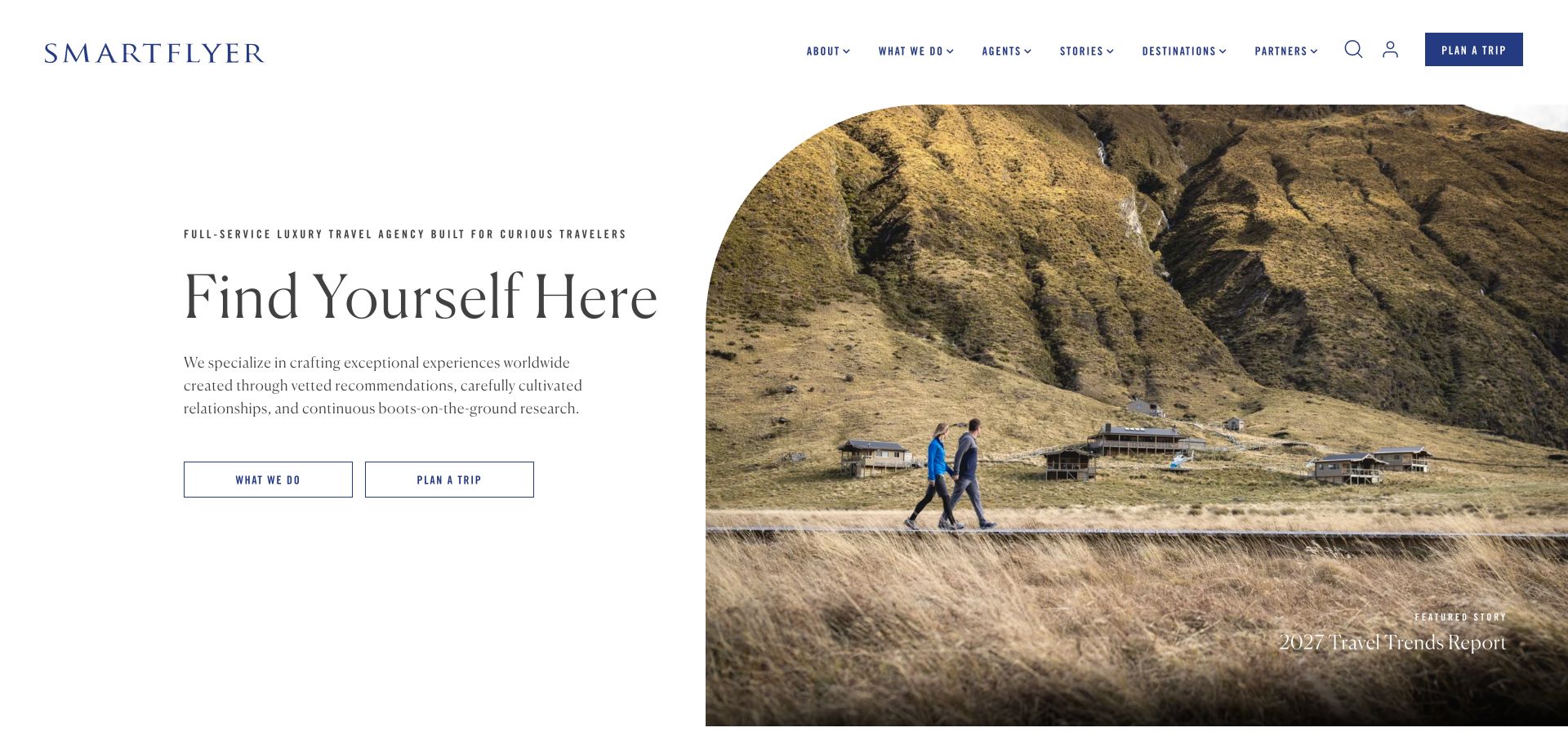
SmartFlyer gives editorial text and outlined planning actions a stable left column beside a rounded-top travel image, with a report link within the image. Agents, stories, destinations, and partners expose both publishing and service roles. For Fancybox planning, this is useful because a compelling photograph may support either a story or a planning decision. The public library association does not identify a gallery, establish viewer behavior, or verify the service and booking systems reached beyond the marketing property.
What you can learn
If a report includes an image gallery, retain destination, caption, credit, and its relationship to the written account. Keep a clear route back to the story and a separate route to planning help. Test closing the viewer after several images and returning to the same paragraph or trigger. An attractive photograph should not be treated as proof that every depicted experience is currently available through the agency or included in a proposed trip.
Pros
The split layout gives planning actions a stable area beside imagery.
Agents and stories have explicit navigation categories.
Cons & considerations
The featured report competes with the direct planning invitation.
Outlined actions can appear subdued beside a large photograph.
Platform source: Dated exact public source-page audit. Linked script matches Fancybox. Dated public resource or code association on this exact source page; not proof that any particular visible component initializes or behaves as assumed. Platform evidence is separate from the direct website screenshot and is not a complete current infrastructure audit.
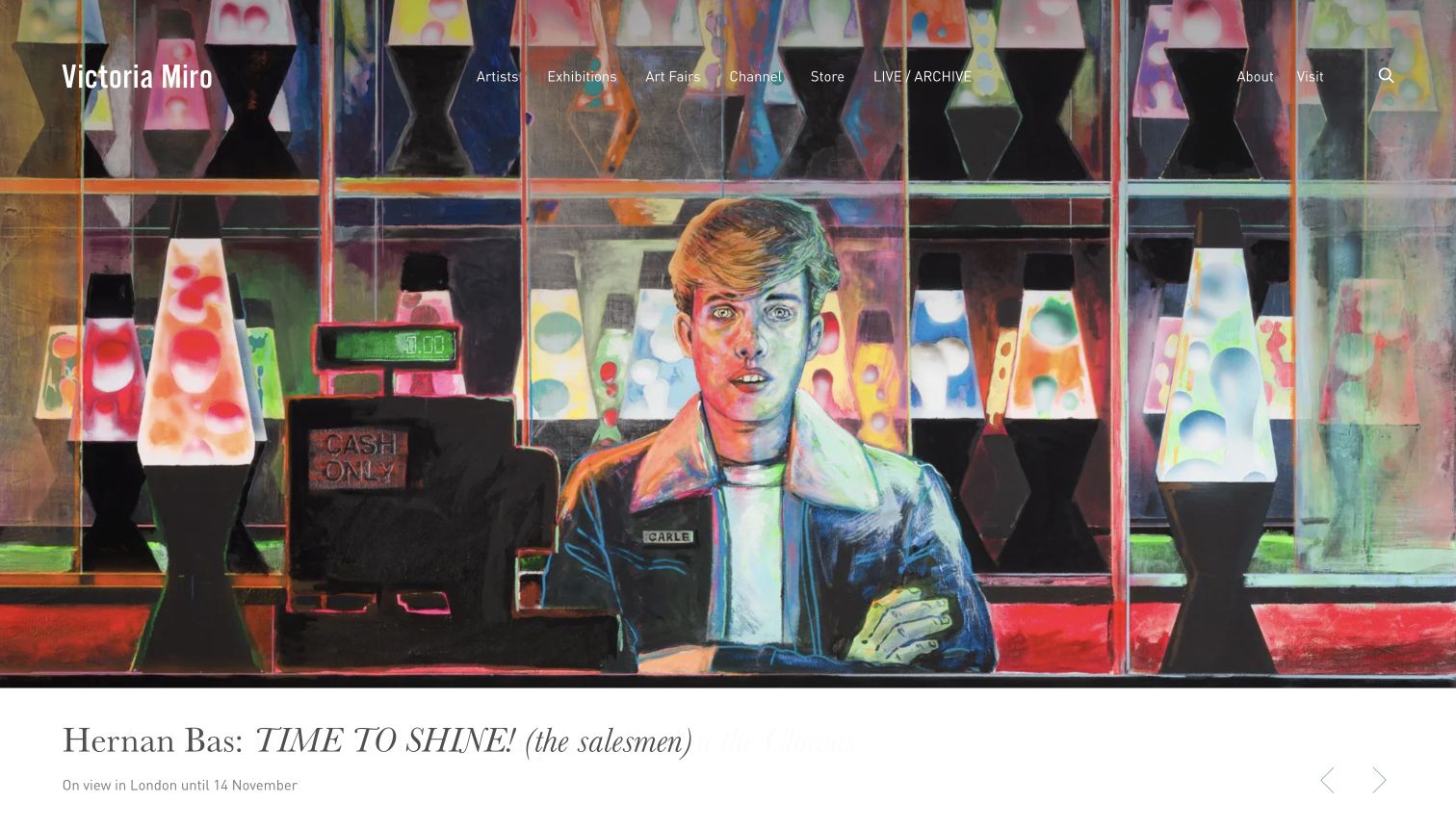
Victoria Miro puts a colorful painting above a white caption strip carrying artist, title, London location, and exhibition dates. Navigation overlays the work, while pale arrows sit near the caption. For Fancybox planning, this is a useful model of separating visually dense artwork from detailed text. A library reference on the public source does not identify those arrows as Fancybox controls, prove that the image opens larger, or establish the behavior of an actual artwork viewer.
What you can learn
If enlarging the work, preserve artist, title, date information, medium where documented, and image credit alongside it. Keep exhibition context separate from artwork metadata so viewers understand what each date means. Test long titles and both dark and bright works without losing close controls or captions. Return focus to the originating image, and provide a permanent exhibition destination for people who want to plan a visit after inspecting the work.
Pros
The white strip protects a detailed caption from the busy painting.
Visit and institutional information remain direct navigation choices.
Cons & considerations
Thin overlaid navigation competes with intricate artwork.
Pale arrows have limited visual prominence on a white surface.
Platform source: Dated exact public source-page audit. Linked stylesheet matches Fancybox. Dated public resource or code association on this exact source page; not proof that any particular visible component initializes or behaves as assumed. Platform evidence is separate from the direct website screenshot and is not a complete current infrastructure audit.
Retain artist or project identity, attribution, and a complete detail-page link. Use deliberate grouping and preserve long captions. A larger photograph should add visual evidence without replacing information about authorship, role, location, or the work's context.
Product inspection
Show a clear product view alongside atmospheric images, retain item and variation identity, and keep essential facts in readable page text. Test portrait packaging, wide scenes, one-image products, and the return to the same catalog position.
Editorial and event media
Label photographs, trailers, recordings, and live destinations before the trigger. Preserve date and edition context and a route to the full story. Keep practical attendance or service information outside optional media overlays.
From references to requirements
Prepare the media and the interaction contract
Confirm the actual product generation
Inventory the version and integration in your own project before applying current examples. Older jQuery-era Fancybox and modern Fancybox have different APIs. Review the appropriate documentation and licensing terms for the chosen implementation rather than copying an unrelated site's resource URL.
Define source, dimensions, thumbnail, caption, credit, group, and full-detail destination. Include missing media and unavailable video cases. Keep useful information and ordinary links available when a viewer cannot initialize.
Test in the finished composition
Use bright and dark imagery, long text, narrow screens, consent UI, fixed navigation, and mixed media. Verify focus restoration after navigating within a gallery, and confirm that closing does not leave audio or video playing in the background.
Ask the actual team to carry out its routine job: publish a realistic update, correct a mistake, preview a narrow screen, and identify who owns an integration failure. For a library or frontend framework, also ask who maintains the content source and deployment. A polished screenshot does not answer those operational questions.
Beyond the screenshot
Fancybox development checklist
Confirm the installed Fancybox generation and applicable documentation.
Label the media type and expected destination before the trigger.
Keep captions, credits, dimensions, and source context with each asset.
Group media by a meaningful project, product, story, or edition.
Provide ordinary detail-page links and useful missing-media states.
Verify keyboard access, close controls, focus restoration, and motion behavior.
Test playback stopping and unavailable third-party media.
Check bright images, dark images, long captions, and narrow-screen controls.
Test with real content, a keyboard, a small screen, slow or failed requests, and the people who will maintain the system. These are planning checks, not an accessibility, security, performance, or search-ranking certification.
Sources & editorial method
How this Fancybox collection was reviewed
Twenty distinct public properties were selected using genuine original screenshots and dated exact-source Fancybox resource or code evidence. Every source page has a documented broad public stack-audit attempt. Capture dates, image dimensions, attribution, and technology observation dates remain separately recorded. An included library can be unused or serve another component; the collection therefore distinguishes resource association from verified instance behavior. Current documentation is implementation guidance, not evidence that the examples use its version or defaults. No real forms, bookings, purchases, or private accounts were used.
Every image is an unmodified capture from the actual website, with its source and capture date. Some captures are reused from our shared catalog; their dates remain the original capture dates. None comes from a vendor gallery or a generated reconstruction. Moving imagery and live content can change.
Technology attribution uses public page assets or metadata, official platform documentation, or a cited first-party project case study. Documentary and framework-relationship evidence is identified where used; it is not a complete current backend inventory. A CMS image CDN alone does not establish a full CMS deployment. A library’s presence does not prove which individual controls use it, and a platform label does not establish AI authorship.
The composition notes, lessons, pros and tradeoffs are original editorial observations. We have not measured conversion, traffic, security, performance or accessibility conformance. Website owners retain their brands and imagery; these examples are not our client portfolio. Written, Edited and Curated are independent records, not dates advanced by a build. See our editorial standards or suggest a correction.
Questions worth asking
Fancybox website development FAQs
Does a Fancybox resource identify the visible carousel or video player?
No. It supports an association with the inspected public source. A specific instance needs additional observation. The library may be loaded globally, used elsewhere on the page, or remain unused in the captured state.
Can current documentation be applied to an older Fancybox installation?
Not automatically. Confirm the installed generation and API first. The collection includes dated evidence from public properties, including older resource names, and does not imply that every example uses the current release.
Should important information appear only inside the viewer?
Keep essential product, service, visiting, and event information available in ordinary page content. The viewer can help people inspect media, while a permanent detail page supports comparison, sharing, and returning later.
Do these examples verify accessibility or media rights?
No. The screenshots and source observations support editorial analysis. Keyboard behavior, assistive-technology support, motion, licensing, image permissions, and the suitability of each media integration require review for the actual project.
Use a media viewer to deepen inspection while preserving identity, context, and a clear return to the page. The image and the information around it should remain useful together.