This collection examines public entrances to products with documented Google Gemini capabilities. Some offer model selection, some embed a particular analysis or creation feature, and others provide an integration for customer applications. The page design and the AI relationship are separate observations.
Google Gemini is a model family used across different product surfaces and provider arrangements. A web product supporting Gemini does not establish that its homepage calls the model, that every customer has access, or that every feature uses the same provider. The examples retain those distinctions rather than treating all integrations as equivalent.
For your own project, start with the information entering the system and the decision or artifact leaving it. A useful development brief specifies what the application validates, what the user reviews, which external actions can occur, and how the product recovers from incomplete work.
Before the examples
What makes good Google Gemini website development in 2026?
Specify the capability at the right level
Distinguish text generation, image creation, document analysis, and tool-driven actions. A provider's model catalog does not mean a third-party product enables every capability. Name the offered feature, supported inputs, and customer access conditions before designing a generic prompt box.
Validate meaning as well as output shape
Gemini structured output supports a supplied JSON Schema, but the official guidance still calls for application-level validation of values. Design the review around the content that matters: dates, identifiers, amounts, citations, or classifications. A correctly shaped response can still be unsuitable for the requested task.
Gemini function calling can return a function name and arguments; the application executes the corresponding code. Use that boundary to validate inputs, check permissions, and decide whether the user must review an action. A model-generated call is a proposal for application behavior, not proof that the behavior succeeded.
Figma, Notion, Box, Salesforce, and Atlassian open the collection, with fifteen further distinct properties. Lovable illustrates public documentation, and Poe illustrates a public provider catalog. Reviews describe what was visible at those entrances; sources establish specific Gemini features. Several relationships are optional or dated, and no model requests were executed for this review.
We start with five recognizable brands or organizations: Figma Make, Notion AI, Box AI, Salesforce Agentforce, Atlassian Rovo. Each attribution applies to the named website property, not every product or website belonging to its organization. This is a curated reading sequence, not a measured ranking.
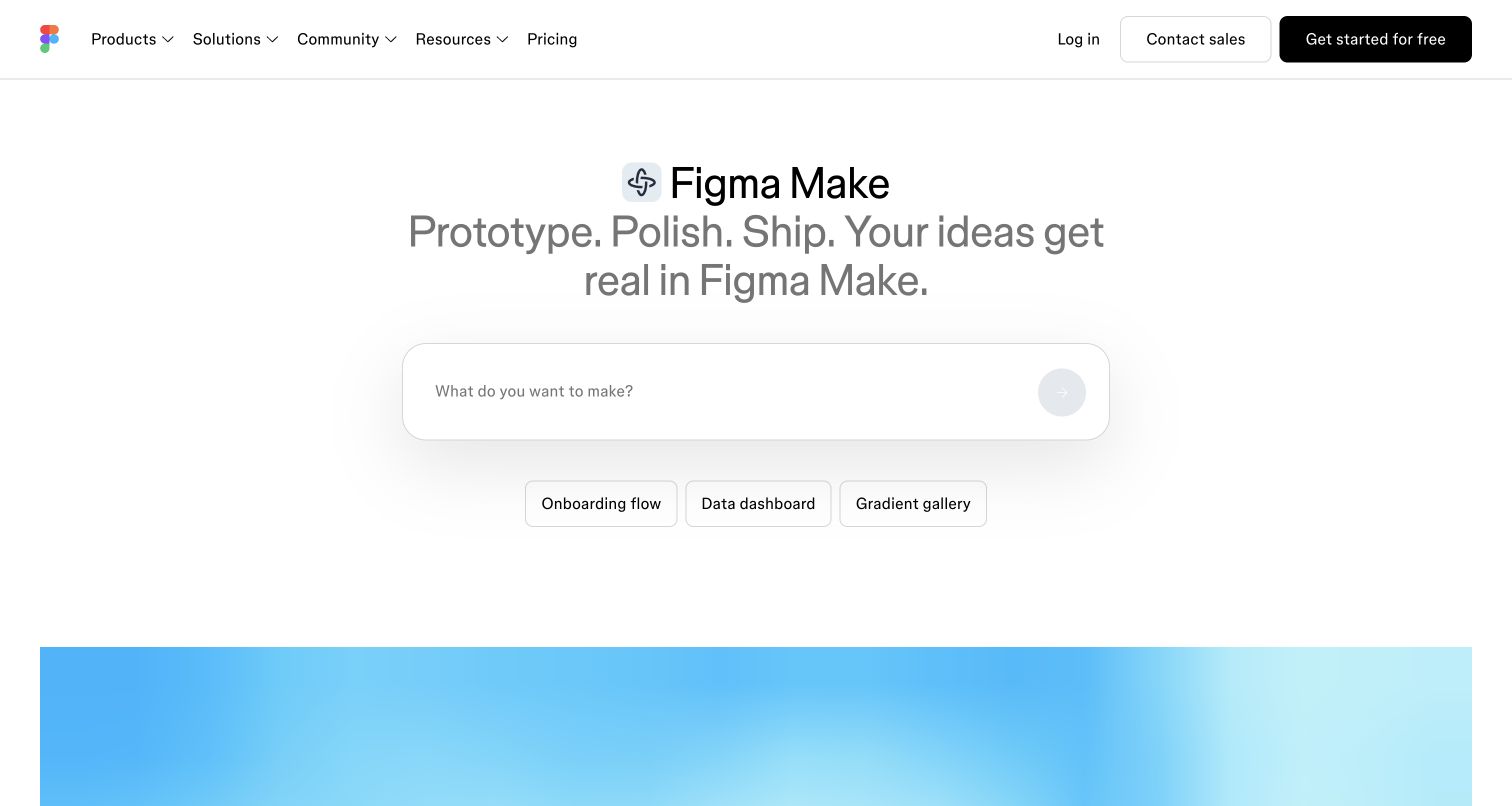
An onboarding flow, a data dashboard, and a gradient gallery give Figma Make three different entry points into the same blank composer. That spread matters: visitors can recognize a practical workflow without first understanding model terminology. The centered Make heading leaves these task choices prominent, while pricing and account routes remain in the familiar upper navigation. The blue preview peeking into view suggests a result beyond the input stage. Figma's documentation separately identifies Gemini as a selectable Make generation model, subject to access; neither the chips nor the pictured preview identify which model produced an output.
What you can learn
Organize a generation entrance around the work a visitor wants to accomplish. Put model availability, usage limits, and the cost of experimenting near the point where that visitor commits to a particular configuration.
Pros
Three concrete task types offer useful starting directions without a lengthy questionnaire.
The uncluttered composition keeps the examples and composer in one visual sequence.
Cons & considerations
Model eligibility is not explained within this captured opening view.
The partial preview provides little evidence about revising an imperfect generation.
Public source checked November 3, 2026. References may be embedded or legacy—not a complete backend inventory.
Platform source: Primary feature source. Primary source revalidated 2026-11-04. The current Figma Make help page lists Gemini models in the customer model selector. Scope is Make generation, not the marketing frontend. Documentary customer-feature evidence only; no authenticated model call or marketing-frontend runtime was observed. Platform evidence is separate from the direct website screenshot and is not a complete current infrastructure audit.
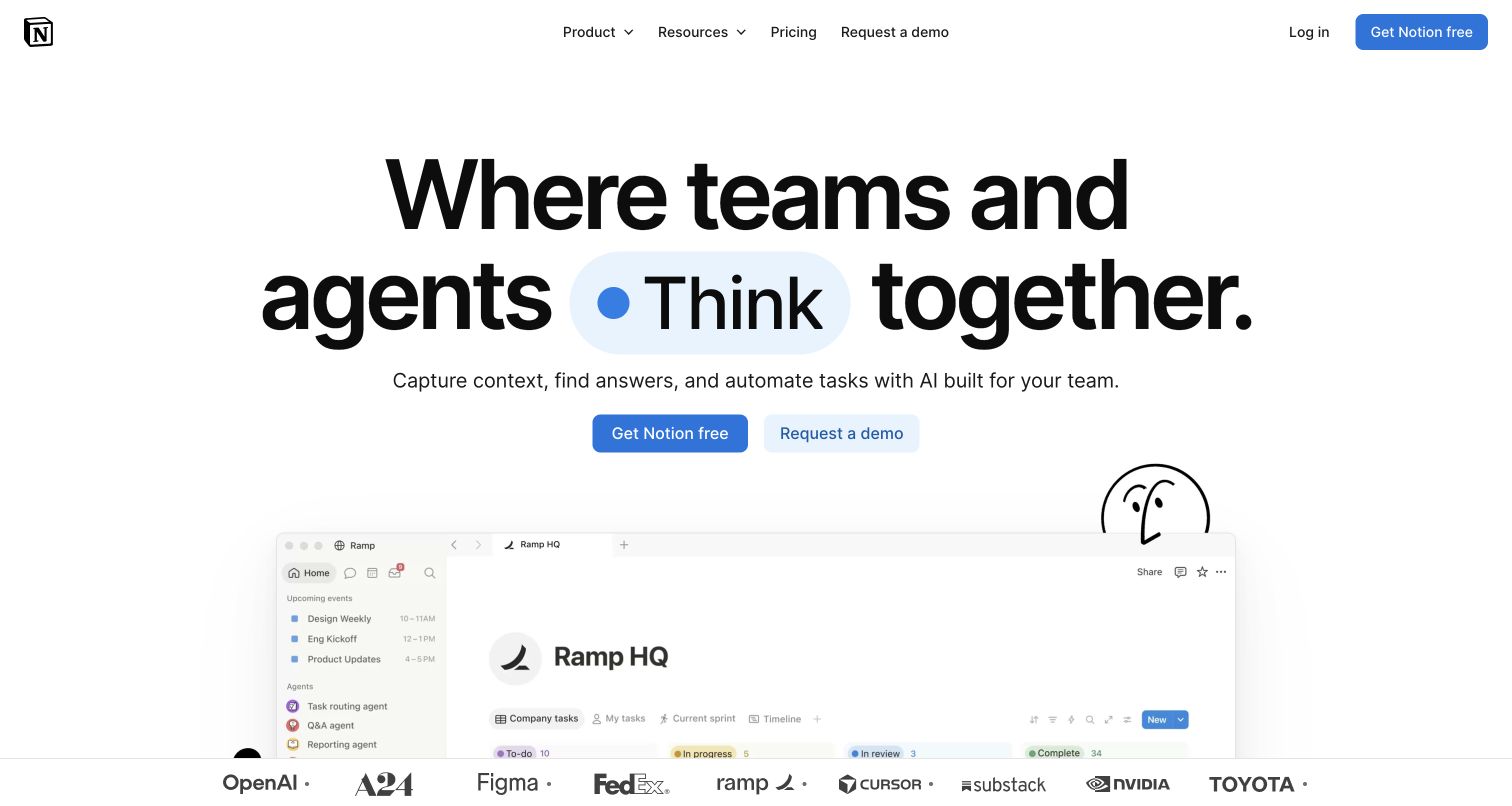
Notion places a free signup beside a demo request beneath its oversized team-and-agent headline. Those adjacent actions acknowledge two evaluation paths: someone exploring alone and an organization examining a wider rollout. The Ramp workspace preview supplies a recognizable setting for the promise, while hand-drawn artwork softens an otherwise substantial enterprise message. A customer-logo strip supplies brand context, but does not establish which customers use Gemini. The relevant documentary association is narrower: Notion lists Gemini among Custom Agent model choices, with plan and administrator controls. The public landing page does not reveal an actual agent's configuration.
What you can learn
Give individual exploration and organizational evaluation clear, neighboring entrances. Then explain who can select a provider, what workspace information an agent can access, and which decisions require an administrator before asking teams to deploy it.
Pros
The paired actions accommodate visitors with different purchasing responsibilities.
A visible workspace example gives the broad headline an understandable working context.
Cons & considerations
The opening proposition leaves provider permissions for visitors to investigate elsewhere.
Large headline lettering pushes much of the product explanation below the fold.
Public source checked November 3, 2026. References may be embedded or legacy—not a complete backend inventory.
Platform source: Primary feature source. Primary source revalidated 2026-11-04. Current Custom Agents documentation lists Gemini among supported customer models, with plan and administrator controls. The November 2025 release explicitly introduced Gemini to Notion Agent. Documentary customer-feature evidence only; no authenticated model call or marketing-frontend runtime was observed. Platform evidence is separate from the direct website screenshot and is not a complete current infrastructure audit.
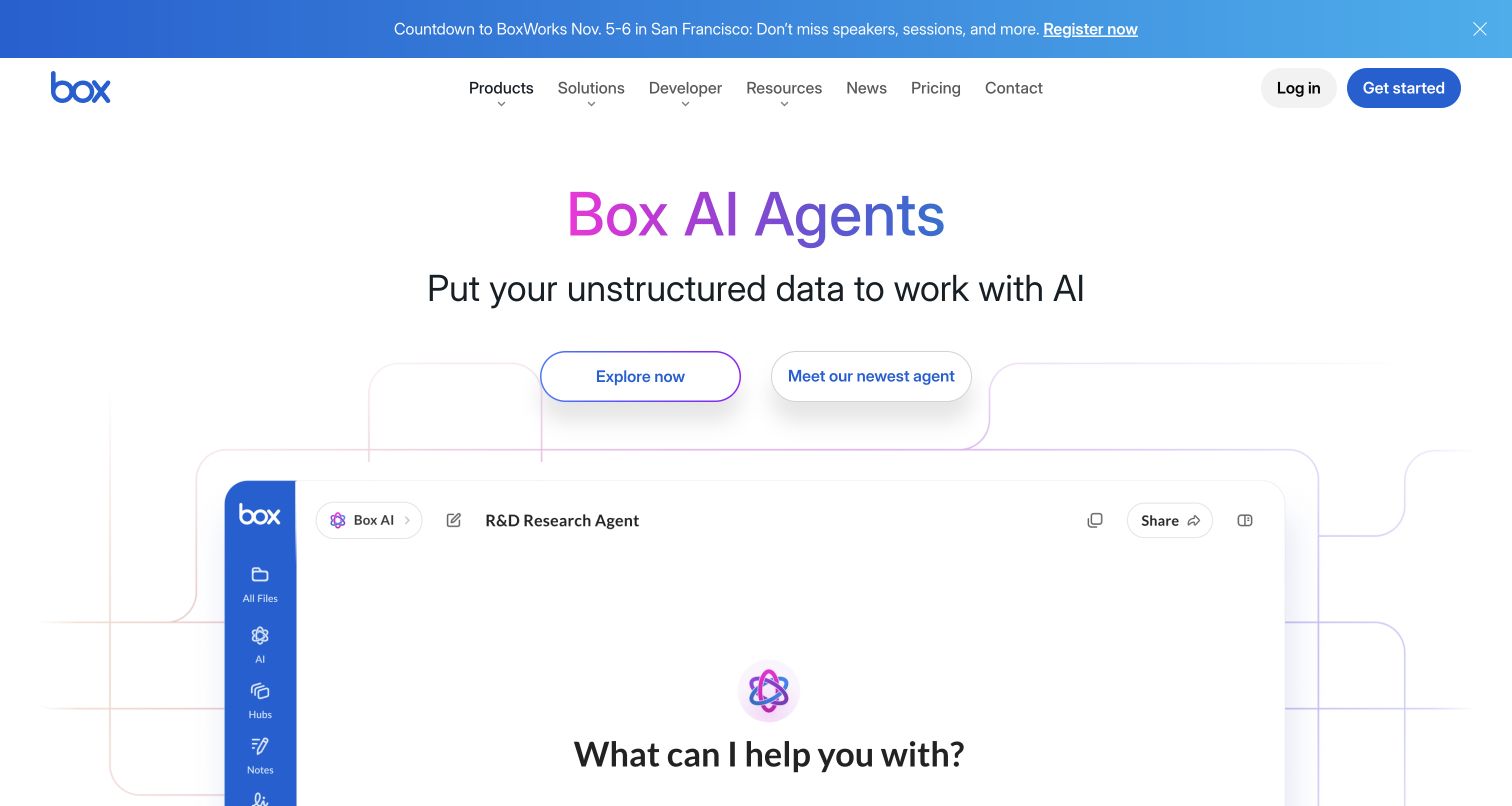
The R&D Research Agent illustration is the most instructive part of Box's Agents entrance. Its familiar sidebar frames an open question as work happening around company content, rather than as a detached chat product. Decorative connectors reinforce that relationship, although they do not explain which documents a real agent may retrieve. Above it, the gradient title and two pill-shaped actions compete with a prominent event strip. Box's model catalog documents Gemini options for Box AI, with configuration and access differences. That catalog does not establish that the illustrated research agent, or every customer account, selects Gemini.
What you can learn
When an agent works across documents, explain the boundaries of its inputs alongside the invitation to ask a question. Distinguish available model choices from the permissions and source selection that determine a particular research task.
Pros
The content-workspace illustration makes the intended working environment easy to recognize.
The large question gives the research concept a concrete starting action.
Cons & considerations
Two broad exploration buttons offer limited guidance about their different destinations.
The event promotion shares attention with the product's initial explanation.
Platform source: Primary feature source. Primary source revalidated 2026-11-04. Current Box documentation lists Gemini models integrated in Box AI, separates core/customer-enabled access and explains API agent configuration. This is content AI functionality. Documentary customer-feature evidence only; no authenticated model call or marketing-frontend runtime was observed. Platform evidence is separate from the direct website screenshot and is not a complete current infrastructure audit.
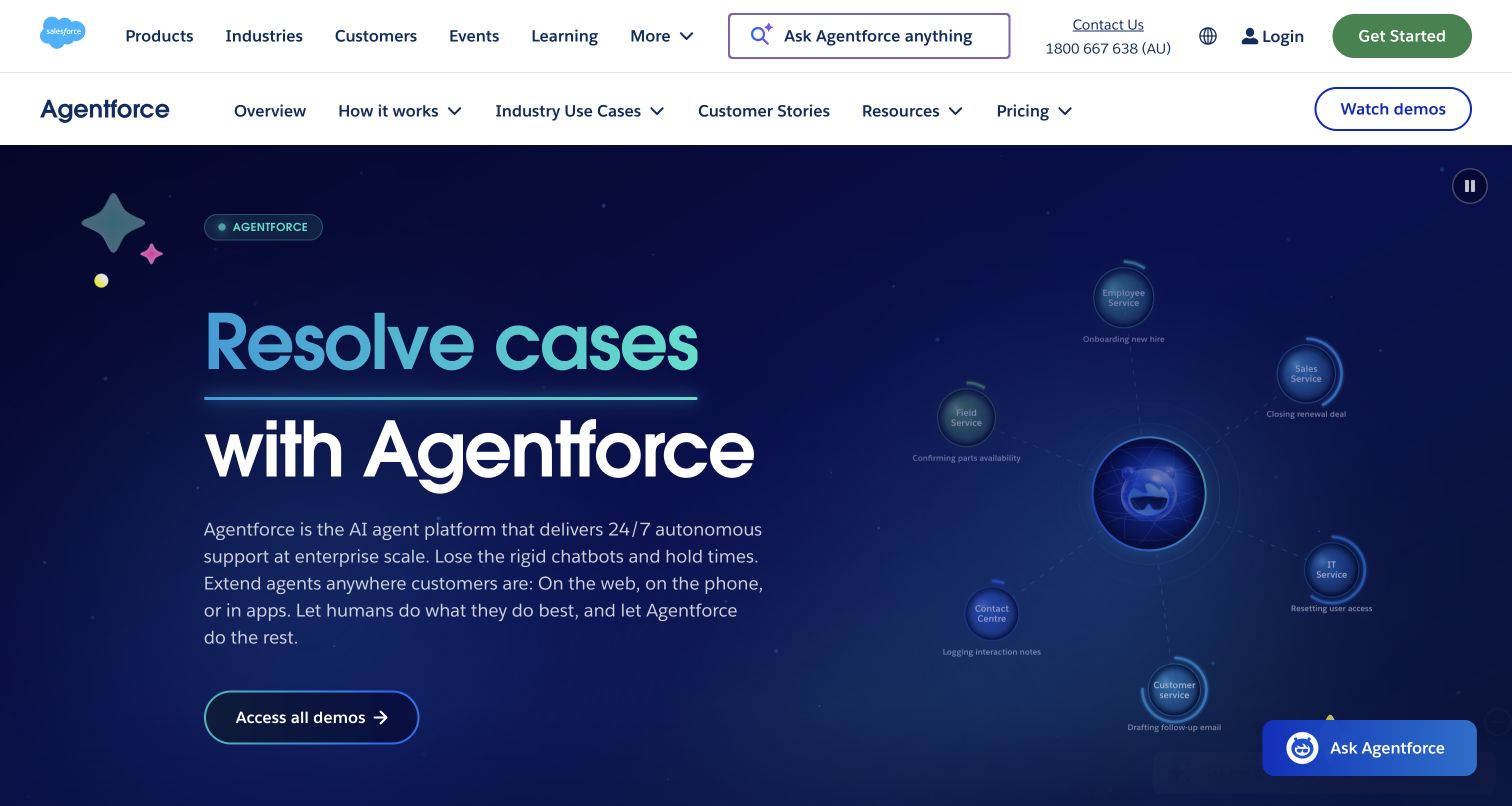
The Australian Agentforce page uses two navigation levels to separate the Salesforce portfolio from product evaluation. A dark blue hero pairs a large service-oriented headline with an orbital diagram of employee, field, IT, contact-center, and customer-service roles. The outlined demo action sits beneath the explanatory paragraph. Bright blue and teal accents connect the headline and diagram, while a compact Agentforce help launcher remains in the lower corner. Salesforce documented Gemini in Agentforce’s Atlas Reasoning Engine in October 2025; this page does not identify the model behind its help launcher.
What you can learn
For a broad enterprise platform, organize evaluation around concrete departments and tasks. Keep product-level pricing, customer stories, and demos accessible without requiring visitors to search through the parent company's entire portfolio.
Pros
The secondary navigation provides a clear path through Agentforce-specific evaluation material.
Named service roles make the platform's broad audience easier to understand.
Cons & considerations
Two navigation bars consume significant space before the product message begins.
The orbital diagram's smaller labels are less readable than the large headline.
Platform source: Primary feature source. Primary source revalidated 2026-11-04. Salesforce states customers can use Gemini in the Atlas Reasoning Engine behind Agentforce. The current partnership FAQ also says available now. The generic Agentforce URL resolved to the AU public product page in web retrieval. Documentary customer-feature evidence only; no authenticated model call or marketing-frontend runtime was observed. Platform evidence is separate from the direct website screenshot and is not a complete current infrastructure audit.
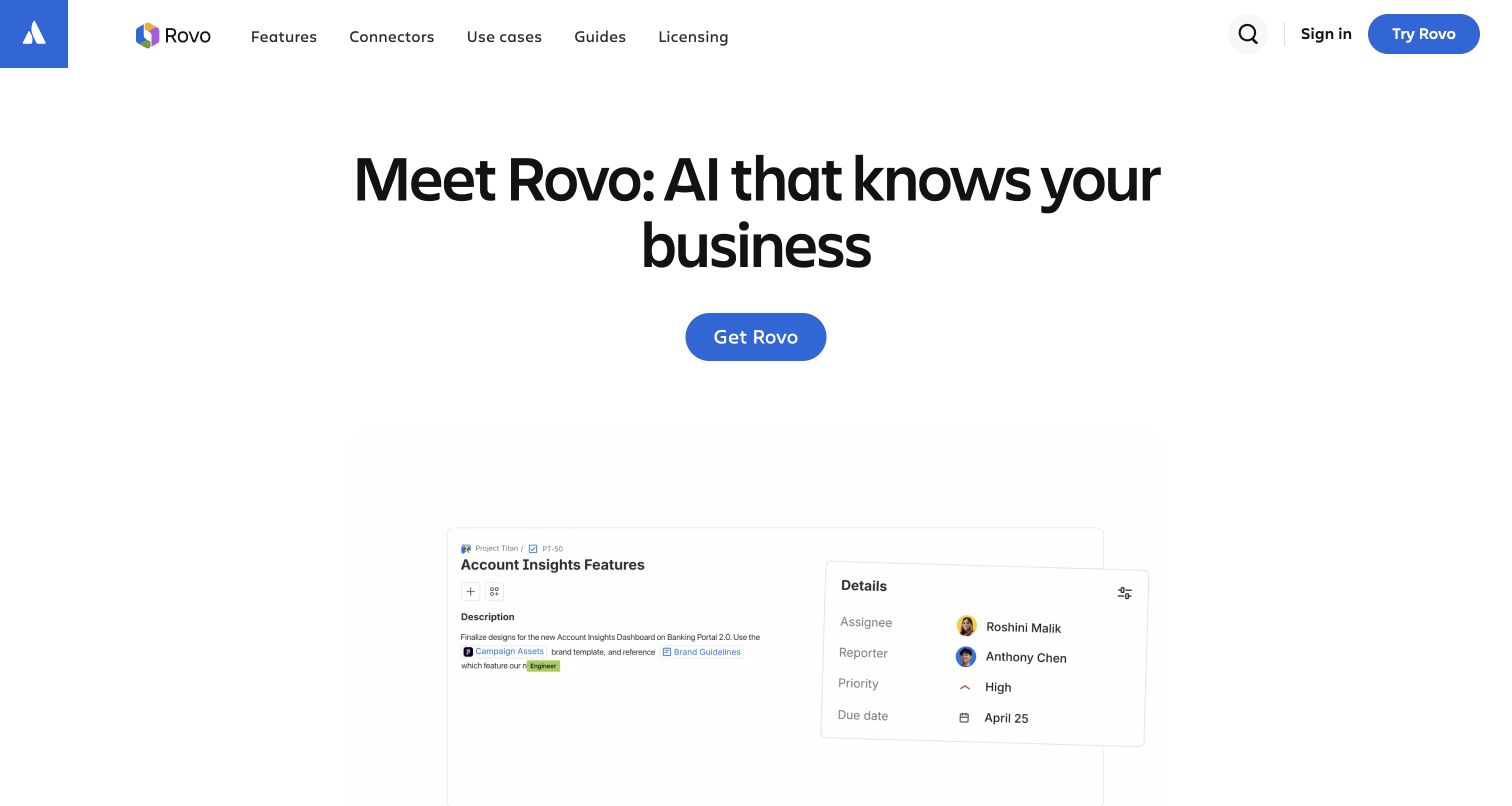
Rovo's navigation makes connectors and licensing unusually visible beside features, use cases, and guides. Those routes are useful companions to the promise of AI that knows a business: evaluating that promise requires understanding both connected information and access conditions. The blue Get Rovo action is easy to locate, while the account-insights example begins to turn an abstract claim into a work item. Atlassian's Google guide documents Gemini selection for eligible Rovo Agents. This is an inbound model choice for that agent feature, distinct from reaching Atlassian tools through a Gemini client; no selection interface is pictured here.
What you can learn
Treat source connections and eligibility as part of an agent's product explanation. A confident headline becomes more actionable when visitors can trace what supplies the context, who receives access, and where configuration choices are made.
Pros
Connector and licensing links support practical evaluation directly from the product navigation.
The restrained hero gives the primary action a strong, unambiguous position.
Cons & considerations
Substantial whitespace delays the fuller example until farther down the page.
The opening view does not explain eligible accounts or model-selection conditions.
Public source checked November 3, 2026. References may be embedded or legacy—not a complete backend inventory.
Platform source: Primary feature source. Primary source revalidated 2026-11-04. Current Atlassian guide explicitly lets users choose Gemini models to build Rovo Agents. This inbound model selection is distinct from using Rovo connectors inside Gemini. Documentary customer-feature evidence only; no authenticated model call or marketing-frontend runtime was observed. Platform evidence is separate from the direct website screenshot and is not a complete current infrastructure audit.
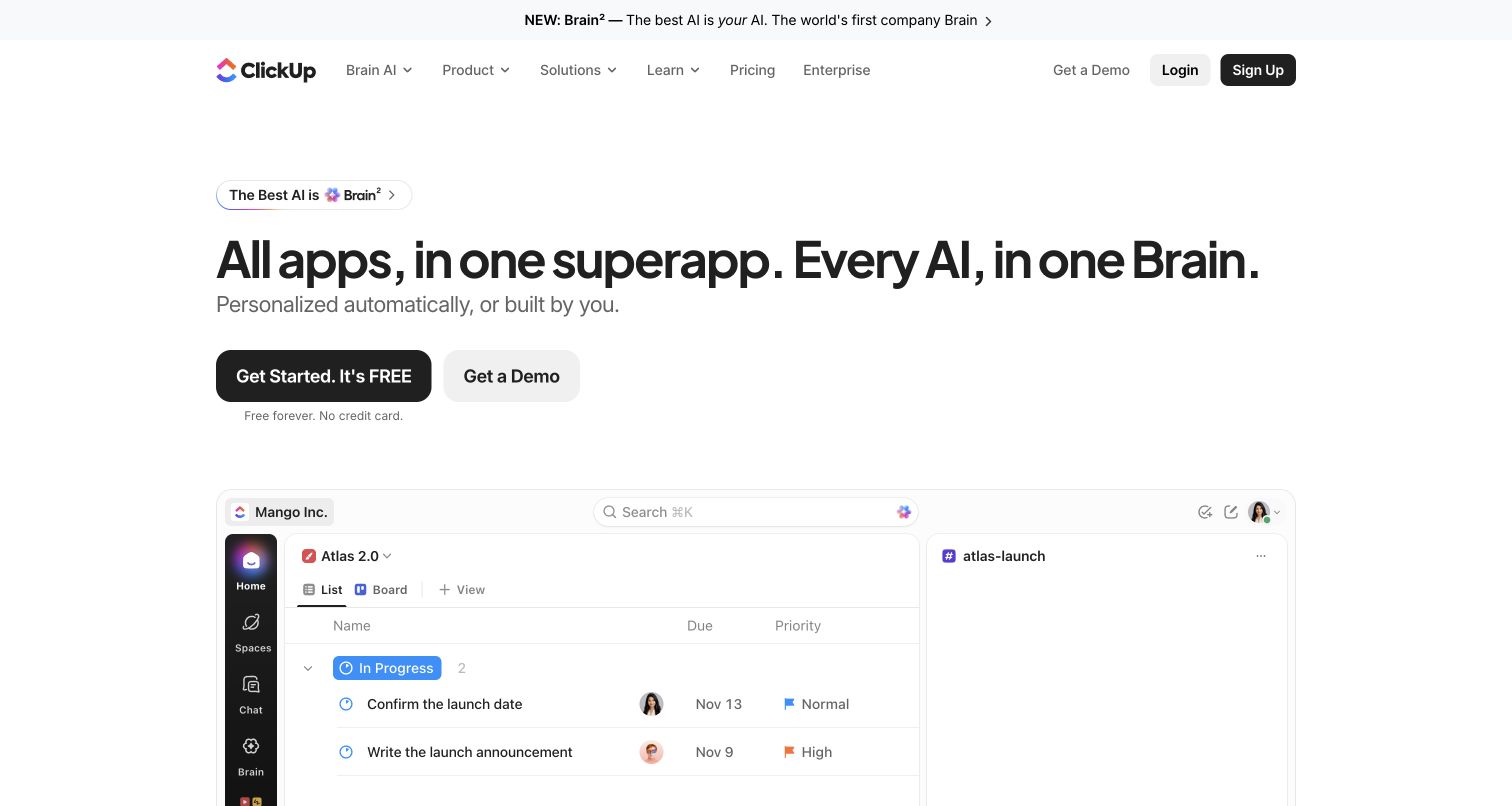
ClickUp's Mango workspace preview places an Atlas task list beside a conversation area. That proximity is a useful design cue: a visitor can imagine discussing work without losing the surrounding project structure. It is more concrete than the expansive headline promising every app and every AI in one place. The Brain announcement, signup, demo option, and small free-plan reassurance create several competing levels of invitation. ClickUp documents Gemini choices in Brain and Super Agents, with account and permission conditions. The illustrated adjacency does not demonstrate what data a conversation receives, which model it uses, or whether every advertised capability is included.
What you can learn
Show the relationship between a conversation and its working context, then state the access boundary explicitly. Visitors need to understand which tasks or documents are available to the assistant before judging the usefulness of provider choice.
Pros
The split workspace makes task and conversation placement immediately understandable.
Signup and demo routes support both exploratory and organizational interest.
Cons & considerations
The sweeping headline needs more precise capability and entitlement explanations.
The announcement and multiple invitations increase competition around the main message.
Platform source: Primary feature source. Primary source revalidated 2026-11-04. ClickUp explicitly documents Gemini models used in Brain and Super Agents, with customer model selection and switching. Documentary customer-feature evidence only; no authenticated model call or marketing-frontend runtime was observed. Platform evidence is separate from the direct website screenshot and is not a complete current infrastructure audit.
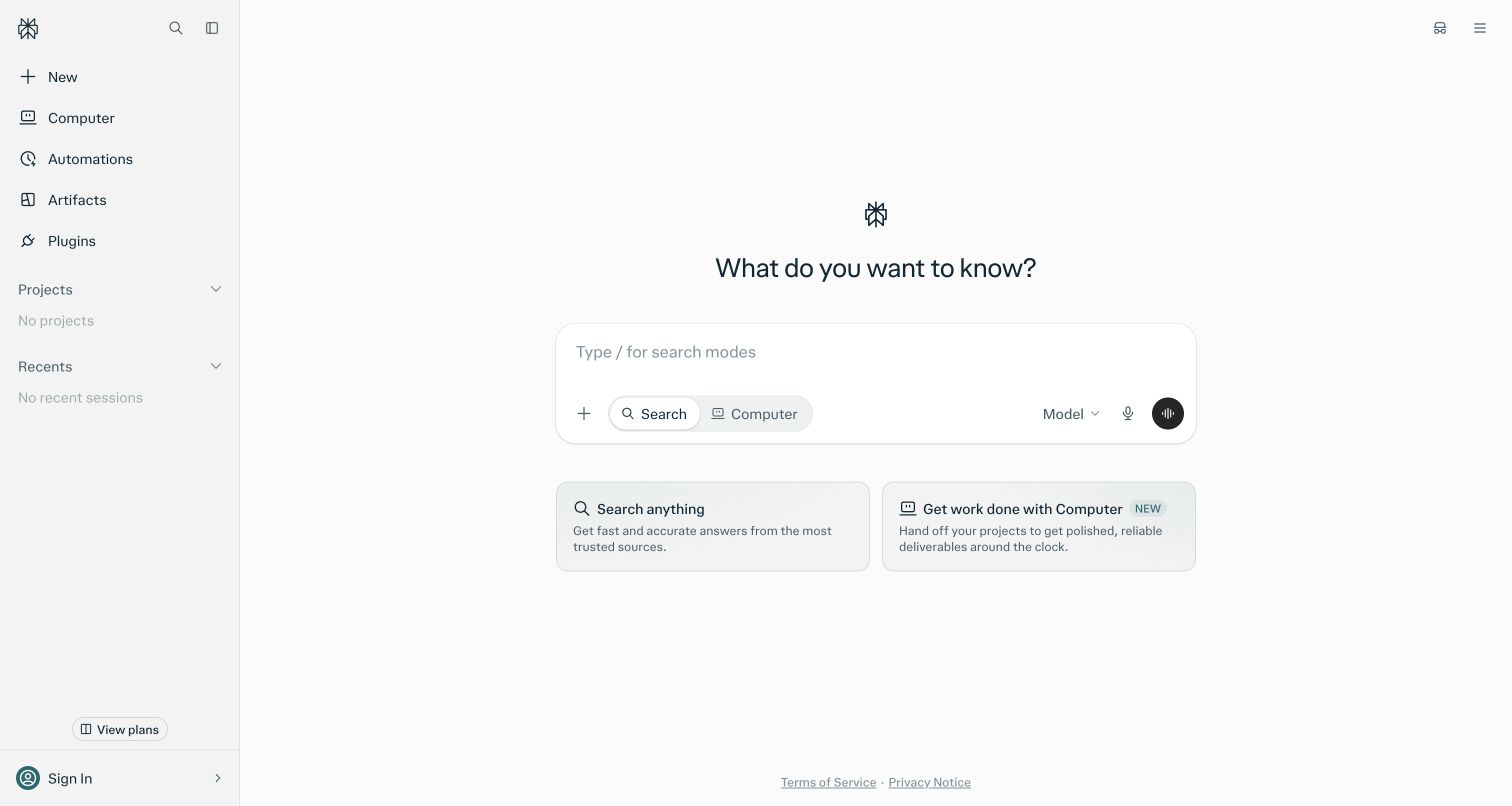
Perplexity's public entrance resembles a restrained application shell. A narrow sidebar names major destinations, while the center contains a question, a spacious composer, and Search and Computer controls. Two explanatory cards distinguish finding answers from handing off work. The largely monochrome surface keeps attention on the task rather than a promotional illustration. The capture shows the signed-out entrance after dismissing an optional login panel; no request was submitted. The October 19, 2026 changelog documents Gemini in Computer and Search under different paid entitlements; the signed-out capture does not test those features.
What you can learn
When one assistant supports different task types, explain the distinction before the user commits. A compact mode choice should be reinforced by plain-language examples, especially when the longer workflow has different permissions, costs, or completion expectations.
Pros
Search and Computer are presented together with short explanations of their purposes.
The sparse composer leaves room for an actual task without decorative competition.
Cons & considerations
Numerous sidebar destinations can overwhelm a visitor who only wants a first answer.
Model availability and paid-plan requirements are not explained in the central opening.
Earlier cited evidence retained; no current scan result. References may be embedded or legacy—not a complete backend inventory.
Platform source: Primary feature source. Primary source revalidated 2026-11-04. October 19 2026 changelog documents Gemini in Computer for Pro/Max and Search for Max. Entitlement applies. Public homepage text extraction is minimal and requires browser observation for design. Documentary customer-feature evidence only; no authenticated model call or marketing-frontend runtime was observed. Platform evidence is separate from the direct website screenshot and is not a complete current infrastructure audit.
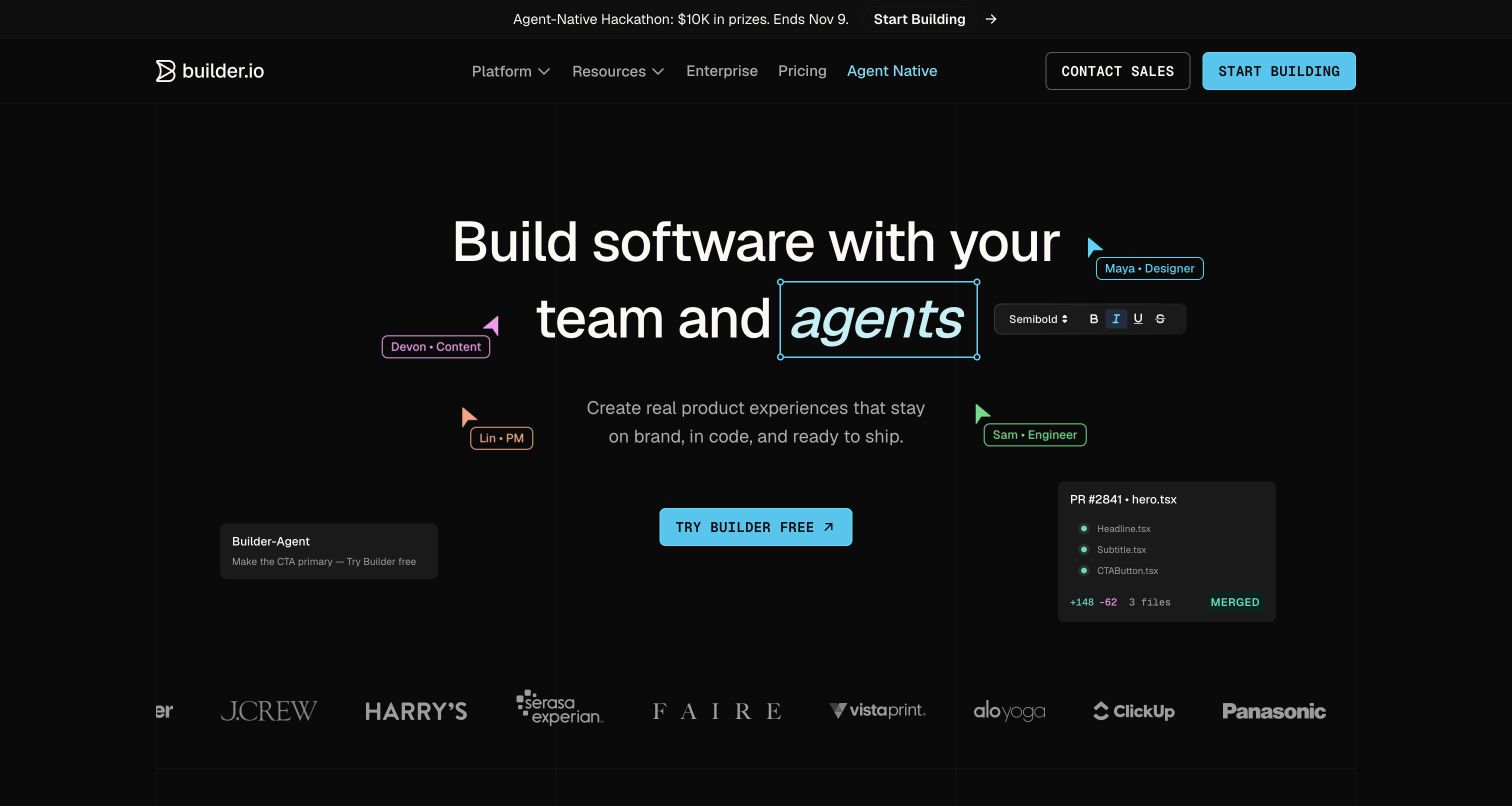
Builder combines editing controls with an illustrated pull request containing a file name and merged status. This gives its agent proposition an endpoint: visitors see not only an idea being changed, but a recognizable record of delivery. Named cursors for design, content, product, and engineering suggest who participates along the way. The dark grid and cyan accents visually connect these elements without showing an actual review history. Builder's documentation lists Gemini among customer development-model choices, including selection through supported settings. The pictured pull request provides no evidence that Gemini wrote its change or that any real merge occurred.
What you can learn
Explain generation through the artifacts people must inspect and approve. A delivery illustration is strongest when the surrounding product guidance also identifies ownership, review steps, and the difference between a suggested edit and an accepted change.
Pros
The file and pull-request illustration gives abstract collaboration a concrete destination.
Role-labeled cursors show several participants without requiring a lengthy organizational diagram.
Cons & considerations
Illustrated completion leaves the actual approval sequence unexplained in this view.
Dense decorative editing elements can distract from the central product proposition.
Public source checked November 3, 2026. References may be embedded or legacy—not a complete backend inventory.
Platform source: Primary feature source. Primary source revalidated 2026-11-04. Current Builder model documentation lists Google Gemini among offered providers for customer tasks, with Auto or explicit model selection. Documentary customer-feature evidence only; no authenticated model call or marketing-frontend runtime was observed. Platform evidence is separate from the direct website screenshot and is not a complete current infrastructure audit.
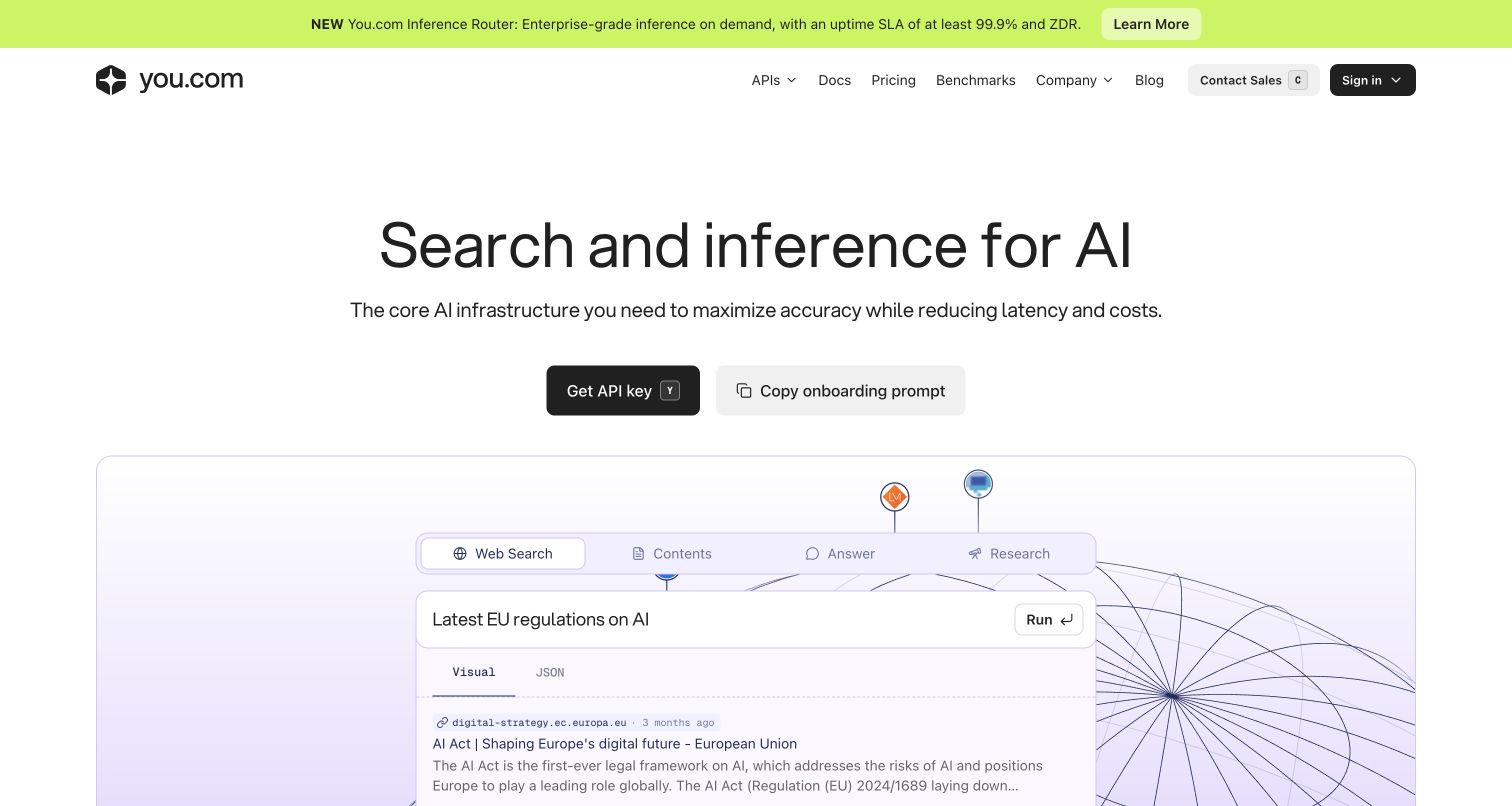
You.com's current homepage emphasizes infrastructure, with a centered search-and-inference headline and separate API-key and onboarding-prompt actions. A large demonstration below uses tabs for Web Search, Contents, Answer, and Research, followed by a query field and visible result formatting. The bright announcement strip introduces a router product above an otherwise restrained navigation. This entrance is broader than the separate customer chat model catalog used for the Gemini association. You.com’s May 15, 2026 catalog lists Gemini for Pro-and-above chat selection; this infrastructure homepage does not demonstrate that separate customer feature.
What you can learn
Show an API's inputs and output shape before asking developers to integrate it. Keep distinct product surfaces clearly named so an infrastructure marketing page does not blur into promises about a separate chat subscription or model-selection experience.
Pros
The demonstration makes several API endpoint categories concrete on the first screen.
Documentation and pricing are directly available alongside the account-entry action.
Cons & considerations
The router announcement and main search proposition introduce multiple concepts at once.
Visitors evaluating consumer chat need to navigate beyond this infrastructure-focused homepage.
Platform source: Primary feature source. Primary source revalidated 2026-11-04. You.com’s Available LLMs article, updated May 15, 2026 and re-read through the public browser on November 4, lists Gemini models for Pro and Enterprise customer chat selection. Enterprise retention policy can restrict options and deprecated models can be replaced. The pictured homepage currently markets search/inference infrastructure, not the unseen chat UI. Documentary customer-feature evidence only; no authenticated model call or marketing-frontend runtime was observed. Platform evidence is separate from the direct website screenshot and is not a complete current infrastructure audit.
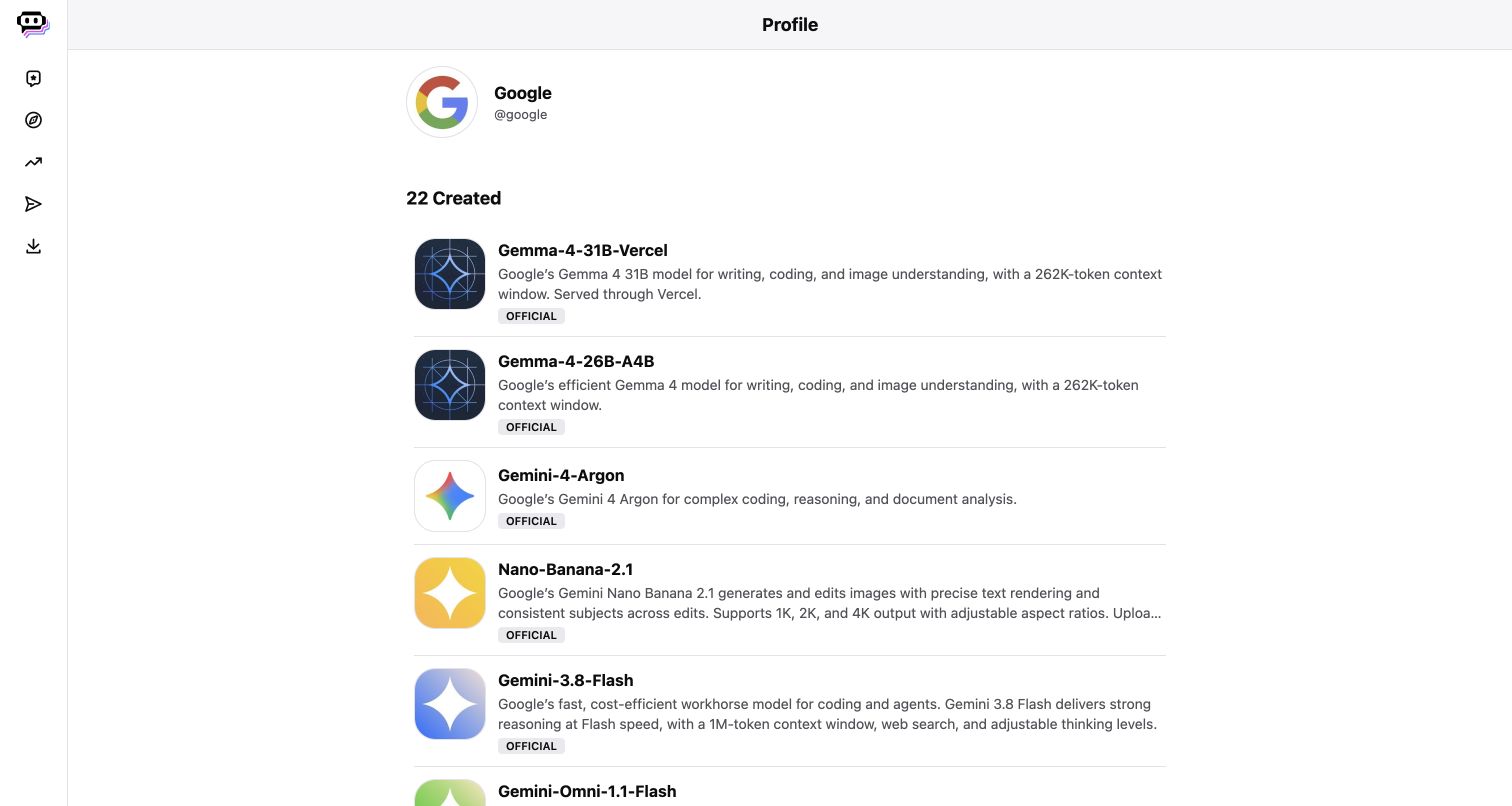
Google's public Poe profile is an editorial list rather than a marketing hero. The provider name and avatar sit above rows containing a model icon, full model name, short description, and official badge. Gemini, Gemma, and image-generation entries coexist in the same catalog, making precise naming essential. Thin separators and consistent row spacing support scanning, while a collapsed icon rail preserves room for the model descriptions. The official Google profile lists Gemini chat models on Poe; this is one website property, and none of its individual bots were executed.
What you can learn
A model catalog should identify the provider, family, and intended capability at the point of selection. Keep related but different model families distinguishable, and make clear that a public listing does not demonstrate a completed model response.
Pros
Full model names and provider identity reduce ambiguity compared with logo-only selection grids.
Consistent rows make the catalog easy to scan across several different capabilities.
Cons & considerations
Long descriptions truncate, requiring another step for complete capability details.
The public profile does not show account-specific costs or successful chat execution.
Platform source: Primary feature source. Primary source revalidated 2026-11-04. The official Google profile lists Gemini chat models offered on Poe; current public login page explicitly lists Gemini. Multiple Poe bots count as one property. Do not enter credentials. Documentary customer-feature evidence only; no authenticated model call or marketing-frontend runtime was observed. Platform evidence is separate from the direct website screenshot and is not a complete current infrastructure audit.
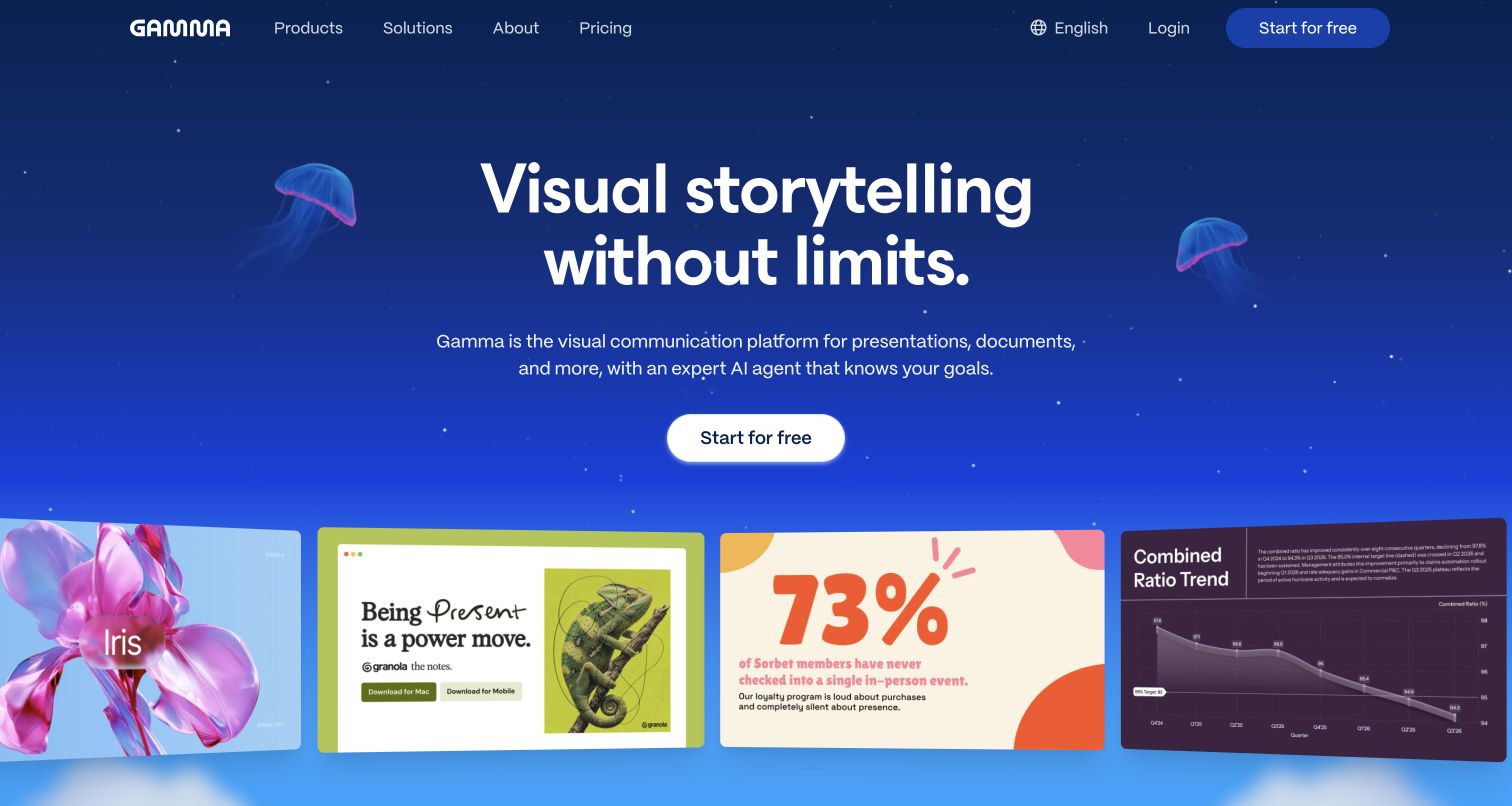
Gamma's tilted gallery mixes photography, a flower composition, typography, and a numerical chart beneath its visual-storytelling headline. That combination encourages visitors to think about several jobs within a presentation, rather than treating a deck as one uniform output. The jellyfish backdrop supplies atmosphere, and the solitary white start button keeps the immediate invitation simple. For Gemini, the documented connection is specifically the image-model options accepted by Gamma's generation API. It does not establish that Gemini writes every presentation, created the pictured slides, or produced the background artwork. The examples remain evidence of how Gamma presents its visual range.
What you can learn
Distinguish the ingredients of a generated document. Explain image selection separately from narrative structure and chart content, so users can evaluate where a model contributes and where their own editing and factual checks remain necessary.
Pros
Varied slide treatments communicate several visual tasks within a compact gallery.
A single prominent action avoids splitting attention among competing signup routes.
Cons & considerations
Tilted, partially cropped examples are less useful for inspecting detailed slide content.
The opening scene provides little guidance about individual generation settings.
Earlier cited evidence retained; no current scan result. References may be embedded or legacy—not a complete backend inventory.
Platform source: Primary feature source. Primary source revalidated 2026-11-04. Gamma documents Gemini-family image model identifiers accepted in its generation API. The AI association is image generation inside Gamma creation, not every exported document or all text generation. Documentary customer-feature evidence only; no authenticated model call or marketing-frontend runtime was observed. Platform evidence is separate from the direct website screenshot and is not a complete current infrastructure audit.
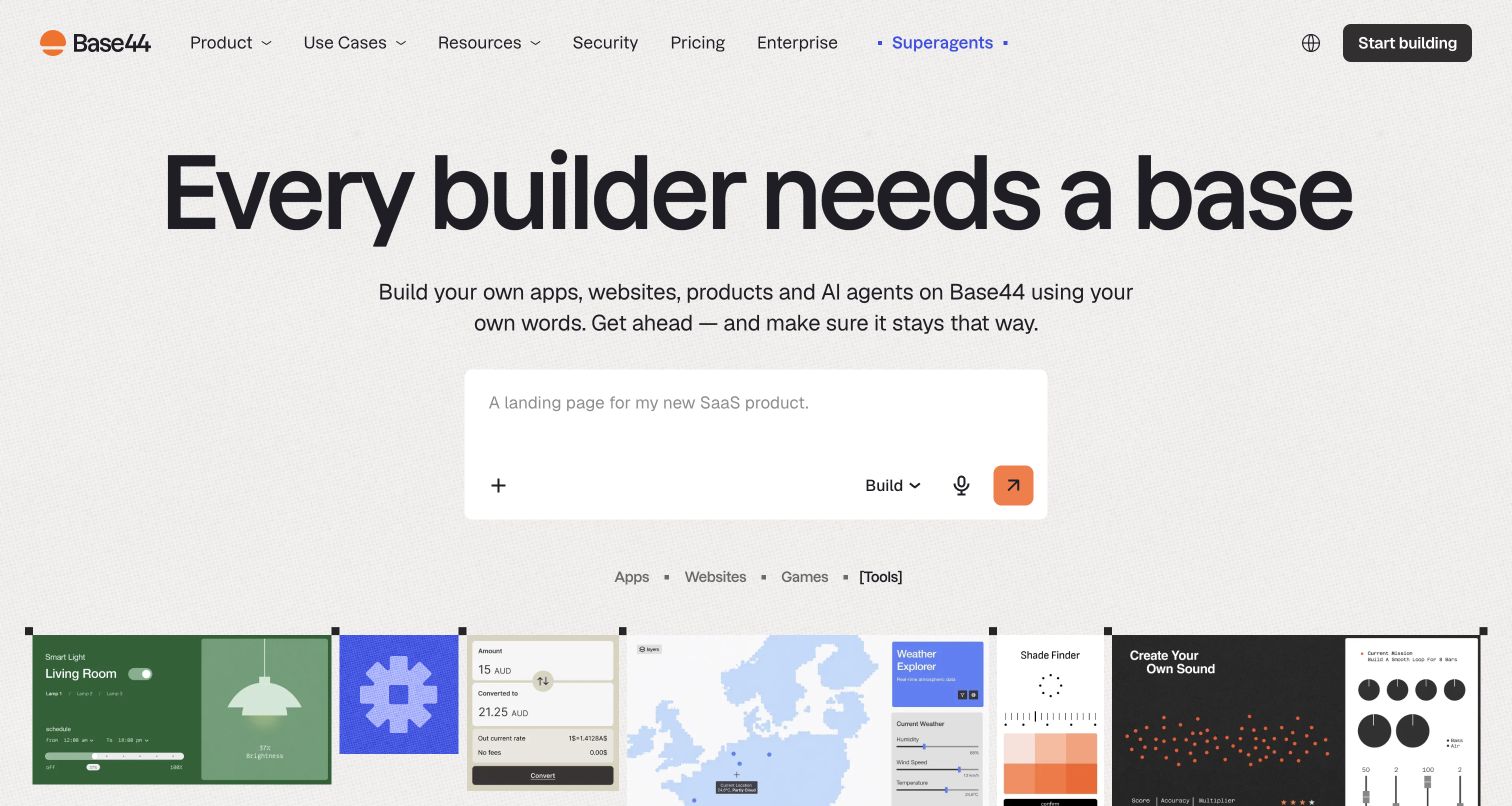
Apps, websites, games, and tools give Base44's broad building promise a useful set of nouns. These category choices sit close to the composer, where they can help someone translate a vague idea into an intended artifact. The orange submission control adds a focal point inside an otherwise light interface, and the output strip supplies variety below. Neither these categories nor the Build dropdown should be mistaken for a model selector. Base44 documents Gemini in its customer building-model choices, with plan, administrator, and rollout conditions. The capture does not identify a model behind any displayed application or website.
What you can learn
Separate the question of what someone wants to build from how generation will be configured. Keep artifact categories approachable, then make account requirements and model availability clear before the visitor invests heavily in a building session.
Pros
Four familiar artifact categories help organize an otherwise unrestricted request.
The orange control gives the large composer a clear visual endpoint.
Cons & considerations
Small composer controls require further exploration to understand their different roles.
The opening viewport does not clarify eligibility for particular model choices.
Public source checked November 3, 2026. References may be embedded or legacy—not a complete backend inventory.
Platform source: Primary feature source. Primary source revalidated 2026-11-04. Current Base44 documentation includes Gemini in the model selector below the homepage prompt, with account rollout limits. This supports customer building, not model use on every generated site. Documentary customer-feature evidence only; no authenticated model call or marketing-frontend runtime was observed. Platform evidence is separate from the direct website screenshot and is not a complete current infrastructure audit.
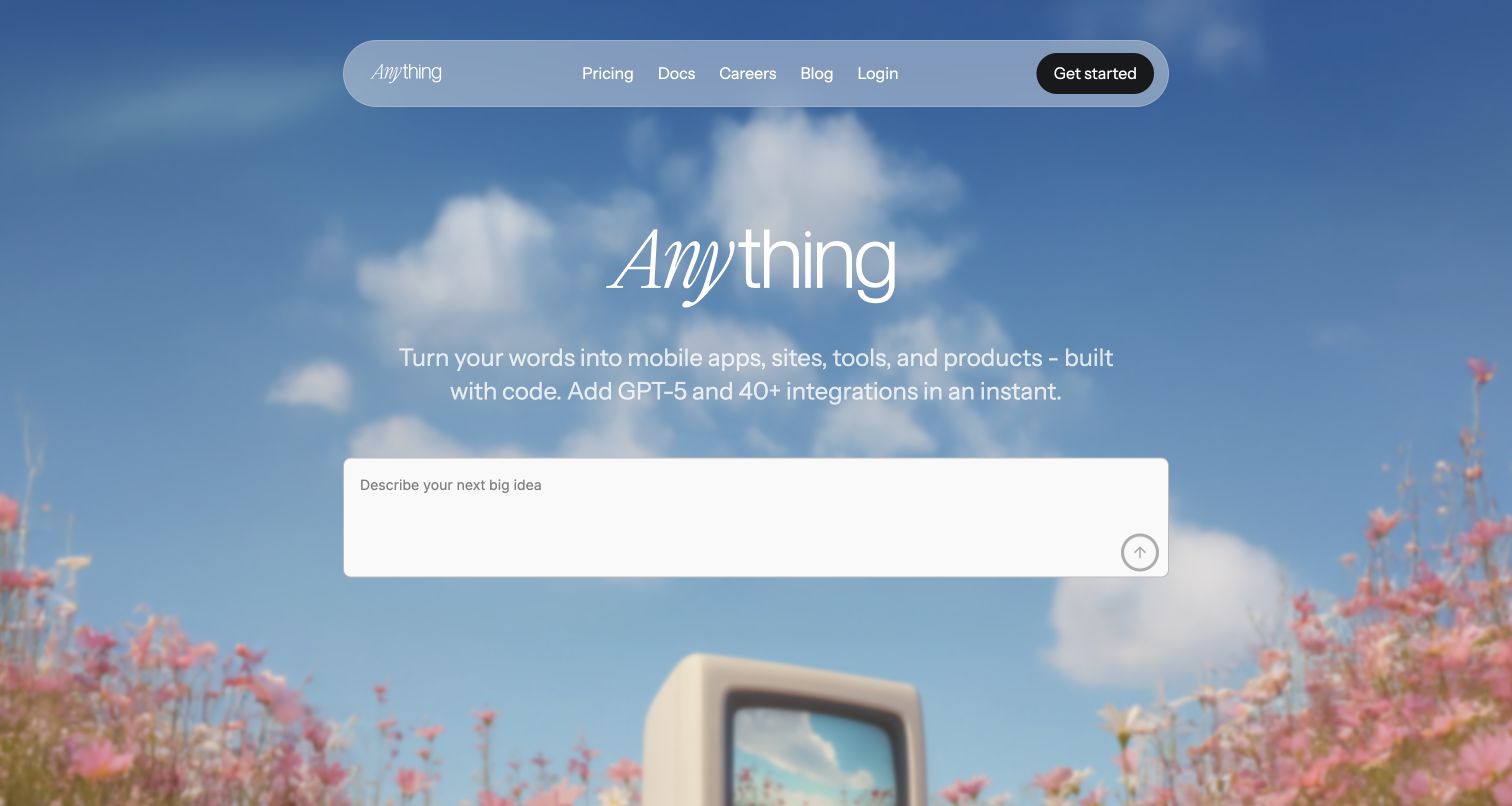
Anything surrounds its composer with a blue sky, flowers, and an old monitor, turning software creation into an approachable scene. The nearby copy names mobile apps, websites, tools, and code, but also mentions a different provider's model. That visible wording makes the Docs link particularly important for understanding the broader product configuration. Anything's Agent documentation separately lists Gemini choices in the builder model switcher. This establishes an optional development feature, not Gemini use by every app created with Anything. The empty composer and disabled-looking arrow communicate readiness for an idea, without revealing the settings of a real building session.
What you can learn
Keep expressive branding and technical specificity connected through a clear documentation route. When several providers are supported, describe where selection happens and distinguish the model assisting development from integrations added to the resulting application.
Pros
The distinctive scene makes an unrestricted building prompt feel approachable.
The compact navigation keeps documentation and pricing within the opening composition.
Cons & considerations
Scenic detail consumes space that could explain practical creation steps.
Provider-specific hero copy cannot fully explain the separate documented model choices.
Public source checked November 3, 2026. References may be embedded or legacy—not a complete backend inventory.
Platform source: Primary feature source. Primary source revalidated 2026-11-04. Anything documents Gemini-series models in the Agent customer model switcher. Scope is the app-builder product. Documentary customer-feature evidence only; no authenticated model call or marketing-frontend runtime was observed. Platform evidence is separate from the direct website screenshot and is not a complete current infrastructure audit.
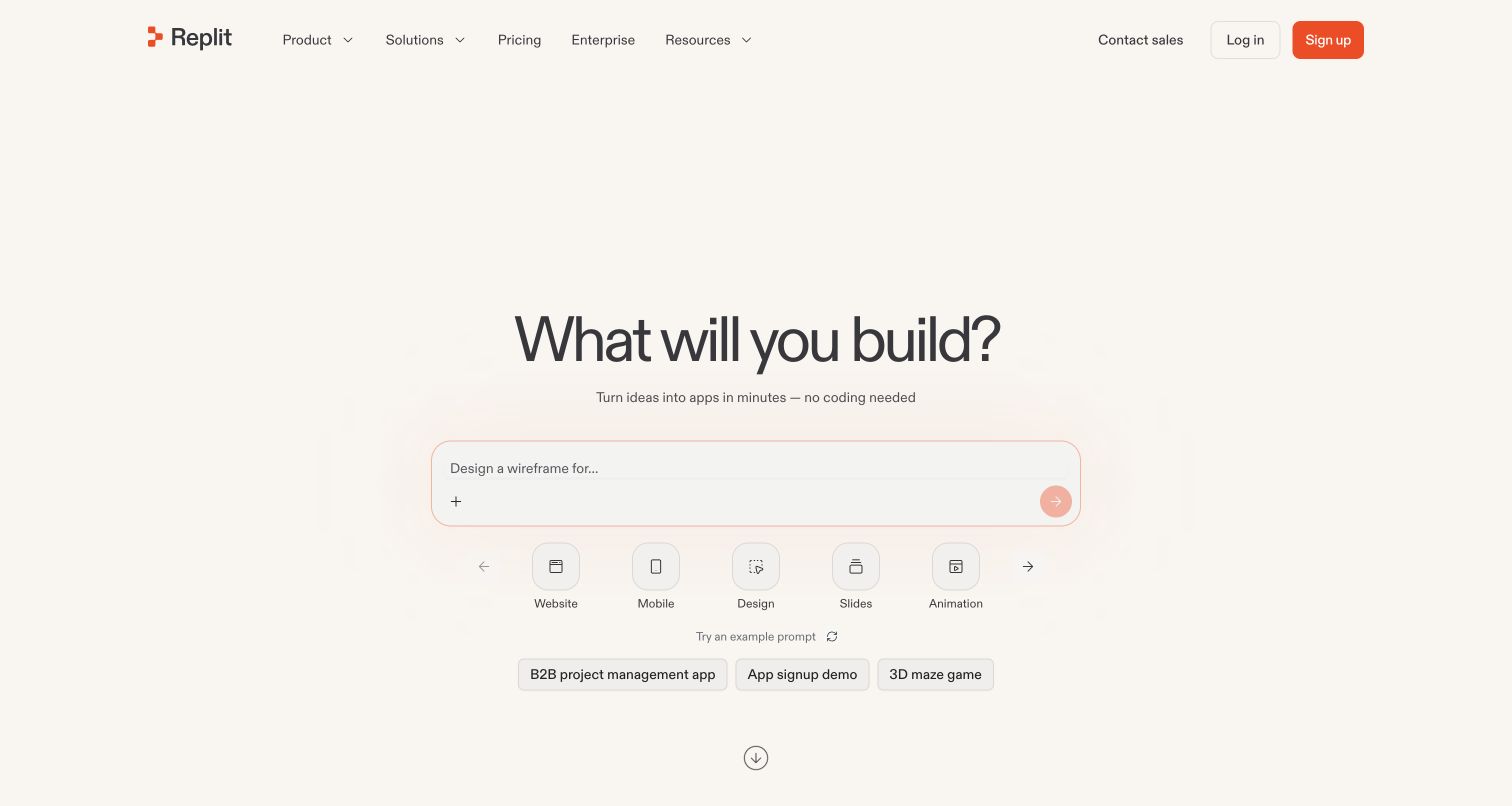
Replit offers website, mobile, design, slide, and animation choices around its large building prompt. Example chips range from project management to a maze, demonstrating breadth of intent without documenting the architecture of any resulting app. The warm background and orange composer outline keep this selection area approachable. Gemini's relevant association sits in Replit's AI Integrations documentation: customers can use a managed Gemini integration inside supported AI applications, subject to plan and organization controls. That is a different claim from identifying the model answering every Agent building request. Nothing in the captured entrance resolves an individual project's integration settings.
What you can learn
Explain two distinct decisions in an AI building product: the assistance used to create software and the services that software will call. Make the second decision visible through integration guidance, including eligibility and configuration responsibilities.
Pros
Artifact choices help visitors describe an outcome before considering implementation details.
The contrasting outline keeps the composer prominent within a restrained palette.
Cons & considerations
The opening examples say little about the services a finished project requires.
Integration access conditions require consultation beyond the pictured starting screen.
Earlier cited evidence retained; no current scan result. References may be embedded or legacy—not a complete backend inventory.
Platform source: Primary feature source. Primary source revalidated 2026-11-04. Replit documents managed Gemini model integration for customers building AI applications. The claim is the offered integration feature, not that every Replit Agent request or every Replit-hosted app uses Gemini. Documentary customer-feature evidence only; no authenticated model call or marketing-frontend runtime was observed. Platform evidence is separate from the direct website screenshot and is not a complete current infrastructure audit.
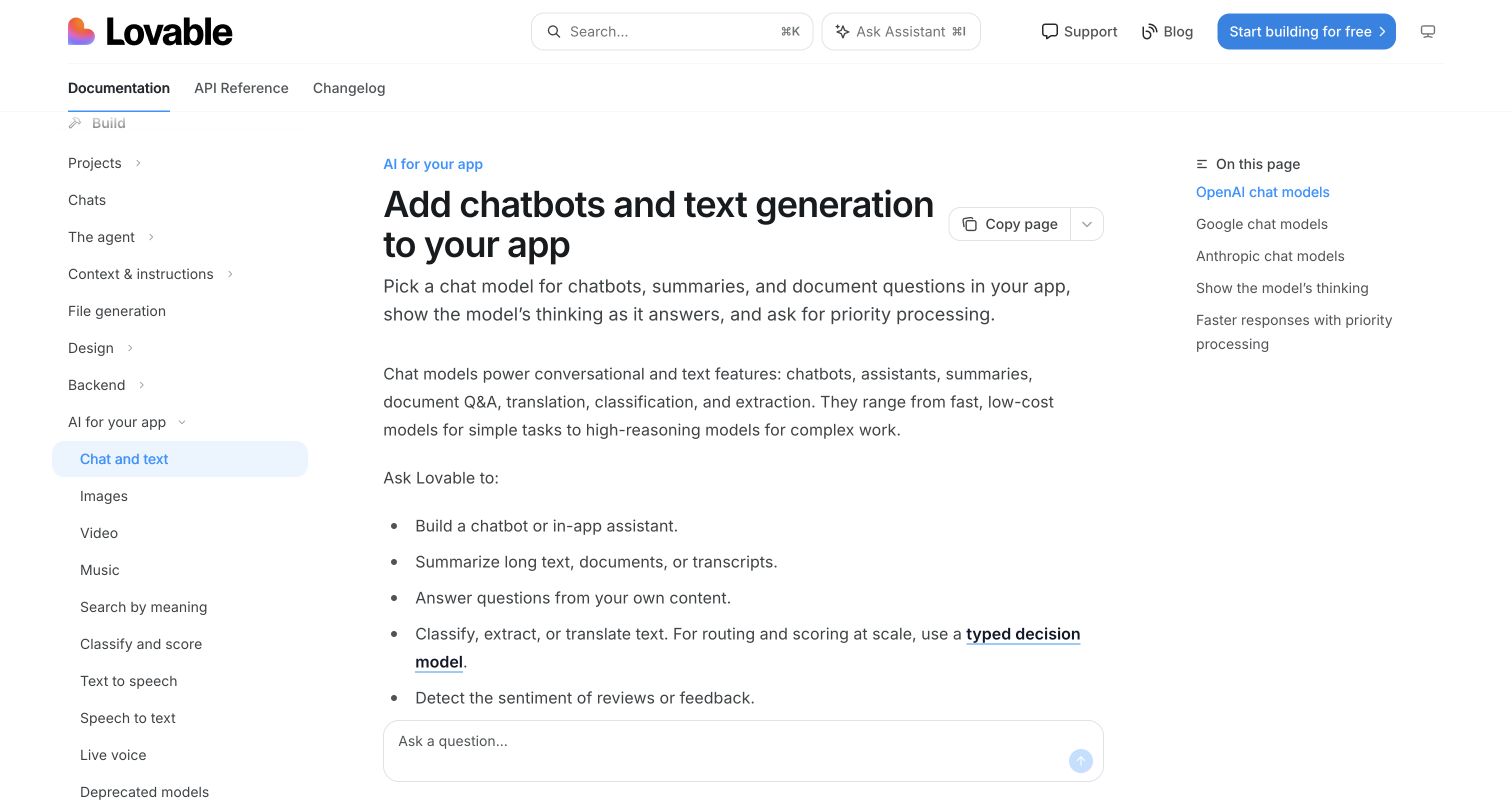
Lovable's public chat-and-text article gives provider comparison a visible place in its right-hand contents list. OpenAI, Google, and Anthropic appear beside related guidance, while the left navigation locates the article within app-building tasks. The central heading and use-case bullets explain what a reader can add before introducing those provider sections. This is a documentation layout, not a captured application conversation. The article documents Gemini chat and text integration for customer applications; it does not show that the documentation frontend invokes Gemini or that any individual published app has enabled the feature. The public source is also the pictured property.
What you can learn
Use task navigation and an in-page provider index together when documenting several integration choices. Explain capability differences at their relevant sections, and keep the distinction between reading instructions and configuring a working application unmistakable.
Pros
The provider index offers direct orientation within a longer technical article.
Use-case bullets introduce the integration through recognizable application tasks.
Cons & considerations
Three text columns divide attention across navigation, explanation, and section links.
The opening article view does not demonstrate a completed integration in operation.
Public source checked November 3, 2026. References may be embedded or legacy—not a complete backend inventory.
Platform source: Primary feature source. Primary source revalidated 2026-11-04. Lovable documents Gemini models in its built-in chat/text-generation connector for published customer apps. The example is the platform integration capability; no individual Lovable-built website is inferred. Documentary customer-feature evidence only; no authenticated model call or marketing-frontend runtime was observed. Platform evidence is separate from the direct website screenshot and is not a complete current infrastructure audit.
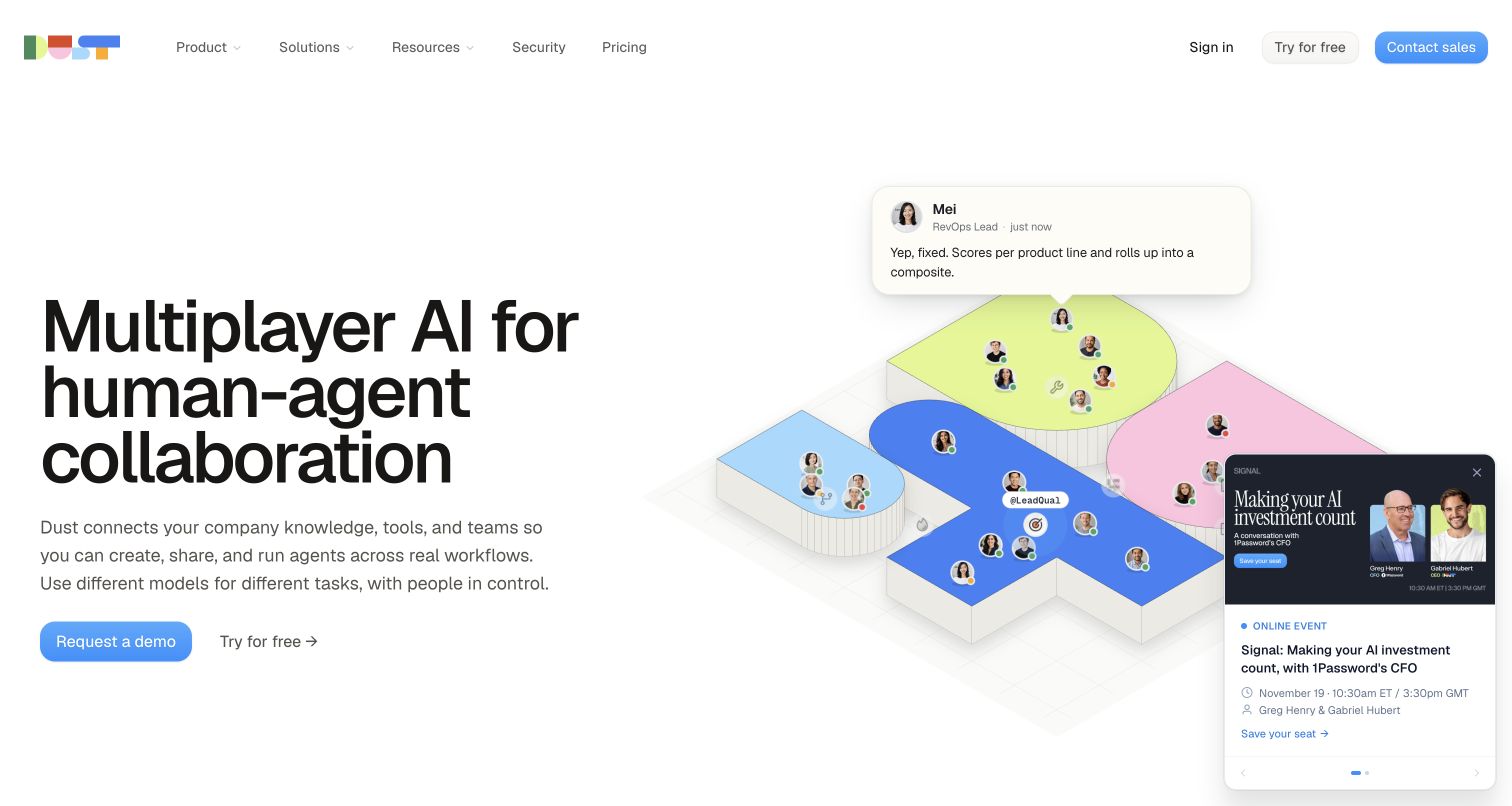
Dust's isometric scene places people and conversation cards on a shared platform, matching the headline's emphasis on multiplayer collaboration. The adjacent explanation refers to company knowledge, tools, and multiple models, so the product is presented as a coordinated workspace rather than one branded model. Demo and trial actions accommodate different levels of readiness. A public event tile overlaps part of the illustration and remains visible in this capture. Dust's model-selection documentation includes Gemini for conversations and agents, with plan, region, and administrator conditions. Its maintained Auto lists can include other providers; the diagram does not establish per-message routing.
What you can learn
Keep the explanation of team collaboration separate from the rules governing model selection. A shared interface can support different configurations, so users need accessible guidance about available choices, organizational restrictions, and how automatic selection is maintained.
Pros
The shared-platform illustration makes the collaboration premise visually understandable.
Paired trial and demo actions accommodate exploratory and organizational evaluation.
Cons & considerations
The event tile obscures a portion of the product illustration.
The hero leaves account-specific model availability to the supporting documentation.
Platform source: Primary feature source. Primary source revalidated 2026-11-04. Dust documentation lists Gemini in model choices and maintained auto-model candidate lists for customer conversations and agents. Availability depends on region, plan and administrator settings. Auto lists and their ordering can change; not every message uses Gemini. Documentary customer-feature evidence only; no authenticated model call or marketing-frontend runtime was observed. Platform evidence is separate from the direct website screenshot and is not a complete current infrastructure audit.
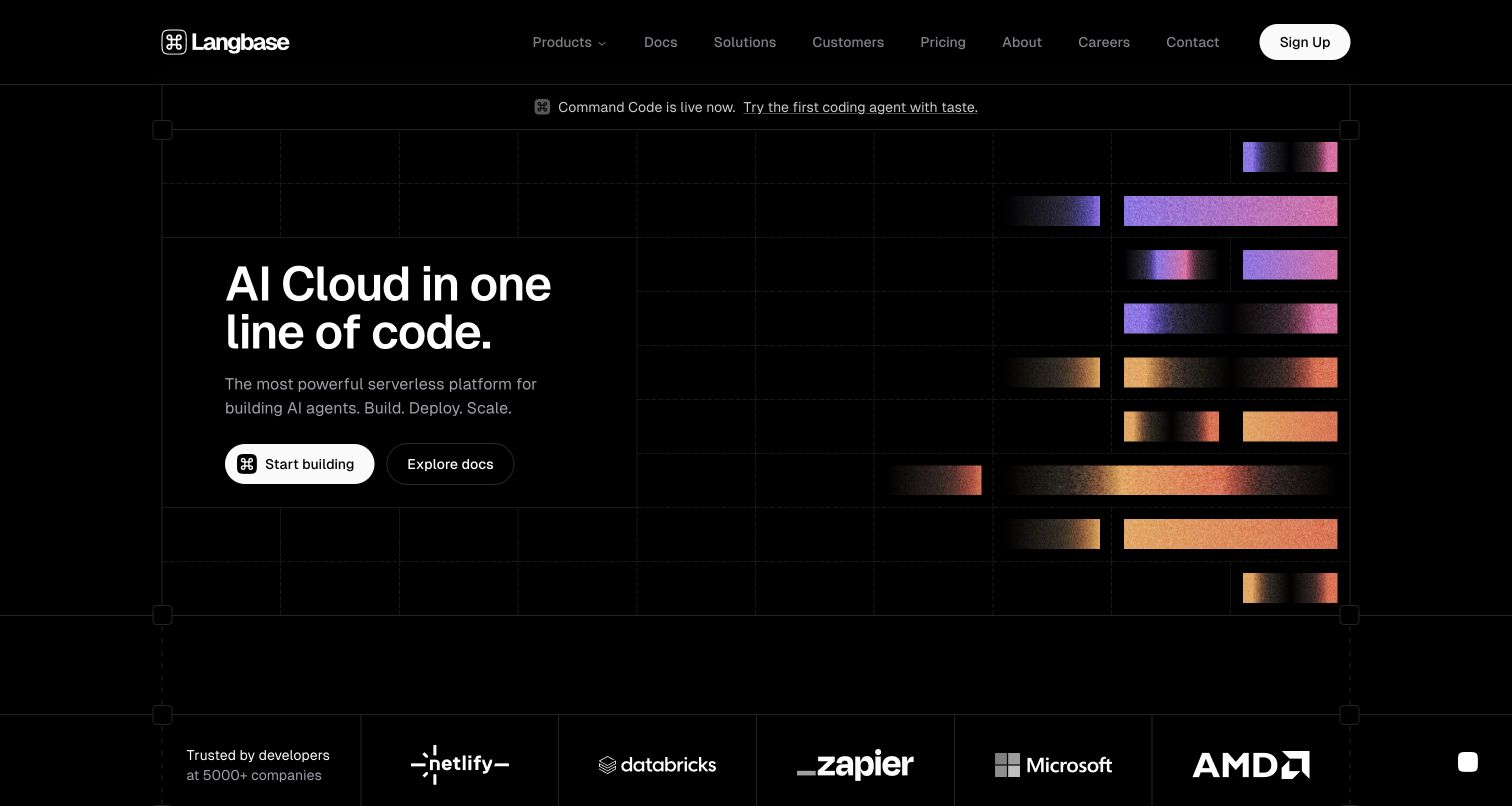
Langbase presents its cloud proposition in large white type on a black technical grid. Colored horizontal bars occupy the right side, creating a structural visual rhythm without pretending to be a complete application screenshot. Start-building and documentation actions sit together beneath a brief description. A developer-company logo strip begins below the hero, while the navigation includes customers, pricing, solutions, and contact routes for deeper evaluation. Langbase’s supported-model documentation lists Google Gemini for its platform; this is a documented integration offering, not evidence the marketing page runs Gemini.
What you can learn
Give technical visitors both an implementation entrance and a reading entrance. A simple graphic can establish identity, but the next layer should explain the actual primitives, supported providers, and operational responsibilities that a broad cloud promise compresses.
Pros
Documentation is offered beside signup rather than hidden behind an account flow.
The limited palette and aligned grid create a coherent technical presentation.
Cons & considerations
The one-line-code promise compresses setup and operational work that still needs explanation.
The abstract bars offer less immediate functional evidence than a readable product example.
Public source checked November 3, 2026. References may be embedded or legacy—not a complete backend inventory.
Platform source: Primary feature source. Primary source revalidated 2026-11-04. The current Langbase supported-model catalog explicitly lists Google Gemini models and provider IDs for the customer platform. This documents supported integration choices, not the model used by every deployed agent or the marketing frontend. The older Google case-study page was unreadable on revalidation and is not needed for this claim. Documentary customer-feature evidence only; no authenticated model call or marketing-frontend runtime was observed. Platform evidence is separate from the direct website screenshot and is not a complete current infrastructure audit.
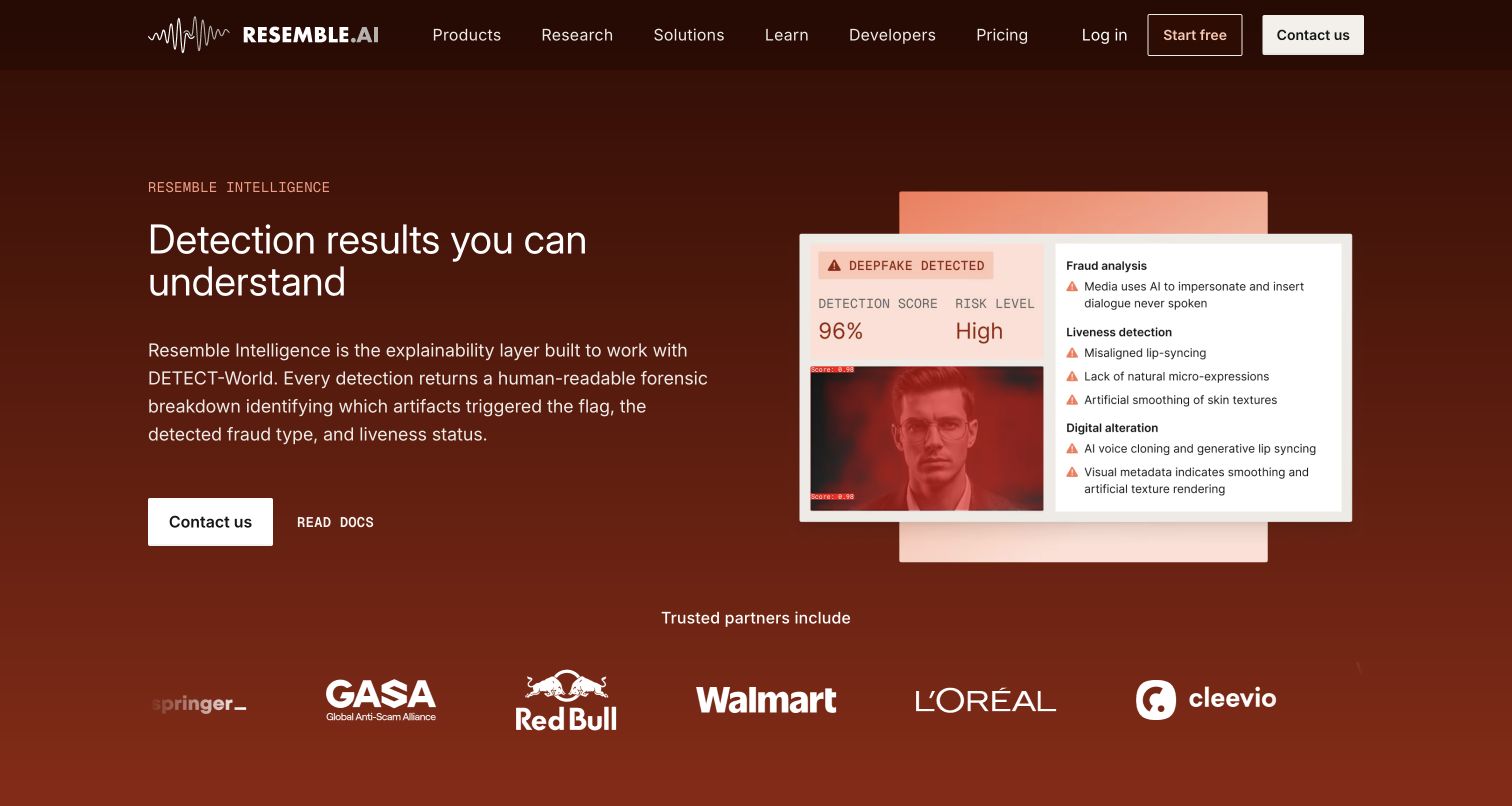
Resemble Intelligence uses a rust-colored background and a direct heading about understandable detection results. A report illustration to the right combines a score, risk label, image, and categorized findings. Contact and documentation actions sit below the explanatory paragraph, while partner logos occupy the lower strip. The layout makes the promised report format visible, but its example figures and labels are marketing illustration rather than an independently verified analysis. Resemble’s June 9, 2026 changelog identifies Gemini in Intelligence expert-report analysis; it does not identify every underlying detection classifier as Gemini.
What you can learn
For analysis products, show how findings are communicated as well as what the system claims to detect. Separate the underlying detector from the explanation layer, and give evaluators documentation for understanding limitations and interpretation.
Pros
The report illustration demonstrates a concrete output structure instead of an abstract AI symbol.
A documentation route supports technical evaluation beside the sales-oriented action.
Cons & considerations
Small report labels are difficult to assess at the hero's preview scale.
The illustrative confidence and risk labels cannot establish accuracy or suitability for consequential decisions.
Public source checked November 3, 2026. References may be embedded or legacy—not a complete backend inventory.
Platform source: Primary feature source. Primary source revalidated 2026-11-04. Resemble documents Gemini powering the expert analysis engine in Intelligence reports. The current public Intelligence product page describes the report layer. This does not identify every detection classifier as Gemini. Documentary customer-feature evidence only; no authenticated model call or marketing-frontend runtime was observed. Platform evidence is separate from the direct website screenshot and is not a complete current infrastructure audit.
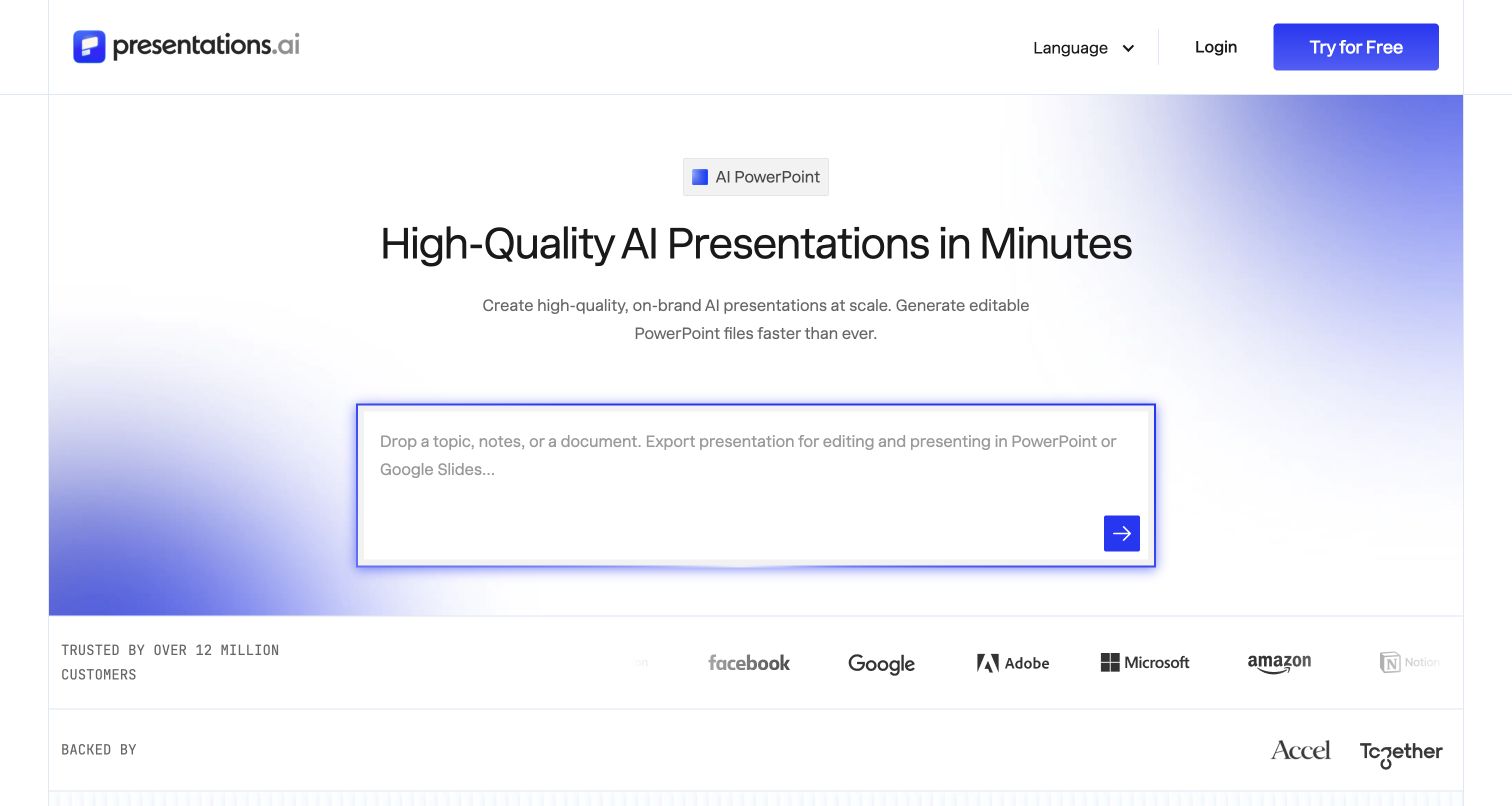
Presentations.ai names PowerPoint early and keeps editable presentations central to its introduction. A large prompt field asks for a topic, notes, or a document, while a violet arrow provides a compact next action. Soft purple gradients frame the otherwise white canvas. Customer and investor logos appear below, and the short navigation concentrates on language, login, and a free trial rather than a large feature menu. Google’s December 2025 announcement documents Gemini in Presentations.ai slide-generation agents; it does not establish an exclusive provider or current model version.
What you can learn
Connect AI creation to the format people already need to use. Make the starting materials and expected deliverable clear, then explain where generated content can be edited, reviewed, and exported before promising a finished presentation.
Pros
The editable-output message connects the tool to an established presentation workflow.
The large input field makes the initial creation task easy to identify.
Cons & considerations
The minimal navigation exposes little evaluation detail in the opening viewport.
The hero does not demonstrate whether a complex deck preserves layout during export.
Public source checked November 3, 2026. References may be embedded or legacy—not a complete backend inventory.
Platform source: Primary feature source. Primary source revalidated 2026-11-04. Google publishes the product cofounder statement that Presentations.AI uses Gemini in slide-generation agents. The public product remains available. Preserve the December 2025 documented feature scope; no current version or exclusive-provider claim. Documentary customer-feature evidence only; no authenticated model call or marketing-frontend runtime was observed. Platform evidence is separate from the direct website screenshot and is not a complete current infrastructure audit.
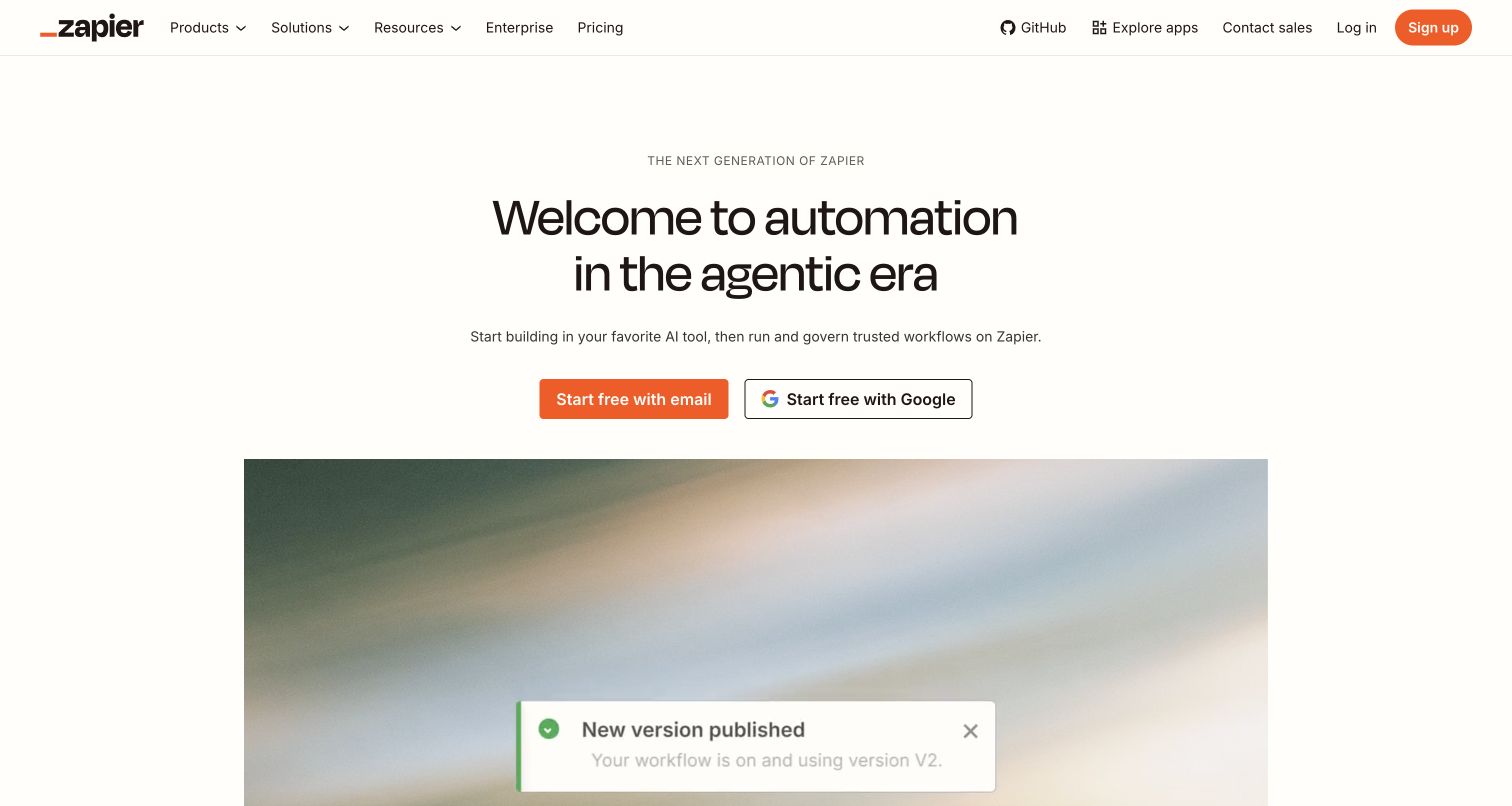
Zapier's entrance describes starting in an AI tool and running or governing the result through Zapier. The workflow demonstration below includes a published-state indicator, giving that sequence a visible destination. It is an illustration of the product story, not a workflow this review created or tested. Email and Google signup choices sit directly above it under an expansive agentic-era headline. Zapier's November 2, 2026 tier documentation identifies Gemini in built-in AI by Zapier steps, with tier and publication conditions. That specific workflow feature differs from an external Gemini client reaching Zapier through MCP, regardless of the broader hero message.
What you can learn
Explain what changes between drafting an automation and operating it. Show the relevant state clearly, then connect model-tier and publication requirements to the step where users choose an AI capability and make the workflow available.
Pros
The demonstration's state indicator gives the automation narrative a concrete endpoint.
Two familiar signup methods make the initial account action easy to locate.
Cons & considerations
The broad headline needs supporting detail to distinguish different AI connection paths.
The opening view does not spell out model-tier publication requirements.
Public source checked November 3, 2026. References may be embedded or legacy—not a complete backend inventory.
Platform source: Primary feature source. Primary source revalidated 2026-11-04. The November 2 2026 model-tier documentation lists Gemini models for built-in Standard and Advanced AI steps. This is customer workflow execution in Zapier, distinct from an external Gemini client using Zapier MCP. Documentary customer-feature evidence only; no authenticated model call or marketing-frontend runtime was observed. Platform evidence is separate from the direct website screenshot and is not a complete current infrastructure audit.
Choose a product feature, a model option, or a managed integration
Build a focused transformation
Choose a defined input and output, such as extracting fields from an approved document or drafting an editable slide outline. Show the original material alongside the result where useful. Decide what the application does with missing evidence, conflicting information, and values that fail validation before expanding the task range.
Expose model options with useful constraints
If users can choose Gemini alongside other providers, explain the relevant tradeoffs and access rules. Keep the selected model distinct from an automatic fallback. Dust's documentation shows that auto lists, explicit choices, region, plan, and administrator settings can affect availability; these are product policies, not universal Gemini behavior.
Platforms such as Replit document managed Gemini access for customer applications. Evaluate the platform's plan controls, billing route, supported model list, and maintenance responsibilities. The presence of an integration makes a capability available; it does not establish that every application built on the platform enables it.
Record the input source, preprocessing, model request, validation, storage, and final presentation. Identify the system that owns each stage and the evidence required before reporting success. For generated assets, include how a person edits or exports the result rather than ending the brief at generation.
Test actions without confusing them with answers
A read-only lookup and an external change need different recovery behavior. Test invalid arguments, missing access, duplicate requests, and a failure after partial completion. Give each operation an inspectable result and reconcile what happened before allowing a retry that could repeat a side effect.
Save representative examples and review criteria before launch. Track factual correctness, output usefulness, latency, and operating cost using your own workload. When a model version or platform policy changes, rerun the meaningful cases and update help text, rather than relying on an older announcement or a familiar model name.
A useful handover demonstration
Ask the actual team to carry out its routine job: publish a realistic update, correct a mistake, preview a narrow screen, and identify who owns an integration failure. For a library or frontend framework, also ask who maintains the content source and deployment. A polished screenshot does not answer those operational questions.
Beyond the screenshot
Before releasing a Gemini integration
Name the exact Gemini capability and the product surface that offers it.
Verify current plan, administrator, region, and model-availability conditions.
Keep sensitive credentials out of public frontend code and generated examples.
Validate structured values and source references before using a generated result.
Check permission and review requirements for each external action.
Exercise partial failure, cancellation, duplicate requests, and recovery.
Test editing, export, accessibility, and responsive behavior with realistic outputs.
Assign owners for model changes, evaluations, usage monitoring, and support.
Test with real content, a keyboard, a small screen, slow or failed requests, and the people who will maintain the system. These are planning checks, not an accessibility, security, performance, or search-ranking certification.
Sources & editorial method
How this Google Gemini collection was reviewed
The November 3 evening editorial collection uses genuine public-page captures made and visually inspected on November 4, 2026, alongside primary sources revalidated that day. Each example specifies the documented Gemini customer feature. Older announcements retain their dates and do not establish a current model version. Marketing-page HTML, a screenshot, or a company partnership alone is not treated as runtime evidence. Public stack audits remain separate, and unobserved components stay unconfirmed.
Every image is an unmodified capture from the actual website, with its source and capture date. Some captures are reused from our shared catalog; their dates remain the original capture dates. None comes from a vendor gallery or a generated reconstruction. Moving imagery and live content can change.
Technology attribution uses public page assets or metadata, official platform documentation, or a cited first-party project case study. Documentary and framework-relationship evidence is identified where used; it is not a complete current backend inventory. A CMS image CDN alone does not establish a full CMS deployment. A library’s presence does not prove which individual controls use it, and a platform label does not establish AI authorship.
The composition notes, lessons, pros and tradeoffs are original editorial observations. We have not measured conversion, traffic, security, performance or accessibility conformance. Website owners retain their brands and imagery; these examples are not our client portfolio. Written, Edited and Curated are independent records, not dates advanced by a build. See our editorial standards or suggest a correction.
Questions worth asking
Google Gemini website development FAQs
Are these examples of the Gemini consumer app?
No. They are distinct public properties whose providers document Gemini models or integrations in a named customer product. Accessing another product from inside the Gemini app is a different relationship and is not silently substituted.
Does supporting Gemini mean it is always the active model?
No. A product may offer several models, use a maintained default, or restrict choices by plan and administrator settings. A supported-model list establishes an option, not the model behind every request.
Can structured output remove the need for validation?
No. Schema adherence helps software consume a result, but values and conclusions still need application checks. The official Gemini guidance explicitly distinguishes valid structure from semantically correct output.
Why include documentation and catalog pages?
They are useful public product entrances with observable design and exact feature information. They are labeled accordingly. Their screenshots do not stand in for unseen authenticated interfaces, successful model calls, or generated customer applications.